 chelik


HOW TO INSTALL:
1. Open Blender (compatible with 4.x & 5.x).
2. Go to Edit > Preferences > Add-ons.
3. Click the "Install..." (or "Install from Disk") button at the top right.
4. Select the "sketchy_3d.py" file.
5. Enable the checkbox next to "Mesh: Sketchy 3D".
HOW TO ACCESS & USE:
1. Open the 3D Viewport in Object Mode.
2. Press "T" to open the left Toolbar.
3. Click the "Sketchy 3D" pen tool icon.
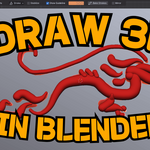
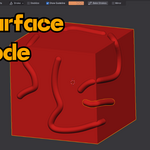
4. Use the top header bar settings to switch between Free, Surface, and Canvas modes!
HOTKEYS CHEAT SHEET:
• LMB (Left Click) : Draw 3D stroke
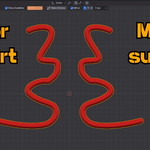
• Shift (Hold) : Draw straight lines and connected segments
• F : Interactive Brush Resize (drag mouse)
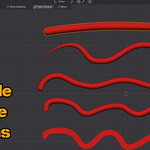
• V : Quick Stroke Profile Pie Menu (Round, Box, Ribbon, Custom)
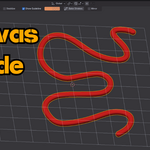
• Alt + G : Toggle 3D Canvas Grid visibility
• Alt + C : Align 3D Canvas to Camera View
• Alt + X / Y / Z : Switch Canvas planes (Front, Side, Top)
• Shift + Scroll : Adjust Canvas Depth closer / further in space
• Alt + Shift + C : Reset Canvas Depth Offset
Have questions about this product?
Login to message
| Published | about 2 months ago |
| Blender Version | 5.2 |
| Extension Type | N/A |
| Render Engine Used | Cycles, Eevee |
| License | GPL |