Skincare Packaging Kit - 7 Glass Bottles Tubes and Sprays
 francesac.design
Made by francesac. Thank you for your purchase.
What's inside
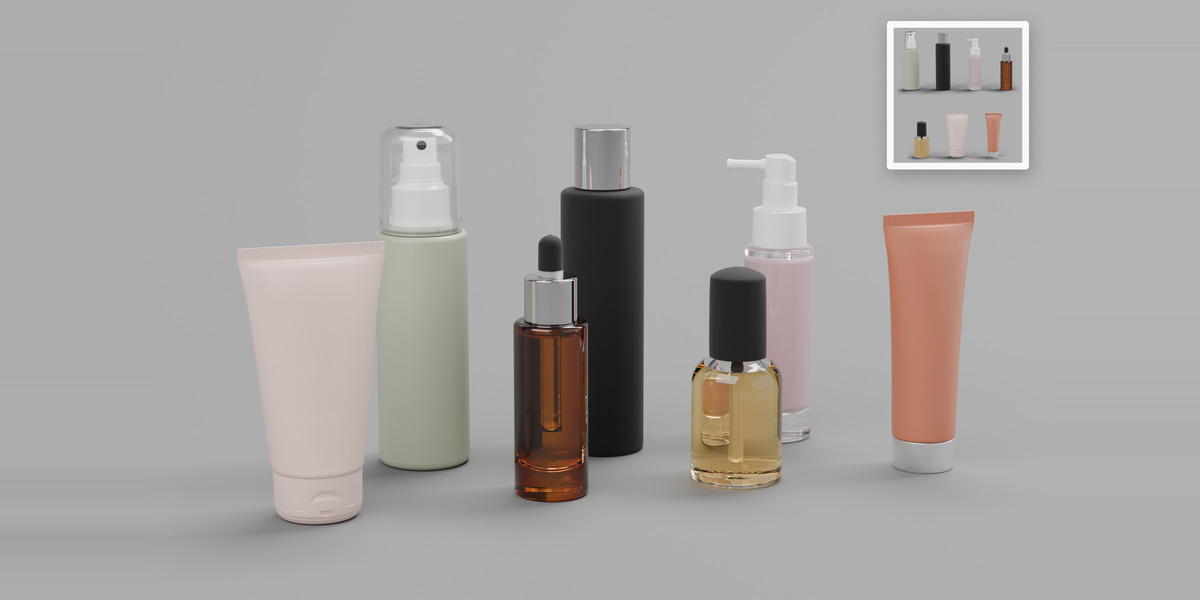
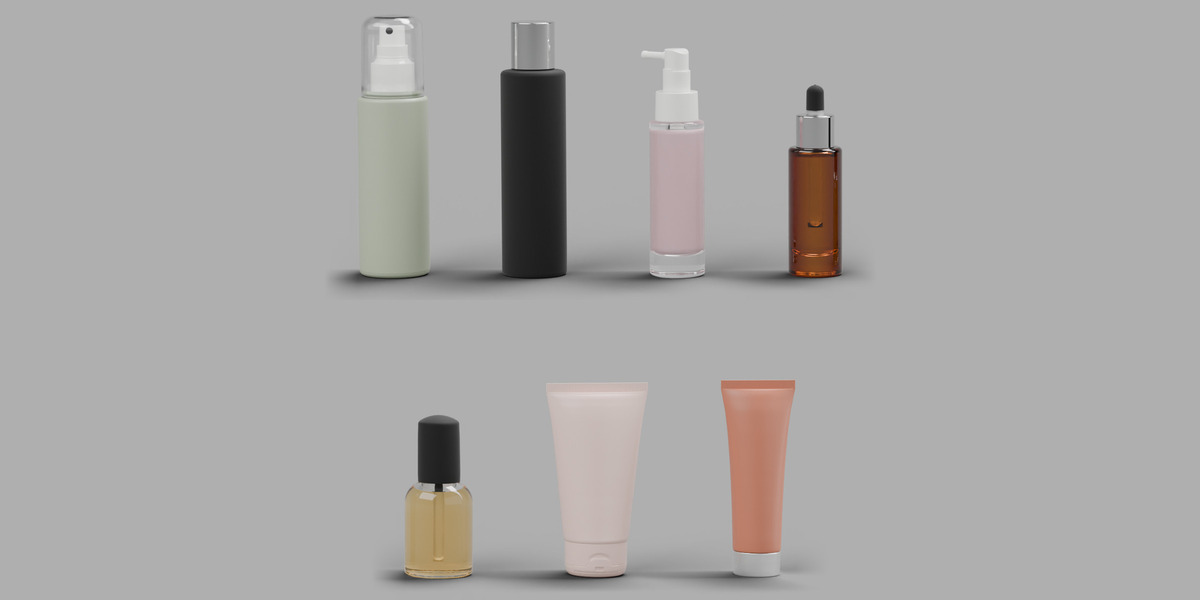
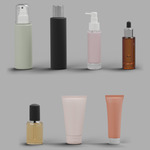
7 cosmetic packaging models, each in two versions:
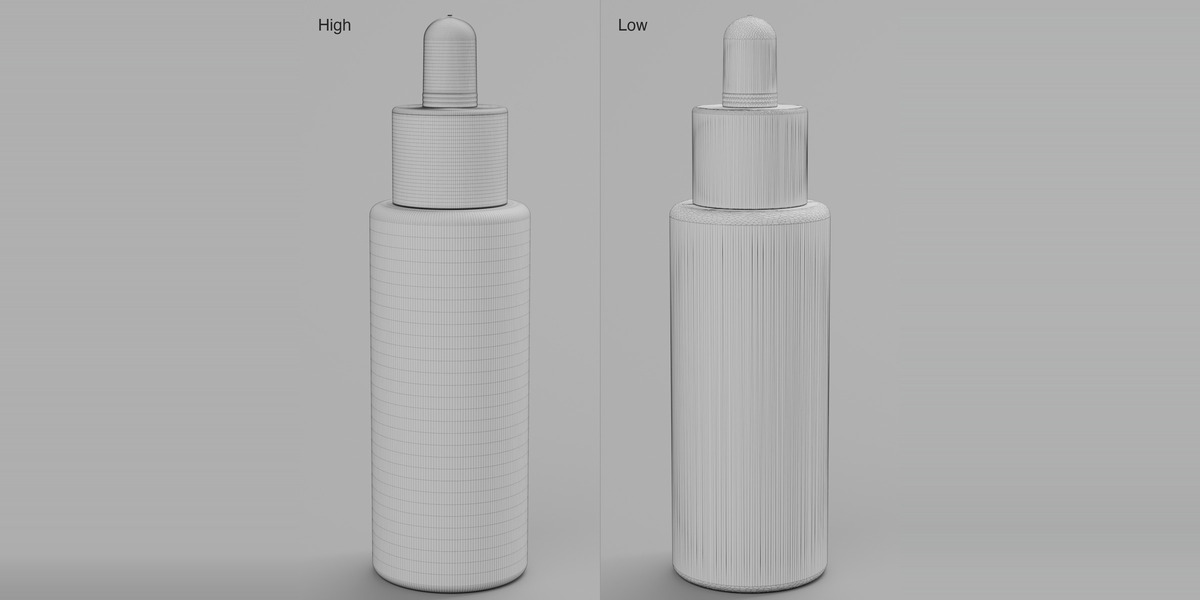
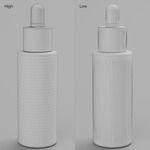
High - for close-ups. Hollow plastic bottles and jars with a 1.00 mm wall and a separate Content object (cream or liquid); glass bottles with their liquid; tubes are solid.
Low - about 25,000 triangles per model, with baked normal maps on the fine details (ribs, knurls, lettering, crimps). Low bodies are solid and have no separate content, except the glass bottles and the 200 ml clear jar, which keep their liquid or cream.
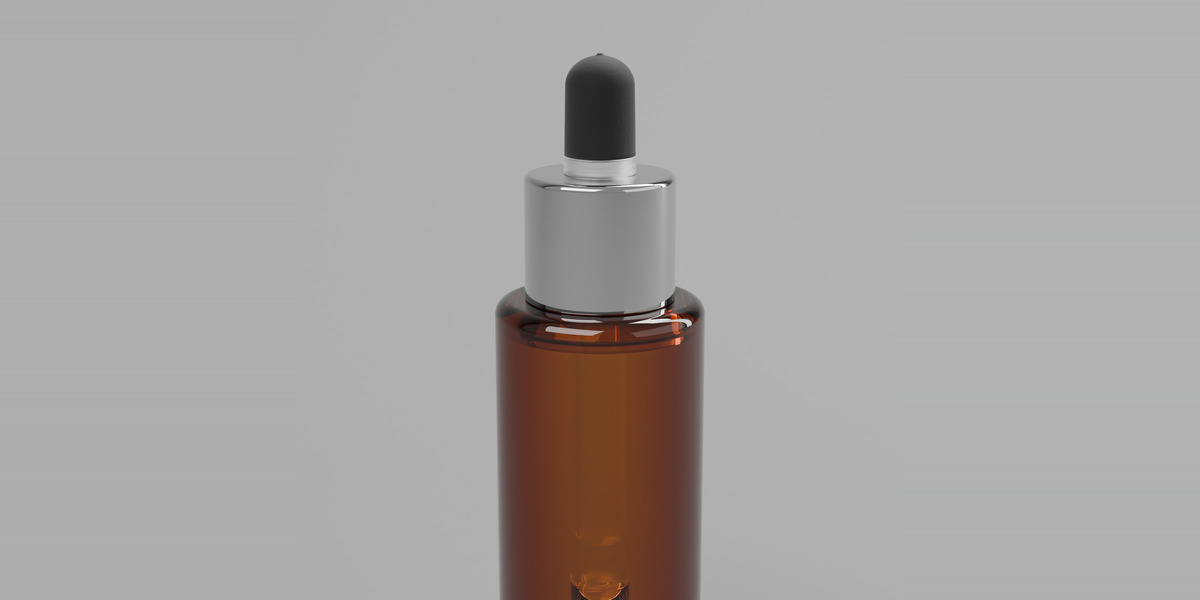
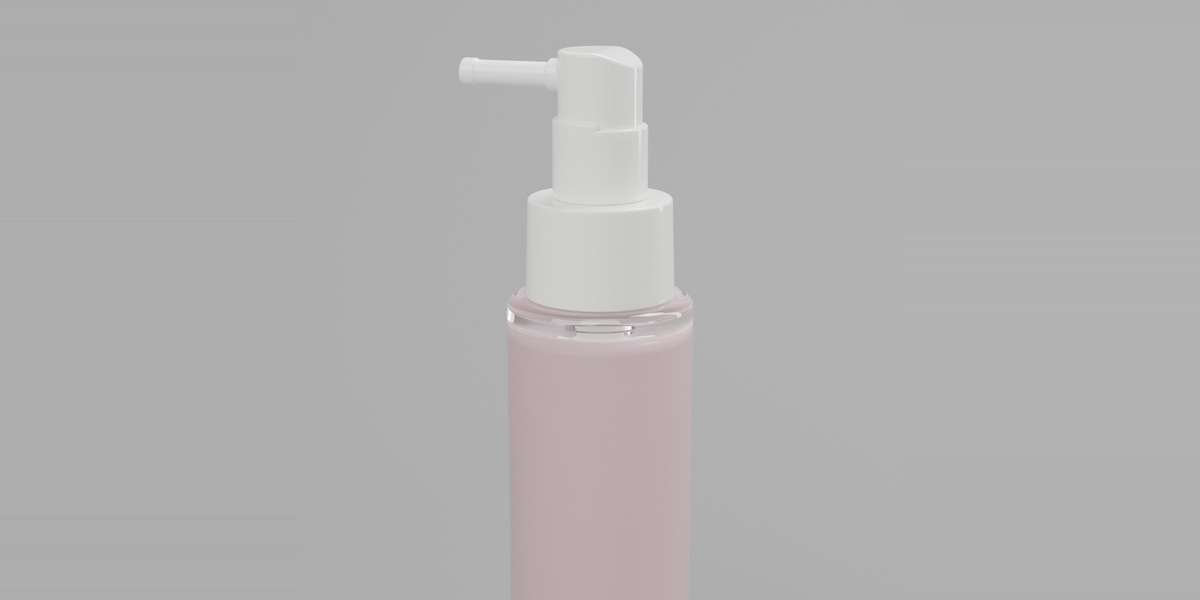
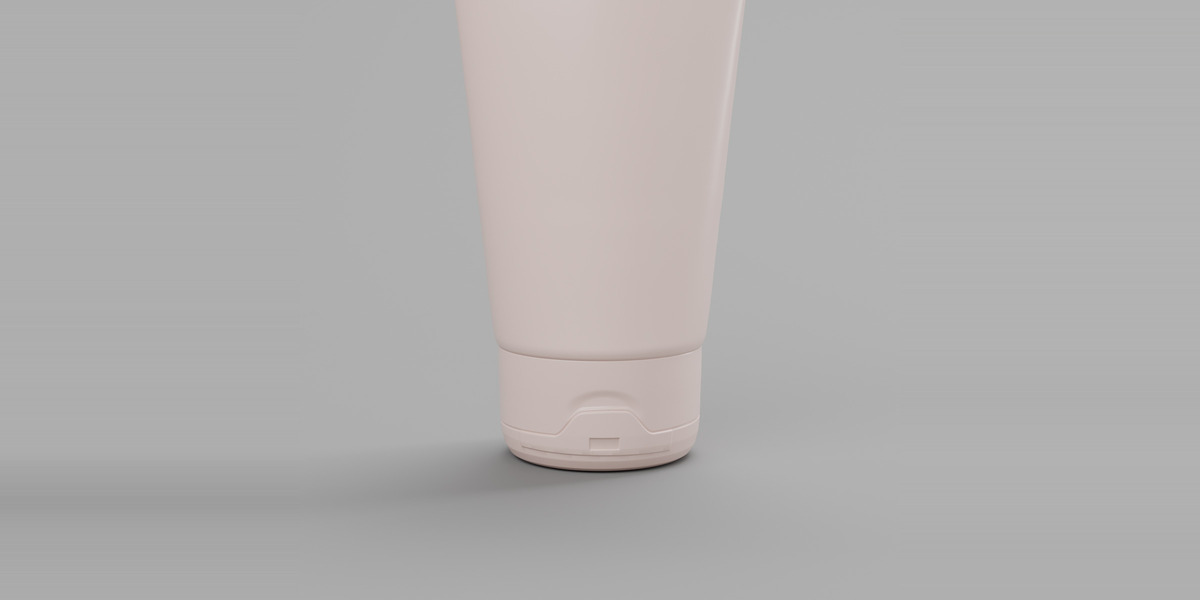
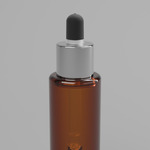
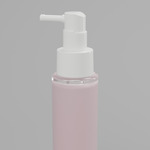
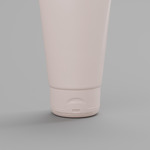
Models: Bottle 150ml Metallic Cap, Bottle 150ml Spray Overcap, Glass Bottle 30ml Dropper, Glass Bottle 50ml Arm Sprayer, Glass Bottle 50ml Mist Overcap, Tube 30mm Screw Cap, Tube 40mm Flip Cap
Real-world scale. Clean English object names (Body, Collar, Cap, Lid, Overcap, Content...).
Folders (one zip per format)
Blender/High/<Model>_High.blend and Blender/Low/<Model>_Low.blend
Procedural materials and contents already applied. Every model is an ASSET: a collection with its own preview, in the catalog "Cosmetic Bottles/Skincare".
FBX/High, FBX/Low FBX, units in millimetres. Normal map PNGs of the Low version next to the files.
OBJ/High, OBJ/Low OBJ + MTL, units in metres. Normal map PNGs next to the files.
GLB/High, GLB/Low binary glTF, units in metres. Normal maps embedded.
Using the models as assets in Blender
Edit > Preferences > File Paths > Asset Libraries > "+" and choose the unzipped "Blender" folder.
Then open the Asset Browser, pick that library and drag a model into your scene (it arrives as a collection). Or simply open any .blend file.
Materials in FBX / OBJ / GLB
The materials in the .blend files are procedural node groups (FSD Packaging Plastic / Glass / Metal,
FSD Cosmetic Content). They exist only in Blender. The exchange formats carry a plain PBR material per part with approximate values: base colour, roughness, metallic, and transmission for glass, clear plastics and clear liquids (GLB: KHR_materials_transmission). Re-create the look in your renderer.
Low version: the baked normal maps travel with every format (GLB embedded; FBX and OBJ as PNG next to the file). The "Label" UV map is exported in FBX and GLB (second UV channel); OBJ carries only the main UV map.
Putting your label on a bottle
Every body (Body, or Glass_Body on the glass bottles) has a second UV map called "Label": one clean 0-1 wrap around the bottle, seam at the back, the centre of the image facing the front (-Y). The rest of the body sits outside the 0-1 square, so the label only lands on the label area.
1. Select the body, open the Shader Editor.
2. Add an Image Texture node with your artwork. Set its Extension to CLIP (not Repeat), so nothing repeats outside the label area.
3. Add a UV Map node, choose "Label", and plug it into the Vector input of the Image Texture.
4. Mix the image over the bottle material (Mix Shader with the image alpha as factor, or a Mix Color node into the colour input).
The body also stores label_width_mm, label_height_mm and label_aspect (custom properties): make your artwork with that width:height ratio and it will not be stretched. Bottles and jars: no measurable stretch. Tubes: up to about 9% at the far sides (tapered shape), under 7% on the front.
Requirements
Blender 4.5 LTS or newer (files saved with Blender 5.1). Renderer: Cycles.
License
Royalty free. You may use these files in personal and commercial work: renders, animations, product mockups, advertising, games and apps. You may not resell, share or redistribute the files themselves (or modified versions of them), alone or as part of another asset pack or library. The licence terms of the store where you bought the product apply in full. No AI-generated content.
Have questions about this product?
Login to message
| Published | about 14 hours ago |
| Blender Version | 4.5 - 5.1 |
| Render Engine Used | Cycles |
| Misc Data | Uvs-Unwrapped, Low-High-Resolution, Normal-Mapped |
| License | Royalty Free |
Discover more products like this
skincare spray bottle cosmetic-tube serum bottle product-visualization glass bottle mockup cosmetic packaging mist sprayer amber serum cosmetic bottle dropper bottle