 ZEG
Installation
In Blender open Edit, Preferences, Get Extensions, then use Install from Disk and pick the bug_explosion_generator zip.
Usage
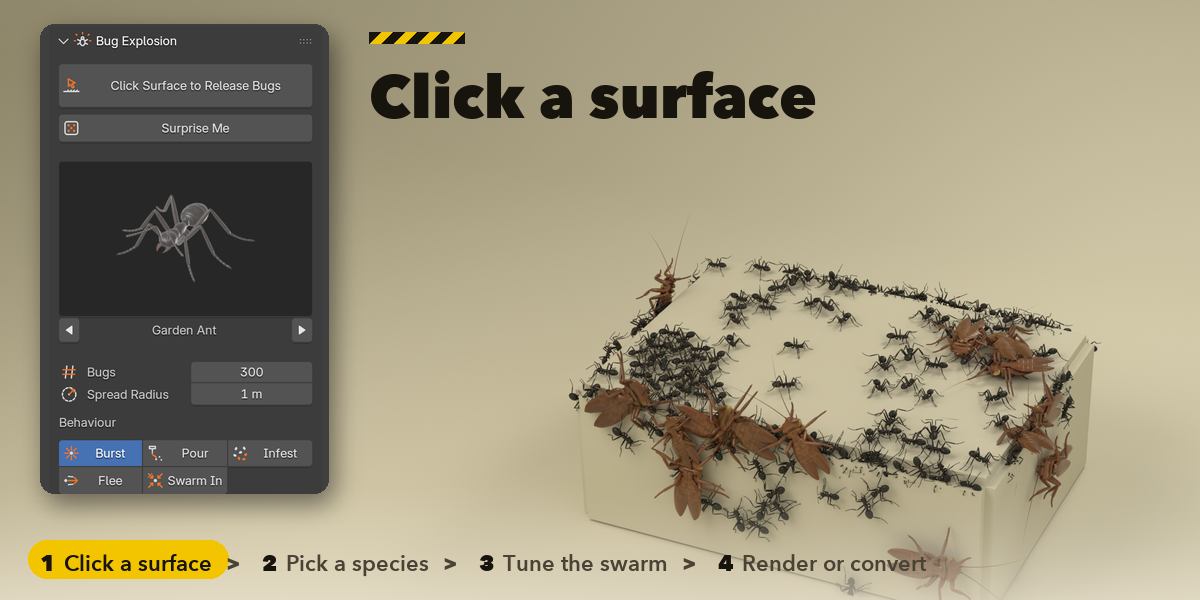
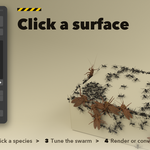
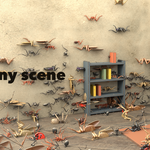
- Open the Bugs tab in the 3D viewport sidebar (N). With nothing selected, press Click Surface to Release Bugs and click any mesh in the viewport, or press Surprise Me for a random swarm at the 3D cursor. You can also use Shift+A and Bug Swarm.
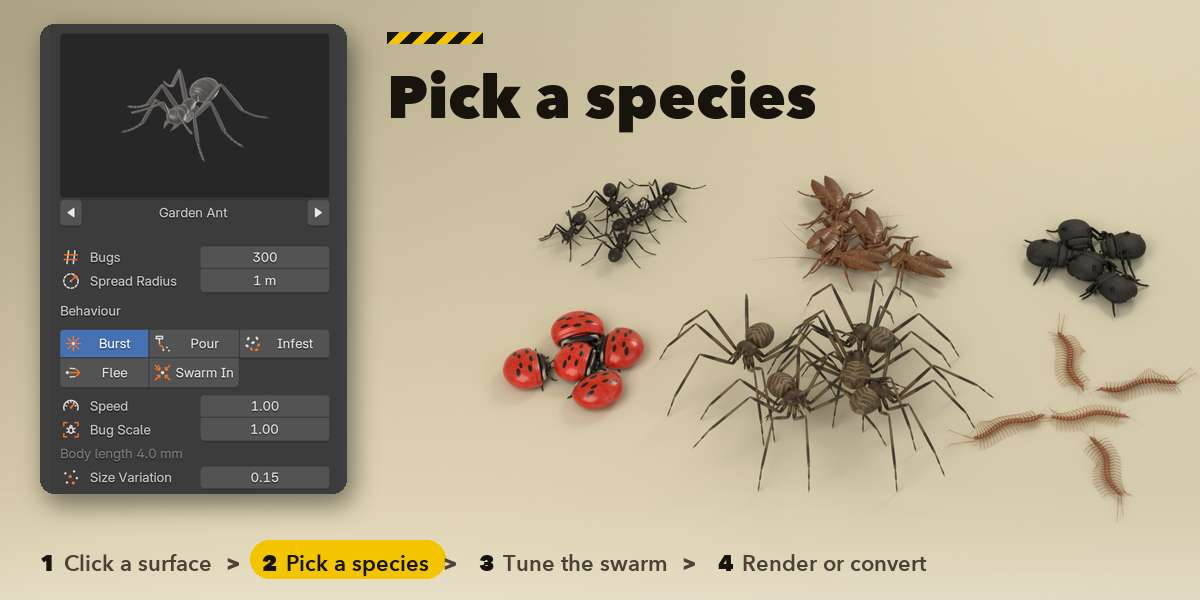
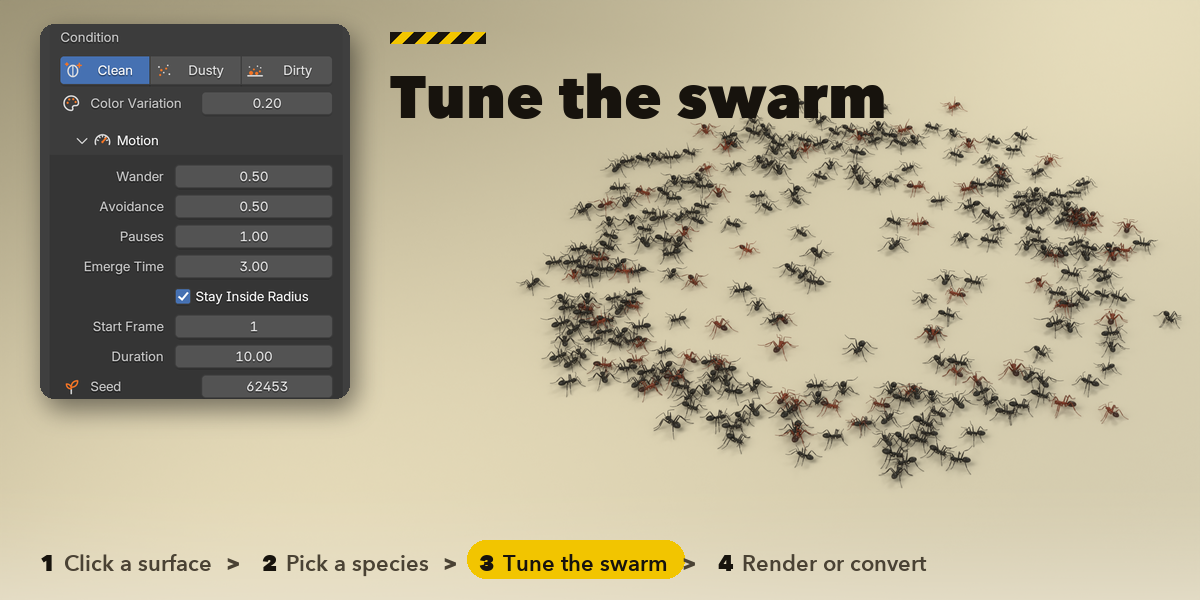
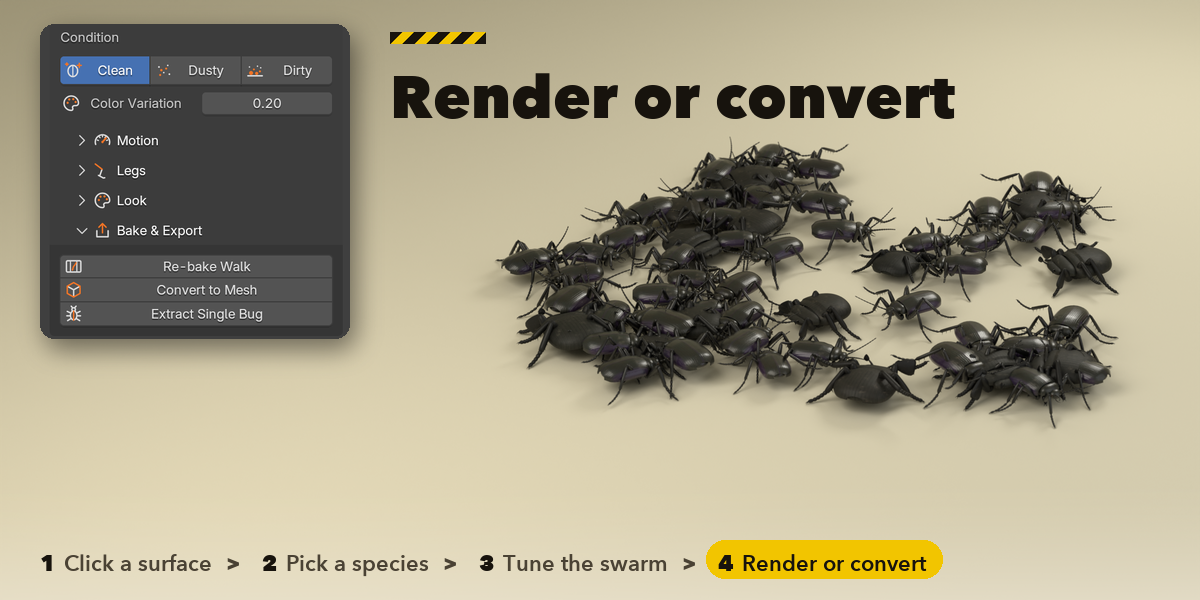
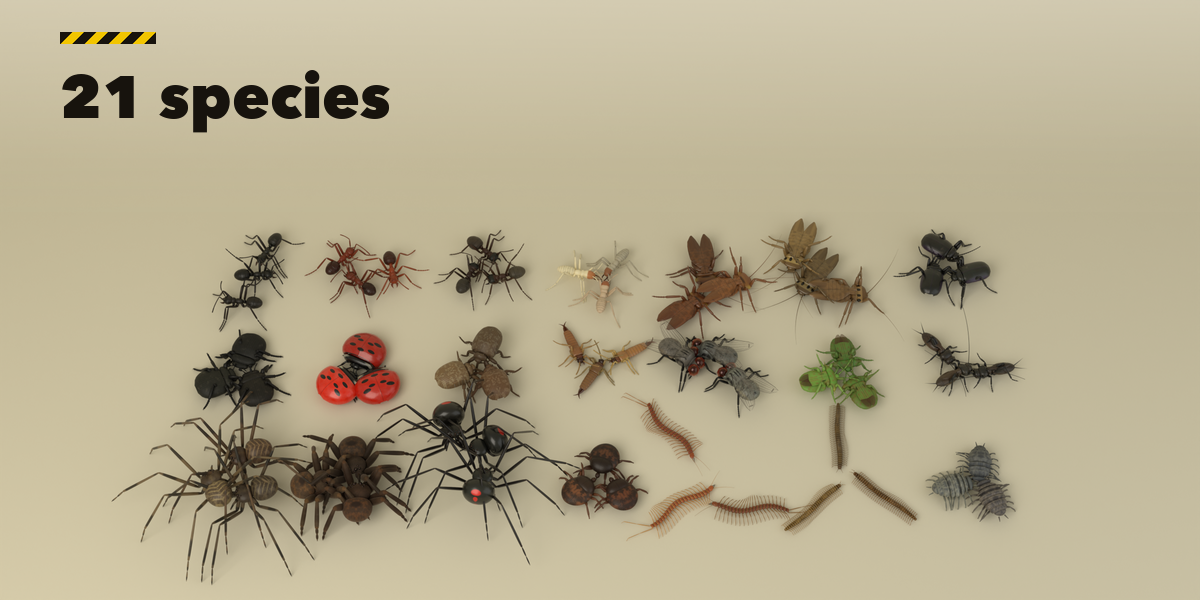
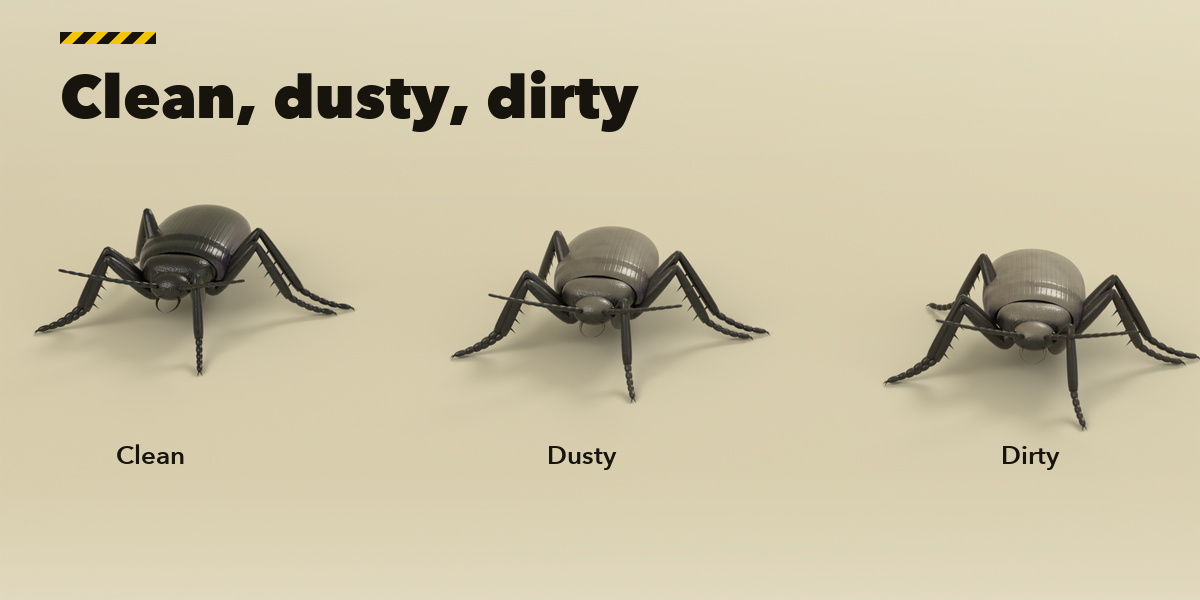
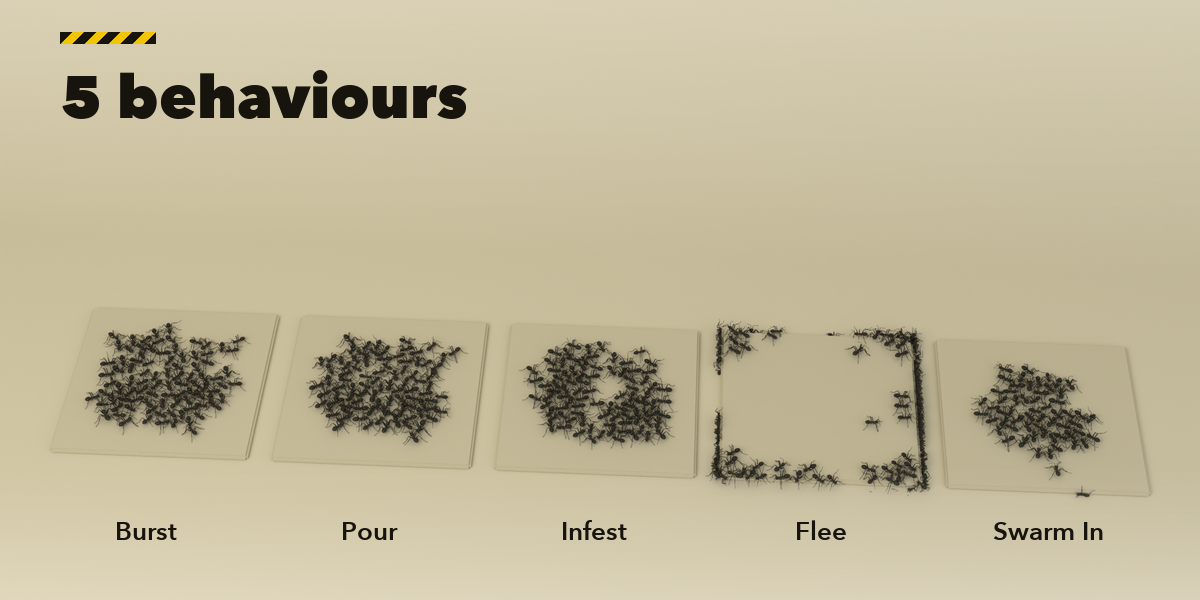
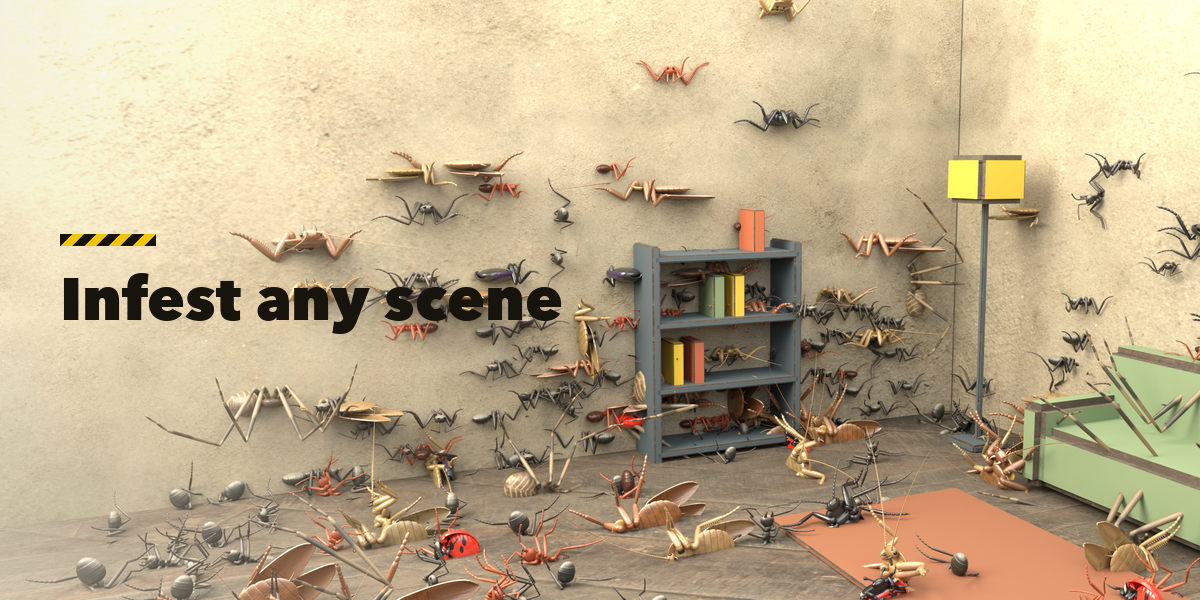
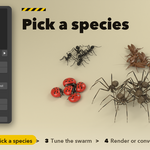
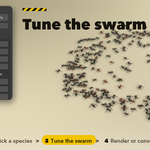
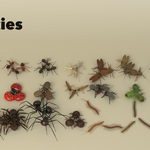
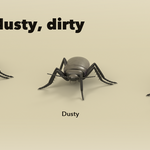
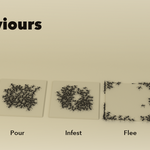
- Pick a species in the gallery at the top, then set the number of bugs, the spread radius, the behaviour (Burst, Pour, Infest, Flee, Swarm In), speed, bug scale, size variation, condition (Clean, Dusty, Dirty) and color variation. The swarm rebuilds as you change a value.
- Move Burst Point lets you click a new release point. The Motion, Legs, Look and Bake & Export sub-panels hold the walk (wander, avoidance, pauses, duration, seed), the leg method and stride, gloss, tint and the viewport and camera options.
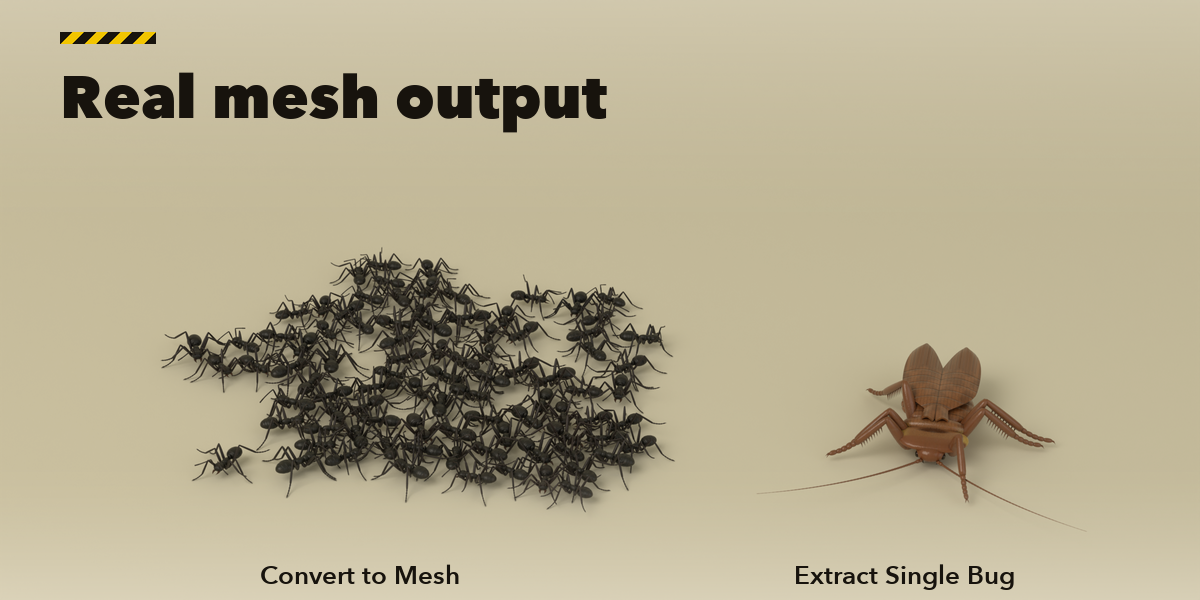
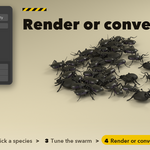
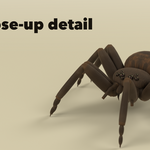
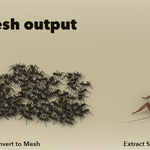
- Bake & Export: Re-bake Walk makes a new walk with the same settings, Convert to Mesh turns the swarm into plain mesh objects at the current frame, and Extract Single Bug puts one standing bug at the 3D cursor.
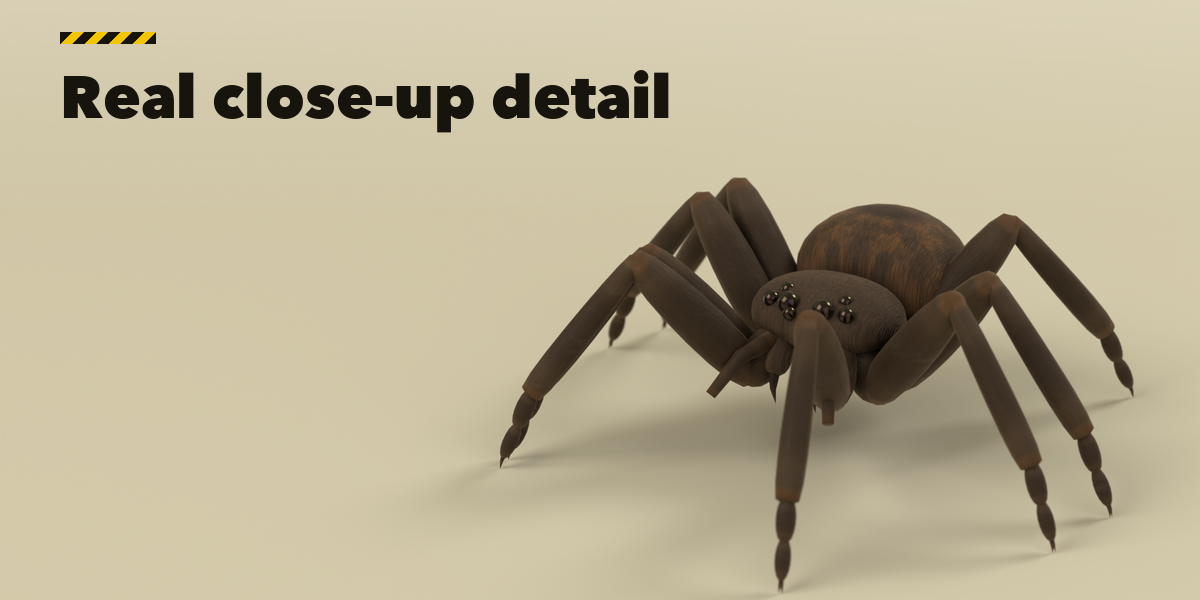
Legs move in the material: use Material Preview or Rendered view to see them walk. Press play to run the swarm.
Have questions about this product?
Login to message
| Blender Extension Compatible | Yes |
| Published | 1 day ago |
| Blender Version | 4.2 - 5.2 |
| Extension Type | Add-on |
| Render Engine Used | Cycles, Eevee |
| License | GPL |
