 Casey_Sheep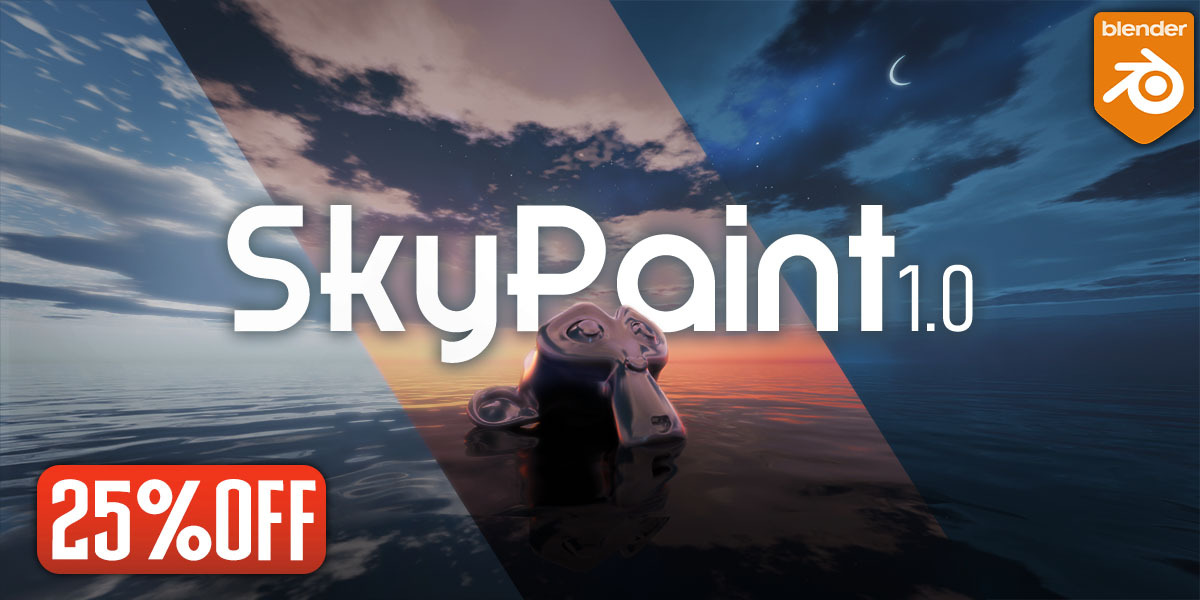
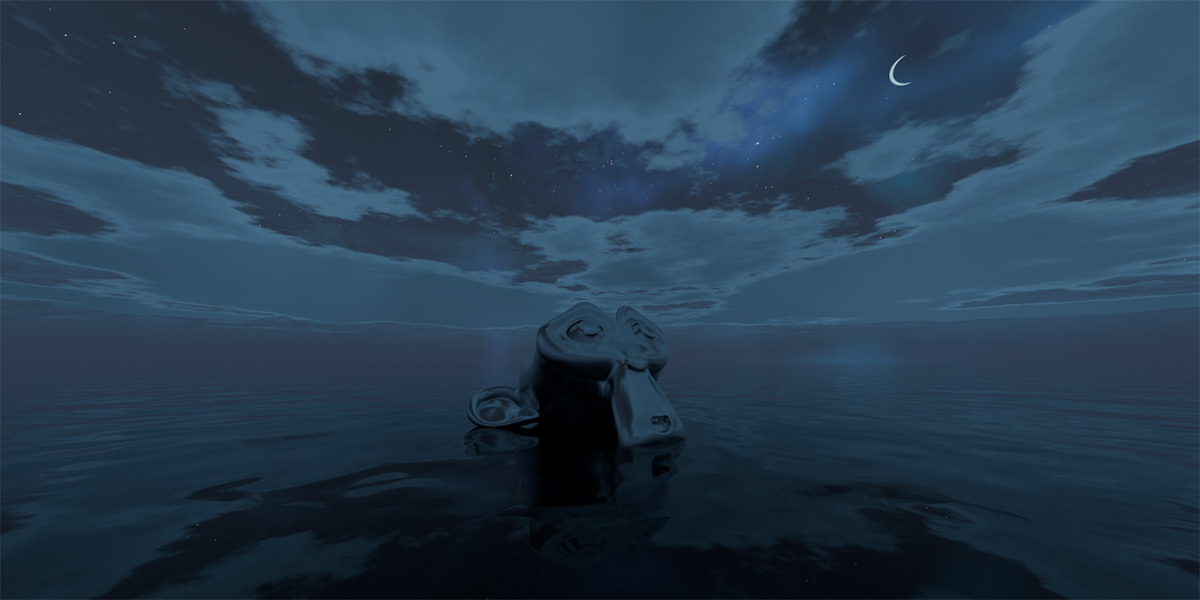
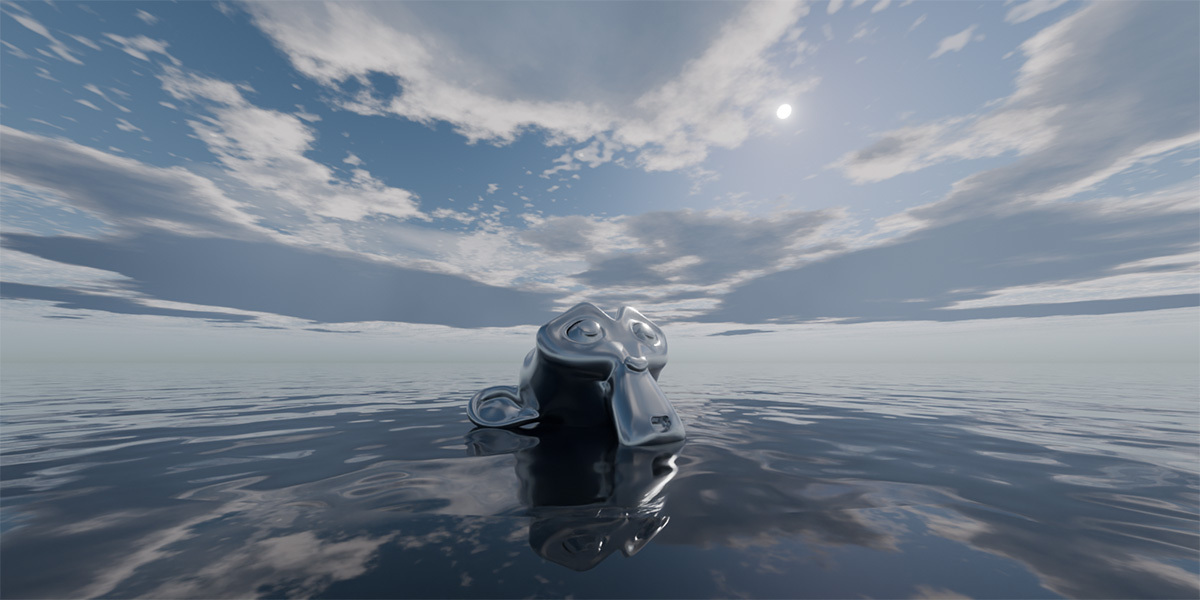
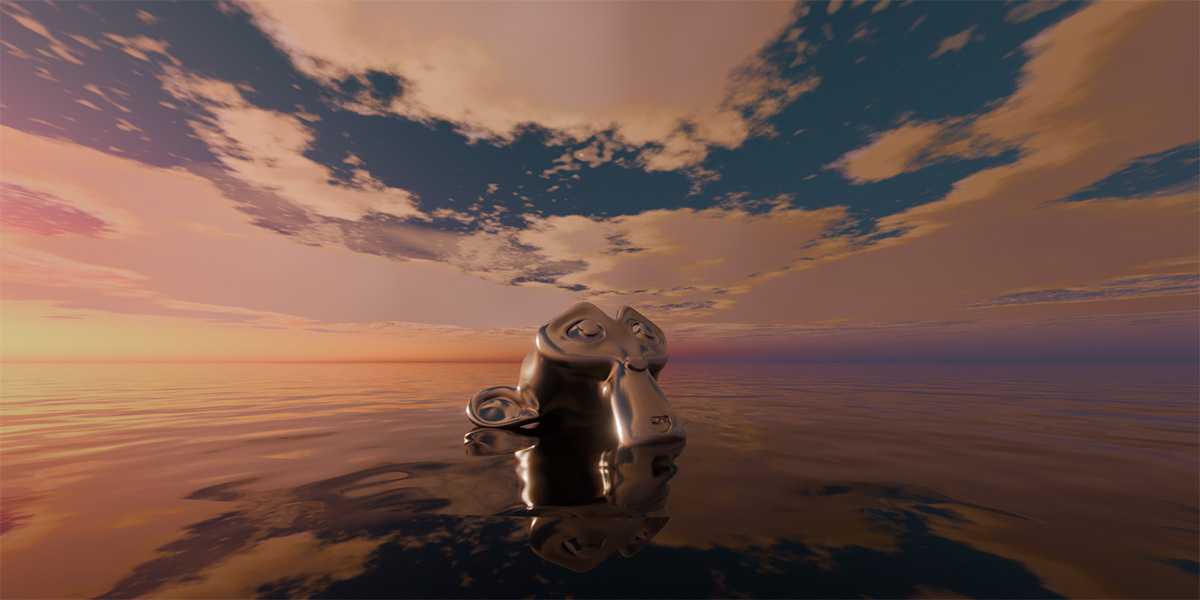
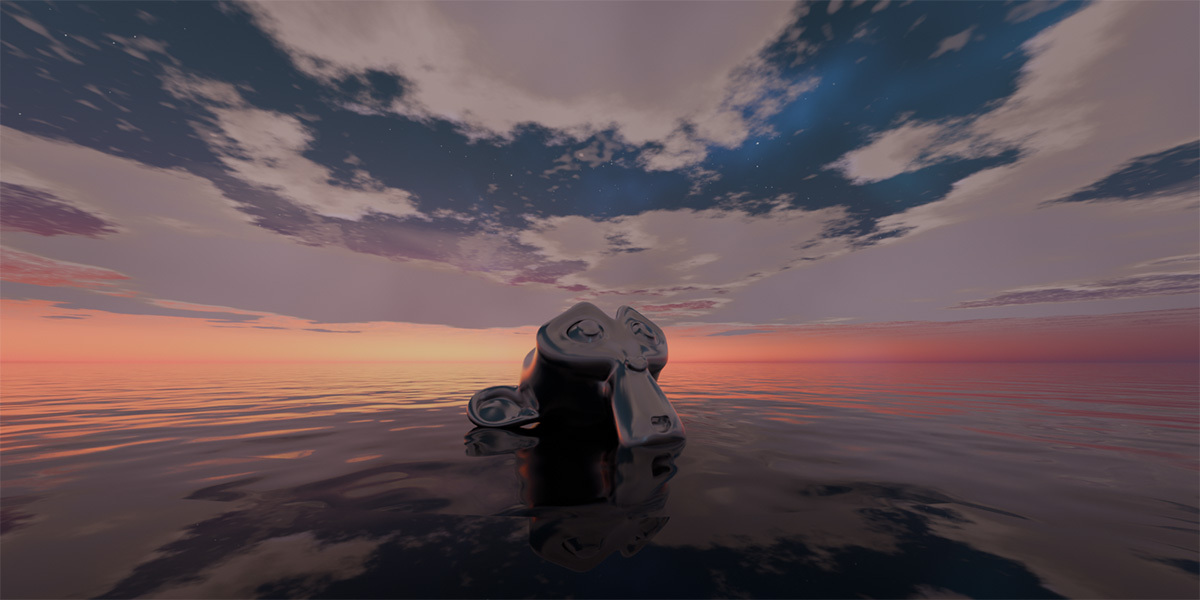
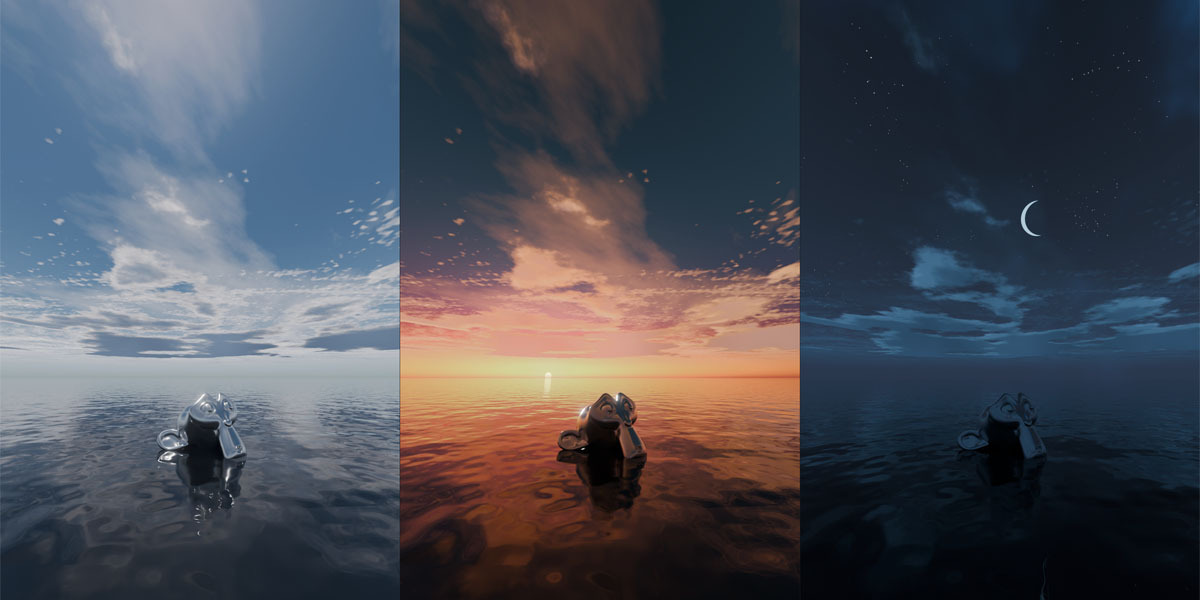

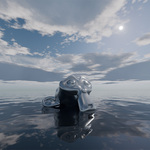
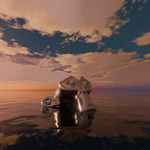
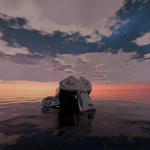
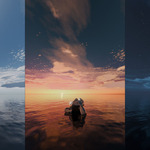
SkyPaint brings beautiful, fully procedural stylized skies to Blender with a single click. Rotate one sun light to move from bright midday to warm sunsets and star-filled nights, with the sky changing in sync. Shape your atmosphere with three independently adjustable cloud layers, a sun and moon, and stars and nebula effects after dark. Built entirely with 100% procedural World Shaders, the sky uses no textures, image maps, or HDRIs and adds zero geometry to your scene. Designed for anime, cartoon, and concept art, SkyPaint gives you a simple way to explore different moods in Eevee and Cycles, so you can spend more time creating the world beneath your sky.
One sun. A whole day of possibilities.
Simply rotate your scene’s Sun Light to change the time of day. Sky colors, the sun’s position, and the lighting atmosphere respond together, taking you through sunrise, midday, sunset, twilight, and night without switching sky materials.
Your sky, ready in one click.
Create the complete sky system through the add-on interface. SkyPaint sets up the World Shader and Sun Light so you can start shaping your scene’s atmosphere right away.
Three cloud layers. Endless combinations.
Mix three different types of procedural clouds, each with independent controls. Create open skies, soft cloud textures, or rich layers of detail to complement your stylized scene.
Rotate and move your sky freely.
The sky and cloud layers are not locked in place. Rotate the atmosphere, shift cloud positions, and reframe the view so the composition matches your scene — without rebuilding materials or adding geometry.
From golden horizons to star-filled nights.
Bring warmth to your scene with sunrise and sunset, then explore night skies with a moon, stars, and nebula effects. Build the atmosphere your story needs with one connected sky system.
100% Procedural. Zero Textures.
Every sky effect is generated procedurally through World Shaders and driven by one Sun Light. No textures, image maps, HDRIs, sky domes, or mesh clouds required. The complete sky system adds zero geometry.
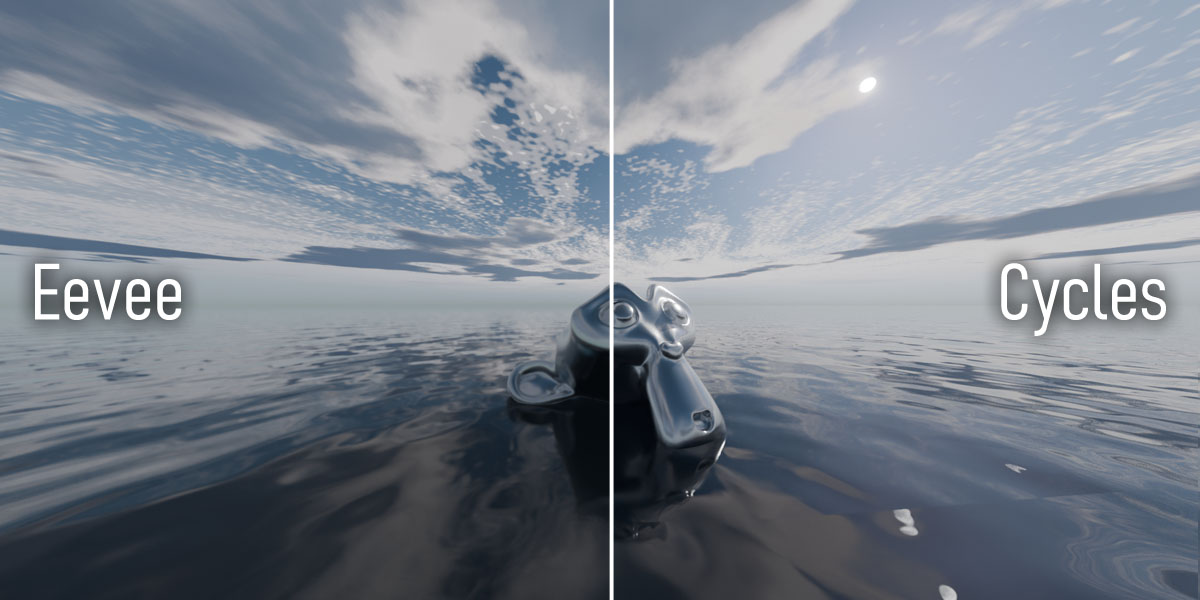
Made for Eevee & Cycles
SkyPaint supports both render engines with closely matching results for most sky effects. Nebula colors may differ slightly in Eevee due to color precision and compatibility limitations.
A beautiful sky changes everything.
One click to begin. One sun to set the mood. Your world to create.
Things to Know Before Purchase
Please Read Before Purchasing
Please review SkyPaint’s listed features and limitations before purchasing. Requests based on assumptions about features not listed on this page are subject to the marketplace’s refund policy.
About SkyPaint
Render Engines: Supports Eevee and Cycles. Most sky effects closely match across both engines. Nebula effects may show slight color differences in Eevee due to color precision and compatibility limitations.
Performance: Performance depends on your hardware, scene complexity, viewport settings, and Blender configuration. Zero geometry does not eliminate shader computation costs, and identical performance cannot be guaranteed on every computer.
Blender Use Only: SkyPaint is designed for use inside Blender. Compatibility with other software, game engines, and external workflows is not guaranteed.
Support: If you encounter an issue, please contact us through SuperHive messages with your Blender version, render engine, and steps to reproduce the problem.
About Refunds
Creators are not authorized to issue refunds directly. All refund requests are reviewed and decided solely by the SuperHive marketplace.
Refunds are only considered within 30 days of purchase. Due to the nature of digital products, purchases are not eligible for no-questions-asked refunds.
A refund may be considered only if the product's core functionality (excluding experimental or beta features) is unusable, and either:
- The issue has been reported to us and we are unable to provide a fix.
- After contacting us, the issue is confirmed to be a defect or limitation in the product itself.
For questions regarding refunds, please refer to the official SuperHive Refund Policy or contact the SuperHive support team directly.