SkyScape | 100 Sky Backdrops for Blender
 Kaiwan Shaban
Getting started with SkyScape
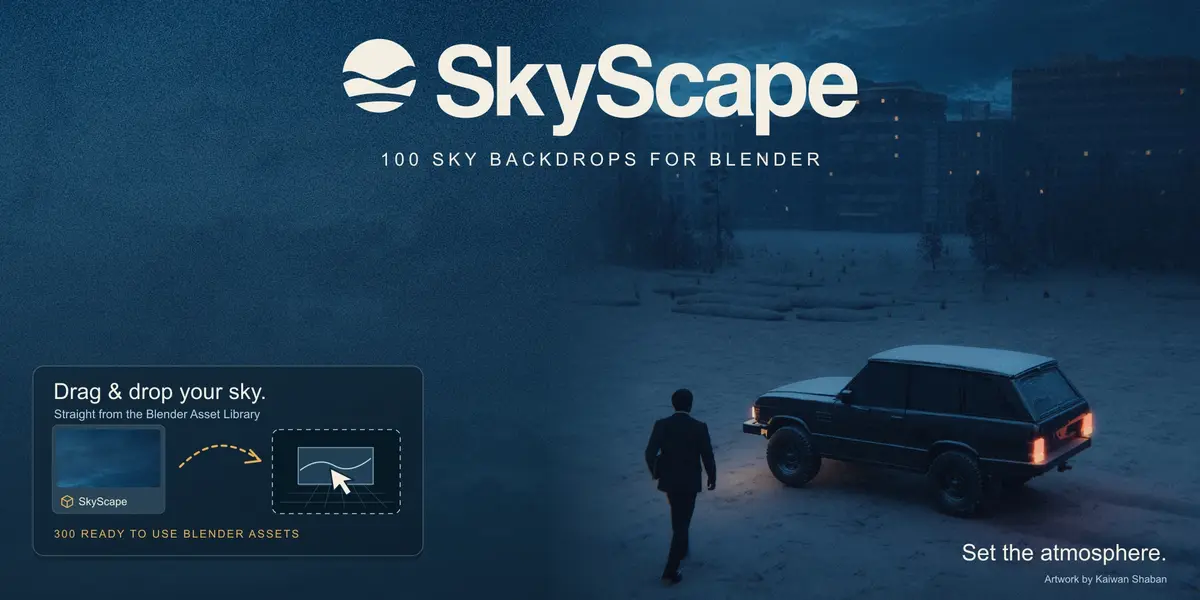
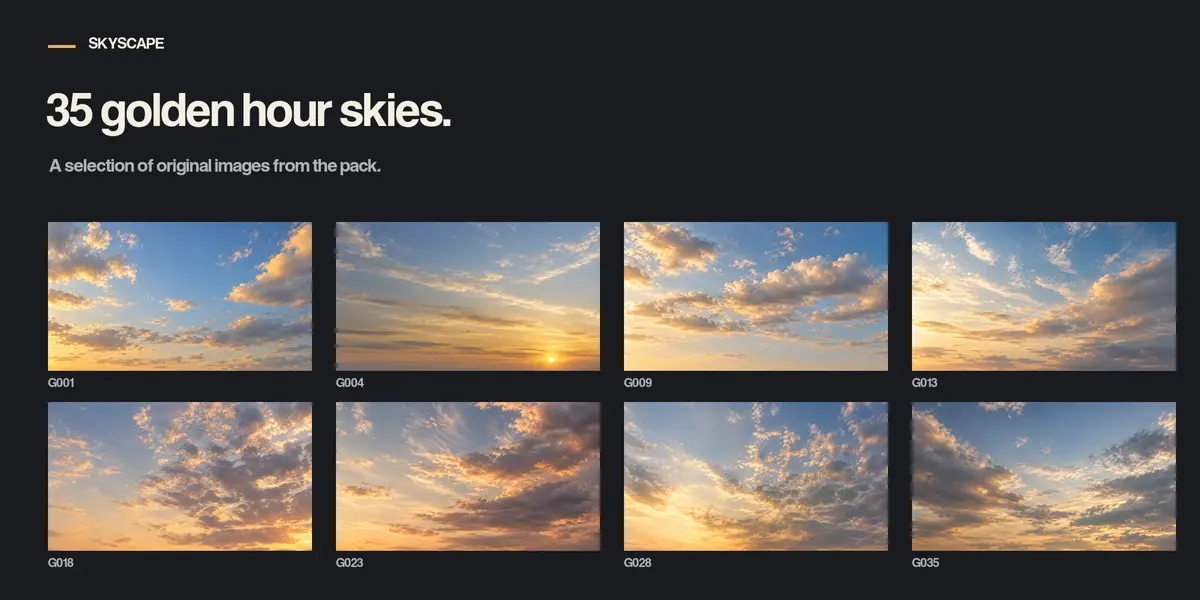
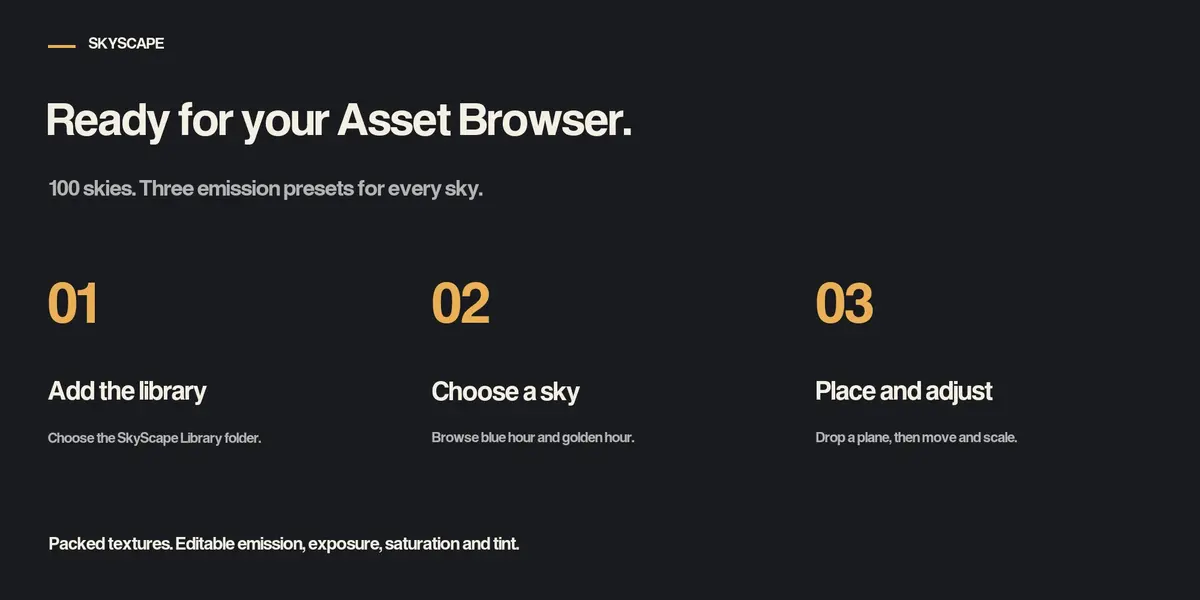
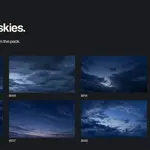
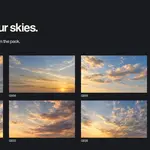
SkyScape contains 100 static 2D sky backdrops. The download includes PNG and JPEG images, a Blender Asset Library with 300 plane assets, an editable example scene and a written guide.
Add the library
- Extract the complete pack to a permanent folder.
- Open Blender Preferences, then File Paths and Asset Libraries.
- Add the SkyScape Library folder inside the extracted pack.
- Choose Append as the import method.
- Open an Asset Browser and select the SkyScape library.
Place a sky
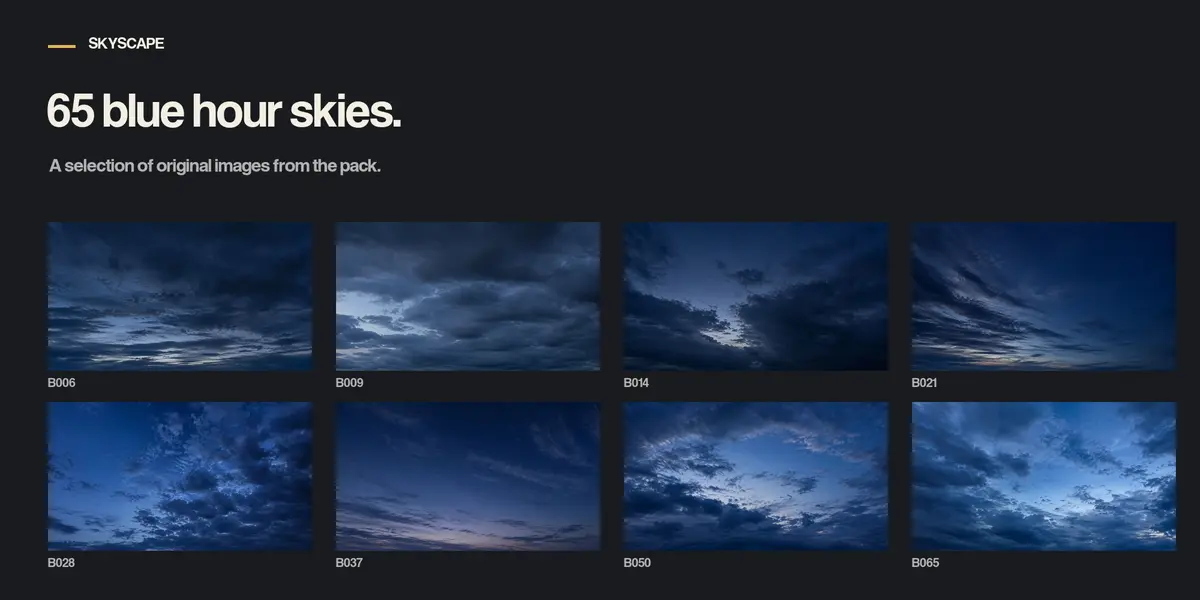
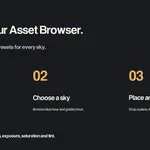
- Browse Blue Hour or Golden Hour and choose 01 Default Emission 2.
- Drag a sky thumbnail into an empty part of the viewport and confirm placement.
- Move with G and scale with S. Use Material Preview or Rendered shading.
- If your camera faces another direction, unlock rotation in the Item panel and orient the plane for that camera.
Adjust the image
Select the plane and open the Shader Editor. The SKYSCAPE | ADJUST HERE group exposes Emission Strength, Exposure Stops, Saturation and Tint. Strength 1 is soft, 2 is the default and 3 is bright. Exposure 0, Saturation 1 and a white tint preserve the source image colors.
Compatibility and image size
Built and verified in Blender 5.2 LTS with Cycles and Eevee. Earlier versions have not been verified. Native image sizes are 1672 by 940 or 941 pixels. The source images have not been upscaled.
Lighting and camera movement
The planes remain in world space and have no tracking constraints or animation. These are 2D backdrops, not 360 degree HDRI maps. Continue using your own scene lights. Emissive surfaces may contribute light in Cycles. Appearance also depends on the scene exposure and view transform.
Example scene
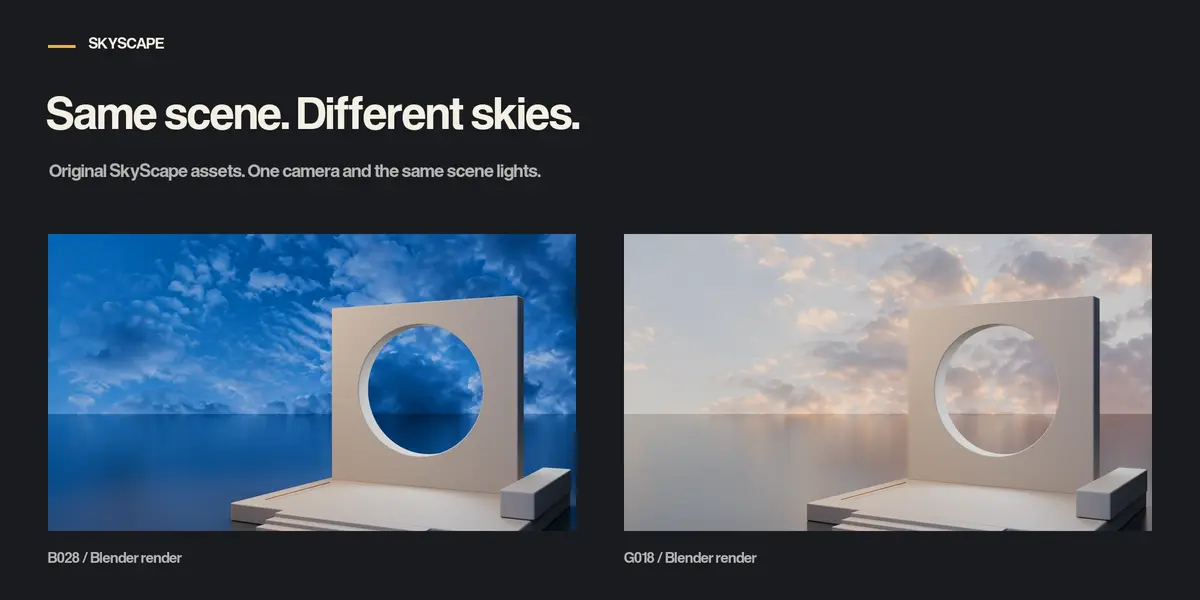
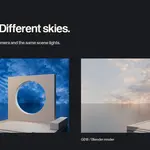
Open Examples/SkyScape Example.blend. The scene includes B028, G018 and G004. Only B028 is initially visible in renders. Toggle the sky objects in the Outliner to compare them. The camera, geometry and scene lights stay the same.
Creation process
The sky images were generated with AI, selected and packaged as Blender assets. The generated images are unchanged. No manual painting is claimed. The animated opening in the ad is promotional footage, not an animated asset in the pack.
Support
Contact Kaiwan Shaban through Superhive for product questions.
Have questions about this product?
Login to message
| Published | 6 days ago |
| Blender Version | 5.2 |
| Render Engine Used | Cycles, Eevee |
| Misc Data | Textured |
| License | Royalty Free |
Discover more products like this
blue hour background blender sky skyscape atmosphere golden hour backdrop sunset image plane clouds architecture