Skyscraper - Kit
 Mohamed Elsherif

Installation
- Download
skyscraper_kit-1.0.0.zipfrom your Superhive library. Don't unzip it. - In Blender go to Edit > Preferences > Get Extensions.
- Open the dropdown at the top right and choose Install from Disk…, then pick the zip.
- Open the 3D Viewport sidebar (N) and click the Skyscraper tab.
To update, install the new zip the same way. It replaces the old version.
Quick start
- Place the 3D cursor where the building should stand.
- Pick a building in the gallery at the top of the Skyscraper panel.
- Choose a detail level: Full, Medium or Massing.
- Click Add Building.
You can also add any building from Add > Mesh > Skyscraper Kit.
The gallery
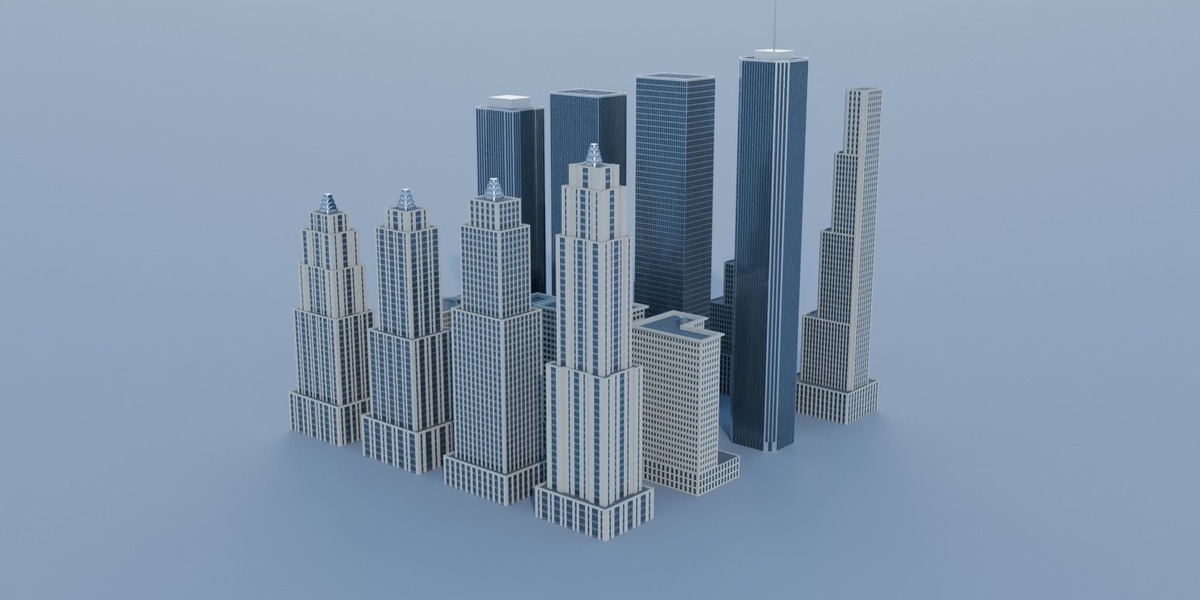
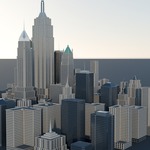
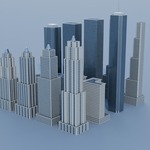
The gallery has 9 entries: 5 landmarks and 4 generic tower styles.
| Building | Real height | Option |
|---|---|---|
| Empire State Building (1931) | 443 m with antenna | Crown details: antenna and terrace fence |
| Chrysler Building (1930) | 319 m with spire | Crown details: spire |
| Woolworth Building (1913) | 241 m | Crown details: turrets and pinnacles |
| 30 Rockefeller Plaza (1933) | 260 m | Crown details: observation levels |
| Flatiron Building (1902) | 93 m | Crown details: penthouse |
| Art Deco Setback | set by Floors | Seed, Floors, Lot X / Y, Floor height |
| Classic Pre-war | set by Floors (max 24) | Seed, Floors, Lot X / Y, Floor height |
| Modern Glass | set by Floors | Seed, Floors, Lot X / Y, Floor height |
| Slab Tower | set by Floors | Seed, Floors, Lot X / Y, Floor height |
Landmarks are always built at real size. The panel shows each landmark's height and lot size.
Generic tower settings
| Setting | What it does |
|---|---|
| Seed | Picks the shape, setbacks, window rhythm and crown. The refresh button rolls a random seed. |
| Floors | Number of floors (4–140). Classic Pre-war stops at 24. |
| Lot X / Lot Y | Size of the plot in metres. The base fills the lot and the tower sits inside it. |
| Floor height | Height of one floor in metres (default 3.7). |
The same style, seed and settings always give the same building.
Detail, objects and instances
| Option | What it does |
|---|---|
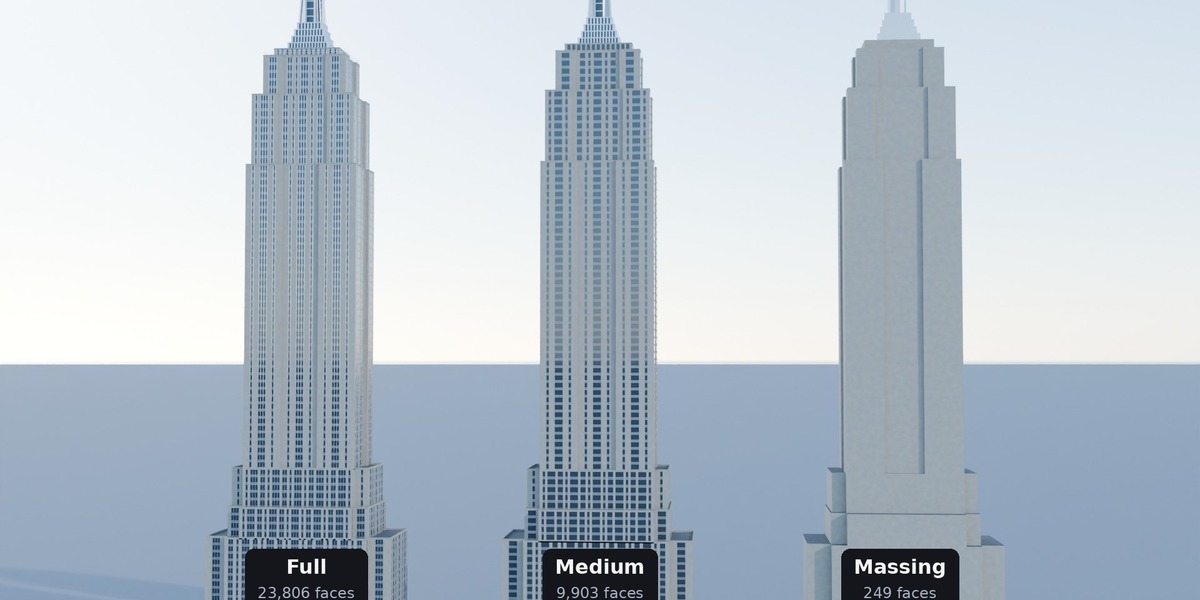
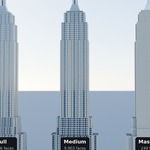
| Full (LOD 2) | Recessed windows, mullion ribs, parapets and every crown detail. |
| Medium (LOD 1) | Flat facades with windows. About 40% of the faces. |
| Massing (LOD 0) | Blocks only, for buildings far from the camera. About 1% of the faces. |
| Single object | Merges the building into one mesh. Turn it off to get separate Base / Tower / Crown / Antenna objects. |
| As instance | Builds the building once into a hidden SKY_Library collection and adds a light collection instance. Best for big cities. |
Example: the Empire State Building is 23,806 faces at Full, 9,903 at Medium and 249 at Massing.
Regenerate
Select buildings made with the kit and click Regenerate Selected. They rebuild in place with the current panel settings:
- Generic towers keep their style and take the panel's Seed, Floors, Lot and Floor height.
- The button next to it gives each selected generic tower its own new random seed instead.
- Landmarks rebuild with the current detail level.
- Location and rotation are kept.
Instant Skyline
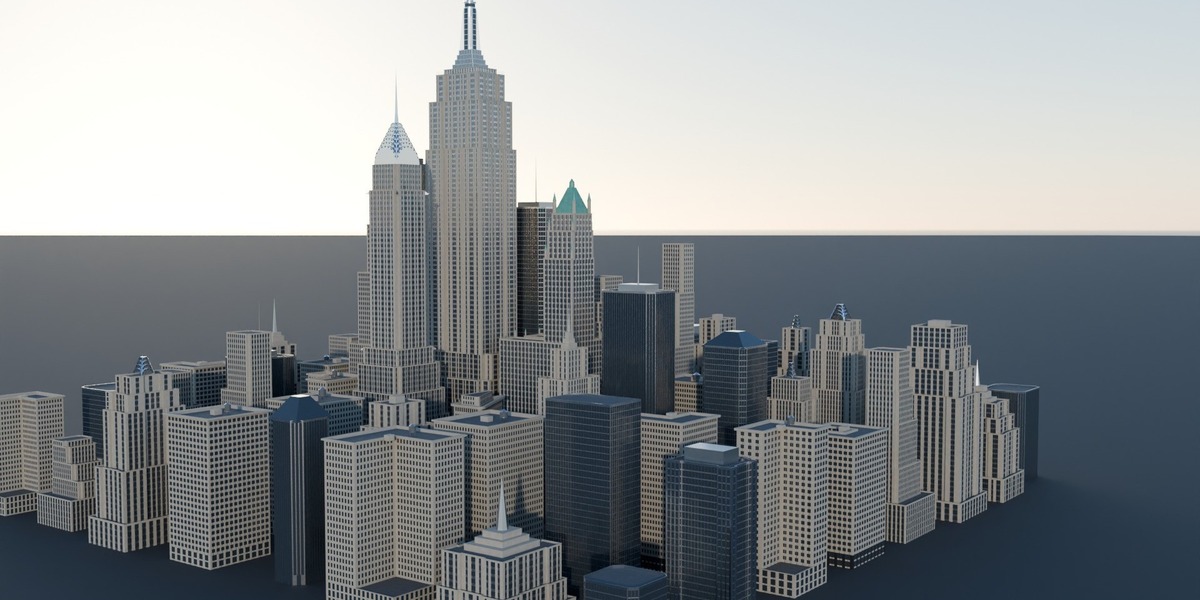
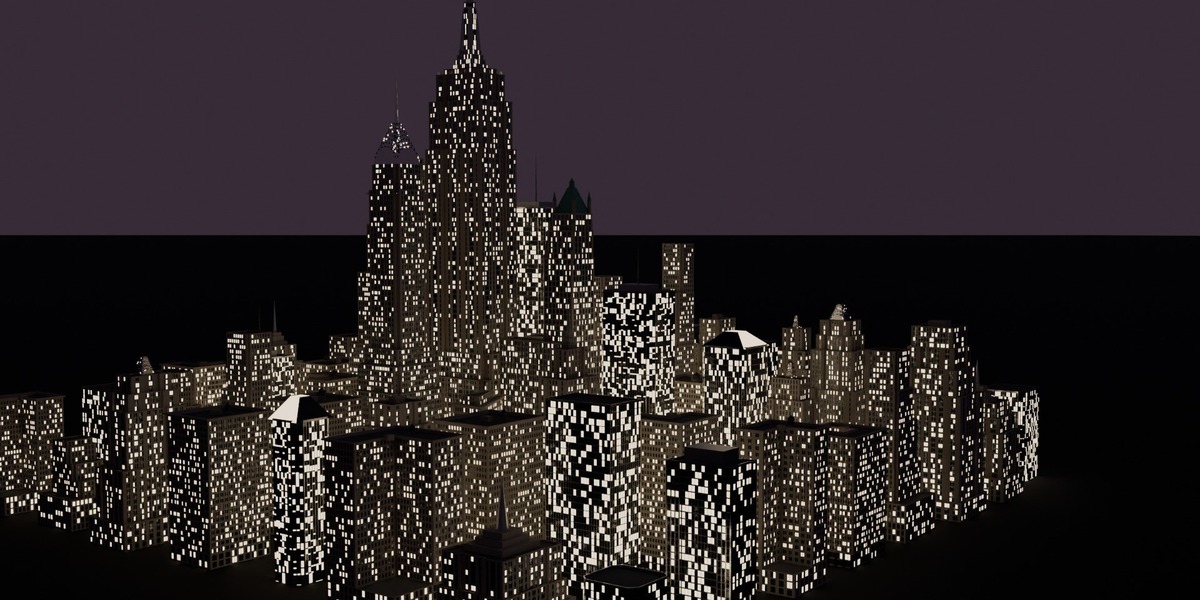
Open the Instant Skyline section and click the button to fill a grid of blocks with towers. Every building is an instance.
| Setting | What it does |
|---|---|
| Towers | How many buildings to place. |
| Block | Size of one city block in metres. |
| Include landmarks | Puts the five landmarks in the skyline. |
Towers are taller near the centre and lower toward the edge. The panel's Seed changes the whole layout. The skyline goes into a new SKY_Skyline collection.
Materials and texturing
Every building uses the same shared materials, so you texture them once and every building updates:
-
SKY_Stone– facade stone -
SKY_StoneDark– dark granite at the base -
SKY_Spandrel– panels between windows -
SKY_Trim– mullions, ribs and the Chrysler crown -
SKY_Glass– windows -
SKY_Roof– roofs -
SKY_Metal– metal parts and mast -
SKY_Antenna– antennas -
SKY_Copper– green copper roofs
UV maps
-
UVWorld– real-world metres, continuous around every wall. Use it for tiling textures: 1 UV unit = 1 metre. -
UVCell– each window pane and spandrel fills 0–1. Use it for a single-window texture or frame masks.
Attributes (face)
-
floor– floor number of the face. -
win_rand– random 0–1 value per window pane. Read it with an Attribute node to light random windows.
Look-dev and night mode
Click Preview Shaders to turn the plain materials into procedural ones: stone variation, reflective glass and window lights. No textures are used.
- Night – 0 is day, 1 lights the windows.
- Lit windows – how many windows are on.
Window lights show in Material Preview and Rendered view, in Cycles and EEVEE.
Links
The Links section at the bottom of the panel opens the Discord community, the YouTube channel and more tools on Superhive.
Python API
Use the kit from your own scripts or city generators:
Building keys: empire_state chrysler woolworth rockefeller flatiron generic. Generic styles: art_deco classic modern slab.
Units are metres, Z is up, and the origin is the centre of the lot at street level.
Troubleshooting
| Problem | Fix |
|---|---|
| The Skyscraper tab is missing | Press N in the 3D Viewport and check the add-on is enabled in Preferences > Add-ons. |
| The viewport is slow with many buildings | Use Medium or Massing for far buildings and turn on As instance. |
| Changing the seed does nothing | Seeds only affect generic towers. Select the tower and click Regenerate Selected. |
| Night mode shows no lights | Click Preview Shaders first, then use Material Preview or Rendered view. |
| My textures disappeared | Preview Shaders replaced the SKY_* materials. Re-apply your saved materials. |
Have questions about this product?
Login to message
| Blender Extension Compatible | Yes |
| Published | about 9 hours ago |
| Blender Version | 4.2 - 5.2 |
| Extension Type | Add-on |
| Render Engine Used | Cycles, Eevee |
| License | GPL |
Discover more products like this
3d building asset 3dbuilding newyork low poly downtown 3dcity empire state building skyscraper skyscraper kitbash 3d art city skyscraper asset city downtown