Sloth's Custom Shading Pie
 Philip Sloth


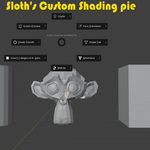
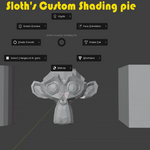
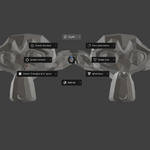
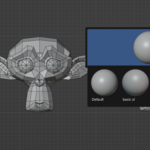
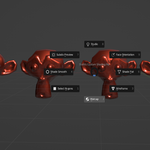
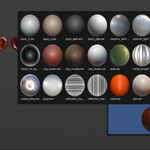
Documentation: https://imgur.com/a/PQAGAHn
How to Use
-
Install the Addon:
-
Go to Edit > Preferences > Add-ons.
-
Activate the Pie Menu:
-
In the 3D Viewport, simply press V to open the custom pie menu. (you can set your own hotkey!) in add-ons tab from preferences.
-
-
Choose a Shading Tool:
-
Navigate with your mouse and select:
-
Shade Smooth / Flat
-
Matcap / Studio Lighting
-
Toggle Face Normals
-
Wireframe / Subdiv Preview
-
Highlight N-gons The change is applied instantly, whether you're in Object or Edit mode.
-
-
-
Have questions about this product?
Login to message
| Published | over 1 year ago |
| Blender Version | 3.6 - 4.4 |
| Extension Type | N/A |
| Render Engine Used | Cycles |
| License | GPL |
Discover more products like this
3D art tools 3D AI tool blender 3D camera tools 3D alignment tools 3dview