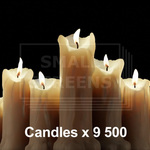
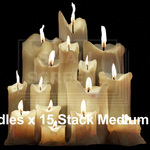
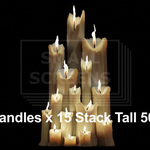
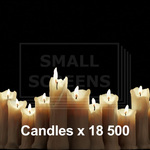
Small Screens - Candles - Animated Alpha Cards for Blender.
 Jonathan Miller Design



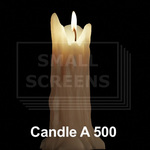
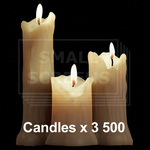
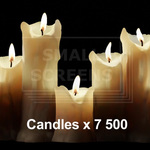
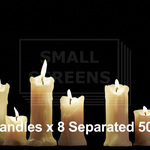
1). Go to - Edit - Preferences.
2). Go to - File Paths and press the + Button
3). Navigate to where you unzipped the file and look for the .blend file
4). Click "Add Asset Library Button"
5). In the Asset Brower navigate to the new asset collection.
6). Drag and drop card into scene - Scale and position as desired.
That's it. Really.
$15
Have questions about this product?
Login to message
| Dev Fund Contributor | |
| Published | 3 months ago |
| Blender Version | 2.8 - 5.2 |
| Render Engine Used | Cycles, Eevee |
| License | Royalty Free |

Discover more products like this
16-bit alphas candles animationplanes Alphacards Alphaanimation alpha alphaplanes