 Domenas


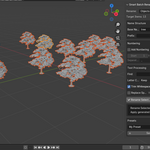
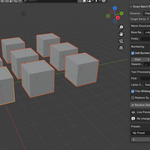
Installation
- Download the Smart Batch Rename ZIP file.
- Open Blender.
- Go to Edit → Preferences → Add-ons.
- Click Install... and select the downloaded ZIP file.
- Enable Smart Batch Rename.
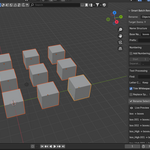
- Open the 3D Viewport and press N to open the Sidebar.
- Find the Rename tab to access the add-on.
How to Use
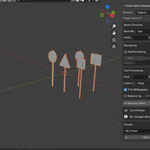
- Select one or more Objects, Collections, Materials, or Mesh Data.
- Choose what you want to rename from the Rename dropdown.
- Enter a Base Name if desired.
- Optionally add a Prefix, Suffix, or Automatic Numbering.
- Use Find & Replace or other text processing options if needed.
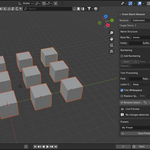
- Review the generated names in Live Preview.
- Click Rename Selected to apply the changes.
Features
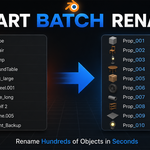
- Batch rename multiple items at once
- Rename Objects
- Rename Collections
- Rename Materials
- Rename Mesh Data
- Automatic Numbering
- Prefix & Suffix
- Find & Replace
- Letter Case Conversion
- Replace Spaces
- Trim Whitespace
- Live Preview
- Presets
- Undo Support
Compatibility
Compatible with Blender 4.2 and newer.
$6.99
Have questions about this product?
Login to message
| Published | 2 months ago |
| Blender Version | 4.2 - 4.5 |
| Extension Type | N/A |
| License | GPL |

Discover more products like this
objects Workflow blender addon materials renamer Mesh Data asset management rename collections batch-rename productivity