Smart Bridge
 Kuutti Siitonen


Installation
In Blender, go to "edit > preferences > add-ons", and click on "install..." in the top right corner, find the .zip file of Smart Bridge, and select it, then enable the add-on by checking the checkbox.
NOTE: If you are using Blender 4.2 or later, you also need to go to "edit > preferences > get extensions", search for "looptools", and install it if you want to use the relax option in Smart Bridge.
Basic usage
Smart bridge can be accessed from the N panel on the right of the 3D viewport (if it's hidden, press "n" to open it), smart bridge is found under the "edit" tab.
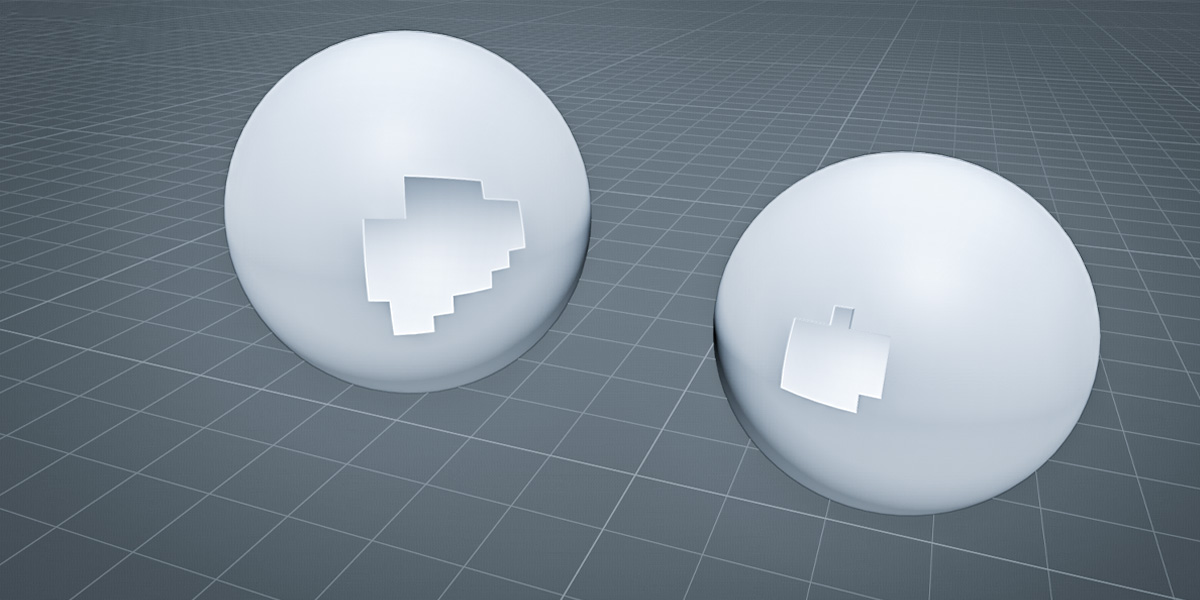
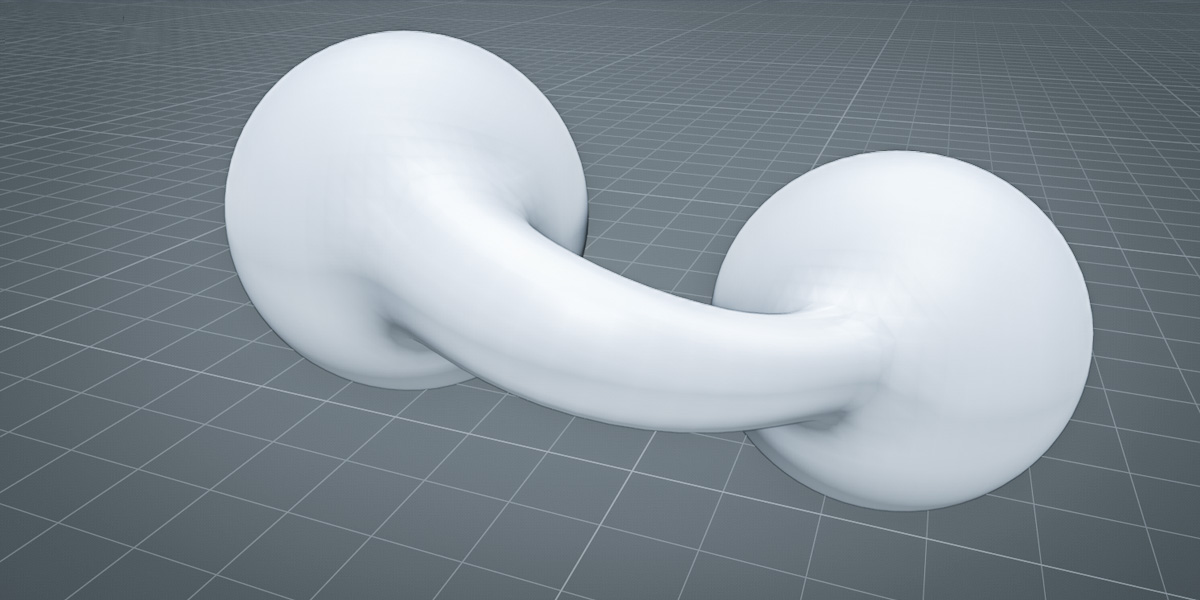
After selecting two separate edges or edge loops, press the "Smart Bridge" button to create a bridge. You'll find all relevant settings in the bottom left menu that pops up.
Video tutorial

Discover more products like this
bridge modeling bridging cleanup bridge edge loops blender mesh cleanup photogrammetry detailing smart 3d modeling tool hardsurface fill