Smart Outliner
 Azerilo


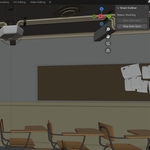
How to Use
Automatic Behavior
Once installed and enabled:
-
Smart Outliner will automatically start working when you start Blender.
-
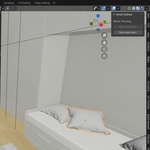
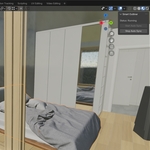
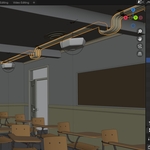
Whenever you select an object in the 3D Viewport , the Outliner will scroll to it automatically.
Manual Control (Optional)
You can also control the addon manually via the UI panel:
Location:
-
Go to 3D Viewport > Sidebar (press
N) > Smart Outliner tab.
Buttons:
-
Start Auto Sync: Manually starts syncing
-
Stop Auto Sync: Stops the syncing
If you have any questions or feature requests, feel free to email me at:
azerilodeveloper{@gmail.com}
-
$10
Have questions about this product?
Login to message
| Published | over 1 year ago |
| Blender Version | 3.6 - 5.0 |
| Extension Type | N/A |
| Render Engine Used | Cycles |
| License | GPL |
Discover more products like this
smart outliner highlighter 3d model outliner highlight outliner outliner addon auto-highlight 3d highlighter