Smashify
 Yara Studio
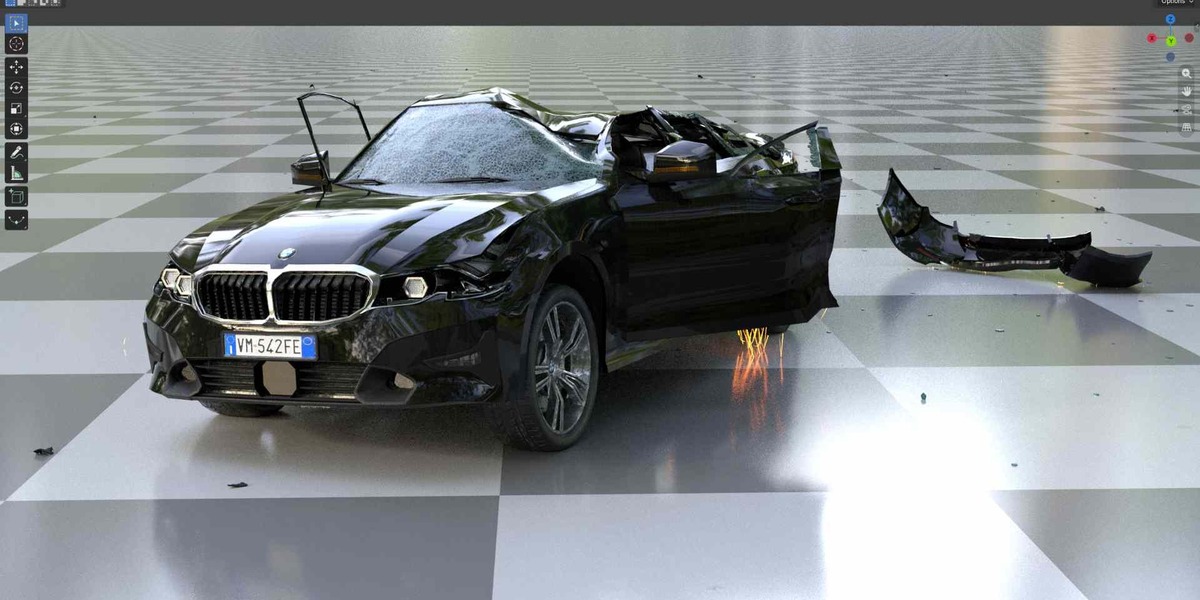
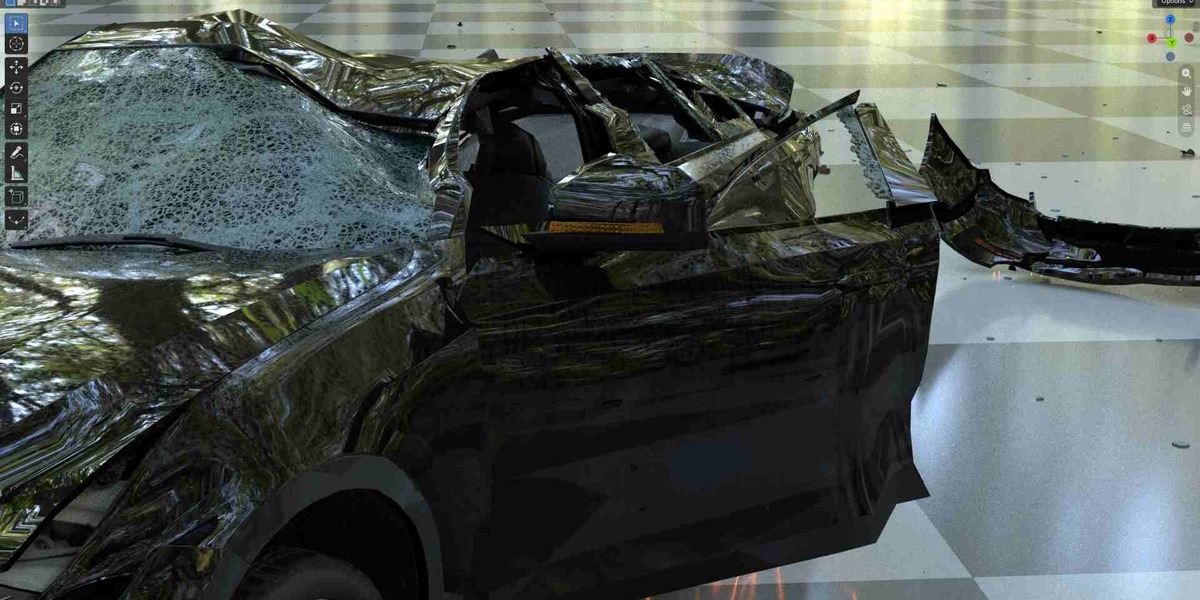
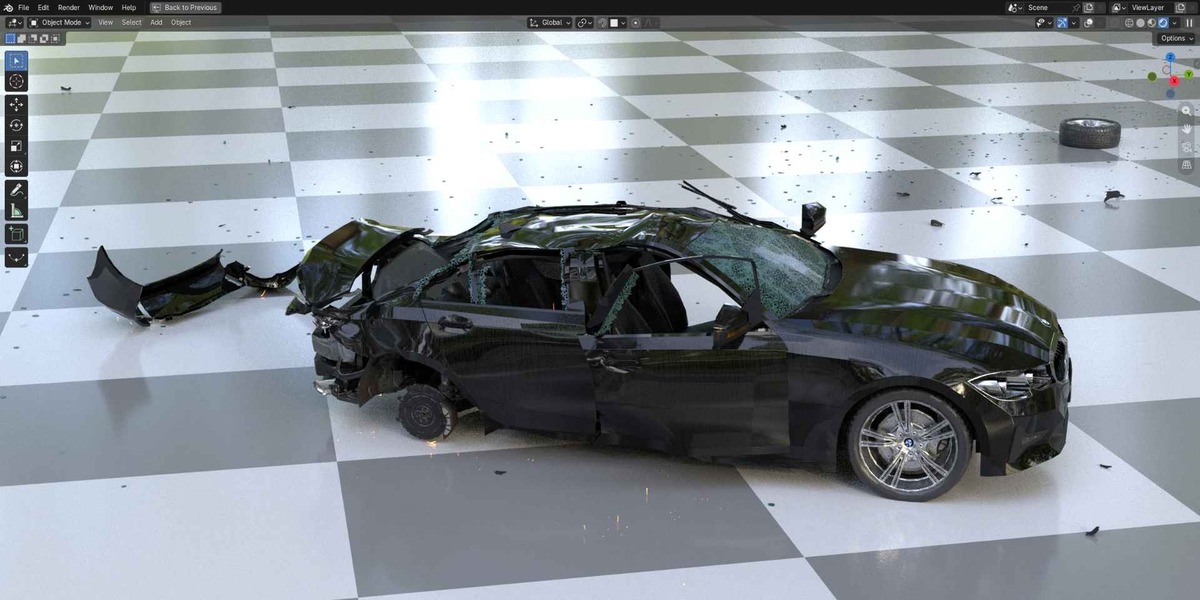



The addon will also automaticly remove from your car all the non-necessary elements (example: rigs, curves, empties and similar), so you don't have to worry about most of the cleaning job.
Yes, the addon has a specific function for exporting everything correctly to Unreal Engine. Also, the addon comes with a plugin for Unreal that allows you to import the result correctly in 1 click.
The plugin will make a bunch of conversions and operations to ensure a smooth transition between the 2 softwares.
The requirements are just 2: - your car model must has simple materials (principle bsdf / baked texture) - double check which version of the plugin for Unreal is compatible with the version you are using (file "compatibility" in the downloads after purchasing.
A car crash can also be exported to 3Ds Max, Maya, Cinema 4D and Houdni without additional plugins. Just ensure to follow the specific instructions step by step explained in the guide (file "smashify guide" in the downloads after purchasing).
No, you don't need a super pc. Of course a better computer can handle larger destructions, more detailed and multiple vehicles, but here you can find some examples:
MINIMUM REQUIREMENTS
GPU 4 GB
RAM 24 GB
cpu 4 cores
FREE SPACE ON DISK (Not much if the car crash stays inside Blender. However in case you want to export the car crash for other softwares, the space required on disk depends on how many cars and textures are in the scene. For safety I would Always ensure to have a minimum of 10 GB per car when exporting.
These are the minimum requirements that work with a maximum of 1 low-poly vehicle and a camera tracked shot (no fill cgi environment), with roughly no more than 20.000 vertices in the vehicle's mesh, and low/medium resolution textures (max resolution 1080).
Higher specs will be necessary in case of multiple vehicles, higher poly meshes and higher resolution textures for example.
 Included
Includes 12 months of
- Support from Yara Studio
- Product updates
Extend this product’s Support Period +12 months: 50% of product price
Have questions before purchasing?
Login to message
| Dev Fund Contributor | |
| Published | 44 minutes ago |
| Blender Version | 5.2 |
| Extension Type | N/A |
| Render Engine Used | Cycles, Eevee |
| License | GPL |
Discover more products like this
crash physic rigidbodies simulation car geometrynodes destruction