

Smooth Text Animation

David Stolba in Geometry Node Groups


Item Rating

This item has an average rating of 3 from 2 ratings by the community.

50%
0%
0%
0%
50%

Purchase this item to leave a review!

  • YuryZen
    12 months ago

    I just tested this setup on my current motion design gig in 5.0, and the text reveal animation now looks incredibly smooth and clean, on par with the After Effects. My only concern is that, by design, I can control duration by adjusting the speed and separation values, rather than by setting the duration directly, which feels a bit counterintuitive when animating multiple lines and syncing them. I assume this might be a limitation of the workaround you have using index data. Still it allows to get nice looking result
    Would be cool to be have a separated node for some stylized wiggle effect as well

  • Phoenix
    12 months ago

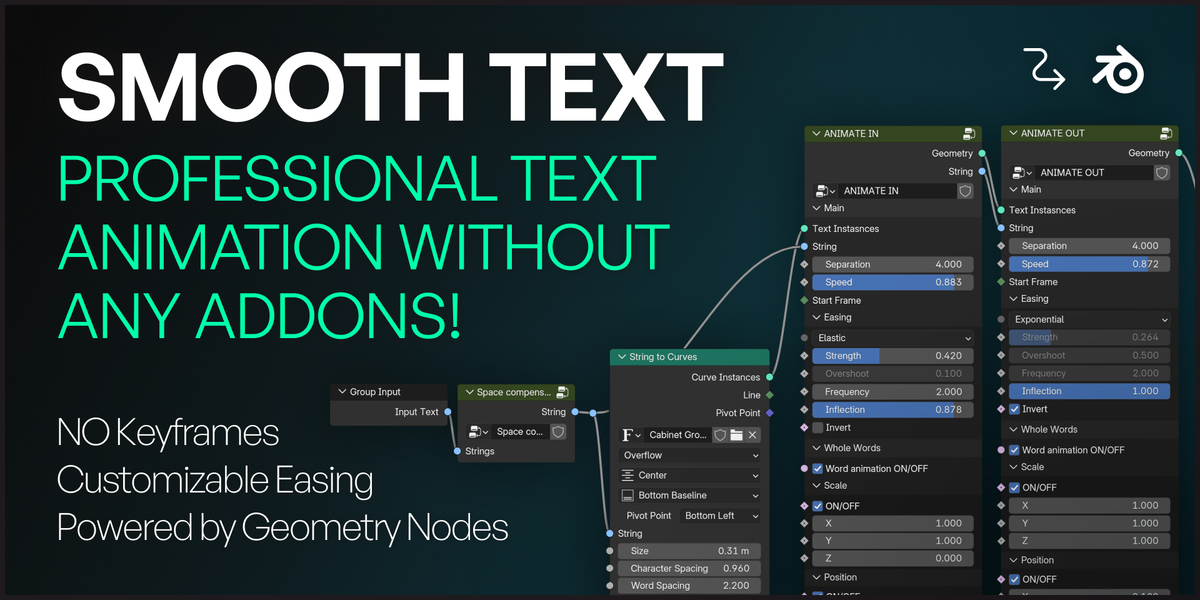
    Geometry node modifier area has very few enabled settings, meaning you need to go into the nodes to edit basic things like font size, change font, change between animations etc..

    • David Å tolba

      12 months ago

      Hi there,

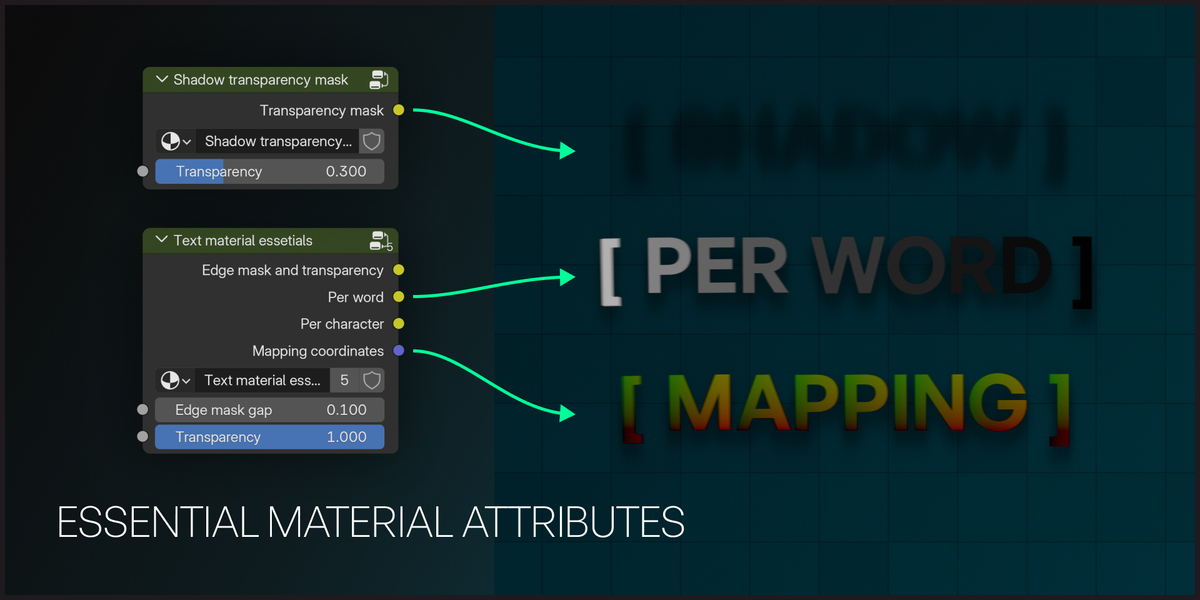
      Thanks so much for reaching out, and I’m sorry for the frustration. You’re right: the setup is designed so most of the controls live in the nodes (as shown on the About page), while the modifier only exposes a few essentials.

      The idea behind this is to keep the workflow fast and non-destructive:

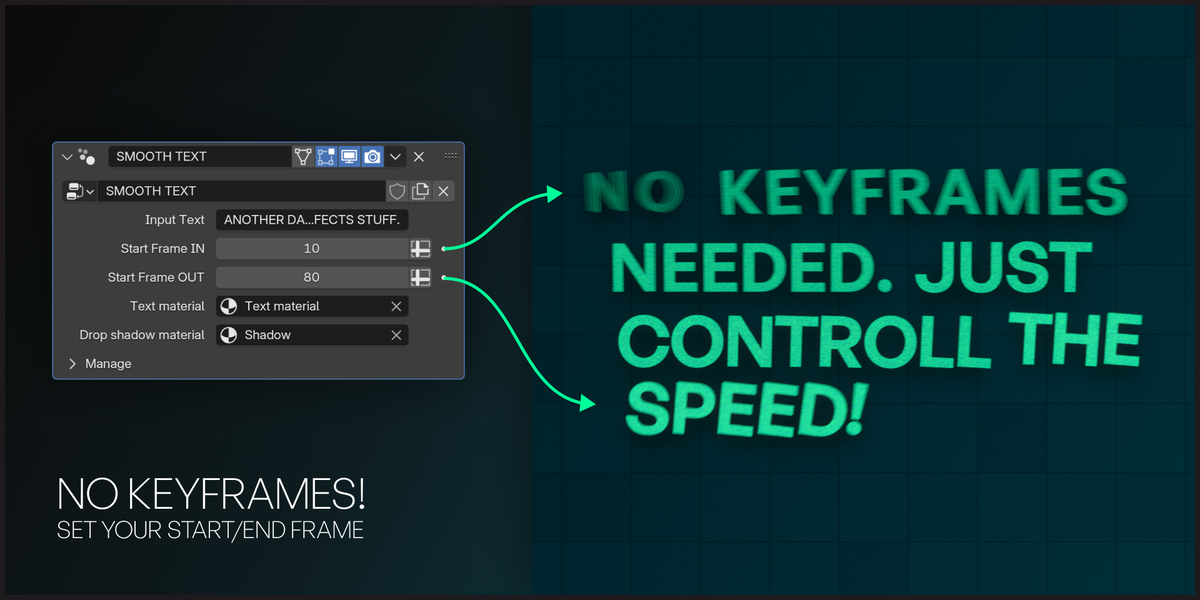
      You can duplicate an animated text object, change only the text and the start/end frames, and you’re good to go.

      When you tweak something inside the node group, it applies to all linked objects, so your animation stays consistent across the whole Blender file.

      Keeping the deeper controls in the nodes prevents the side panel from becoming cluttered and confusing.

      I’ve uploaded a new version to the product files. This update is cleaner - functions are now separated into their own modifiers - and it adds features like 3D text and beveled text, plus there is a short (bad) tutorial. Full documentation is on the way; I just haven’t had time to finish it yet. I think it might fit your needs much better.

      If it helps, I can walk you through it step by step - just message me what you’re trying to do, and I’ll guide you.

      Thanks again for the feedback!

  • Displaying 2 ratings
$14.80

Have questions about this product?
Login to message

Details
Sales 40+
Rating
2 ratings
Dev Fund Contributor
Published over 1 year ago
Blender Version 4.4
Render Engine Used Cycles, Eevee
License Creative Commons