Snapdrop™
 Egret Studios LLC
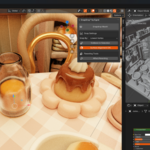
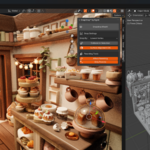
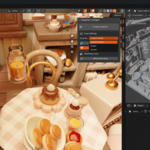
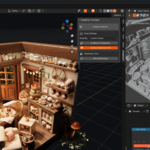
🧩 SnapDrop™ — Object Surface Snapper for Blender
Version: 1.0.0
Maintainer: Egret (Egret Software)
Email: [email protected]
License: GPL-3.0-or-later
Blender Version: 4.2.0+
🧠 Overview
SnapDrop™ is a one-click Blender add-on that instantly drops and aligns selected objects onto the nearest surface or ground plane.
It’s designed for artists, environment designers, and scene assemblers who want precise, fast object placement — no manual adjustments required.
With a single click, objects snap naturally onto terrain, floors, or any surface while preserving hierarchy, orientation, and optional randomization.
⚙️ Features
🎯 Smart Snapping Modes
Choose how objects detect their contact point:
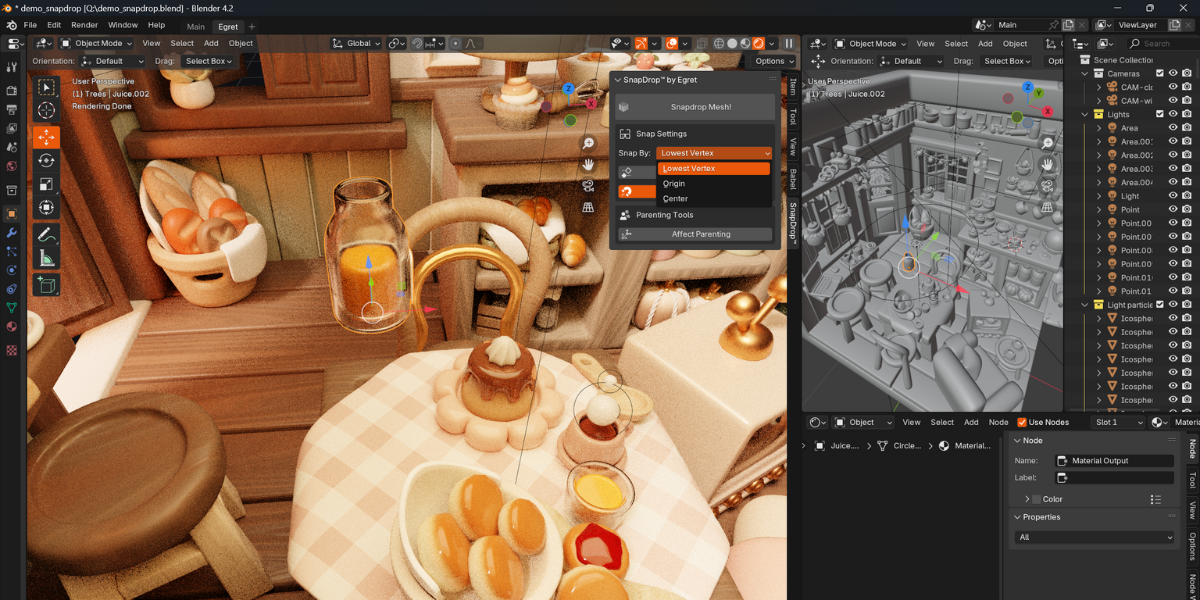
Lowest Vertex — uses the mesh’s lowest point for accuracy.
Origin — drops based on the object’s origin point.
Center — aligns using the object’s bounding box center.
🧍 Surface Alignment
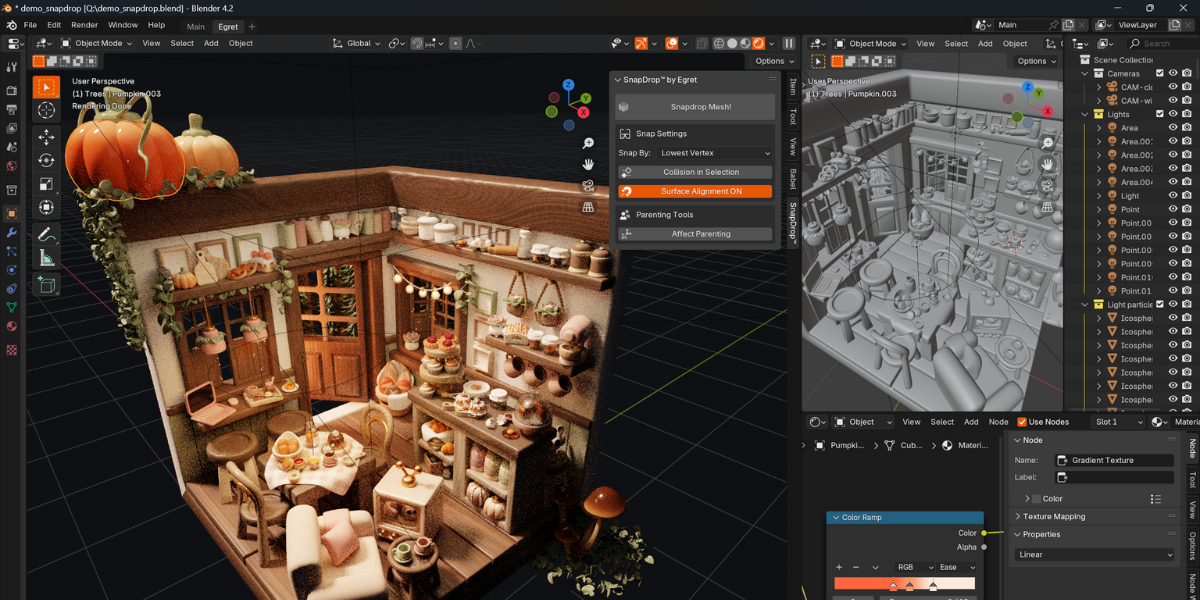
Optionally rotate objects to align with the hit surface normal.
Perfect for rocks, debris, or items on uneven terrain.
🧩 Parenting-Aware
Supports parent–child hierarchies.
Choose whether to drop parents, children, or both.
🎲 Randomization (Optional)
Randomize rotation around the Z-axis.
Add random X/Y offset radius for more natural distribution.
Apply Z-offset for hovering or embedding effects.
🧱 Selection-Based Collision
Toggle “Collision in Selection” to limit raycast checks to selected objects only — great for precise ground snapping in cluttered scenes.
⚡ Fast Workflow
Quick-access button in the N-Panel under SnapDrop™.
Right-click context menu shortcut.
Default hotkey: V (customizable).
🧩 Installation
Download the
snapdrop_extension.zipfile (or create one from this script).In Blender, go to:
Edit → Preferences → Add-ons → Install…Select the
.zipfile and click Install Add-on.Enable SnapDrop™ from the add-on list.
The panel will appear under:
3D Viewport → Sidebar (N) → SnapDrop™ Tab
🕹️ Usage
1. Select Objects
Select one or multiple objects in your scene.
2. Open SnapDrop Panel
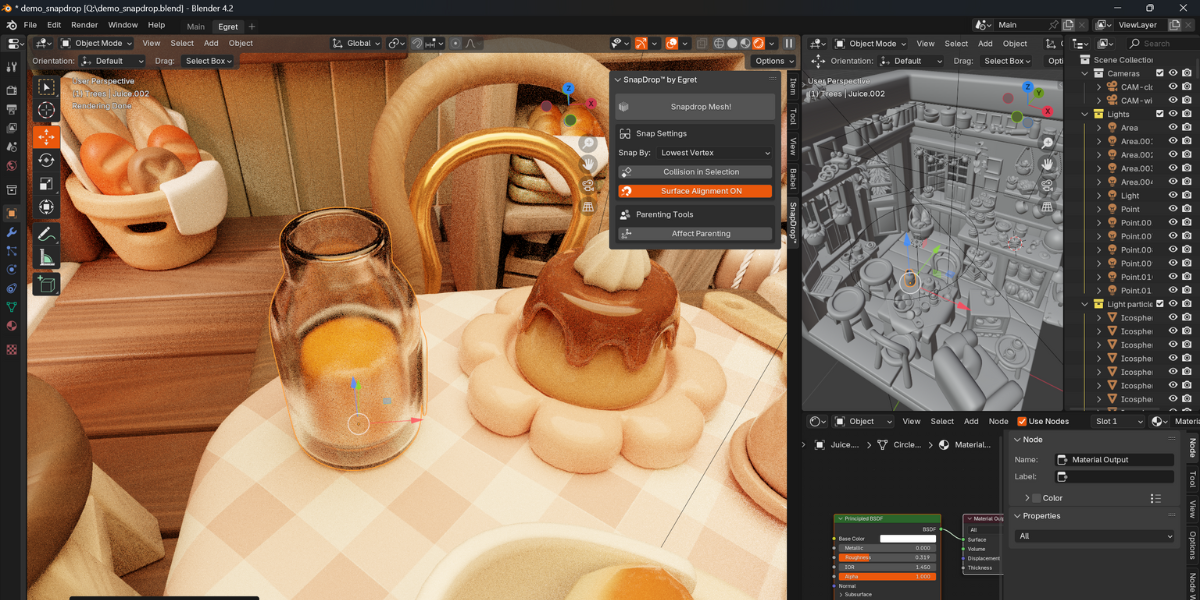
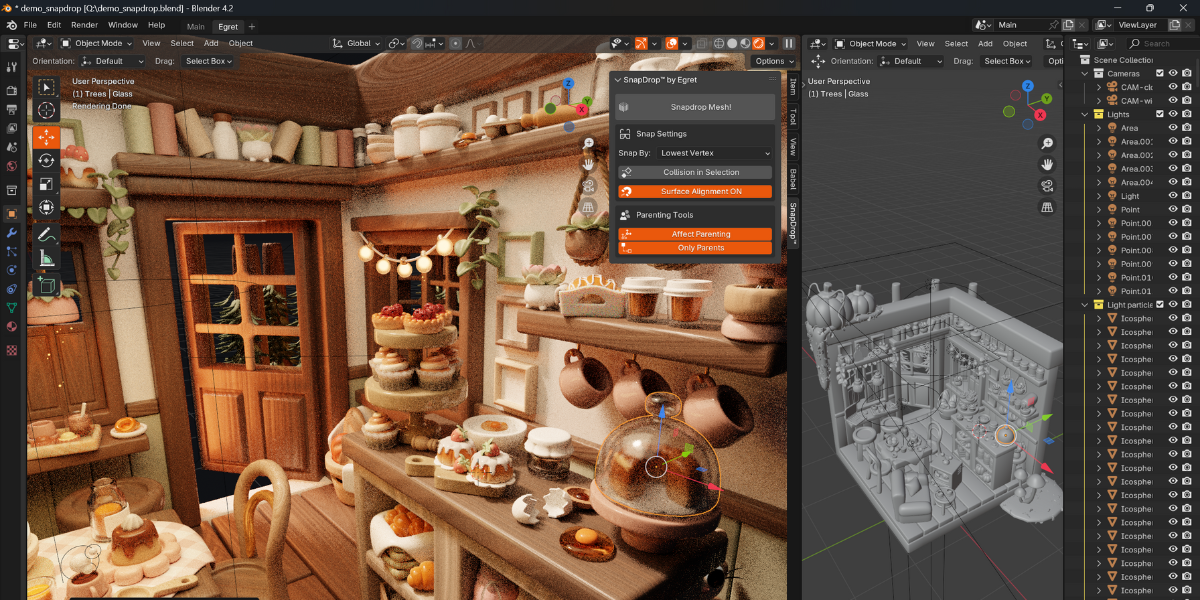
View3D → N-Panel → SnapDrop™
3. Adjust Settings
Choose Snap Method: Lowest / Origin / Center
Toggle Surface Alignment
Enable Collision in Selection if needed
Adjust parenting or randomization options
4. Click
“SnapDrop Mesh!” — and watch your selected objects fall perfectly onto the ground or surface.
5. Optional Shortcut
Press V in the viewport to perform a snap instantly.
🧰 Panel Reference
| Setting | Description |
|---|---|
| Snap By | Choose snapping method (Lowest / Origin / Center). |
| Collision in Selection | Only consider selected objects for raycast collisions. |
| Surface Alignment | Align object orientation with hit surface. |
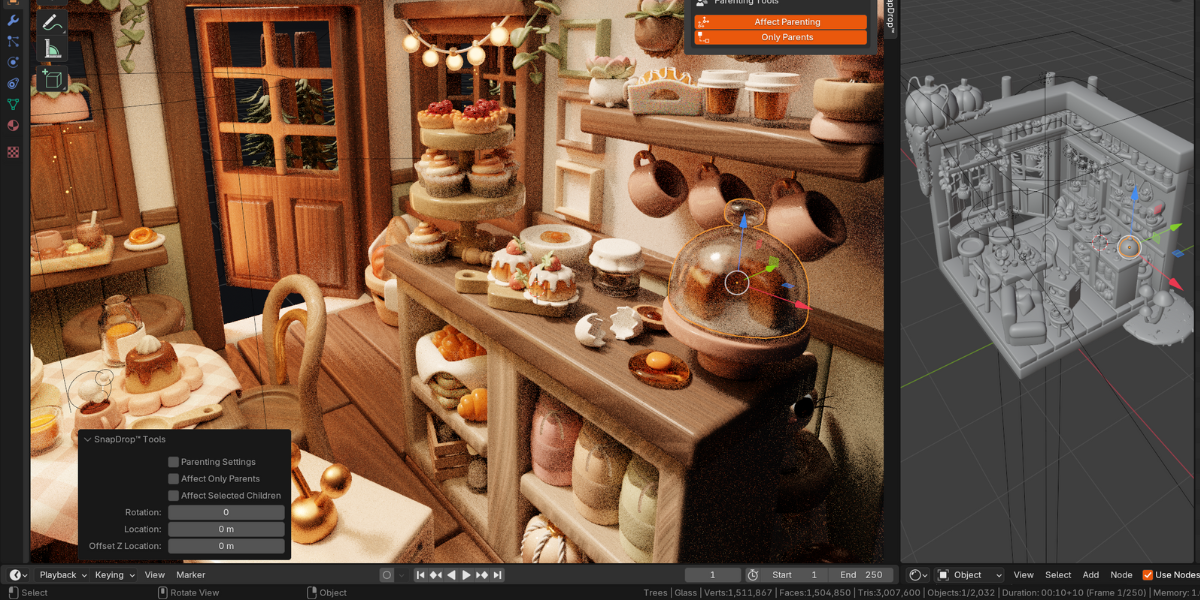
| Affect Parenting | Enable parenting features. |
| Only Parents | Drop only parent objects. |
| Selected Children | Include selected children when dropping. |
| (Hidden Settings) | Random rotation, location radius, Z offset (future update). |
🧠 Tips & Notes
Applies only in Object Mode.
The operator will not run in Edit or Sculpt mode.Supports Mesh & Empty types.
Heavy scenes: For best performance, disable “Surface Alignment” or batch in smaller groups.
Keymap conflicts: If “V” is already used, change it under
Edit → Preferences → Keymap → 3D View → Object Mode.
⚡ Troubleshooting
| Issue | Solution |
|---|---|
| Nothing happens when pressing “SnapDrop Mesh!” | Make sure objects are selected and you’re in Object Mode. |
| Objects snap to origin (0,0,0) instead of ground | Ensure your scene has a mesh below; otherwise, it defaults to Z=0 plane. |
| Keymap conflicts with other addons | Reassign SnapDrop’s shortcut key in Blender Preferences. |
| Parented objects behave oddly | Check “Affect Parenting” settings — uncheck to drop individually. |
🧾 License
🧑💻 Credits
Developed by Egret
© 2024 Egret Software
📧 [email protected]
🌐 More tools and addons: Egret Studios
