 Leonid Altman




Hi, I'm Leonid
Designer → CG artist → builder. I make the tools I wish existed.
Try different looks.
Compare. Pick the winner.
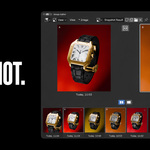
Snapshot lets you shoot your scene as you work — capturing the current look as a visual you can return to anytime. Explore freely, compare your options, and land on the final look.
Shoot.
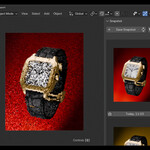
Press Shift+\. You get a snapshot — a visual record of how your scene looks right now. Change anything you want. Press it again. Now you have two. Each one shows you exactly what that version looked like, and clicking it takes you back there.
Every save creates a new snapshot. Nothing is ever overwritten. Your full exploration history is always there.
And unlike real-world photography, restoring a snapshot doesn’t just show you the final image. It physically puts every light, camera setting, and material exactly back where they were. You can pick up right where you left off.

Compare.
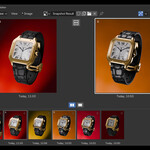

Open the filmstrip in the Image Editor to see all your snapshots as thumbnails. Click any to see a larger preview. Compare two side by side. Evaluate your options the way you would in Capture One after a shoot.


You can also press Alt+\ to cycle between snapshots directly in the viewport for live A/B comparison.
Narrow down.
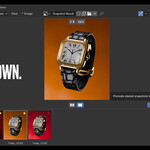
Star your favorites, then advance to the next round. Unstarred snapshots drop away. Keep going — each round tightens the selection. When one remains, render it directly.

Render the winner.
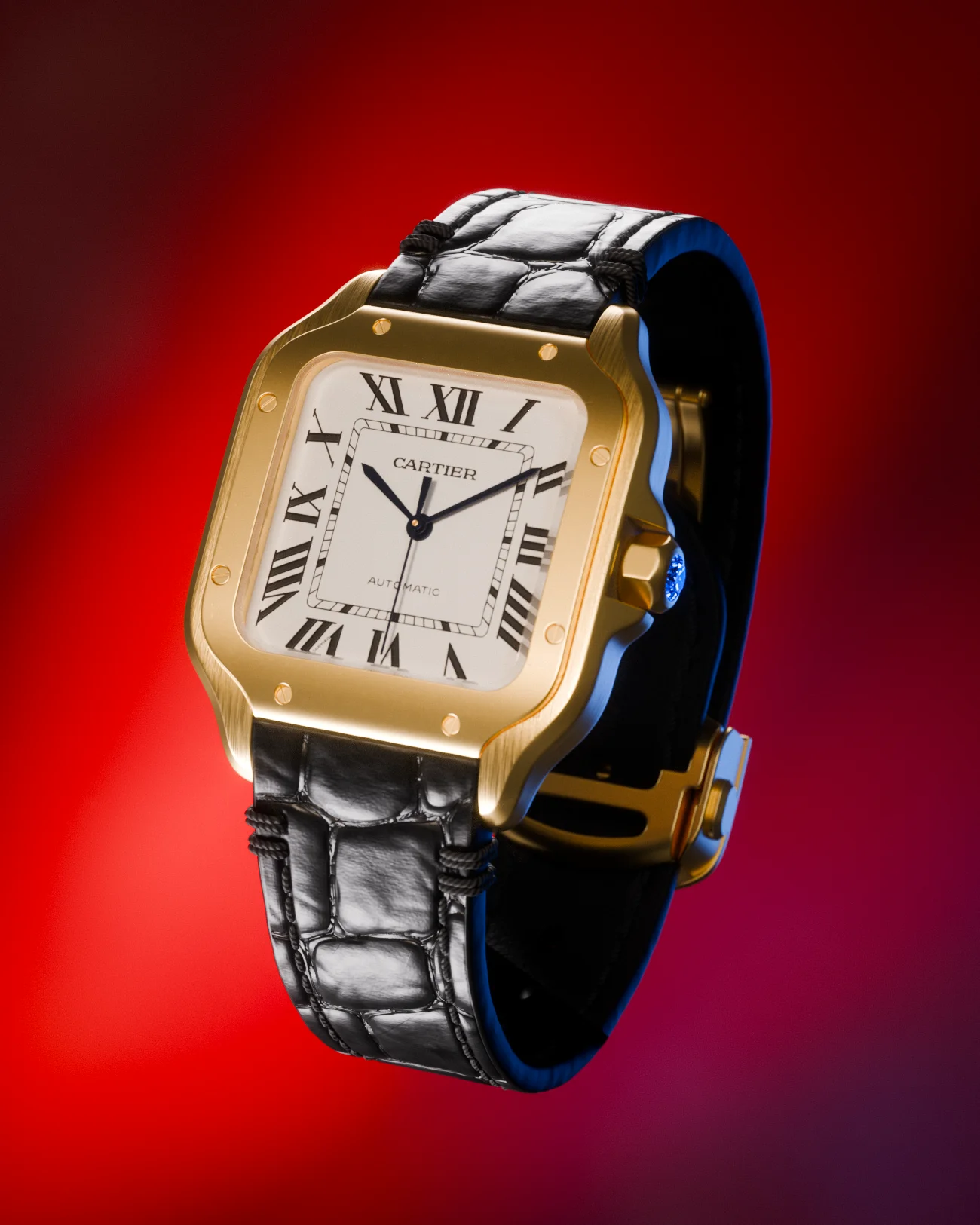
One snapshot left. Hit render — Snapshot restores it, finds an empty render slot, and launches the render. Your final pick, straight to pixels.
What gets saved.
Snapshot captures everything that affects how your scene looks — not the geometry itself, but the look built on top of it.
What Snapshot is not.
Snapshot doesn’t save lighting presets you can reuse across scenes. It’s a look development tool — snapshots live inside your scene file and capture how everything looks right now so you can try different directions, compare them, and pick the best one.
Keyboard shortcuts.
All shortcuts are customizable in addon preferences.
Works with.
Blender 4.0 — 5.1. Cycles, EEVEE, Workbench.
Light Wrangler — automatically includes flags, reflectors, and stencils in snapshots.
PolyDome — saves dome objects, scene properties, and compositor settings.
Requirements & Support
Blender 4.0 or newer. Windows, macOS, Linux.
Found a bug or have a feature request? I read every message and I'm quick to reply — reach out anytime.
Email feedback · Discord community
Addons that pair well with Snapshot
Tools I use and recommend. Affiliate links.
Light Wrangler
Interactive light placement for Blender. Point where you want the light — it lands there. Scrims, light textures, gobos, flags, IES profiles, false color, light linking. The lighting tool Snapshot was built alongside.
View on SuperHive →POLYDOME
HDRI dome plugin for Blender. Drag & drop HDRIs, automatic floor matching, reflections, procedural puddles. Snapshot saves and restores PolyDome state automatically.
View on SuperHive →