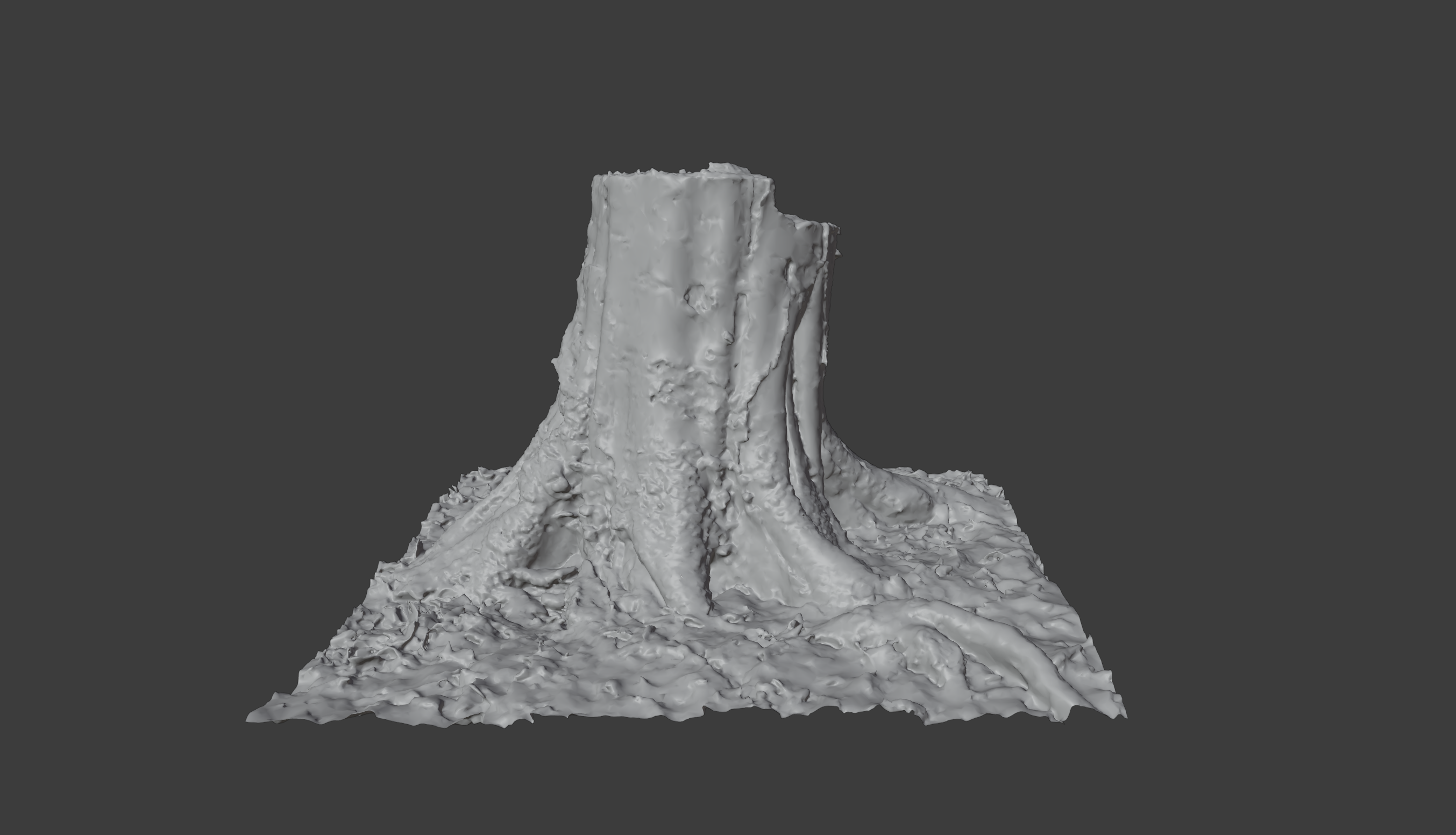
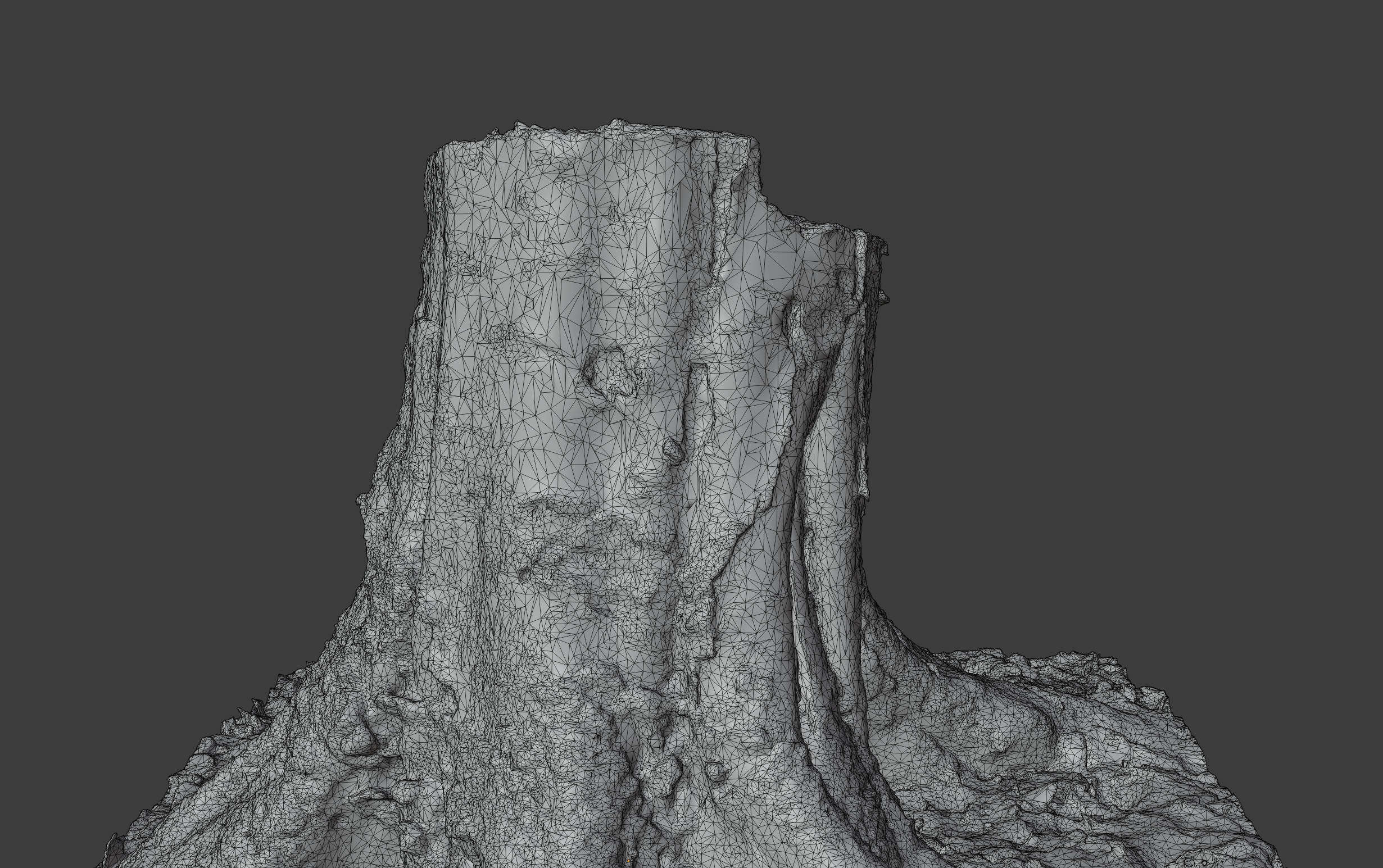
Snow Covered Tree Trunk
 Vertex Wizards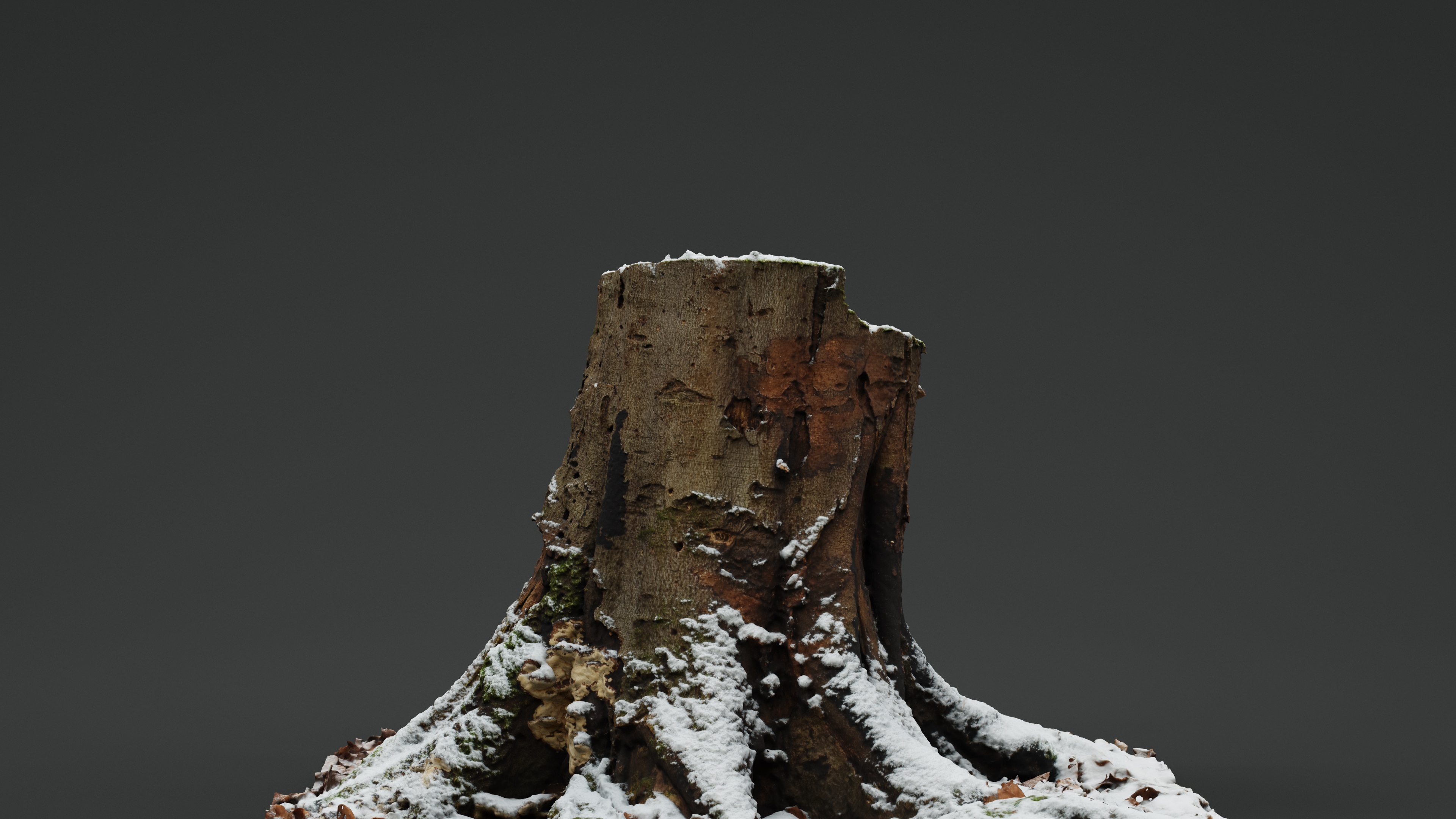
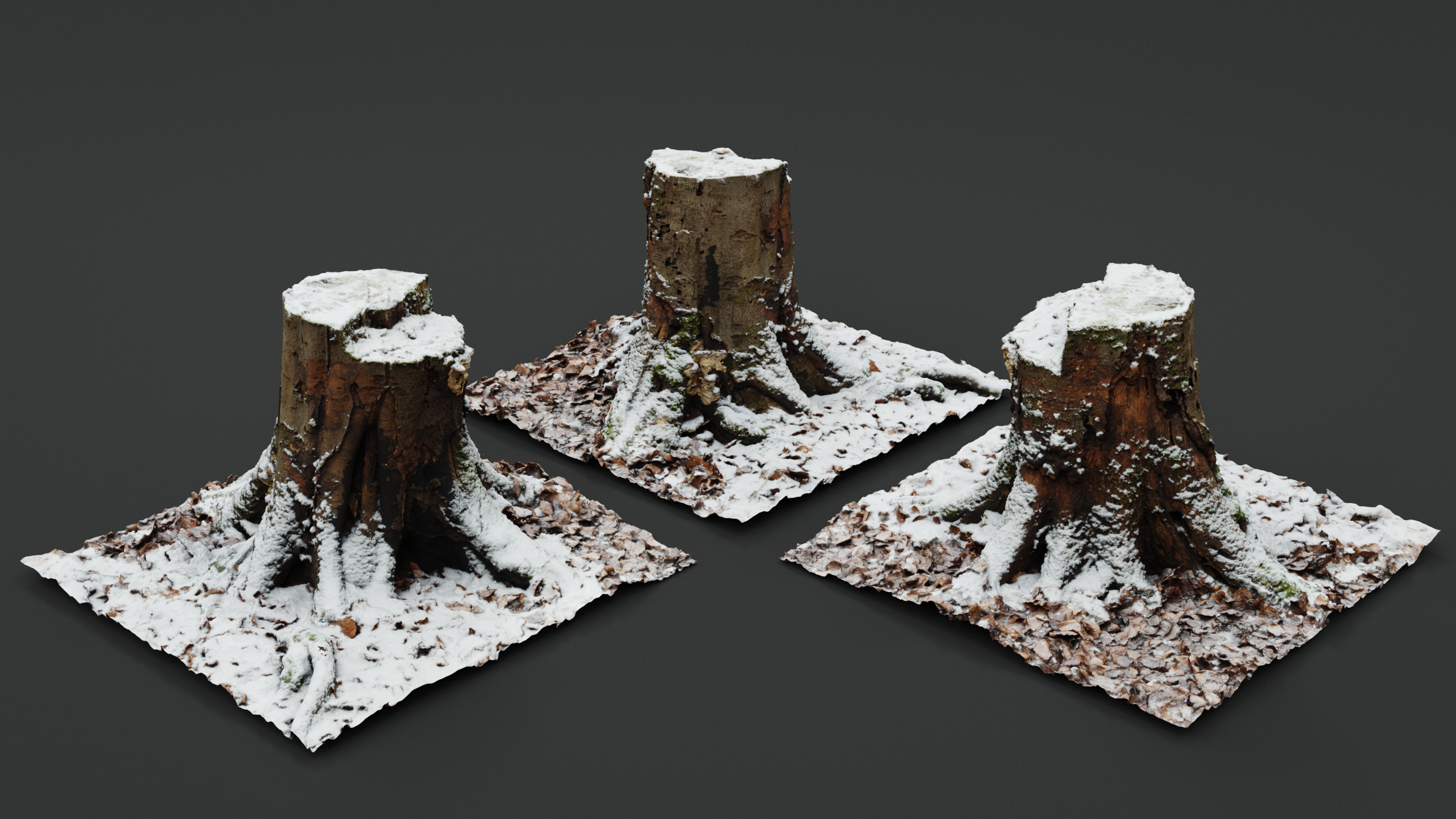
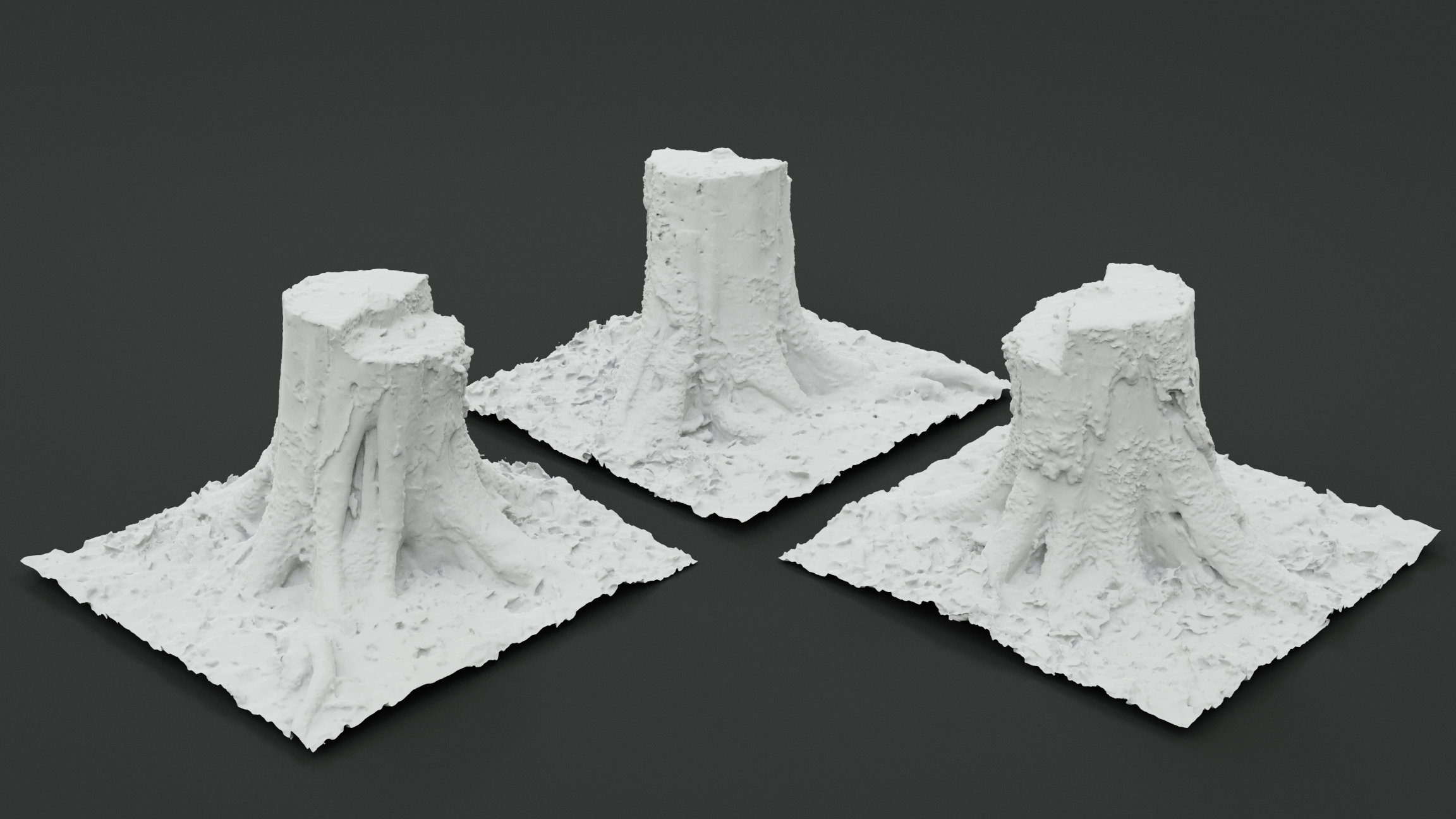
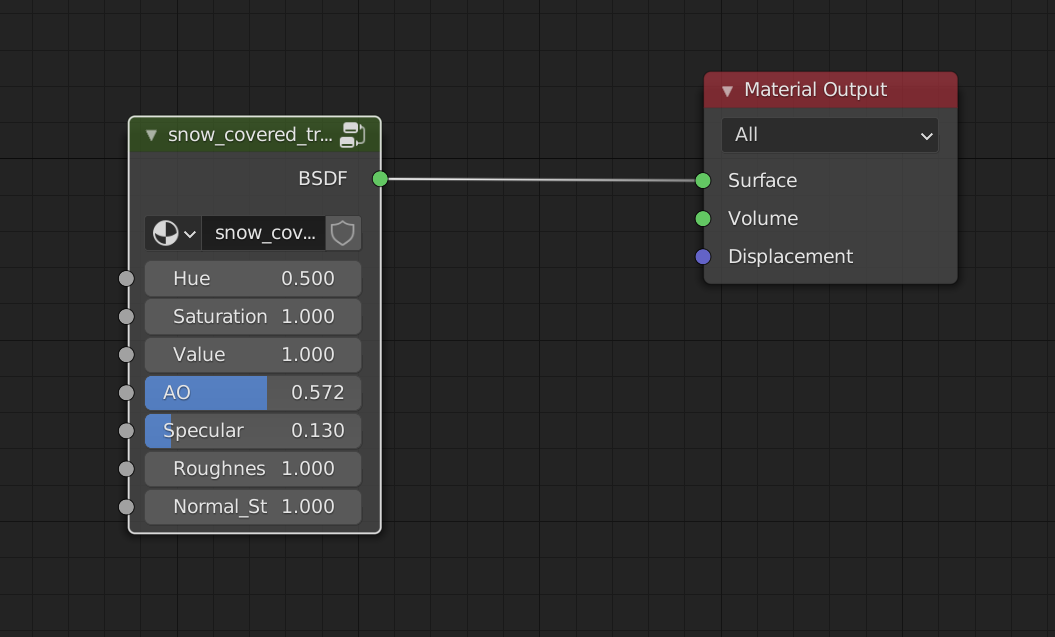
How do I use the tree asset in my scenes?
You can either open the included .blend file, select the object, hit ctrl c, open your destination .blend file and hit ctrl v, or you can append the tree into your scene by selecting File->Append and then navigating to where you saved the included .blend file.
$4.90
Have questions about this product?
Login to message
| Dev Fund Contributor | |
| Published | almost 5 years ago |
| Blender Version | 4.4, 4.3, 4.2, 4.1, 4.0, 3.6, 3.5, 3.4, 3.3, 3.2, 3.1, 3.0, 2.93, 2.92, 2.91, 2.9, 2.83 |
| Render Engine Used | Cycles, Eevee |
| Misc Data | Uvs-Unwrapped, Normal-Mapped, Textured |
| License | Royalty Free |
Discover more products like this
photogrammetry snow covered winter24 Photoreal bfcm23 snowy photoscan tree stumps spring24 summer24 bfcm24 tree stump tree snow