Blender Easy




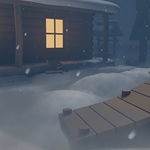
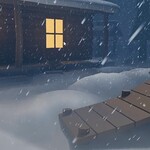
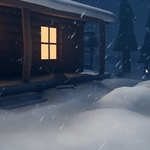
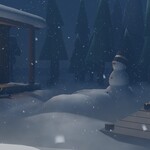
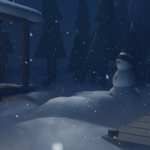


SnowFX instantly transforms any scene into a rich, cinematic winter environment, complete with animated snowflakes and atmospheric fog.
Built for both speed and flexibility, it’s incredibly easy to use while still giving you full artistic control—so you can create beautiful, realistic winter scenes in seconds, not hours.
Setup is effortless: simply apply it to a cube that matches your scene, or load your scene collection directly. No complex setup, no hassle—just drop it in and bring your winter scenes to life.
How to Use
- Move the SnowFX.blend file into your Asset Library folder.
- Open Blender and make sure your Asset Library is enabled.
- Locate SnowFX in the Asset Browser.
- Simply drag and drop it onto any 3D mesh in your scene.
That’s it! SnowFX will automatically apply the effect and transform your scene into a winter environment.
Artwork Attribution
This product includes preview scenes using the 3D model "Winter Country House" by TheWoodWard, licensed under Creative Commons Attribution (CC BY).
You can view the original artwork here: View on Sketchfab
Note: This model is used for demonstration purposes only and is not included as part of the main SnowFX asset.