Blender Easy


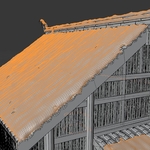
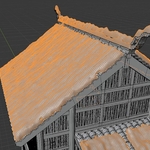
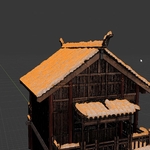
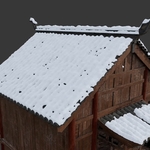
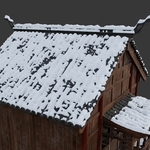
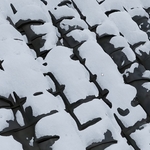
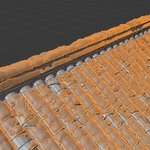
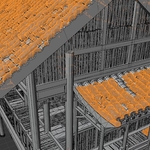
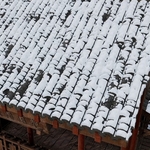
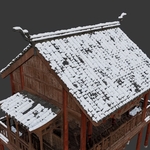
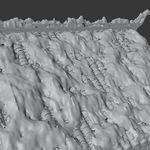
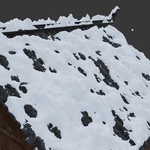
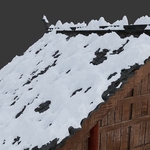
 Instantly transform your scenes with a fully procedural snow system designed for speed, realism, and flexibility. With just a few clicks, you can generate a natural snow layer that conforms beautifully to any surface.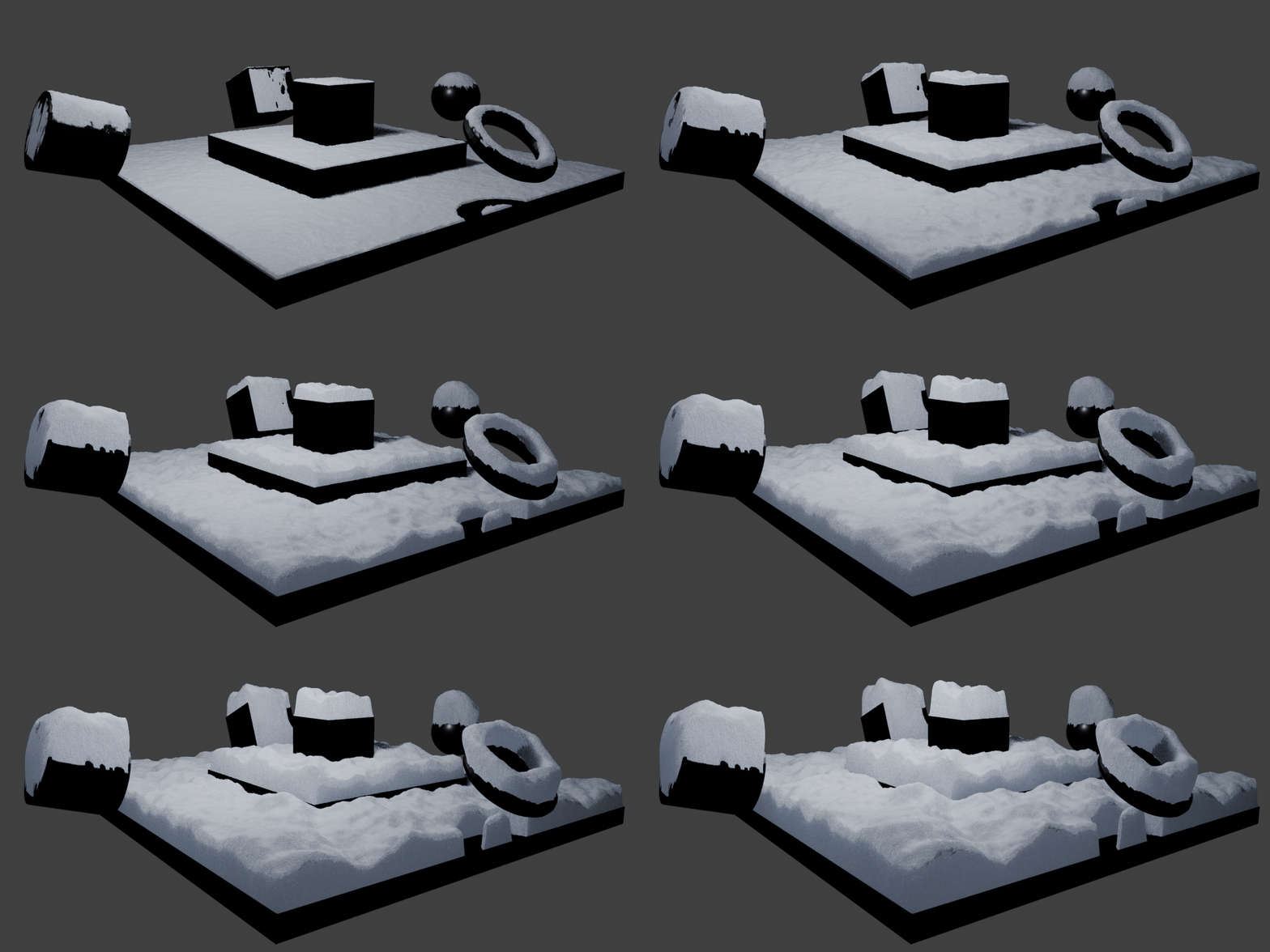
Designed to be both powerful and intuitive, this tool gives you full artistic control over snow buildup. Easily adjust displacement, thickness, and accumulation to simulate everything from a light dusting to heavy snowfall, all while maintaining highly realistic results. 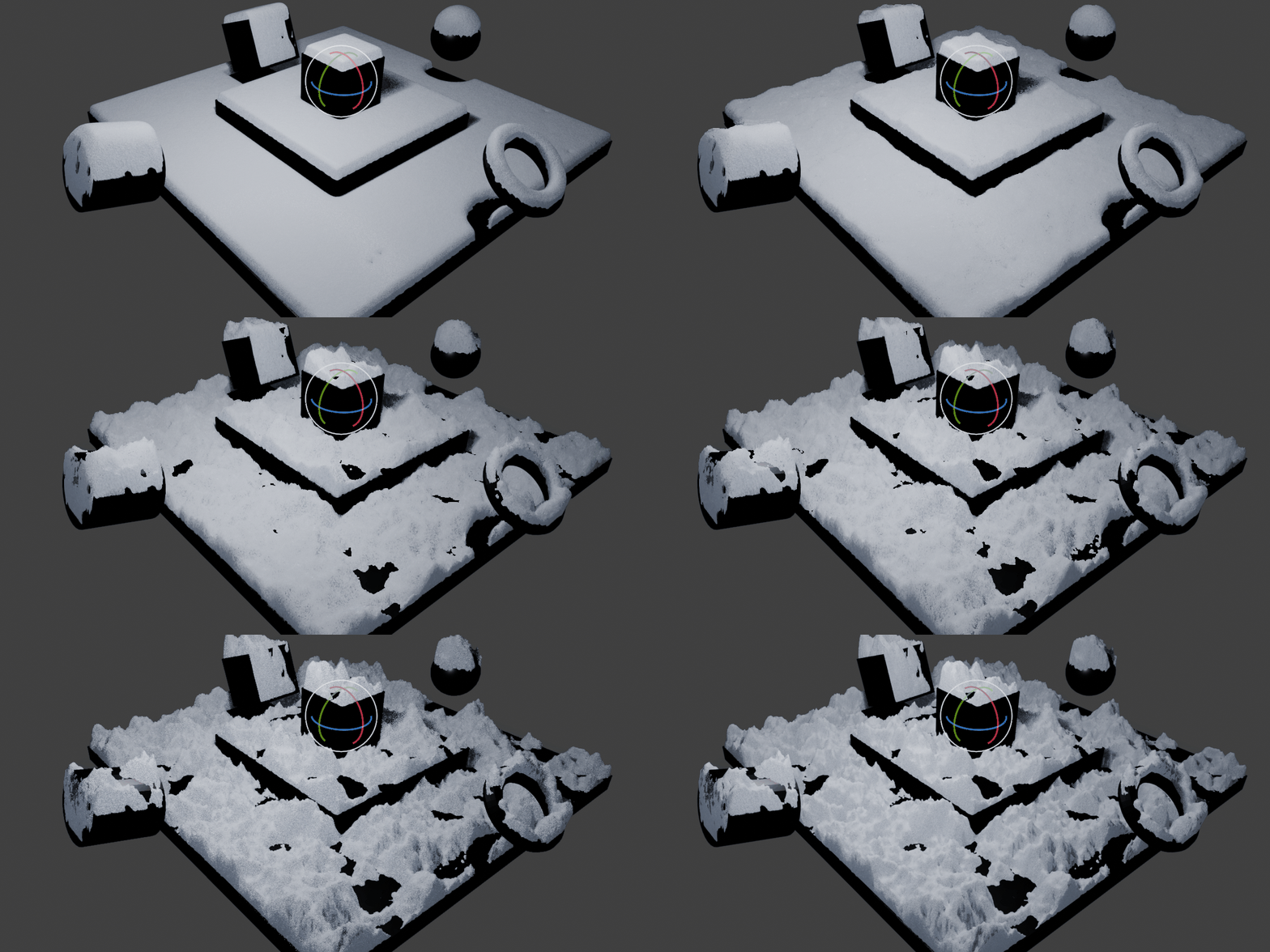
The system intelligently generates snow in a physically believable way, naturally covering and occluding underlying surfaces. With support for masks, you gain precise control over where snow appears, allowing for art-directed results without sacrificing realism. 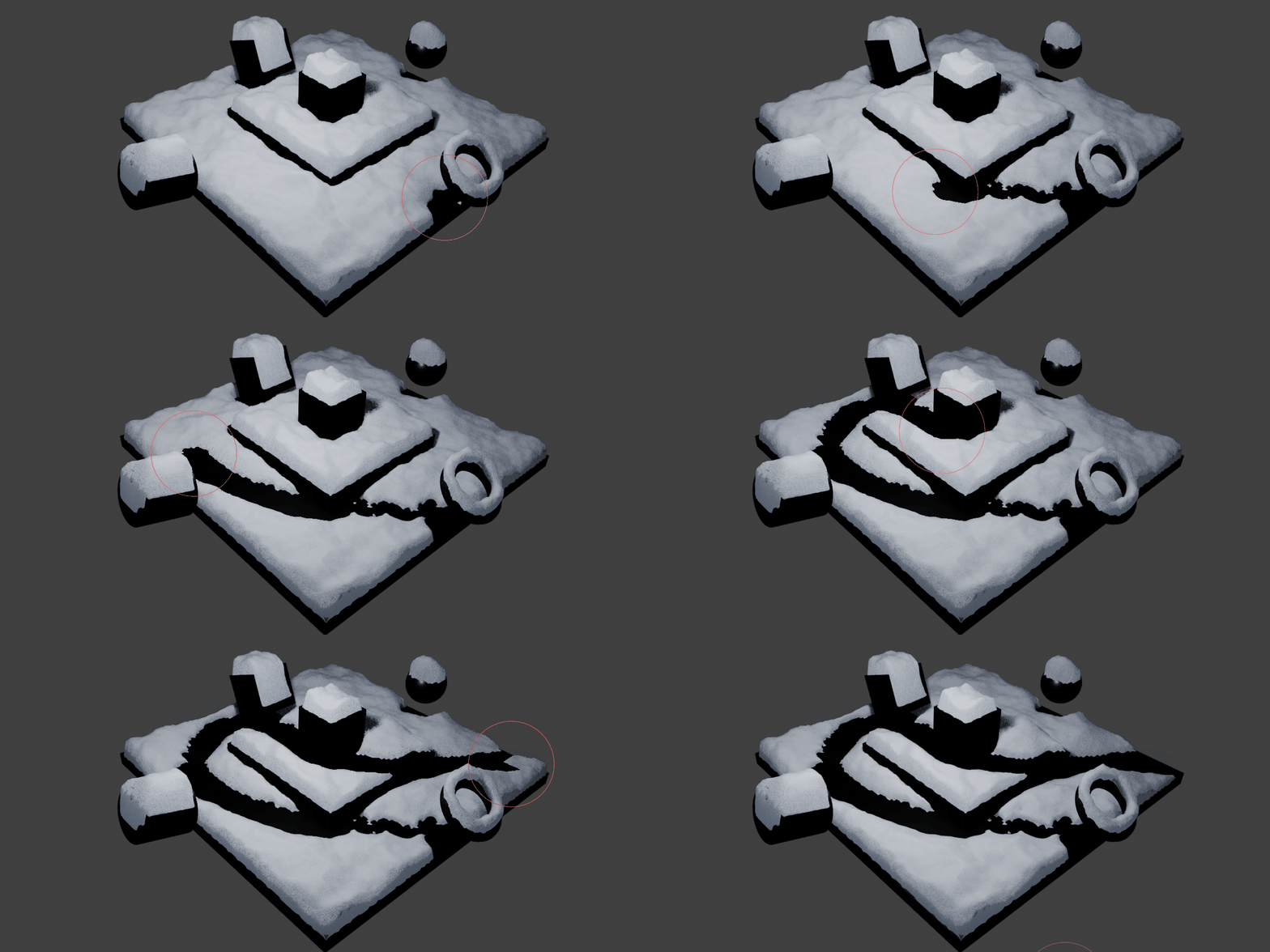
Push realism even further by adding snow particles on top of your surfaces. The built-in camera culling system ensures optimal performance, so you can achieve high-quality results without slowing down your workflow. 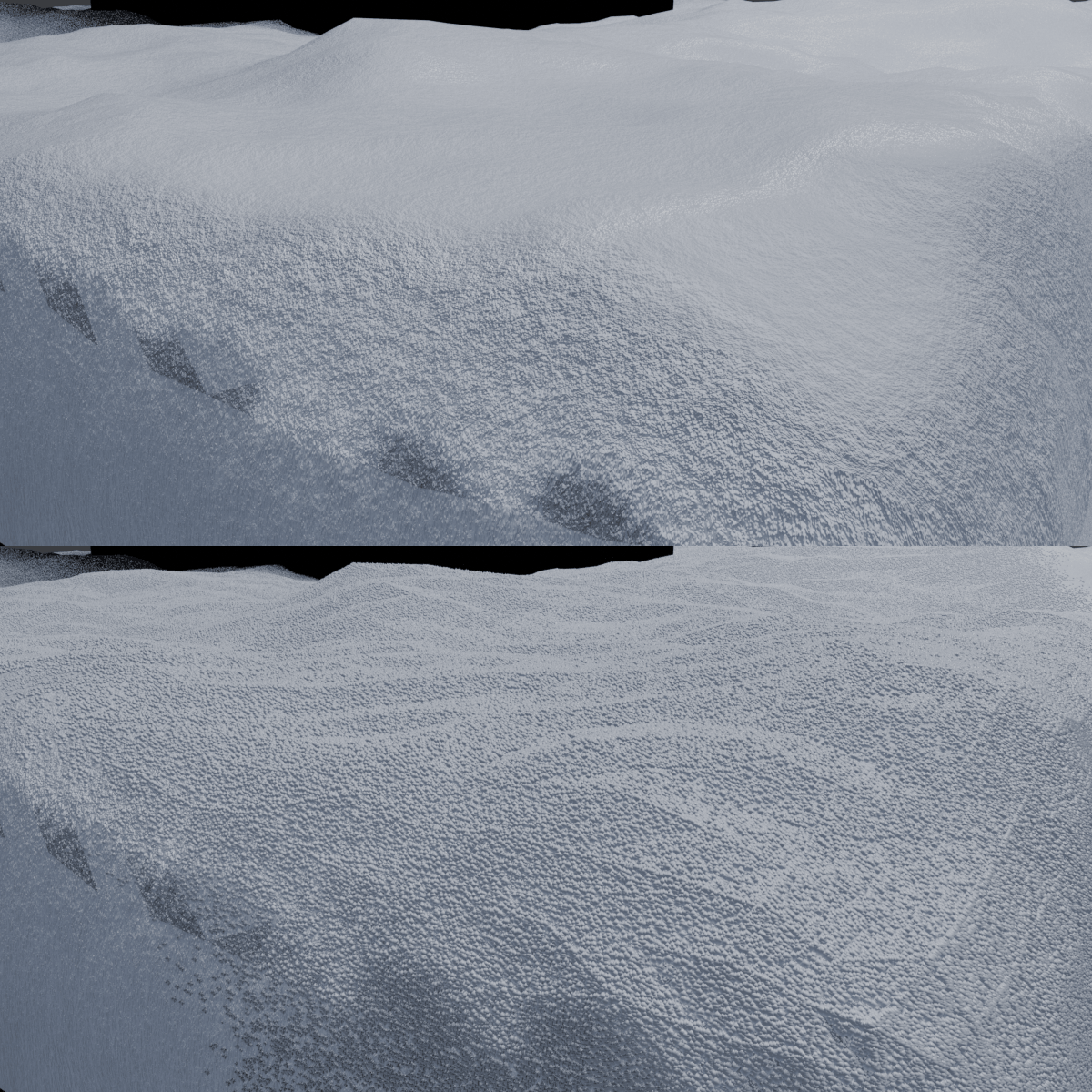
Installation & Usage
- Move the SnowCover.blend file into your Asset Library folder.
- Add any 3D mesh to your scene.
- Open the Asset Browser.
- Locate Snow Cover.
- Drag and drop it onto your mesh and load the scene collection to instantly apply the effect.