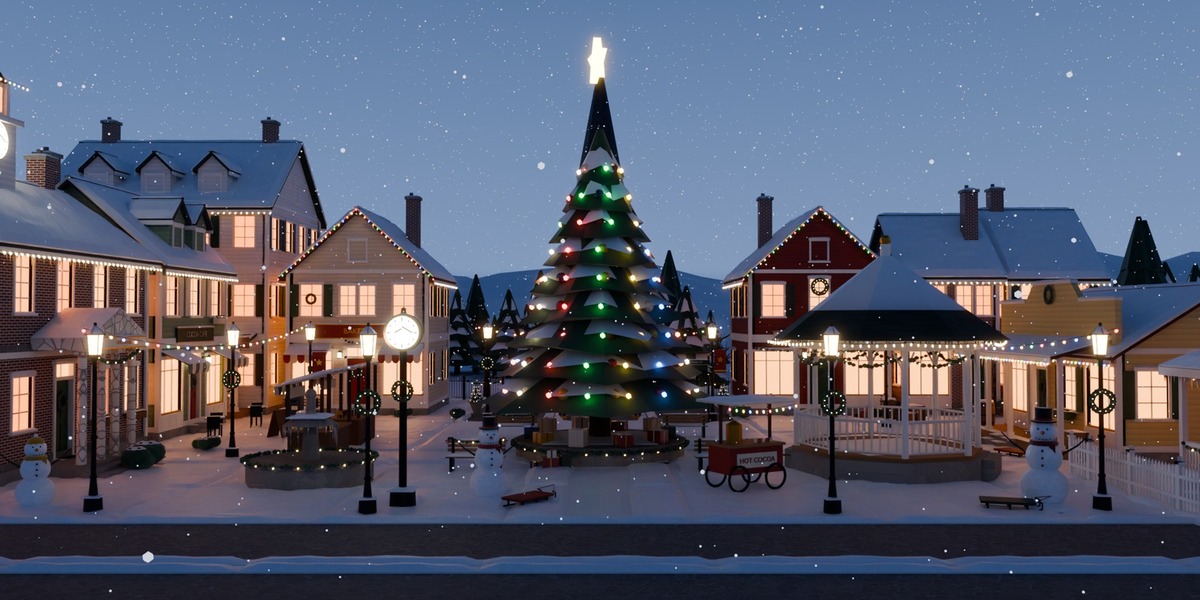
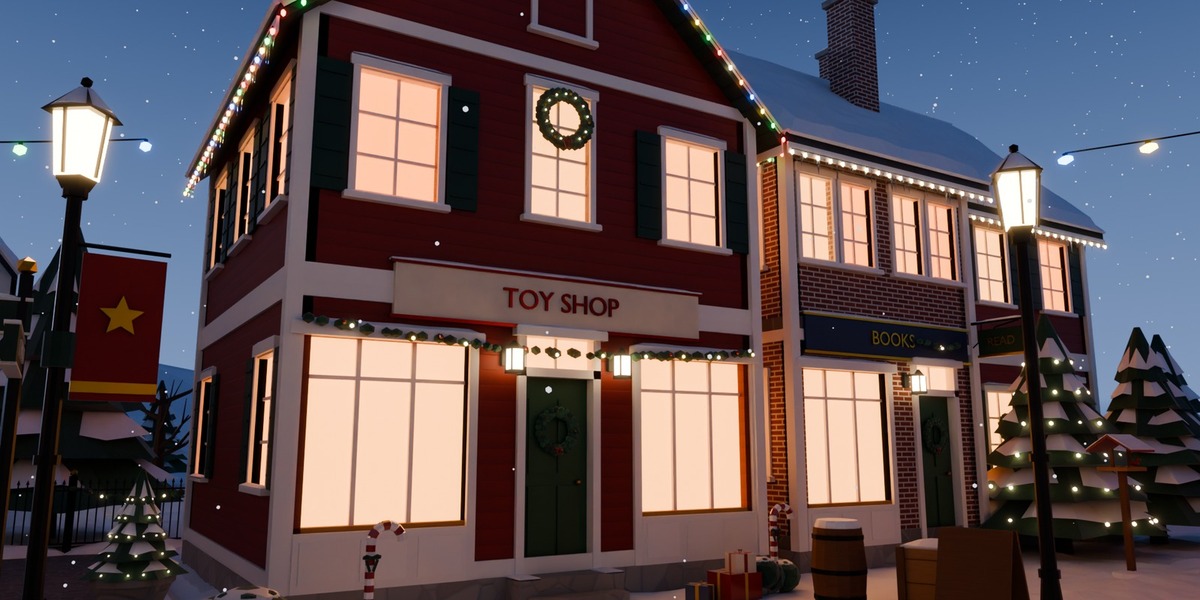
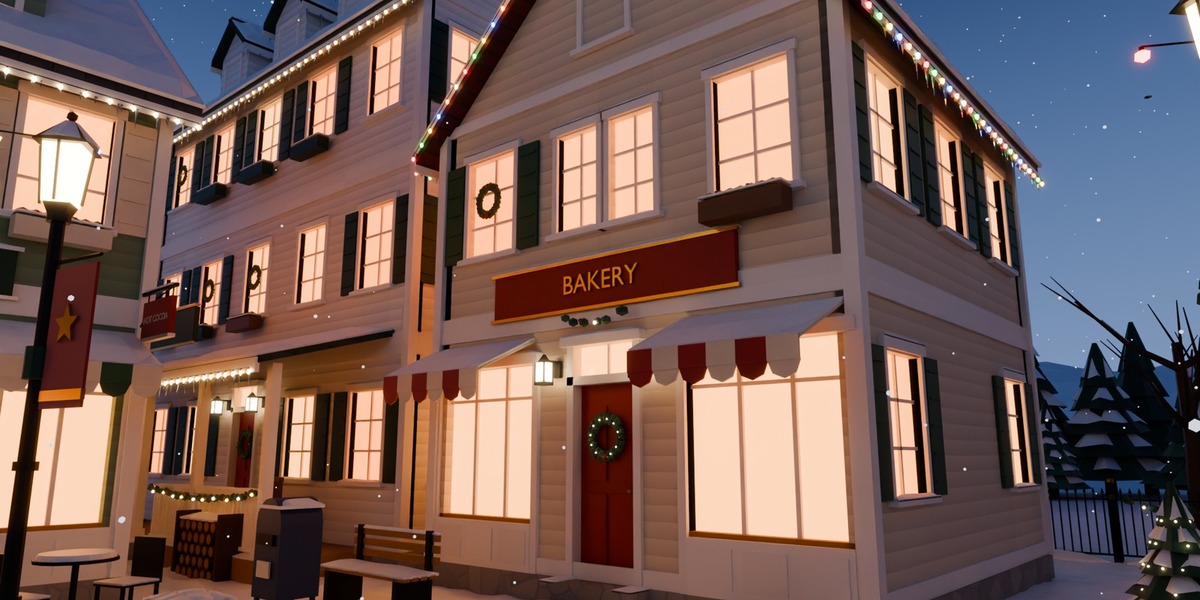
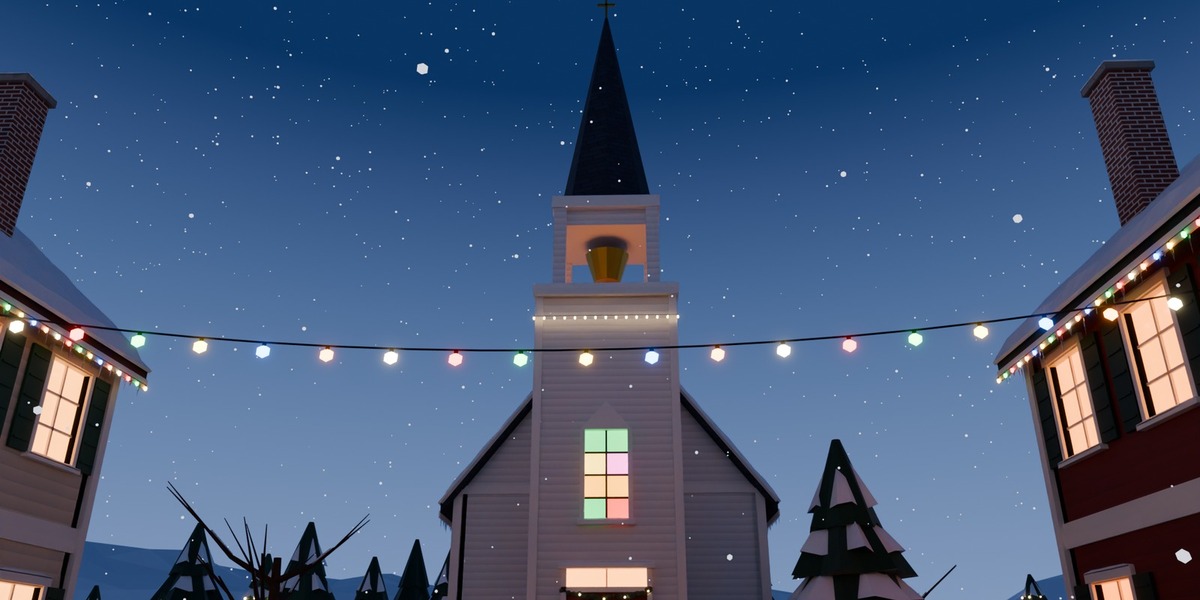
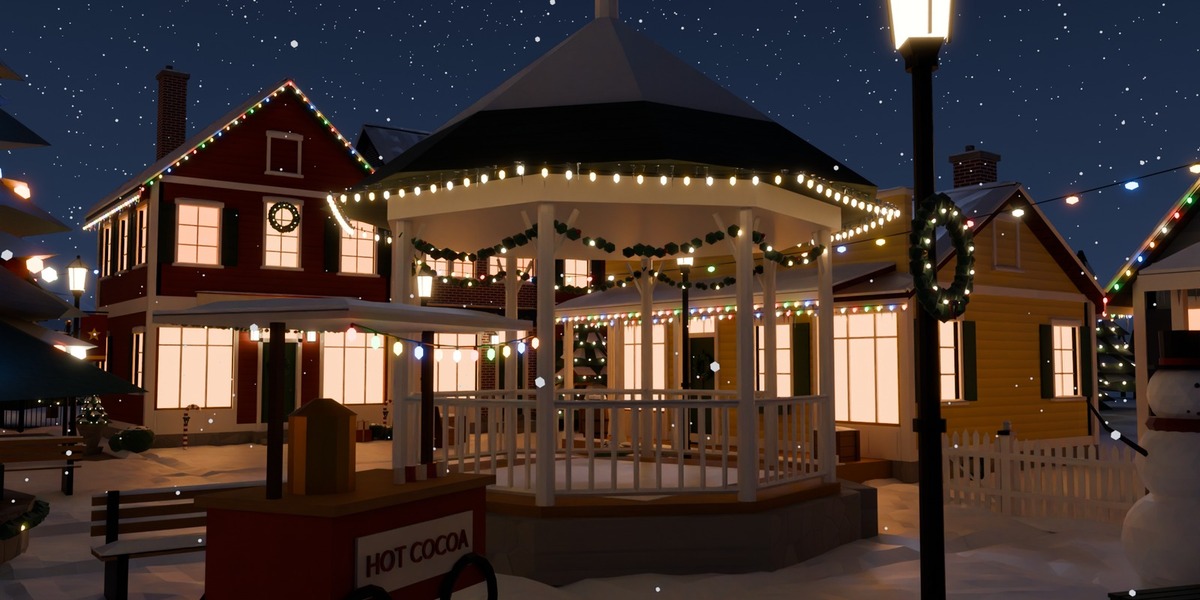
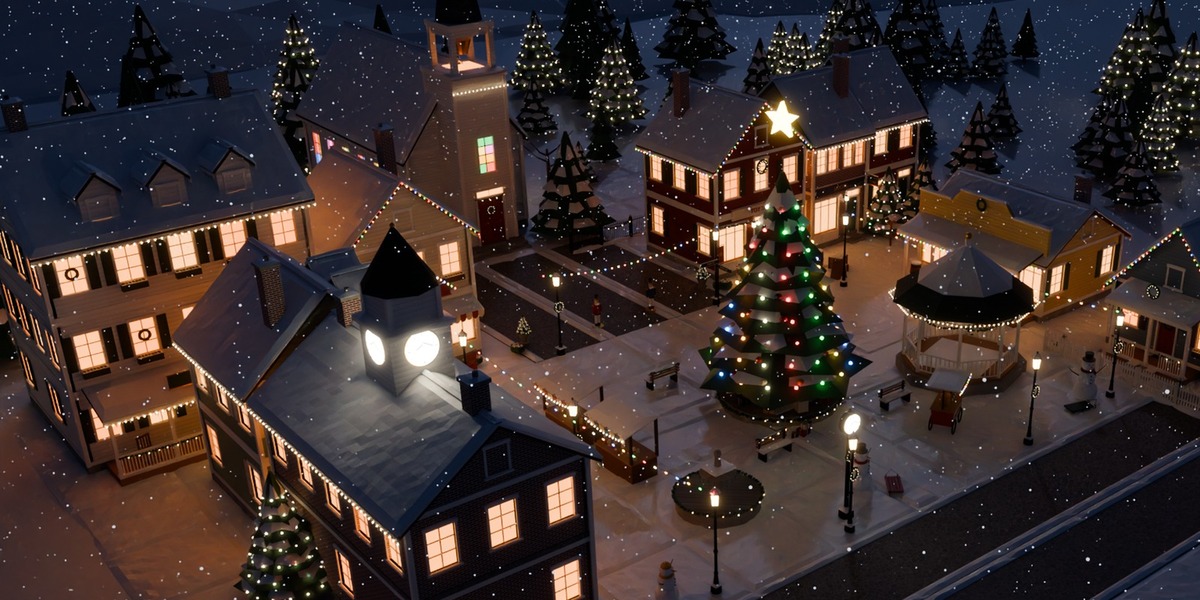
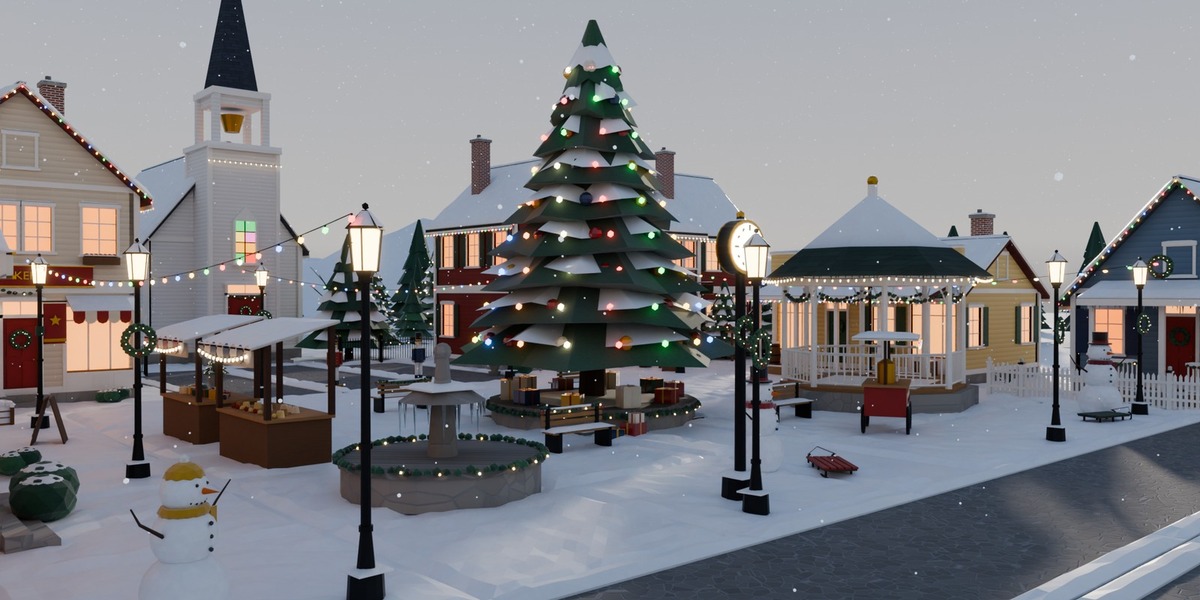
Snowfall Hollow - Christmas Village Kit for Blender (179 Assets)
 Sonneblom Digitaal
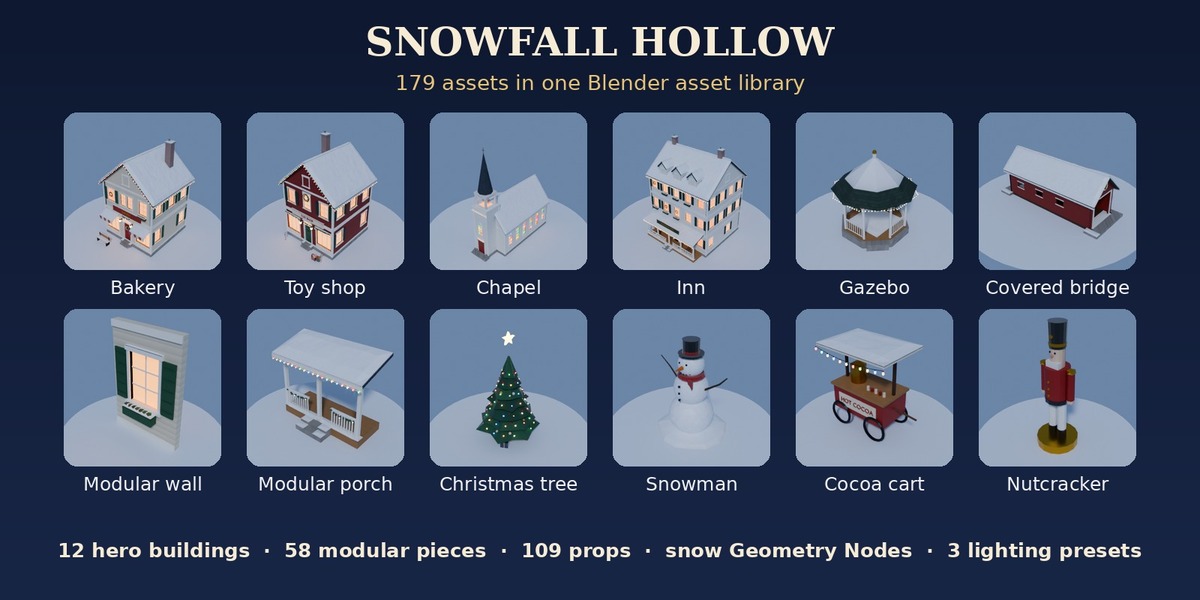
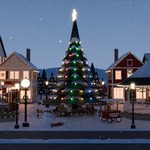
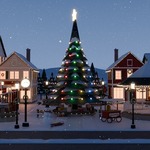
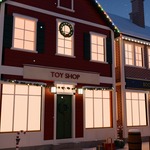
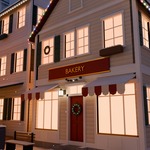

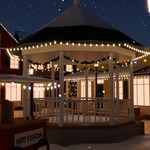
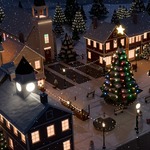
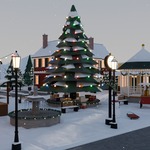
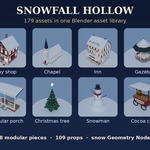
Install
- Unzip SnowfallHollow_v1.0.zip to a permanent folder.
- Edit > Preferences > File Paths > Asset Libraries > + and pick the Blender folder.
- Open an Asset Browser and choose the library: Buildings, Modular Kit, Christmas, Street, Trees & Plants, Winter, Market & Yard, Ground Tiles, Materials, Geometry Nodes.
- Drag assets into your scene. Open Scene/SnowfallHollow_TownSquare.blend for the finished town square (3 scenes = 3 lighting presets).
Modular rules
Walls are 2 m wide and 3 m tall; origin at the bottom-left corner of the outer face (outer face on y = 0, facing -Y). Snap 2 m in X, 3 m per storey. Roof sections and gables fit 6 m deep buildings. Ground tiles are 4 x 4 m. Metres, real-world scale.
Snow tools
Add Modifier > Geometry Nodes > SH_Snow_Cover on any mesh for instant snow on up-facing faces; SH_Snowfall on any object for animated falling snow.
Game engines
Exports zips: FBX/OBJ/GLB per catalog, FBX/GLB per asset, Y up, vertex colours. Use Vertex Color as Base Color (and as Emission on the Glass/Bulb slots for glowing windows). Full list: CATALOGUE.md.
Support
Message us through the store. Fixes and additions come as free v1.x updates.
Have questions about this product?
Login to message
| Published | 37 minutes ago |
| Blender Version | 4.2 - 5.2 |
| Render Engine Used | Cycles, Eevee |
| License | Royalty Free |