 ZEG

Installation
In Blender open Edit, Preferences, Get Extensions, then use Install from Disk and pick the snowman_generator zip.
Usage
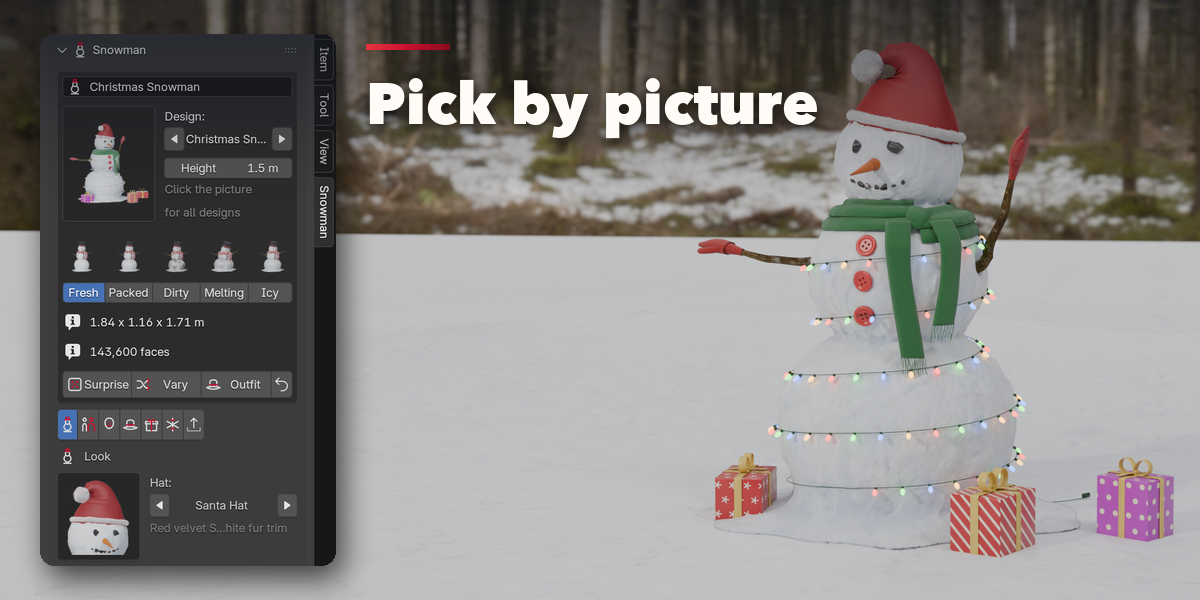
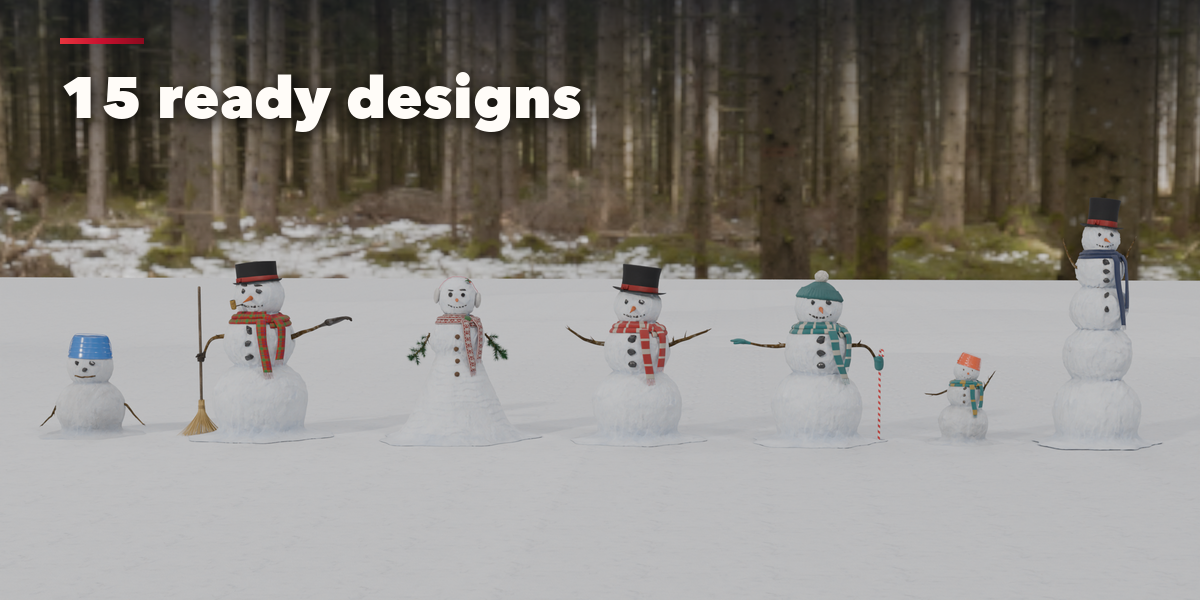
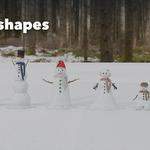
- Open the Snowman tab in the 3D viewport sidebar (N). With nothing selected, click the picture to choose a design and add it at the 3D cursor, or press Surprise Me. You can also use Shift+A, Mesh, Snowman.
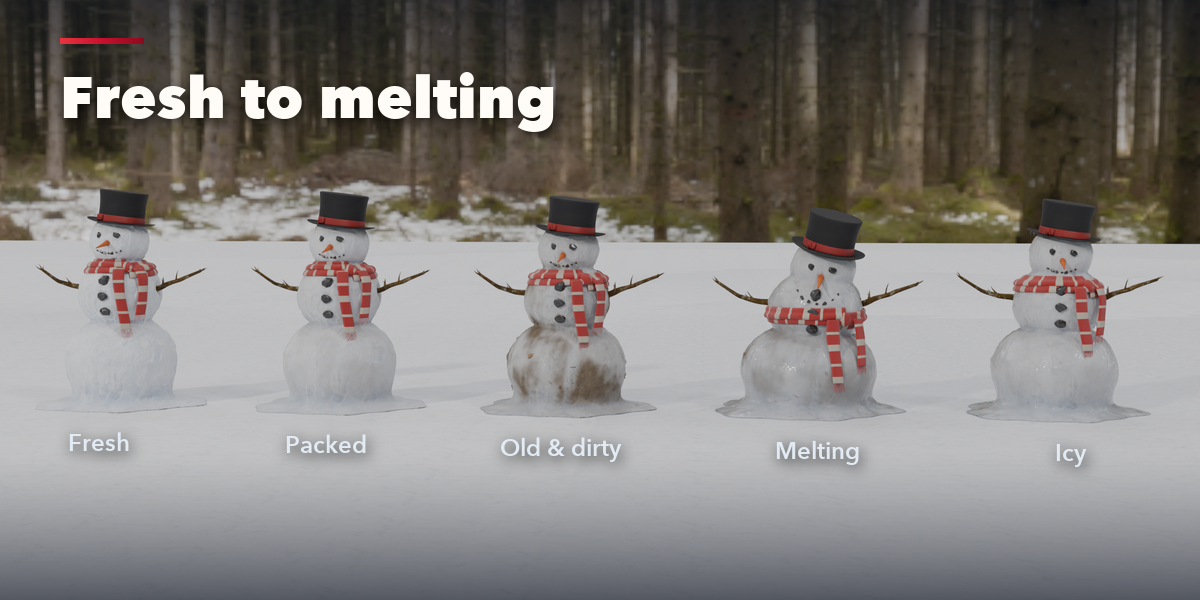
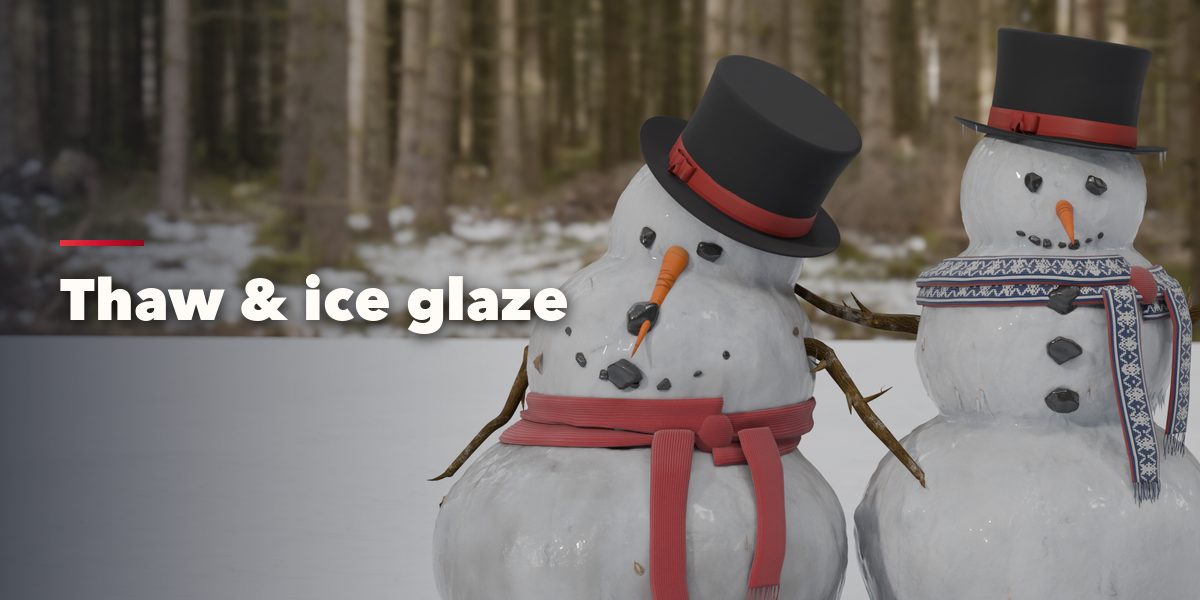
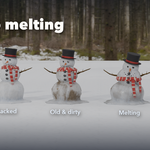
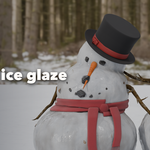
- The card at the top shows the design, its height and the snow condition. Surprise makes a new random snowman in place, Vary rolls new snow, Outfit picks new clothes and the arrow resets the design.
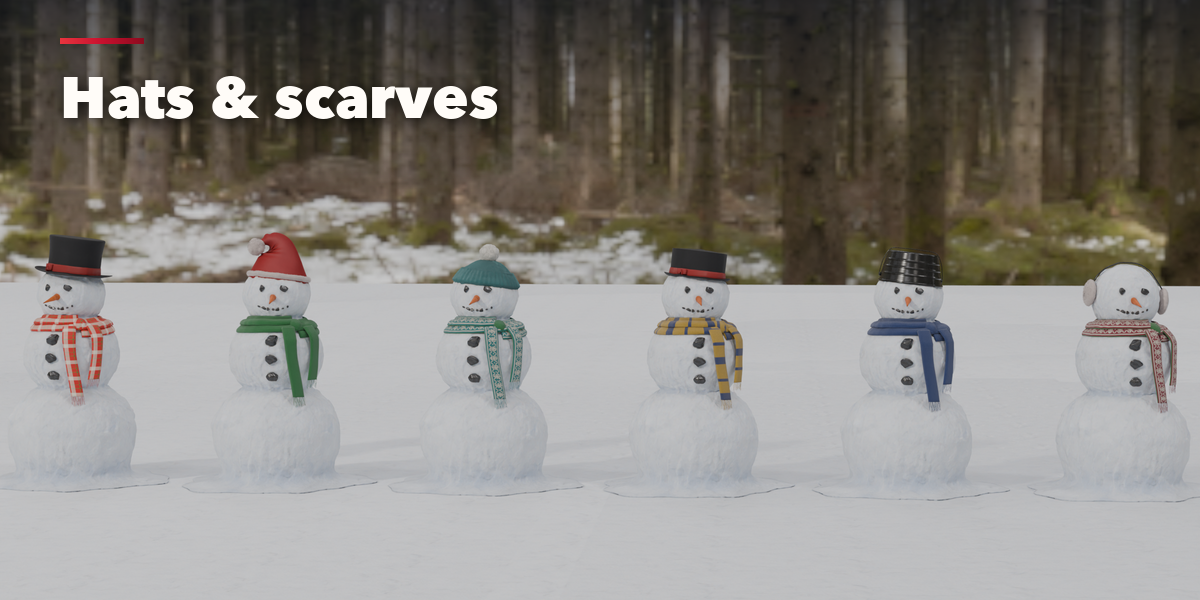
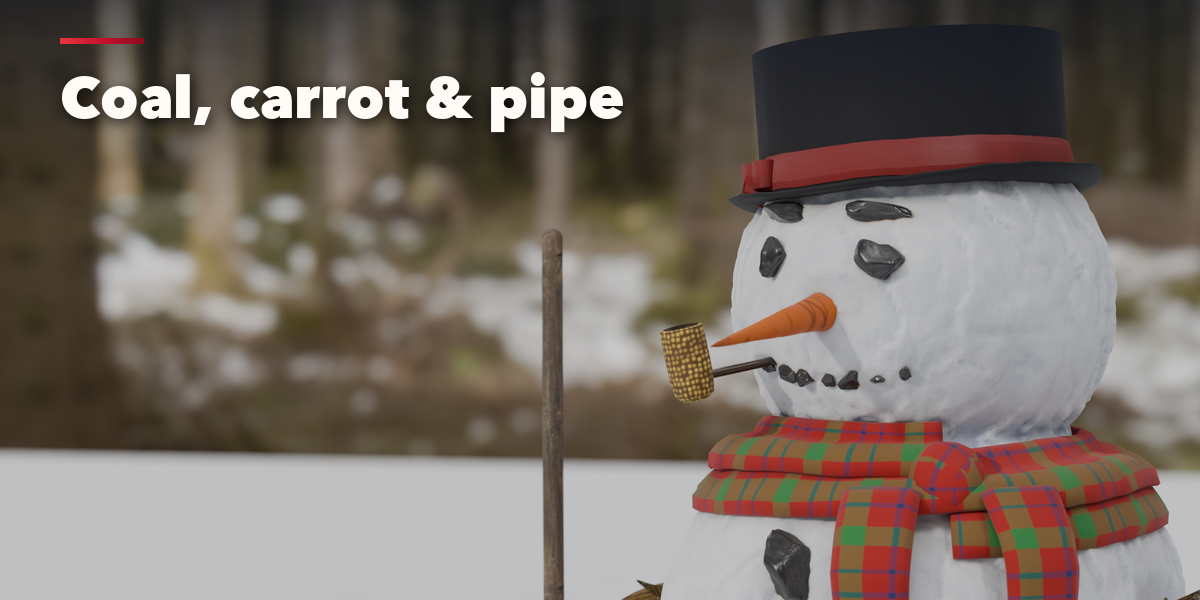
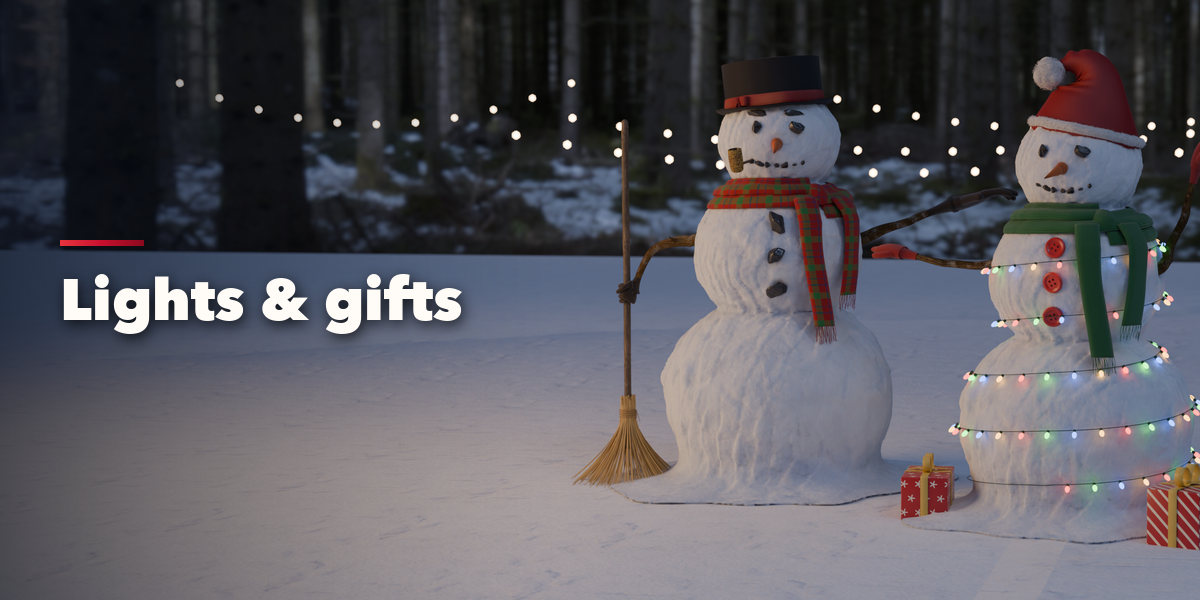
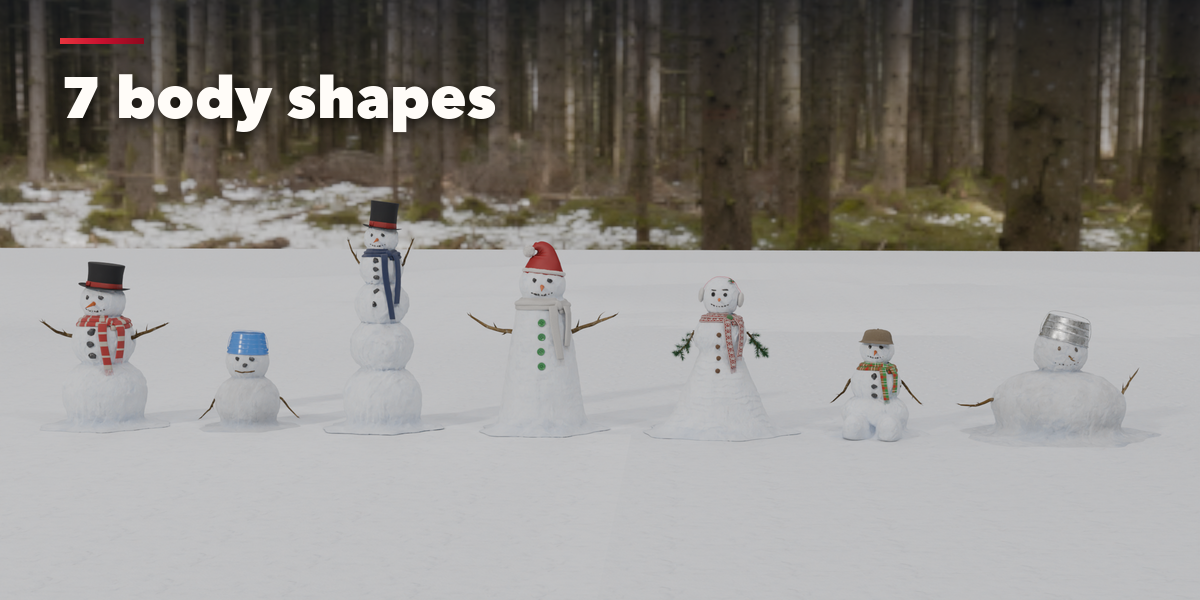
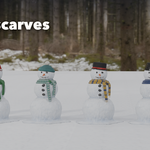
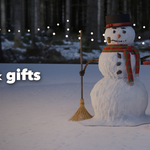
- The icon tabs hold every setting: Look (hat, scarf, nose, arms and props at a glance), Body, Face, Outfit, Props, Snow (condition, melt, dirt, icicles, ground) and Export (detail, seed, Convert to Mesh).
- Picture choices open a gallery: click the picture to see every option, or step through them with the arrows.
Use High or Ultra detail for close-ups and Low for crowds. Convert to Mesh makes a plain copy for editing or export.
Have questions about this product?
Login to message
| Blender Extension Compatible | Yes |
| Published | about 1 hour ago |
| Blender Version | 4.2 - 5.2 |
| Extension Type | Add-on |
| Render Engine Used | Cycles, Eevee |
| License | GPL |
