Snuggles the Toon Bear
 3D Universe
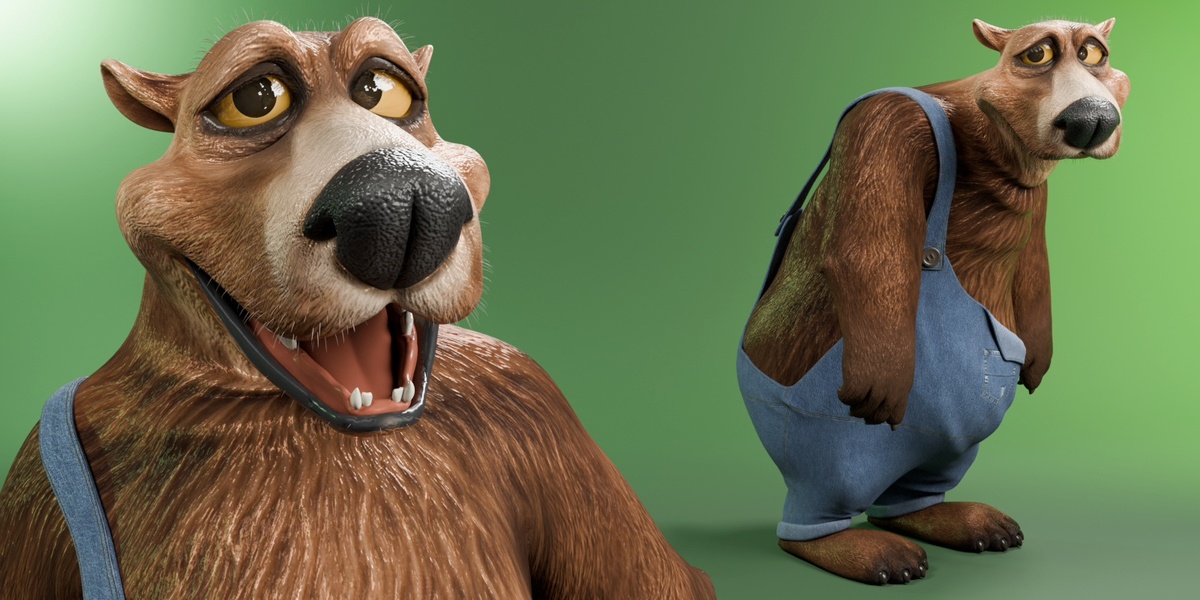
SNUGGLES THE TOON BEAR | TECHNICAL USER GUIDE
Installation, File Formats, Rigging & Animation Controls
1. Package Contents
Blender — Snuggles.blend contains the editable character rig, body, pants, head hair, eyelashes, packed textures, pose assets, and Cycles studio scene.
FBX — Snuggles.fbx contains the skinned character, blendshapes, and a baked control demonstration. Snuggles (Mixamo).fbx is the neutral version prepared for uploading to Mixamo.
GLB — Snuggles.glb contains the skinned character, embedded textures, morph targets, and a baked control demonstration in a single file.
Python Add-ons — Add Character Control Interface.py adds the Character panel to Blender. COPYING.txt contains the add-on’s GPL license.
README.txt contains setup instructions. LICENSE.txt contains the character model usage terms.
2. Open Snuggles in Blender
Extract the complete ZIP and keep its folder structure intact. Use Blender 5.0 or later.
In Blender, choose File > Open and select Blender/Snuggles.blend. To read the included instructions, switch an area to the Text Editor and select START HERE from the text dropdown.
Select Snuggles The Bear Rig and enter Pose Mode. The native pose controls and Shape Keys are available as soon as you open the file. Save a working copy for your animation project.
3. Install the Character Control Interface
In Blender, open Edit > Preferences > Add-ons. From the upper-right dropdown, choose Install from Disk. Select Python Add-ons/Add Character Control Interface.py from the extracted package.
Search for Character Expressions and IK/FK in the Add-ons list and tick its checkbox. Return to the 3D Viewport, select the rig, press N, and open the Character tab.
4. Use the Character Panel
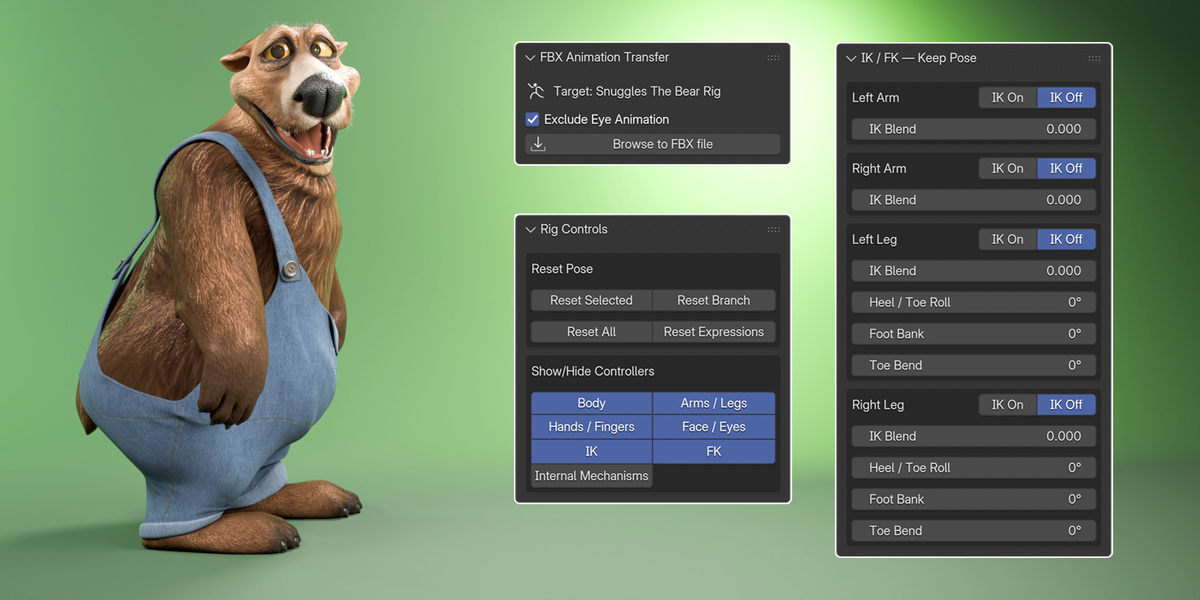
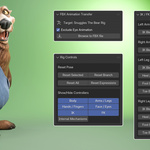
IK / FK — Keep Pose gives you per-limb IK On and IK Off buttons, an IK Blend slider, and foot controls for the legs.
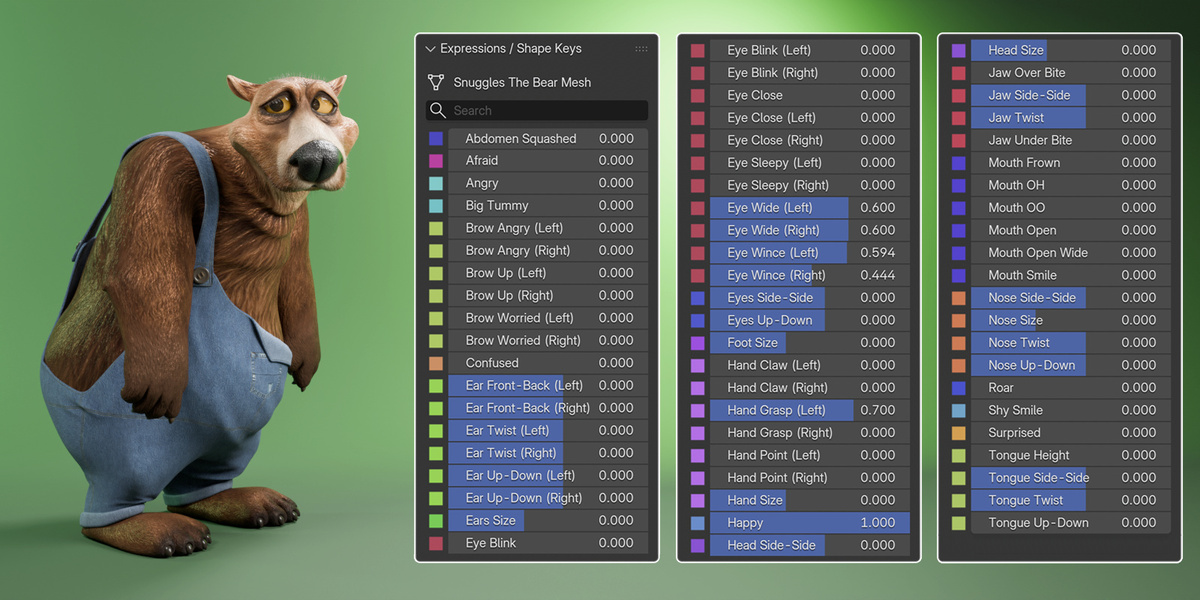
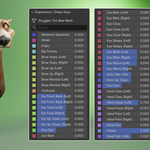
Expressions / Shape Keys gives you searchable sliders for facial expressions and character shapes. Search for a control by name, such as Shy Smile or Eye Blink.
Rig Controls lets you reset selected controls, a limb branch, the full rig, or just the expressions. You can also show or hide controller groups such as hands, face, IK, and FK to clear the viewport while posing.
Animation Transfer applies compatible FBX motion to Snuggles’ Blender rig. See Section 10 for the Mixamo workflow.
5. Pose with IK and FK
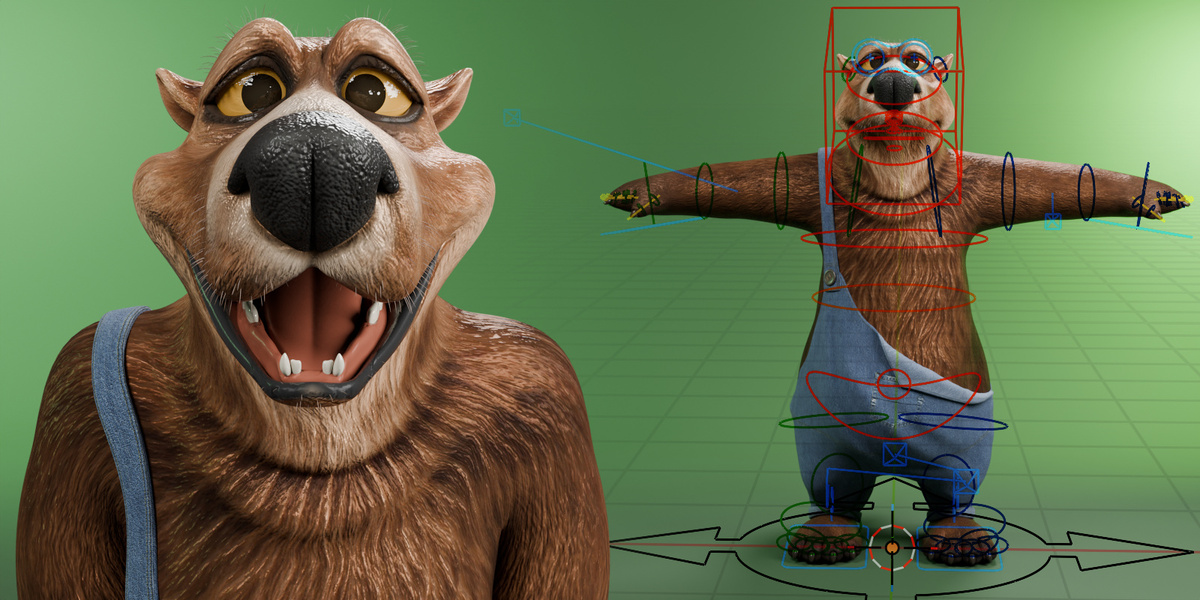
Snuggles has independent IK/FK controls for the left arm, right arm, left leg, and right leg.
In IK, move a hand or foot target to position the end of the limb. Use the elbow or knee pole to guide the bend. IK is useful for planted feet, hands resting against objects, and other contact poses.
In FK, rotate the individual limb controls to shape the pose. FK is useful for swinging arms, broad cartoon gestures, and movements where you want direct control over each joint’s rotation.
To switch modes, select the rig, open IK / FK — Keep Pose, and click IK On or IK Off for the limb you want to change. These buttons match the controls to the current pose as they switch. IK Blend ranges from 0 for full FK to 1 for full IK. Intermediate values blend the two solutions.
6. Use the Foot and Finger Controls
Heel / Toe Roll lets you rock the foot through the heel and toe during a step. Foot Bank tilts the foot sideways for weight shifts. Toe Bend adjusts the toes for push-off, tiptoe poses, and exaggerated steps. These controls are available for each leg in the IK/FK panel.
For the hands, use the left and right Claw, Grasp, and Point shapes to establish the gesture. Use the finger curl controls or rotate individual finger joints to refine it.
7. Animate Expressions and Shape Keys
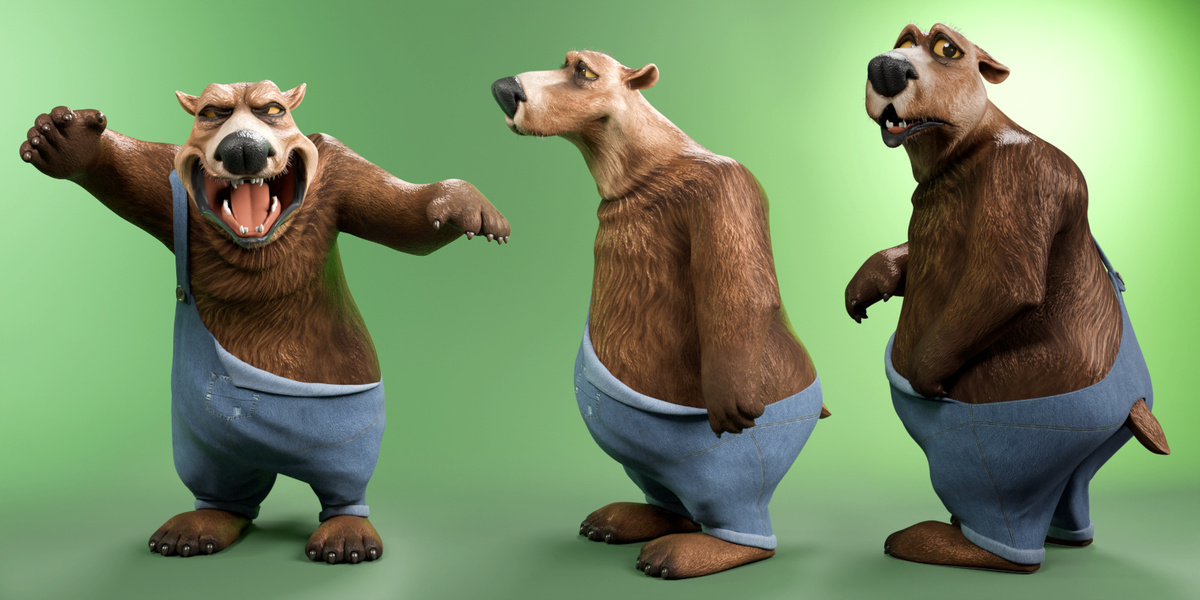
The body includes 64 shape keys. Complete expressions include Happy, Angry, Confused, Afraid, Roar, Shy Smile, and Surprised. You can also adjust the left and right brows and eyelids independently, shape the mouth, and move the jaw, ears, nose, and tongue. Use the independent eye-aim controls to direct Snuggles’ gaze.
Body and proportion controls include Big Tummy, Abdomen Squashed, Ears Size, Foot Size, Hand Size, Head Size, and Nose Size. The head hair has Hair Length and Hair Thickness controls plus shapes that follow facial movements. The separate eyelashes include a shortening shape key. The pants include a shape key and automatic joint-driven correctives for thigh, knee, and foot movement.
To animate a shape key, move to the desired frame and set its value. Hover over the value and press I to insert a keyframe. Move to another frame, change the value, and keyframe it again. Play the animation to check the transition. When using a complete expression, start with its component sliders at zero to avoid applying the same movement twice.
8. Use the Character and Pose Assets
Snuggles includes one character collection asset and 11 reusable single-frame pose assets. The character collection brings the rig, body, pants, hair, and eyelashes into a scene together.
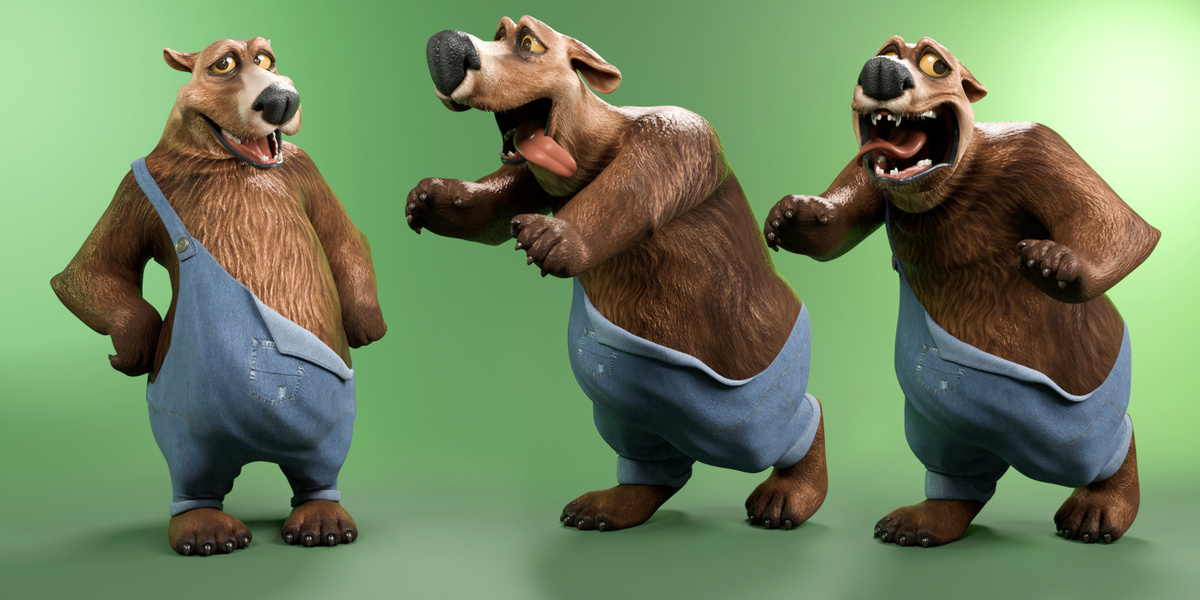
To apply a pose, select Snuggles’ rig, enter Pose Mode, and choose a pose from the Asset Browser or Pose Asset Shelf. Use the supplied poses as starting points, then adjust the limbs, hands, gaze, and expression.
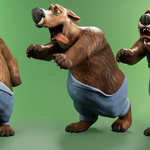
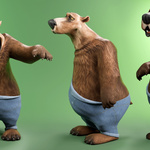
The native Blender file also includes a Cycles studio scene with a camera, lighting, and a curved backdrop for framing portraits and testing poses.
9. Technical Specifications
Body — 26,427 vertices, 26,416 faces, 64 shape keys.
Pants — 12,006 vertices, 11,976 faces, 1 shape key, plus automatic joint correctives.
Head hair — 5,391 vertices, 4,193 faces, 25 shape keys.
Eyelashes — 352 vertices, 240 faces, 1 shape key.
Character total — 44,176 vertices, 42,825 faces, and 91 shape keys. These are base mesh counts for the four character meshes. They exclude the studio backdrop, rig display shapes, and evaluated subdivision. Shape key counts exclude Basis.
Blender rig — 548 bones, including 150 deformation bones. Four independently controlled IK/FK limb chains with elbow and knee poles, foot roll, independent eye aiming, and finger curl controls.
Materials and textures — 18 character materials using Principled BSDF. Packed image textures at 1024 × 1024, 2048 × 2048, and 4096 × 4096.
10. Upload to Mixamo and Transfer Animation
Upload FBX/Snuggles (Mixamo).fbx to Mixamo. This version contains the character in a neutral pose with a simplified skeleton. It omits corrective blendshapes and baked animation to make the file smaller and quicker to upload and use in Mixamo.
Choose an animation in Mixamo and download it as an FBX. Open Snuggles.blend in Blender, select Snuggles The Bear Rig, and open Animation Transfer in the Character tab. Choose the downloaded FBX and run the transfer. The add-on maps compatible source bones to Snuggles and bakes the motion onto the Blender rig’s controls.
Exclude Eye Animation is enabled by default so you can direct Snuggles’ gaze independently after the transfer. Play the result and check the feet, hands, and root motion before adding facial animation. Transfer results depend on the source skeleton and animation.
11. Import the Full FBX
Choose File > Import > FBX (.fbx) and select FBX/Snuggles.fbx. The supplied full FBX contains four skinned meshes, 109 skeleton joints, 530 blendshape channels across the meshes, and one baked control demonstration.
After importing, check scale, orientation, materials, skinning, and playback. The blendshape count includes baked corrective samples. Use Snuggles.blend for the editable Blender rig, live drivers, and Character panel.
12. Import the GLB
Choose File > Import > glTF 2.0 (.glb/.gltf) and select GLB/Snuggles.glb. The supplied GLB contains four skinned meshes, 99 skeleton joints, 13 embedded images, 530 morph targets across the meshes, and one baked control demonstration.
GLB packages the geometry, materials, textures, skinning, and animation in a single file for compatible applications, game engines, and web viewers. Check material appearance, morph playback, and animation in the destination application.
13. Animation Workflow
Start with a supplied pose or transfer a short Mixamo clip onto the rig. Set IK for limbs that need stable contact and use FK for free-swinging limbs. Refine foot placement and hand gestures, then keyframe the gaze and facial expressions. Play the shot back to check timing and contacts, and render a short test from the studio camera.
14. Troubleshooting
Character panel missing — Check that Character Expressions and IK/FK is enabled under Preferences > Add-ons. Select Snuggles’ rig and press N with your pointer over the 3D Viewport.
Limb shifts during IK/FK switching — Use the Keep Pose buttons and check the limb’s IK Blend value. Inspect the pole position and any existing keys on the FK controls or IK target.
Pants fit looks wrong in a bent pose — Check that the pants mesh has an enabled Joint Correctives modifier above Skin. The correctives respond to joint angles. For example, the left thigh bend corrective is clamped from 0 to 1 and activates in its intended bend direction.
FBX motion transfers incorrectly — Confirm that the source FBX contains animation and that Snuggles The Bear Rig is selected. Check the source skeleton, scale, orientation, and root motion. A short clip makes mapping issues easier to spot.
Materials look different after import — Check texture connections, normal maps, colour spaces, and the destination scene’s lighting. The Blender studio scene provides the reference appearance.
Morphs appear missing — Confirm the destination supports morph targets or blendshapes. Use the full FBX or GLB for the exported morphs. The Mixamo upload file is prepared without them.
15. License and Support
You may use and modify Snuggles in personal and commercial projects, including games, films, animation, and illustrations. You may sell and distribute finished projects that incorporate the character. Standalone sale of the character is prohibited in any format, including modified or converted versions. The Blender add-on is licensed under GPL-3.0-or-later. See the included license files for the full terms.
For product support and updates, refer to the Snuggles the Toon Bear product page. When requesting support, include your Blender version, operating system, the file format you’re using, and the steps that reproduce the issue. Attach screenshots or error messages where available.
Happy animating!
3D Universe
Have questions about this product?
Login to message
| Published | 3 days ago |
| Blender Version | 4.5 - 5.2 |
| Render Engine Used | Cycles, Eevee |
| Misc Data | Uvs-Unwrapped, Rigged, Normal-Mapped, Textured |
| License | Royalty Free |