Cinematic Macro Soap Bubbles – Procedural Thin-Film VFX Asset
 Luigi3D
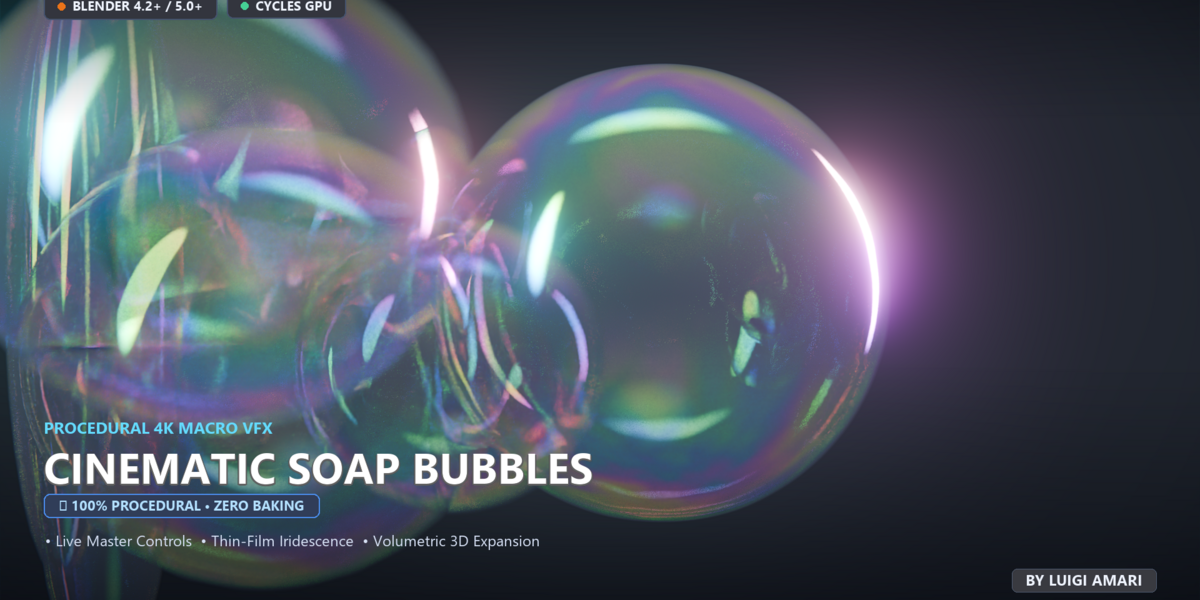
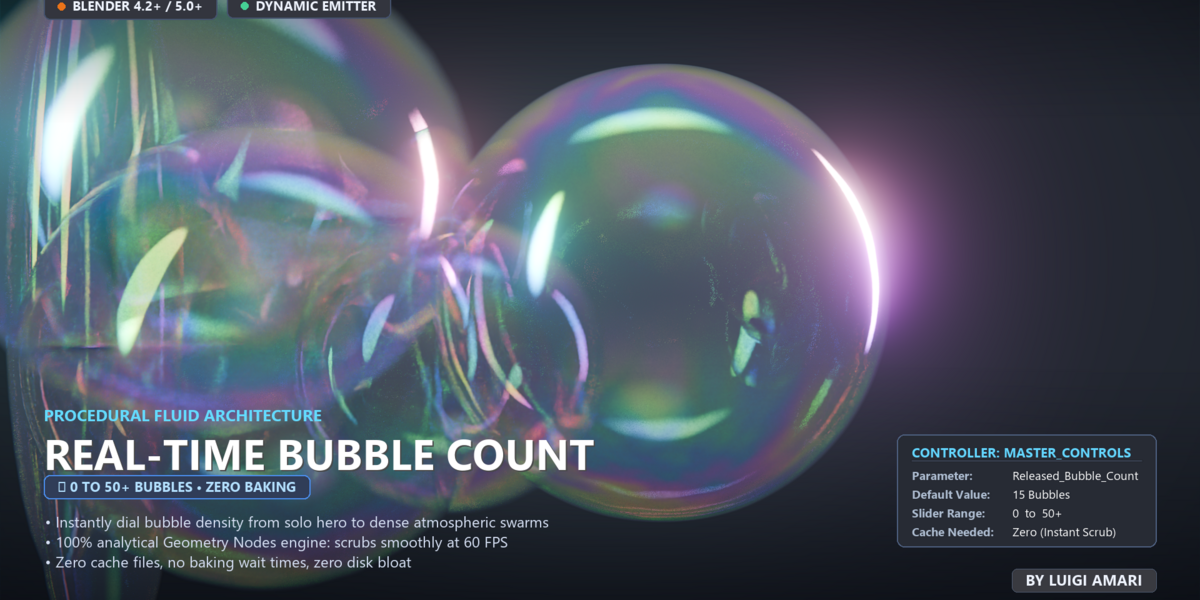
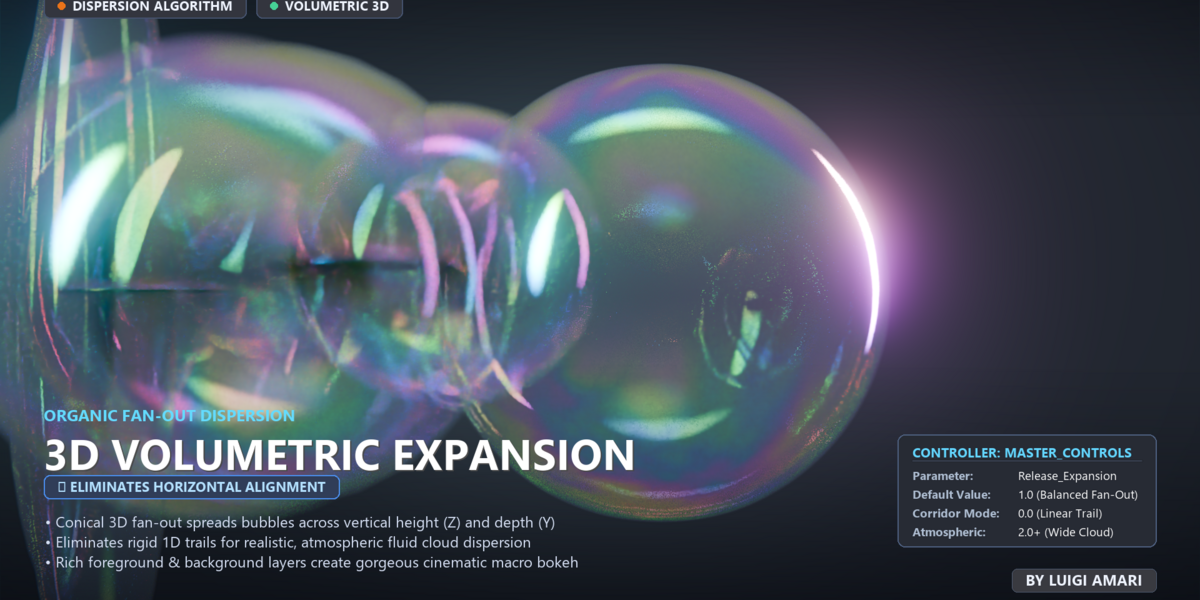
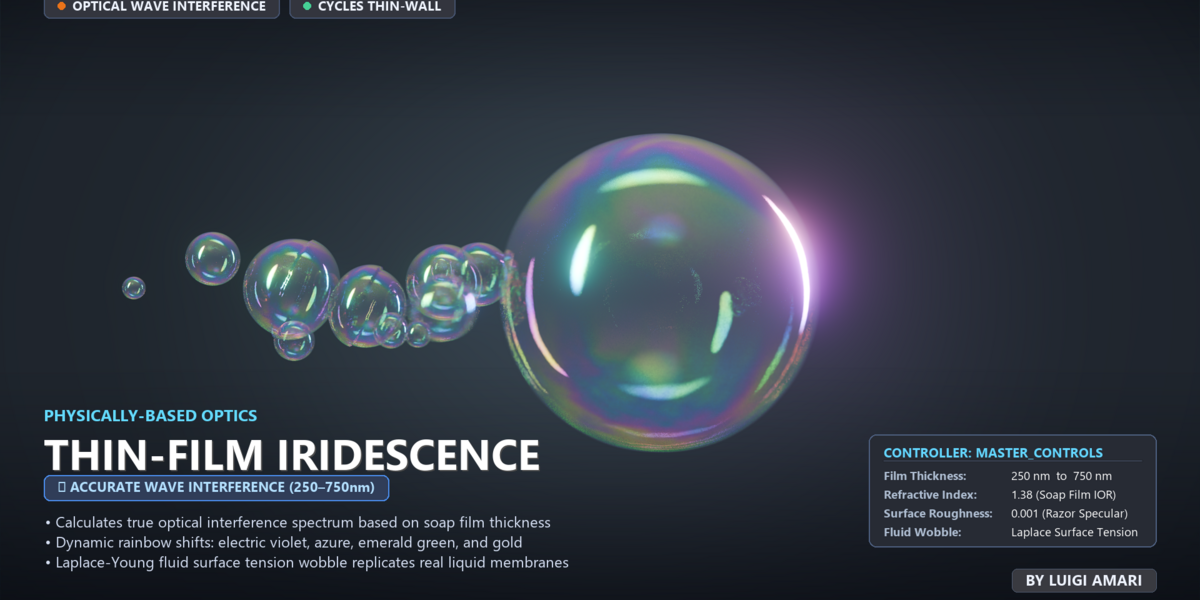

Cinematic Macro Soap Bubbles — User Guide & Technical Reference
Welcome to Cinematic Macro Soap Bubbles, an analytical procedural VFX asset engineered for hyper-realistic macro commercial visualizations, motion design, and broadcast VFX in Blender.
Created by Luigi Amari.
1. Quick Start Guide (60-Second Setup)
Option A: Using the Master Production Scene
- Open Bubbles3.blend.
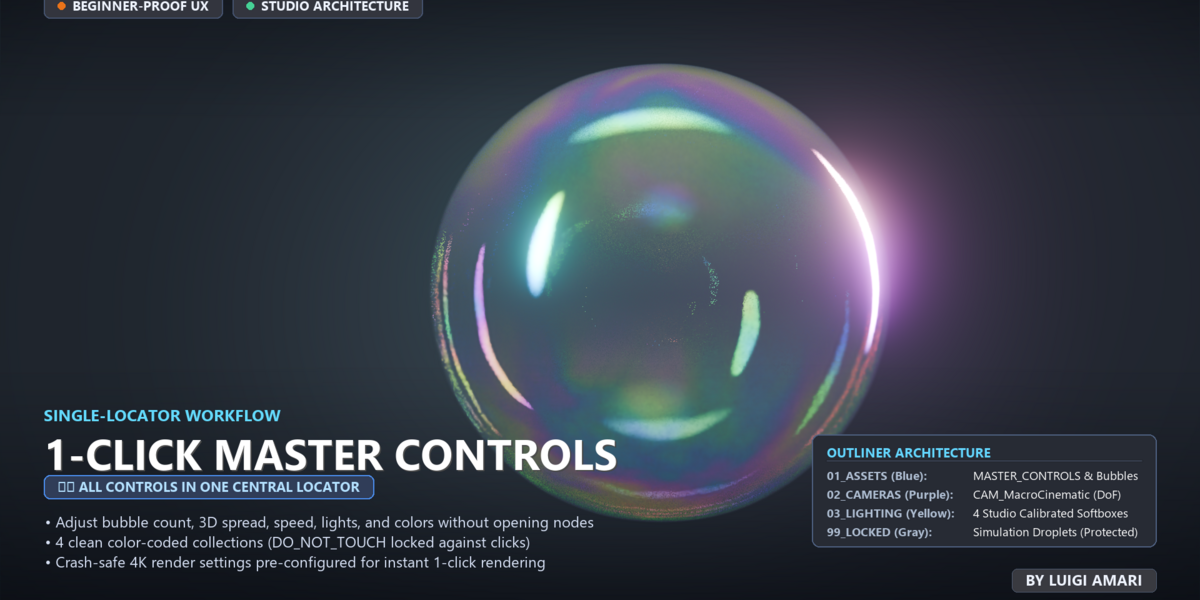
- Select the MASTER_CONTROLS locator in the 3D viewport or Outliner.
- In the Object Properties panel (or Sidebar under Properties), adjust any slider (Bubble Count, Expansion, Thickness, Lights) in real-time.
- Press Spacebar to scrub the animation. Zero baking or simulation caching is required—playback calculates analytically in real time.
- Press F12 to render a 4K frame with pre-configured Cycles OptiX/Metal settings and AgX color management.
Option B: Using Blender’s Asset Browser
- In Blender, go to Edit > Preferences > File Paths > Asset Libraries.
- Add the folder containing Soap_Bubbles_Asset_Library.blend (or download automatically via Superhive).
- Open your Asset Browser panel and set the library to Luigi3D (or User Library).
- Drag and drop:
- M_SoapBubble_ThinFilm: Drop onto any mesh or sphere to turn it into an iridescent soap bubble.
- GN_Dynamic_Bubble_Release: Drop onto any object or empty to spawn an animated stream of procedural bubbles.
- GEO_Cinematic_Soap_Bubble: Drop a ready-to-render hero macro bubble into your scene.
2. MASTER_CONTROLS Reference Guide
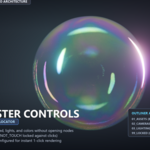
All critical scene parameters are centralized on the MASTER_CONTROLS empty locator via live Python/C-evaluated drivers:
🫧 Dynamic Bubble Release System (Geometry Nodes)
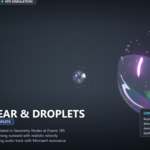
- Released_Bubble_Count [0 – 100] (Default: 15): Controls the exact number of secondary daughter bubbles released around the hero bubble. Set to 0 for a pure hero macro shot, or 25+ for high-density bubbling.
- Release_Expansion [0.0 – 5.0] (Default: 1.0): Controls 3D conical fan-out dispersion across the Z (vertical) and Y (depth) axes. Prevents bubbles from clumping into a single straight line.
- Release_Speed [0.1 – 5.0] (Default: 1.0): Controls velocity of bubbles rising and peeling away from the surface.
- Bubble_Size_Scale [0.05 – 1.0] (Default: 0.32): Global scale multiplier for released bubbles while preserving their randomized size distribution.
- Bubble_Lifespan [10 – 200 frames] (Default: 65.0): Number of frames a bubble lives after spawning before naturally popping.
- Release_Random_Seed [0 – 1000] (Default: 42): Instantly rolls a new randomized distribution of bubble trajectories, spawn times, and sizes.
🌈 Physical Thin-Film Surfactant Shading
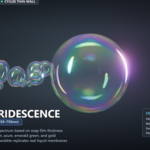
- Film_Thickness_Min [100 – 1200 nm] (Default: 250 nm): Minimum liquid membrane thickness. Controls base spectral color wavelength.
- Film_Thickness_Max [100 – 1200 nm] (Default: 750 nm): Maximum thickness reached at gravitational pooling zones (creates the dynamic blue/magenta/green spectrum).
- Iridescence_Scale [0.1 – 10.0] (Default: 1.6): Density and swirl frequency of surface marbling patterns.
- Film_IOR [1.0 – 2.5] (Default: 1.38): Index of Refraction of the surfactant soap fluid layer.
- Bubble_Roughness [0.0 – 0.5] (Default: 0.001): Surface micro-roughness. Keep near 0 for pristine optical clarity.
💥 Rupture Dynamics
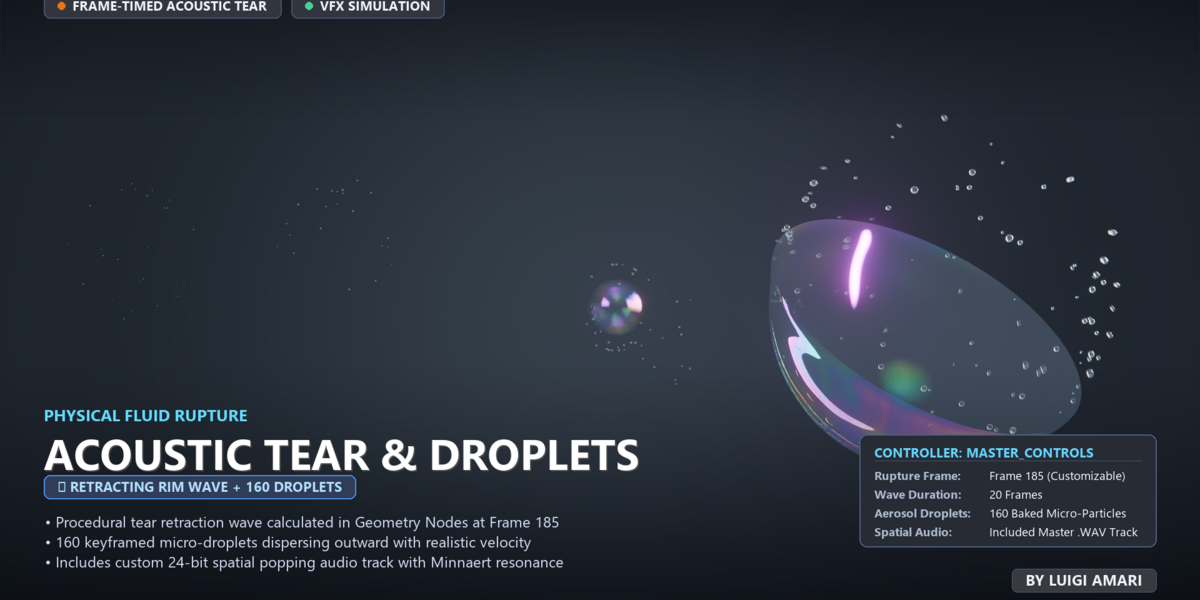
- Rupture_Start_Frame [1 – 240] (Default: 185): The exact timeline frame where the hero bubble punctures and surface tension fails.
- Rupture_Duration [5 – 60 frames] (Default: 20): Retraction speed of the soap film rim as it snaps open.
💡 Studio Lighting Rig (Watts)
- Key_Light_Power [0 – 500 W] (Default: 55 W): Key softbox strip for the primary iridescent rainbow reflection.
- Rim_Light_Power [0 – 500 W] (Default: 70 W): High-angle rim strip accentuating the liquid contour.
- Overhead_Light_Power [0 – 200 W] (Default: 18 W): Overhead silk diffuser for top-edge ambient specular roll-off.
- Bottom_Fill_Power [0 – 100 W] (Default: 6 W): Subtle bottom bounce light illuminating underside iridescence.
3. Hardware & Render Optimization
- Render Engine: Cycles (Optimized for GPU compute via OptiX / Metal / HIP).
- Auto-Tiling: Pre-configured with 2048px tile size to avoid high transient current spikes on high-end GPUs.
- Thread Allocation: Set to Fixed (6 threads) to prevent CPU starvation and hardware thermal shutdowns during 4K render sequences.
- Color Management: Native AgX with sRGB display device for true physical highlight roll-off without specular clipping.
 Included
Includes 12 months of
- Support from Luigi3D
- Product updates
Extend this product’s Support Period +12 months: 100% of product price
Have questions before purchasing?
Login to message
| Published | about 22 hours ago |
| Blender Version | 4.2 - 5.3 |
| Render Engine Used | Cycles |
| License | Royalty Free |
Discover more products like this
VFX motion graphics Fluid procedural soap bubble photorealistic thin film bubbles geometry nodes macro Cycles iridescence