Soft Body Painter
 Blender Procedural




Documentation
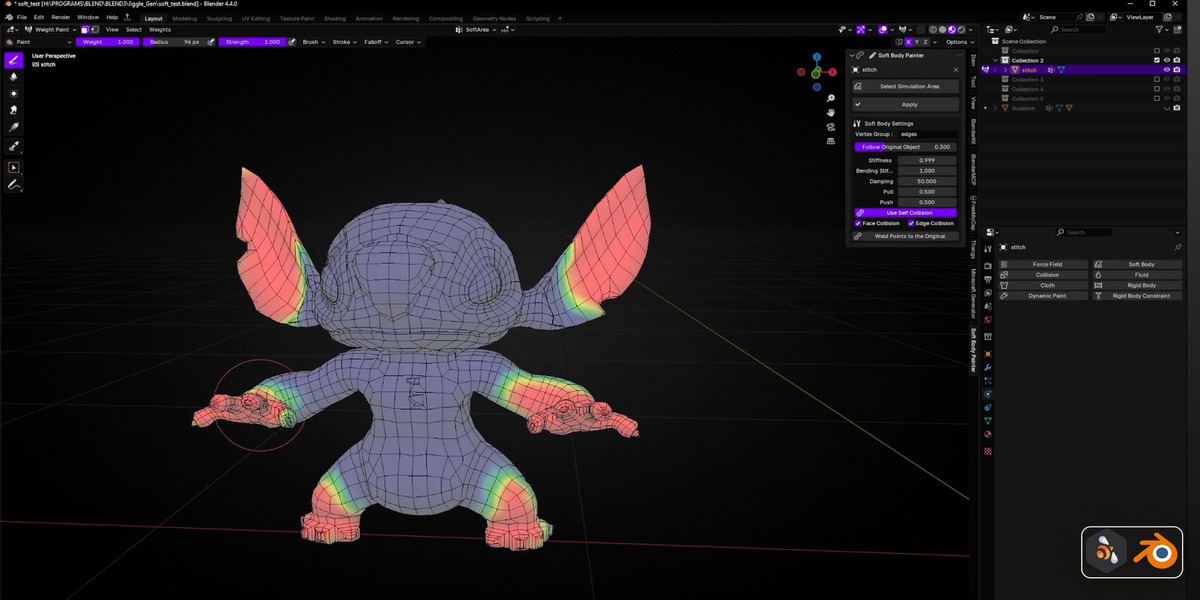
Select your object.
Click “Select Simulation Area”.
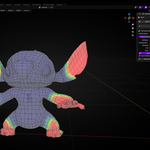
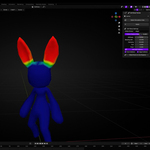
Paint the simulation zone using weight paint mode.
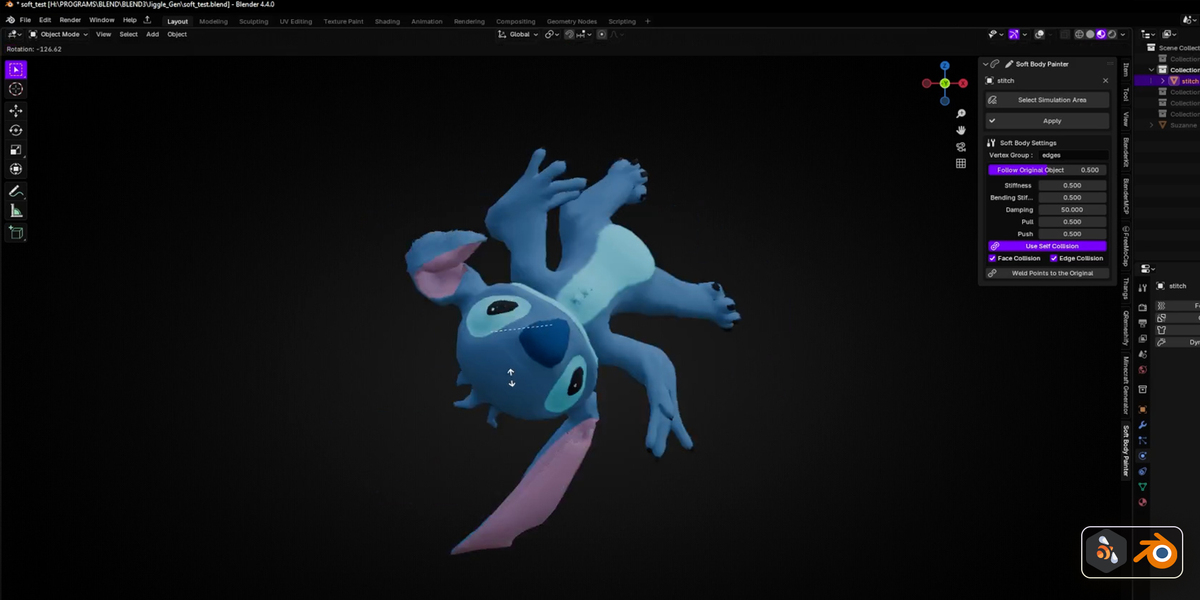
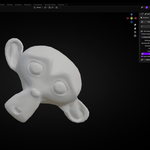
Click “Apply” to apply the soft body setup.
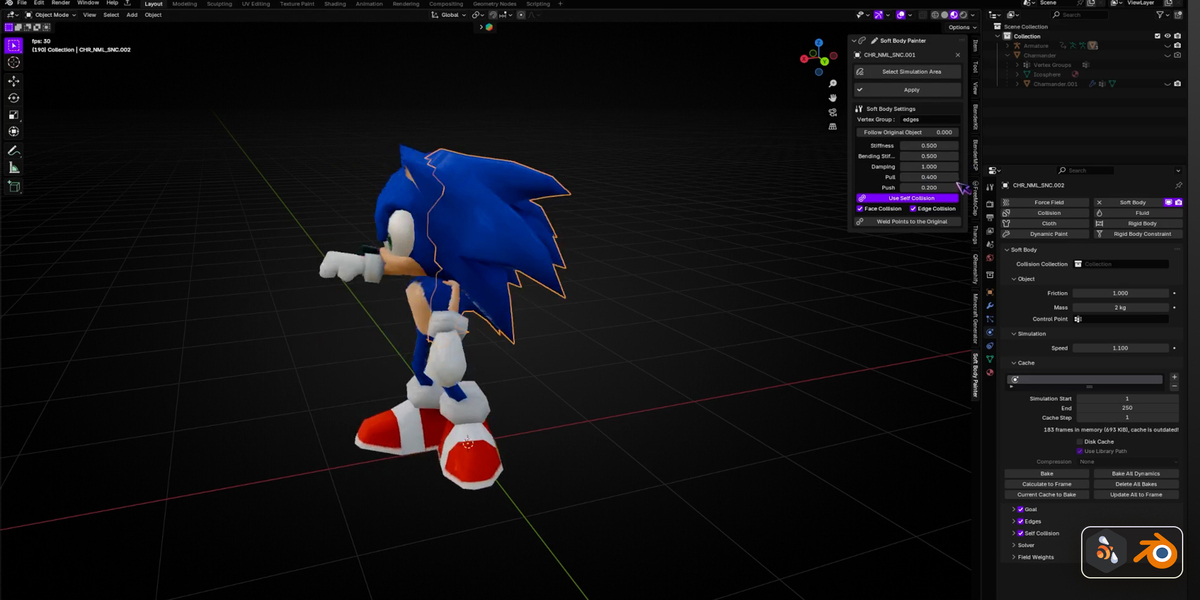
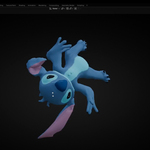
Play the simulation in the timeline.
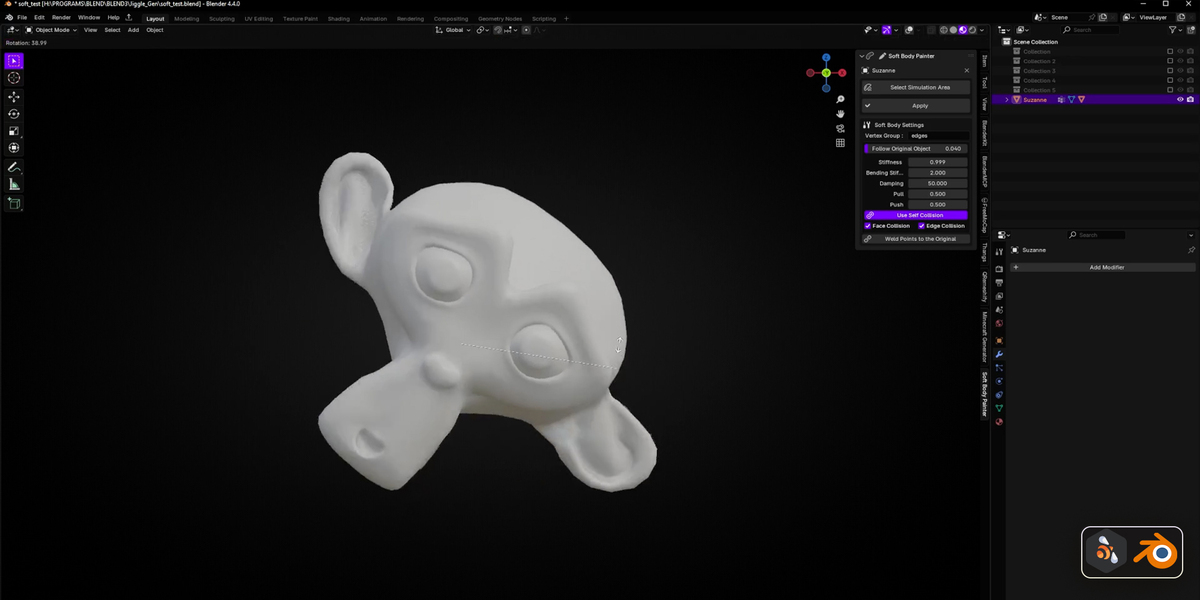
Soft Body Settings Overview
Vertex Group: The name of the group controlling the simulation area (usually “edges”).
Follow Original Object: Blends the soft body mesh’s motion with the original mesh for smoother results.
Stiffness: Controls how rigid the soft body is.
Bending Stiffness: Affects how easily the mesh bends.
Damping: Reduces wobble over time.
Pull / Push: Fine-tune how the simulation expands or contracts during motion.
Use Self Collision: Prevents the soft body from intersecting with itself.
Face/Edge Collision: Enables surface-level or edge-specific collision detection.
Weld Points to the Original: Anchors parts of the mesh to stay fixed during simulation.
Click “Select Simulation Area”.
Paint the simulation zone using weight paint mode.
Click “Apply” to apply the soft body setup.
Play the simulation in the timeline.
Follow Original Object: Blends the soft body mesh’s motion with the original mesh for smoother results.
Stiffness: Controls how rigid the soft body is.
Bending Stiffness: Affects how easily the mesh bends.
Damping: Reduces wobble over time.
Pull / Push: Fine-tune how the simulation expands or contracts during motion.
Use Self Collision: Prevents the soft body from intersecting with itself.
Face/Edge Collision: Enables surface-level or edge-specific collision detection.
Weld Points to the Original: Anchors parts of the mesh to stay fixed during simulation.
Discover more products like this
easy simulation weight paint mesh deformation blender tools Blender Plugin Dynamic Simulation soft body tool mesh simulation simulation blender addon rigging soft body simulation soft body physics blender physics animation tool cloth simulation vertex group soft body painter