Soft Realism Models: Complete Bundle
 Stonefletcher Productions LLC
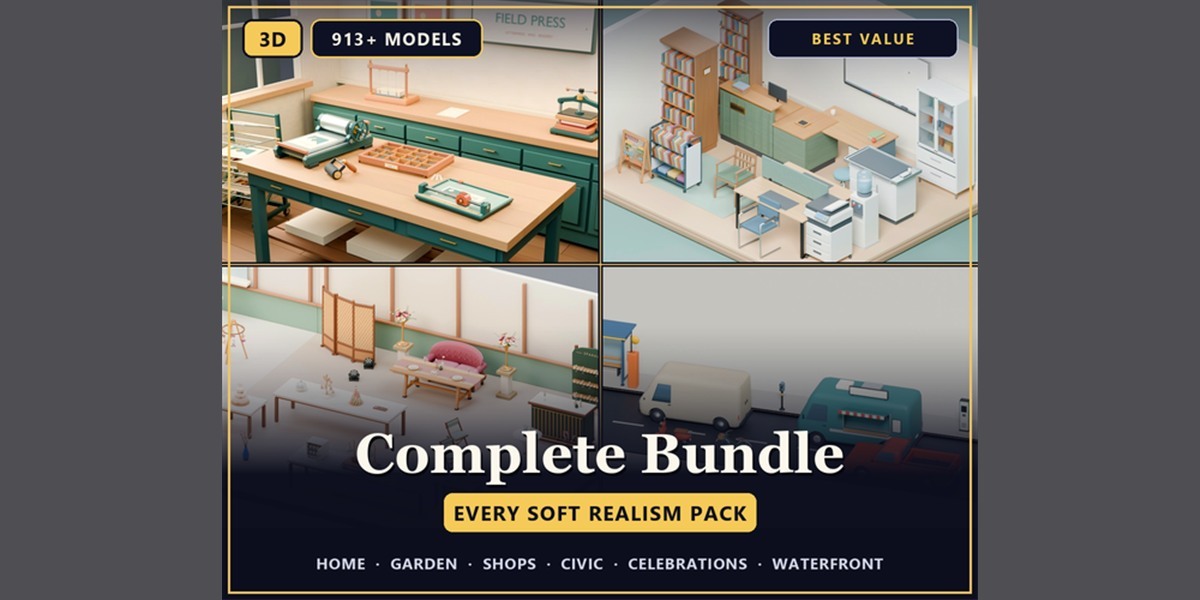
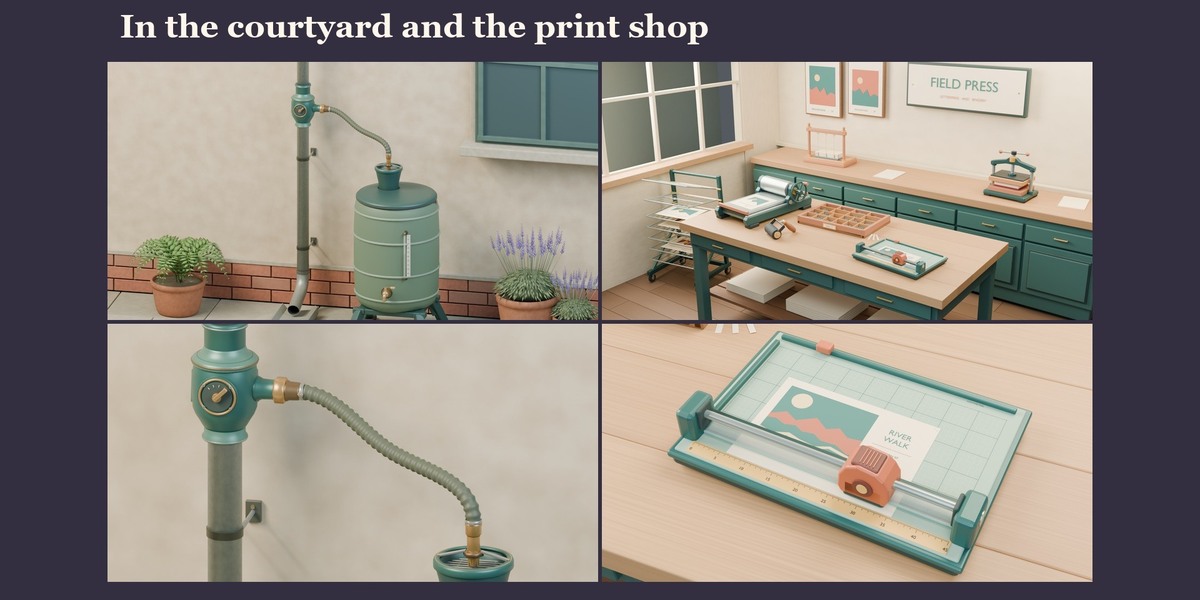
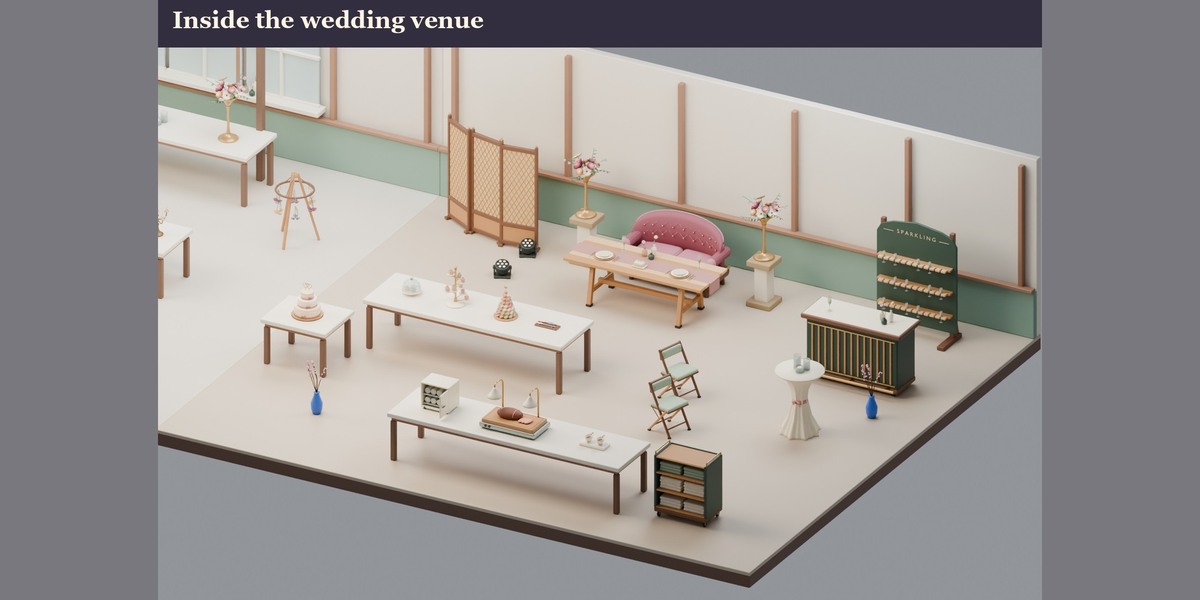
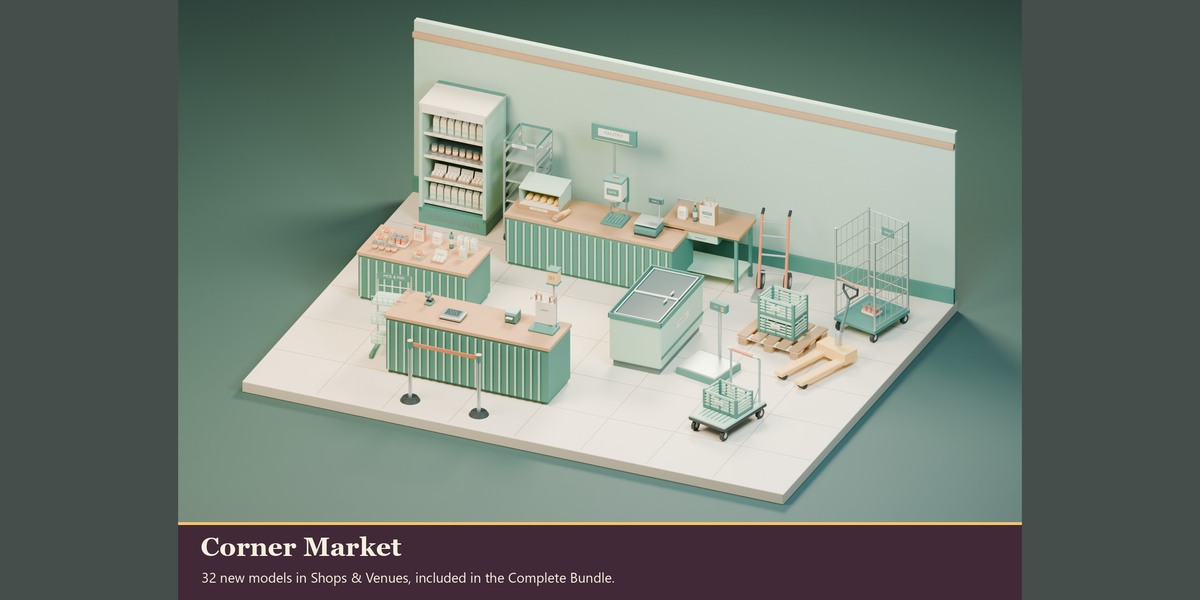
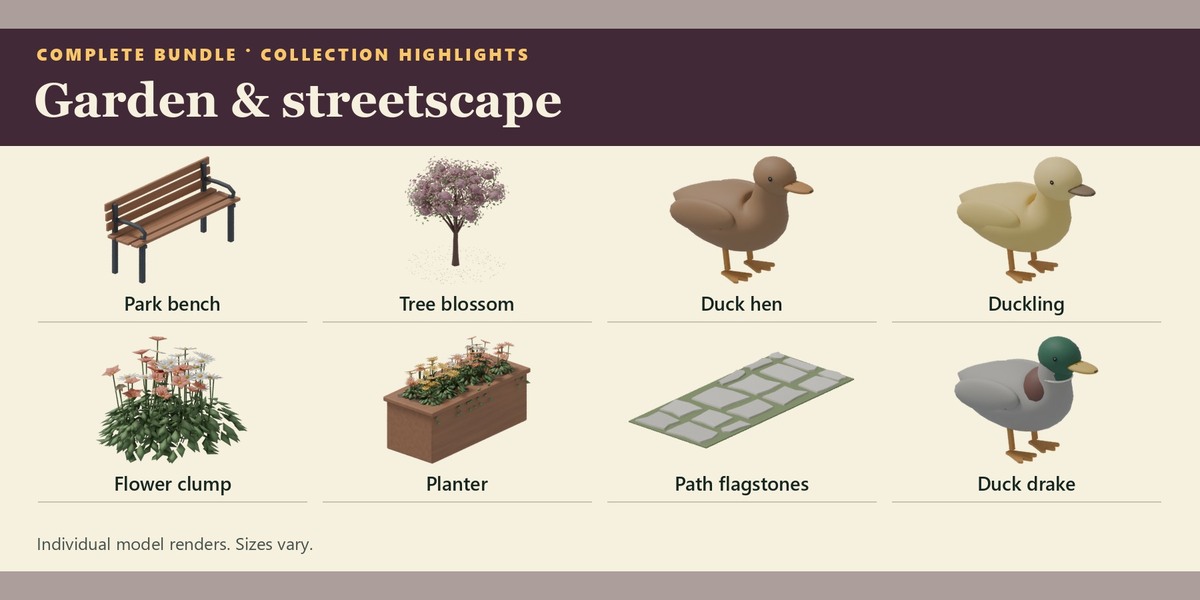
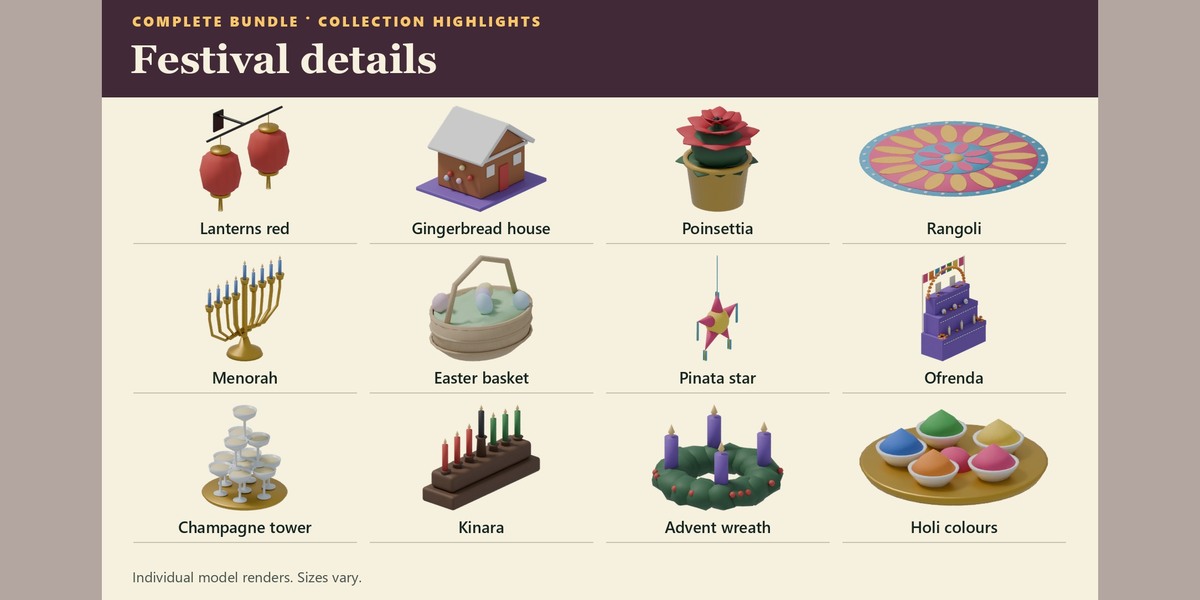
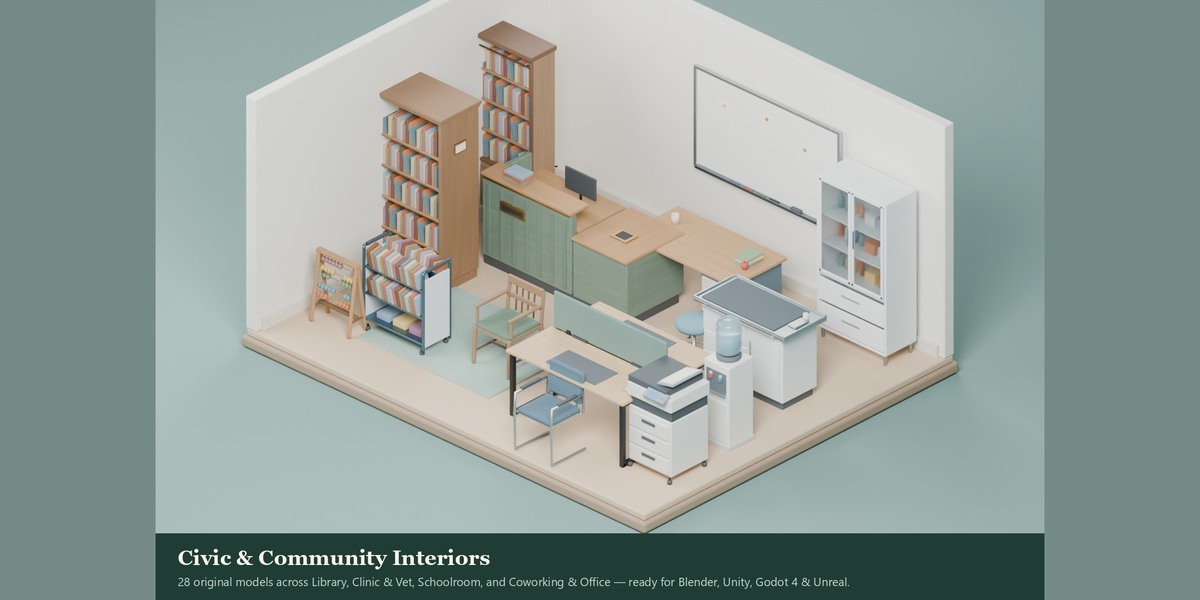
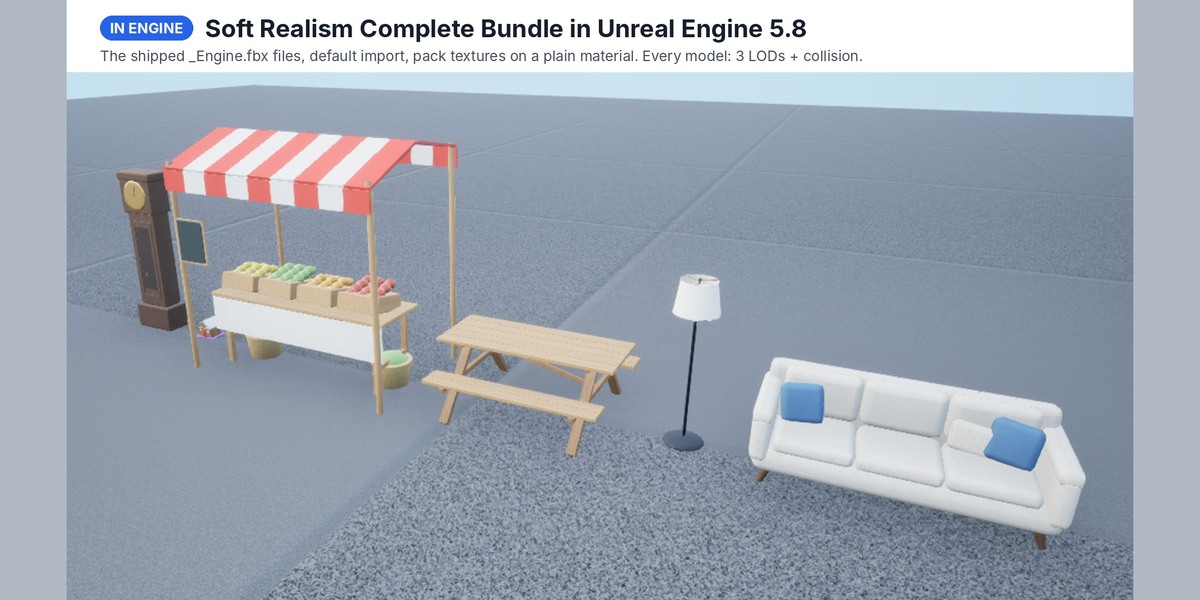
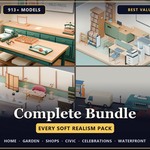
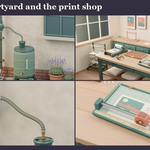
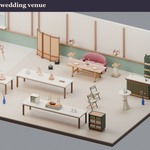

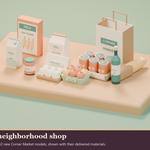
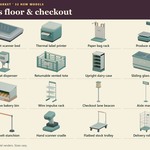
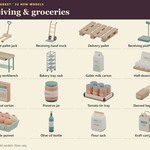
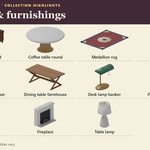
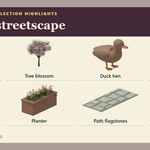
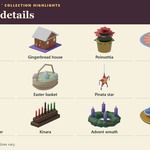
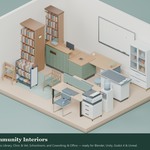
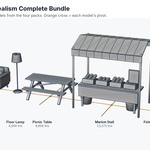
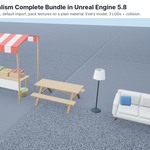
Download the six archives. Extract both parts of Home Interiors into one folder and both parts of Garden into another. Extract Shops and Celebrations into their own folders. Allow shared catalogue files to merge.
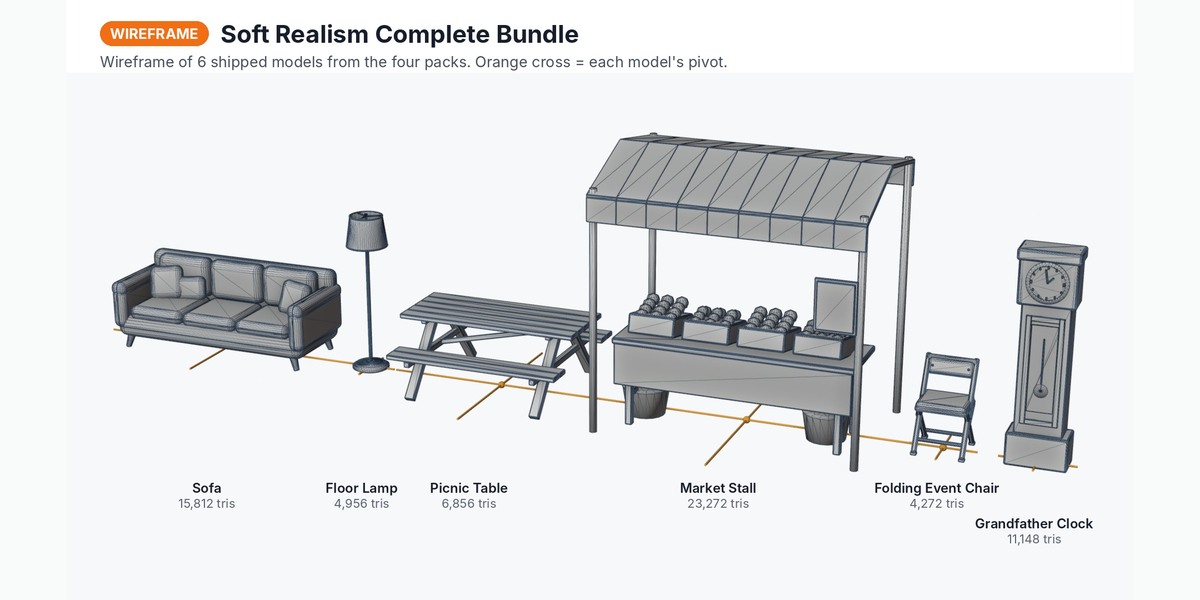
Open the .blend in DemoRoom to explore the collection. Use CATALOG.csv to look up an item by name, dimensions or triangle count. Under Models, open the individual .blend to edit a mesh, or use File > Append from your own scene to bring it in. Keep the texture folders alongside the model files.
For interchange, the GLB includes textures and uses metres. The FBX uses centimetres. In a custom material, connect BaseColor as sRGB and Normal and ORM as non-colour data. The ORM channels are occlusion, roughness and metallic, in RGB order.
Have questions about this product?
Login to message
| Published | about 22 hours ago |
| Blender Version | 5.2 |
| Render Engine Used | Cycles |
| License | Royalty Free |