 Hydrocallis


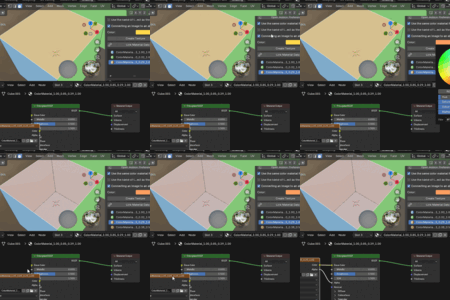
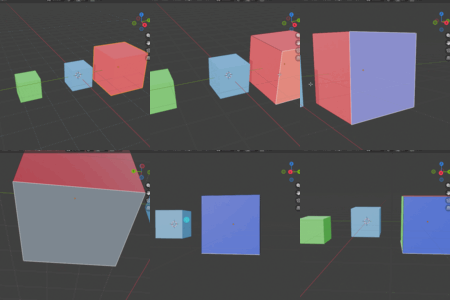
■Features■
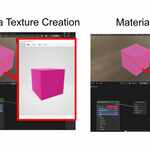
This add-on prevents Blender’s material colors from appearing differently in FBX or other external software by outputting the color as an image.
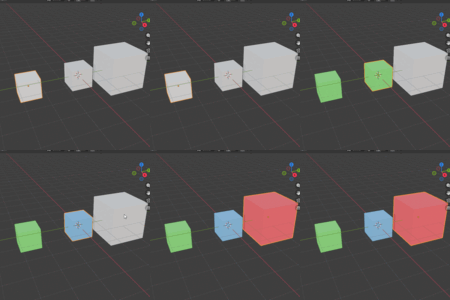
In other words, for the selected object, a material with the specified color is added as a “texture.”
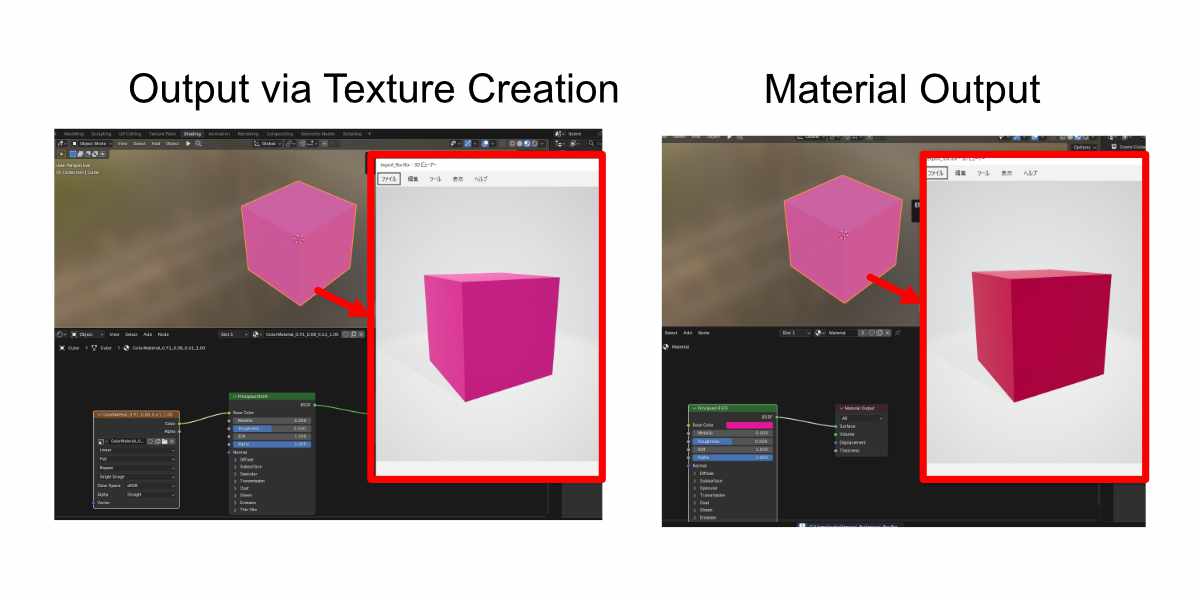
With normal material settings, the color may appear different in Unity or Clip Studio due to gamma correction. However, this add-on simply assigns the exact color as an image texture, so the color you see in Blender will display correctly in Unity or Clip Studio.
※Side Note
This is not directly related to the add-on, but
the gamma calculation is explained in detail on:
https://en.wikipedia.org/wiki/SRGB
In short, Blender’s material color (the Base Color of the Principled shader) is not fully compatible with other software.
■Use Cases■
“I just want to assign a color without doing UV unwrapping.”
“I want to specify the color of only certain mesh parts.”
This add-on is very useful for such situations.
■Very Lightweight■
The texture is only 1 pixel, making it extremely lightweight (around 178 bytes).
■History Feature■
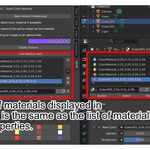
A history panel is also included, allowing you to reuse textures or materials. (If a material with the same name and color already exists in Blender, it will be reused.)
