 ZEG
Installation
In Blender open Edit, Preferences, Get Extensions, then use Install from Disk and pick the solidify_2 zip.
Usage
- Select a mesh and open the Solidify 2.0 tab in the 3D viewport sidebar (N).
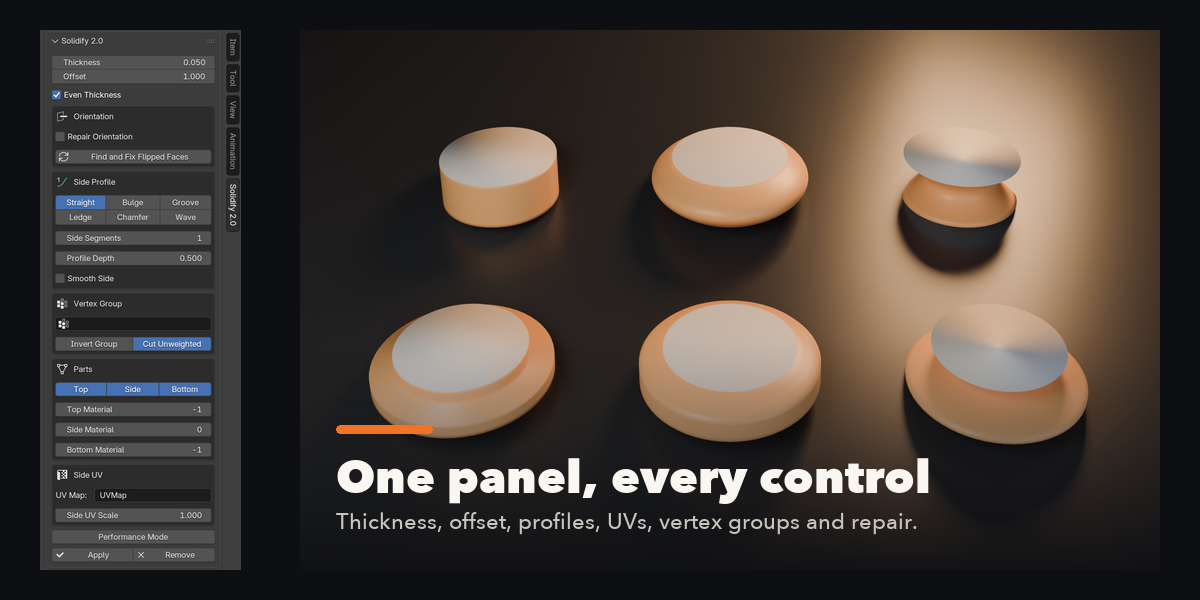
- Press Solidify Selected, then set Thickness and Offset.
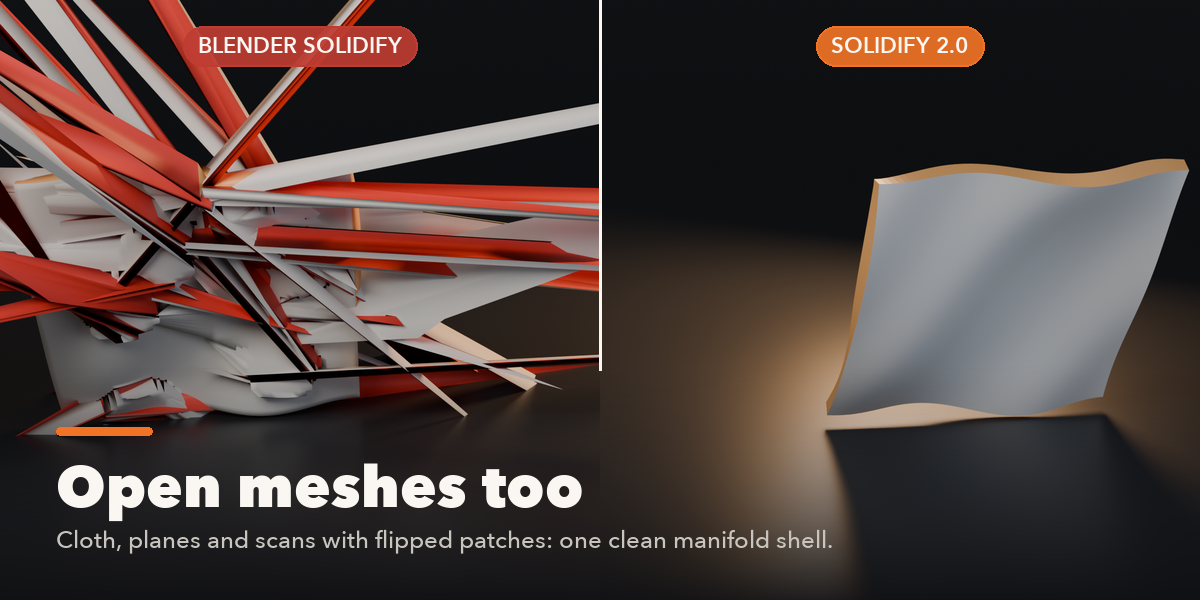
- If faces point the wrong way, press Find and Fix Flipped Faces (it also switches Repair Orientation on).
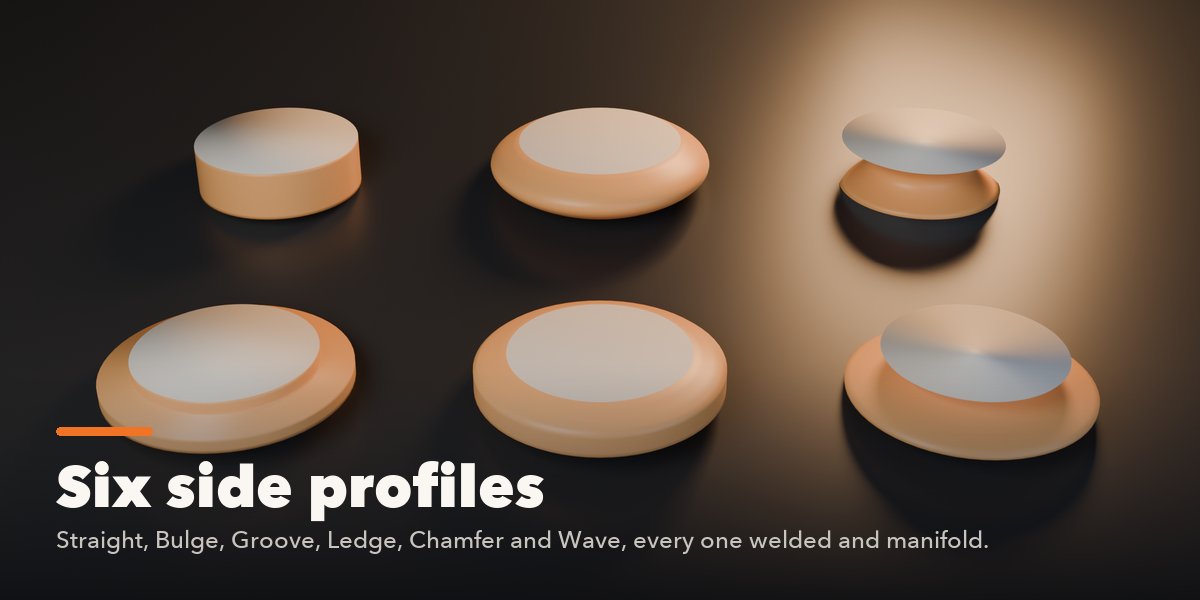
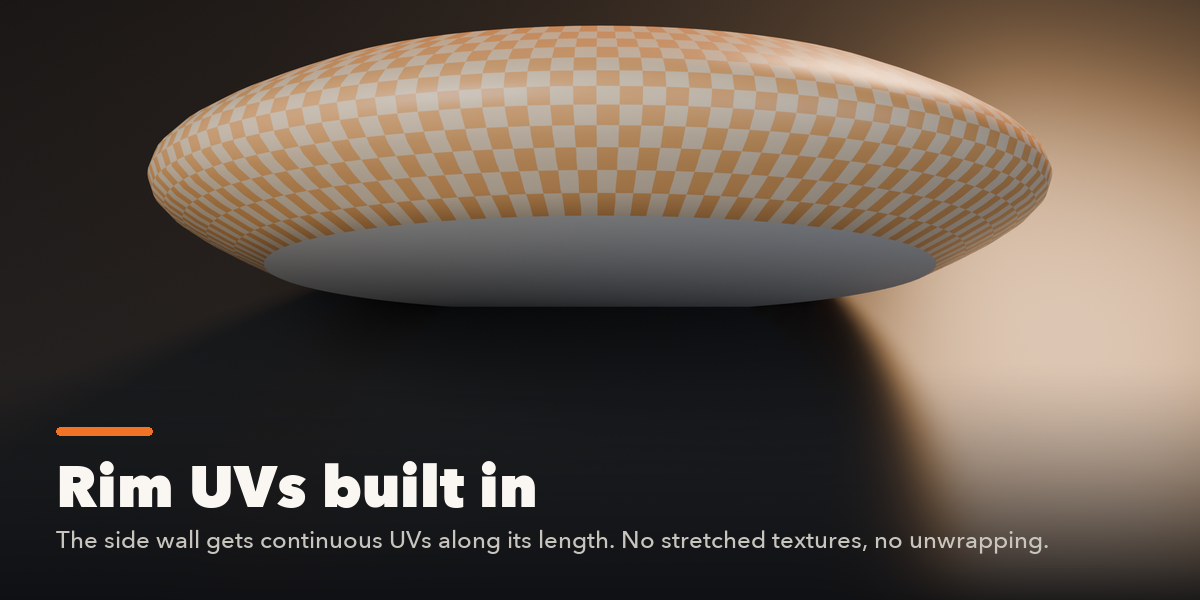
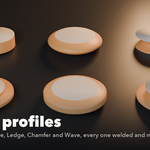
- Pick a Side Profile, then set its depth and segments.
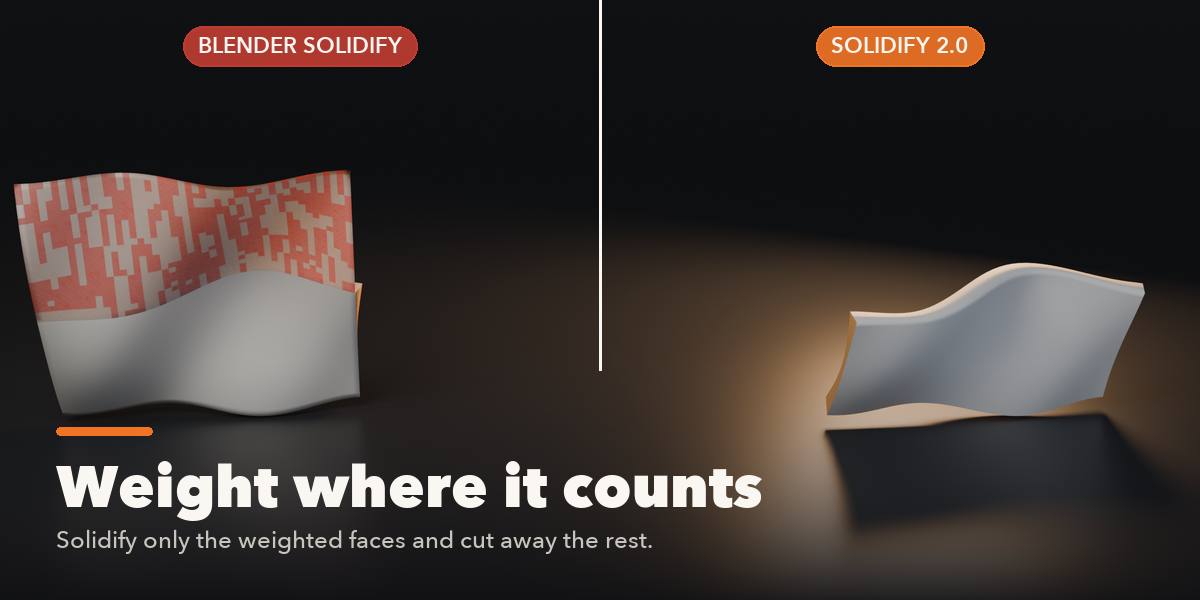
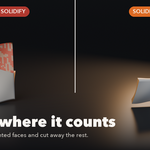
- Open Vertex Group to limit the shell to weighted faces.
- Press Apply to bake the result, or Remove to go back.
Have questions about this product?
Login to message
| Blender Extension Compatible | Yes |
| Published | about 1 hour ago |
| Blender Version | 4.2 - 5.2 |
| Extension Type | Add-on |
| Render Engine Used | Cycles, Eevee |
| License | GPL |

Discover more products like this
geometry nodes mesh repair flipped-normals Rim shell modifier modeling Solidify bevel uv vertex group thickness