Sort Objects
 alexdepario
in Interface
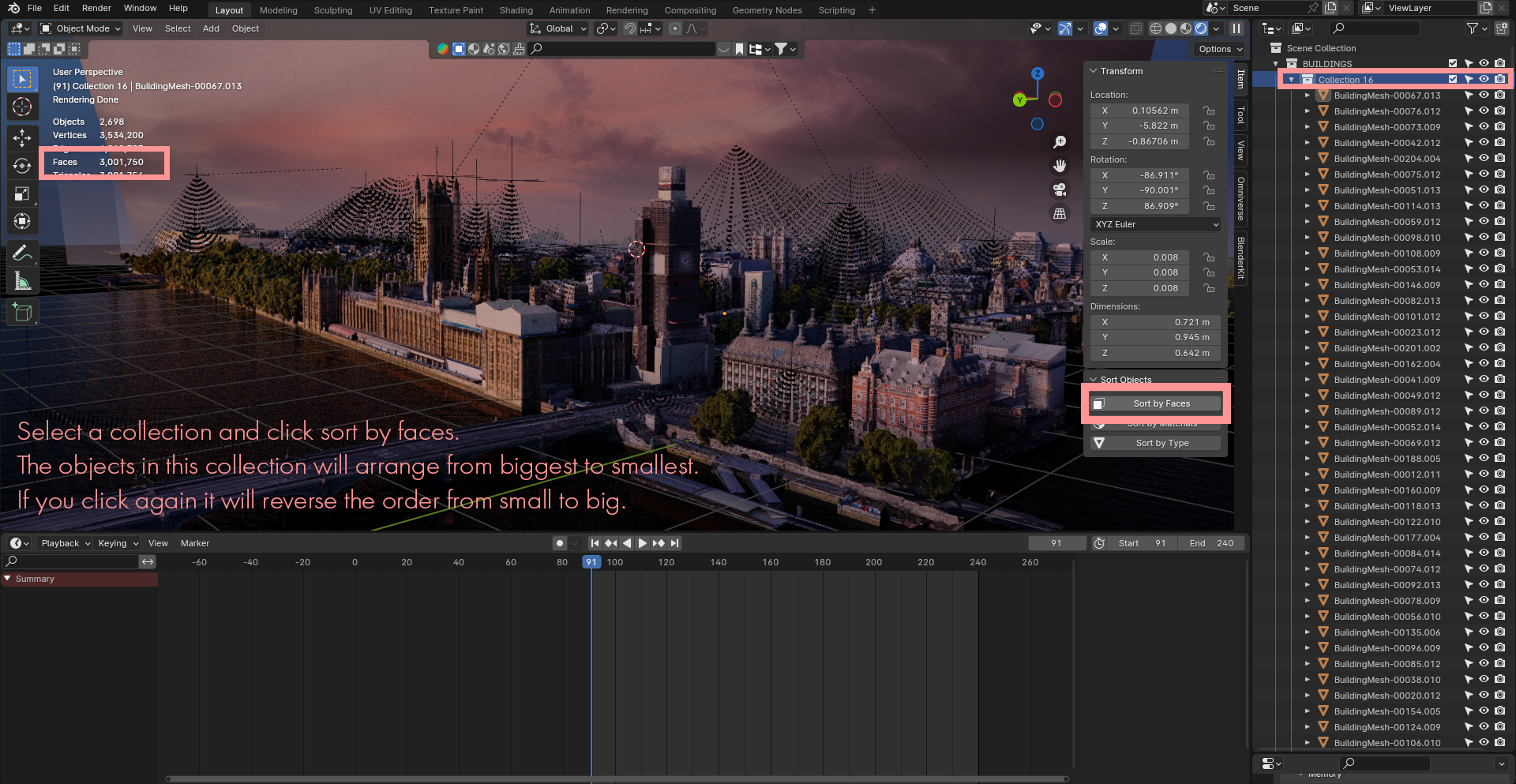
How does Sort Objects save time when organizing a Blender project?
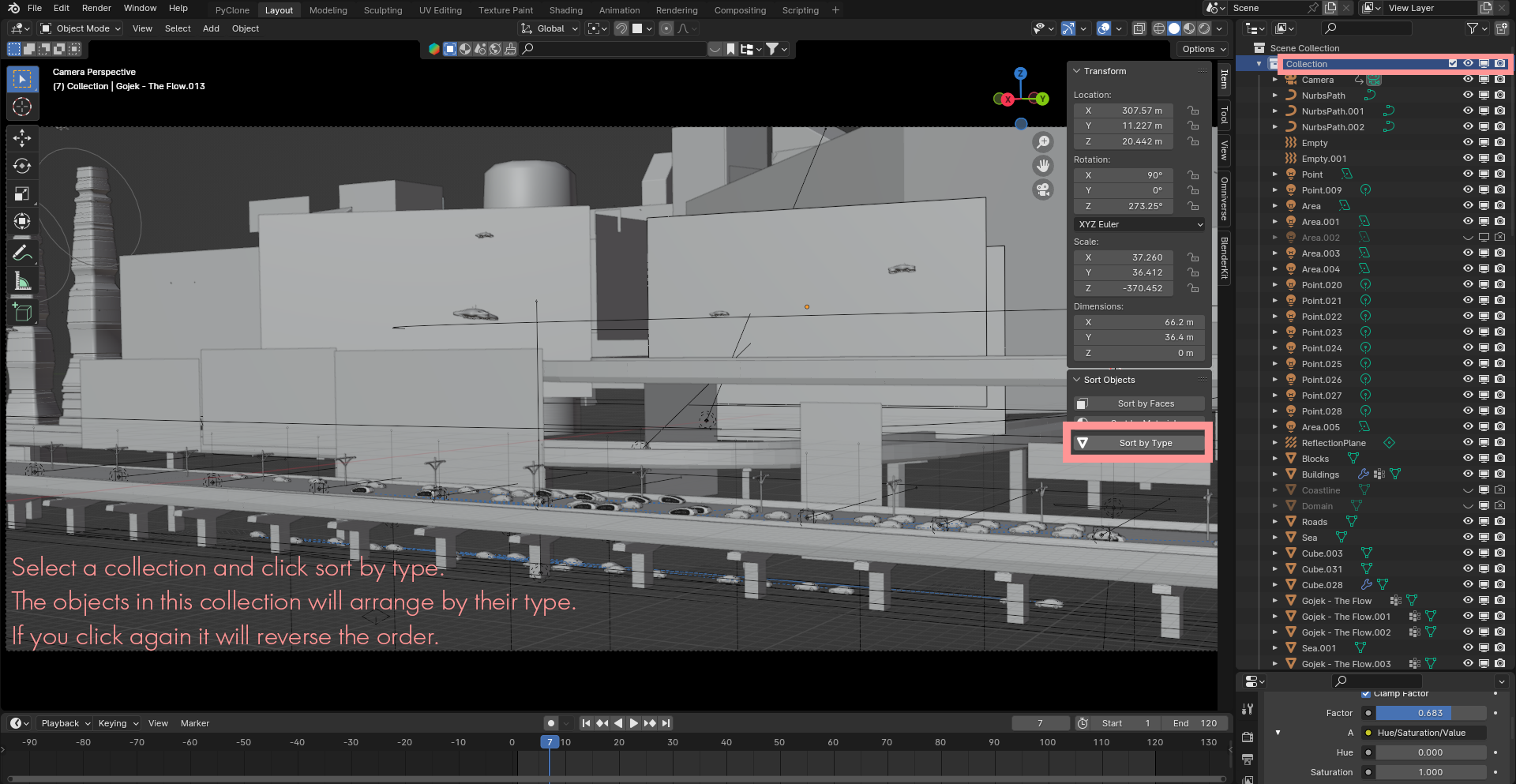
Whenever you import external assets, duplicate parts, or assemble dense environments, your Outliner can quickly become cluttered. Sort Objects organizes your scene objects cleanly in seconds so your hierarchy stays structured and easy to navigate.
Is Sort Objects compatible with Blender 4.2 and newer versions?
Yes. The archive includes a blender_manifest.toml extension manifest, making it natively compatible with Blender 4.2+ extension workflows.
Do I need to extract sort_objects.zip before installing it?
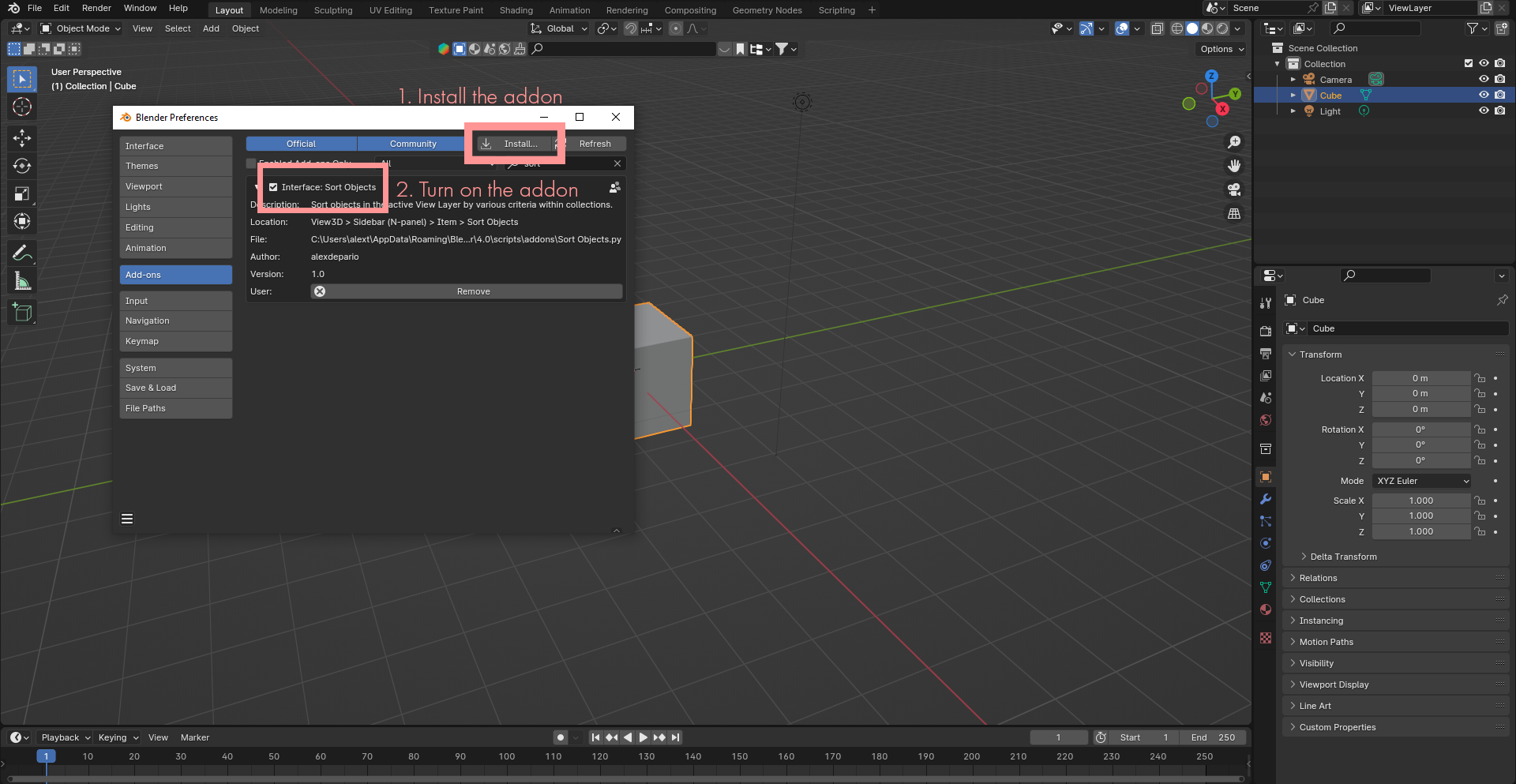
No. Keep the .zip archive compressed—which contains the sort_objects/ folder along with __init__.py and blender_manifest.toml—and install it directly inside Blender via Edit > Preferences > Add-ons (or Get Extensions) using Install from Disk, or drag and drop the .zip file straight into the Blender window.
Where do I find the Sort Objects panel inside Blender?
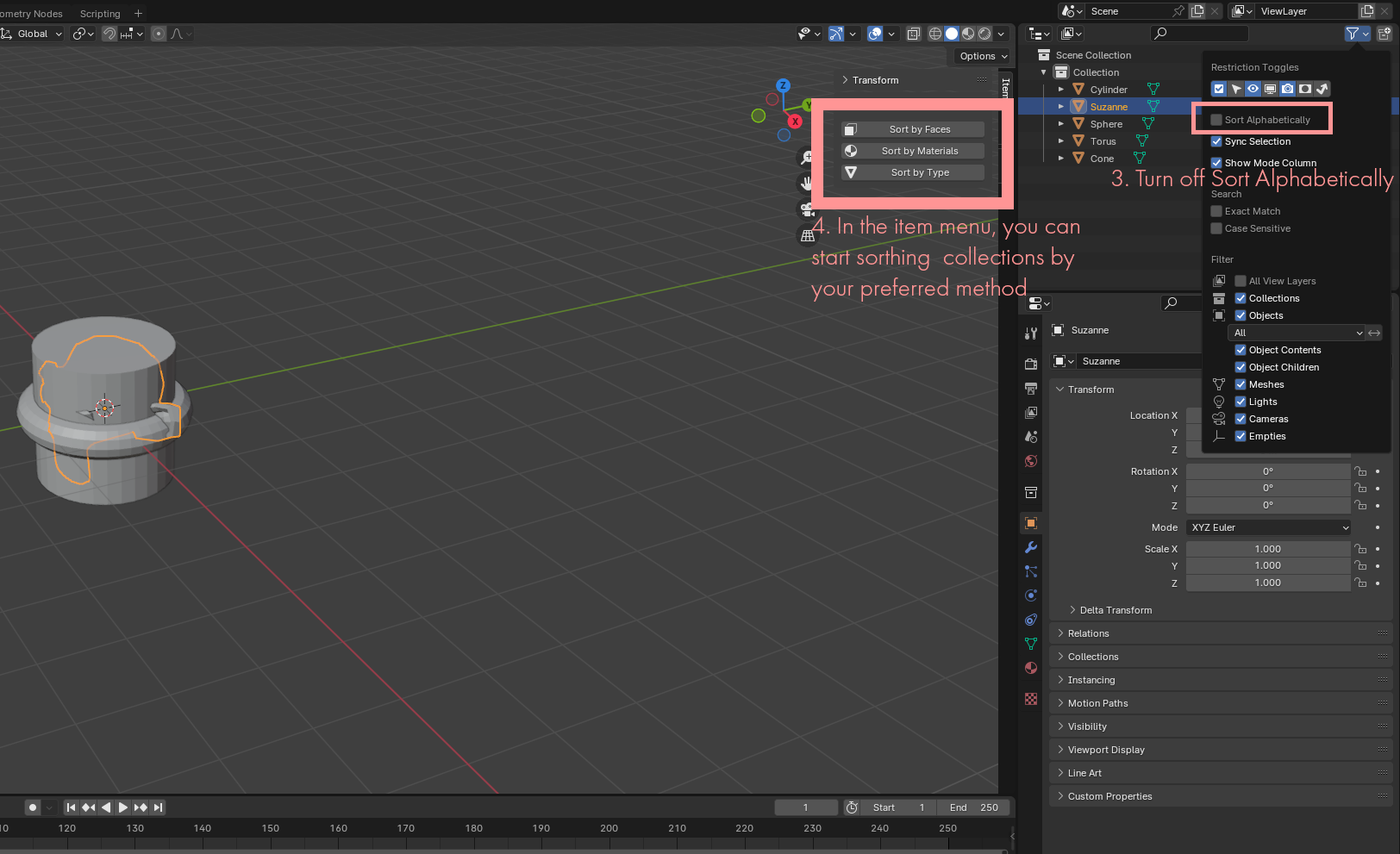
Open the 3D Viewport, press N on your keyboard to open the Sidebar (N-Panel), and select the Sort Objects tab.
Have questions about this product?
Login to message
| Sales | 20+ |
| Published | about 3 years ago |
| Blender Version | 4.3, 4.2, 4.1, 4.0, 3.6, 3.5, 3.4, 3.3, 3.2, 3.1, 3.0 |
| License | GPL |

alexdepario
Discover more products like this
faces blender addon mesh materials Polygon count 3d modeling collection Blender 2.8 Sidebar organize asset management objects