Space Frame Generator
 Sean Dsouza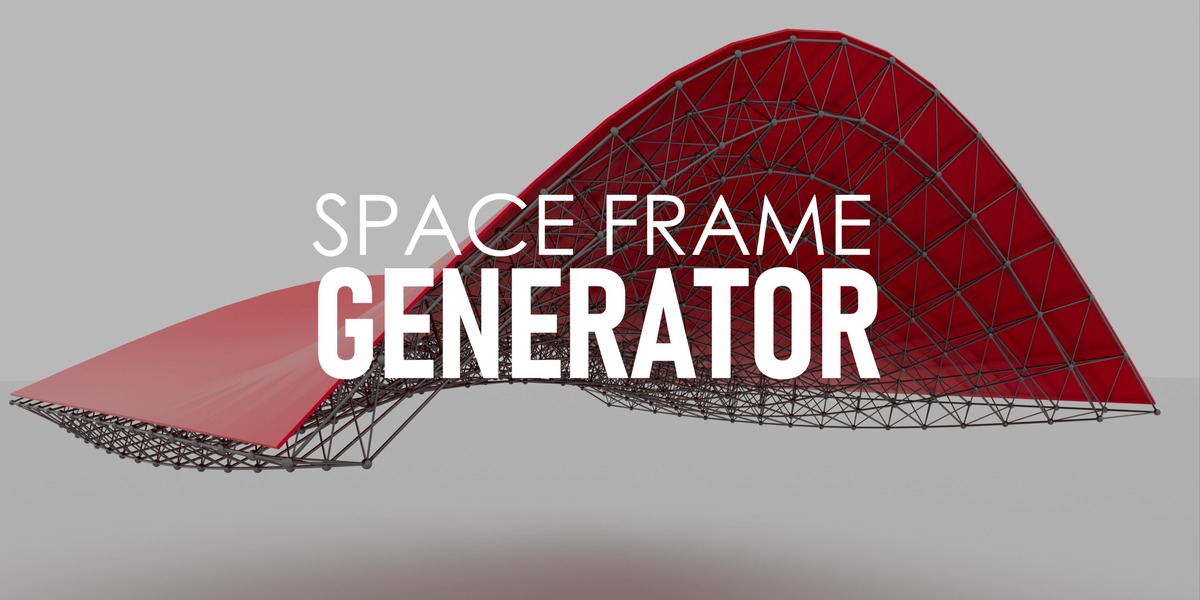
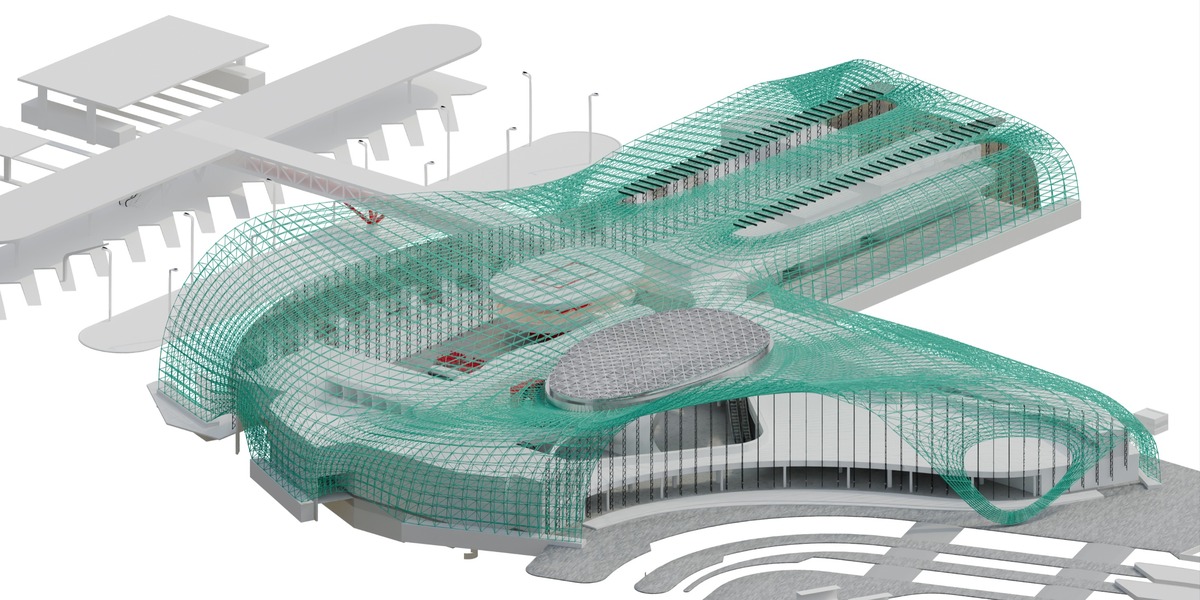
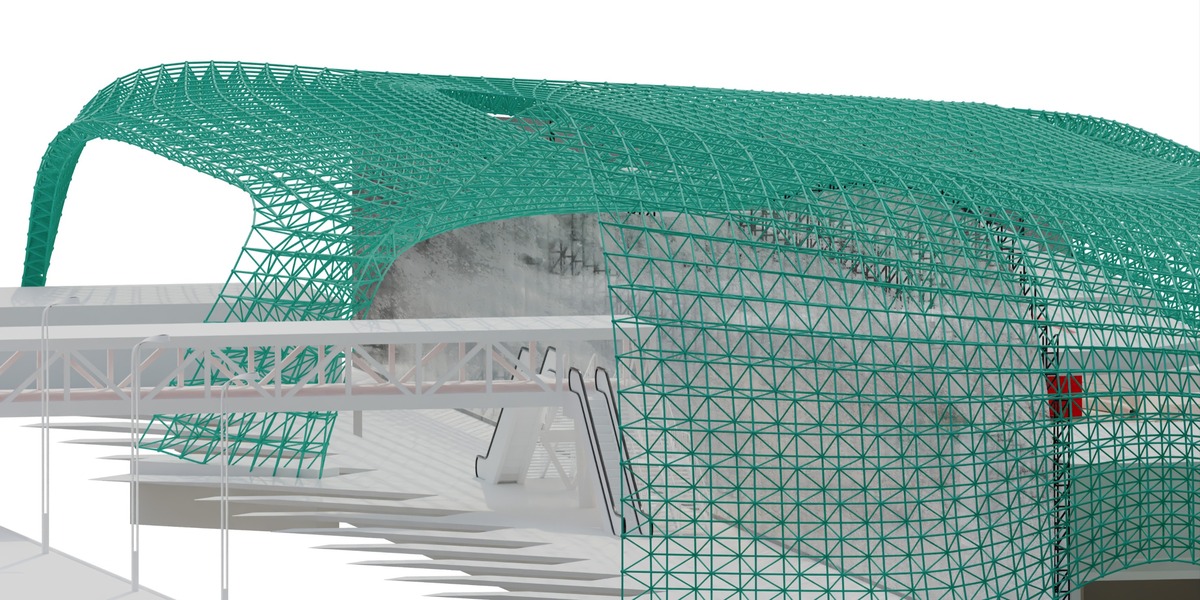
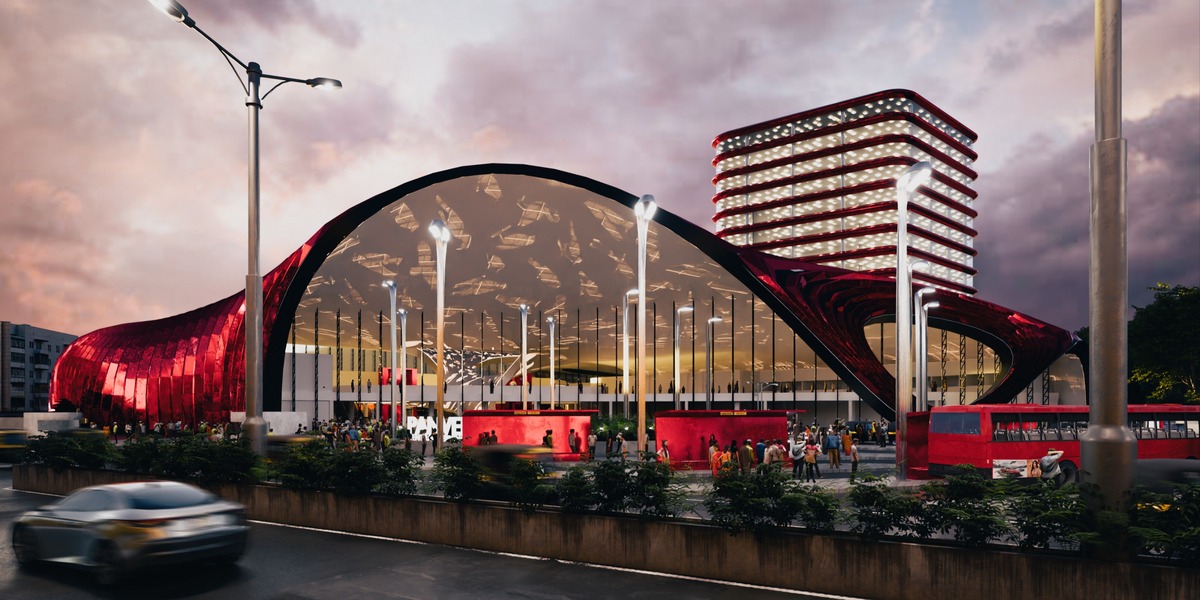
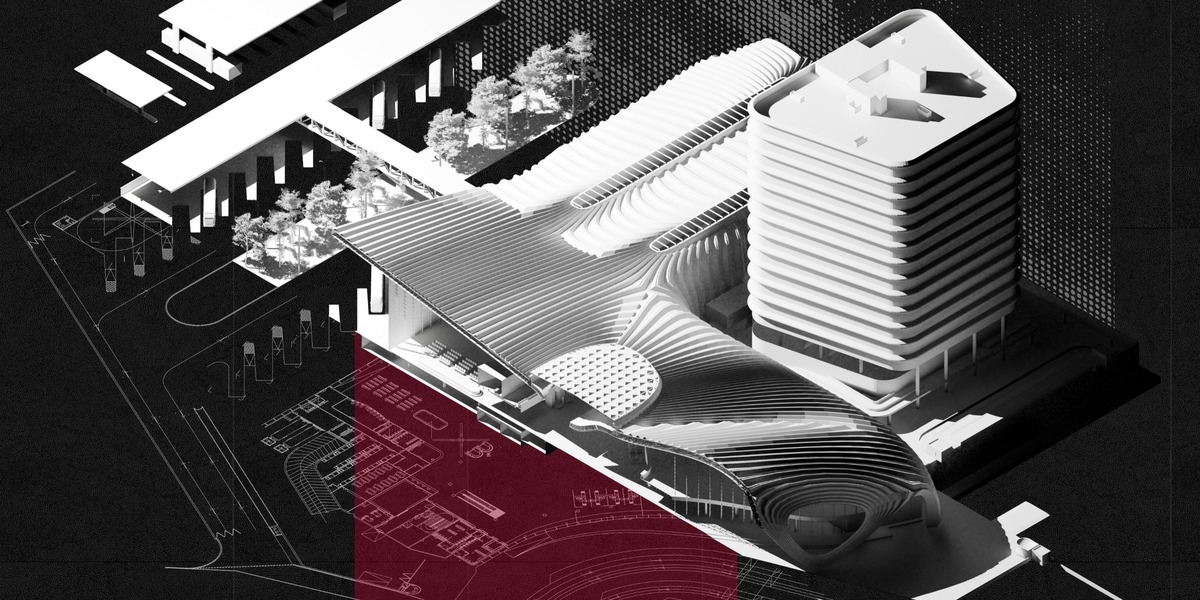


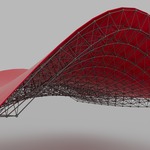
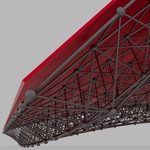
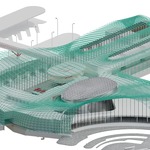
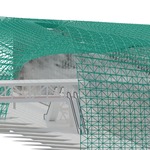

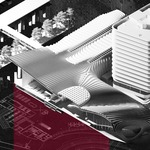
SPACE FRAME GENERATOR
1. Download & Prep
Download the
Space frame generator.zipfile to your computer. Do not unzip or extract this file.-
Verify that you are running Blender 5.0.0 or a newer release, as this extension requires modern architecture.
2. Installation Process
Launch Blender and navigate to Edit > Preferences from the top menu bar.
Select the Extensions tab on the left-hand sidebar.
Click the drop-down menu arrow in the top right corner and choose Install from Disk...
Locate your downloaded
Space frame generator.zipfile and confirm the installation.-
Search for Space Frame Generator in your installed list and ensure the checkbox is ticked to enable it.
3. Quick Start Guide
Add a Plane in your 3D viewport. (based on whatever roof you are creating)
- Add a Subdivision surface modifier and set the Boundary smooth to Keep corners.
Press the N key to open the right-side properties panel and locate the newly added Space Frame tab.
Click the Generate Space Frame button to instantly construct the procedural geometry.
-
Navigate to your Modifiers tab to fine-tune the parametric settings, such as truss depth, node sizes, and chord thickness.
4. Troubleshooting
-
Missing Button: The generator interface is context-sensitive; you must have a mesh object actively selected in the viewport for the tool to recognize it and become active.
The full tutorial can be found on my instagram - seanxarch
Link: https://www.instagram.com/reel/DdEDXzlsmGn/?stkn=MWplODhmaHNjN2VhcQ==
Have questions about this product?
Login to message
| Blender Extension Compatible | Yes |
| Published | about 2 months ago |
| Blender Version | 5.0 - 5.2 |
| Extension Type | Add-on |
| Render Engine Used | Cycles, Eevee |
| License | GPL |
Discover more products like this
hard surface truss blender addon Mesh Modifier architecture parametric Generator computational design ArchViz Space Frame procedural geometry nodes