 Stellart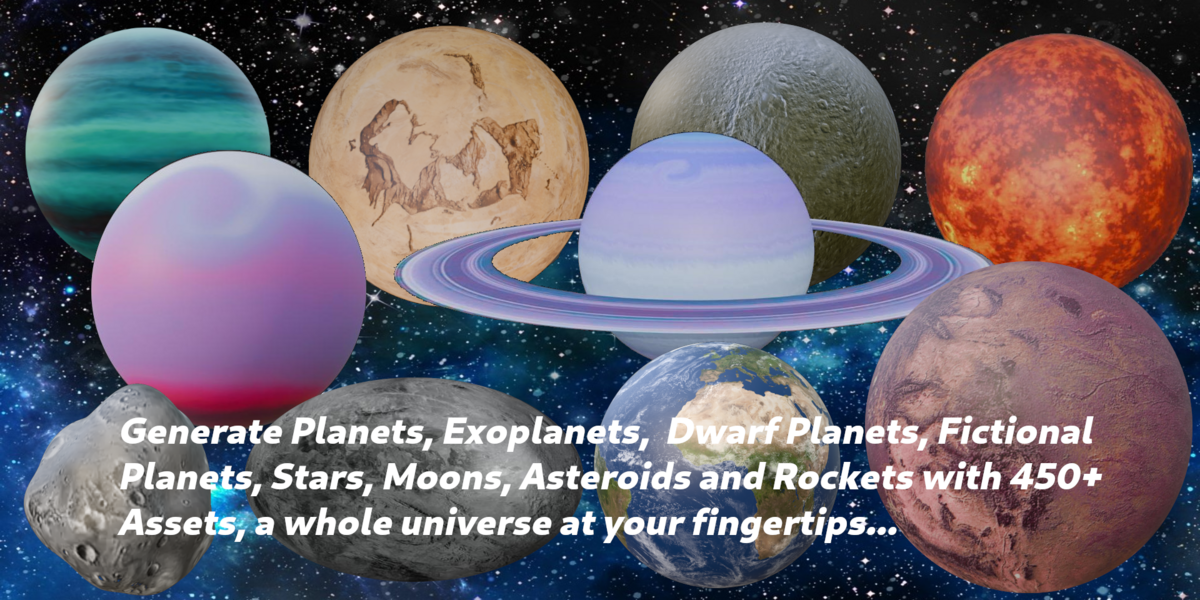
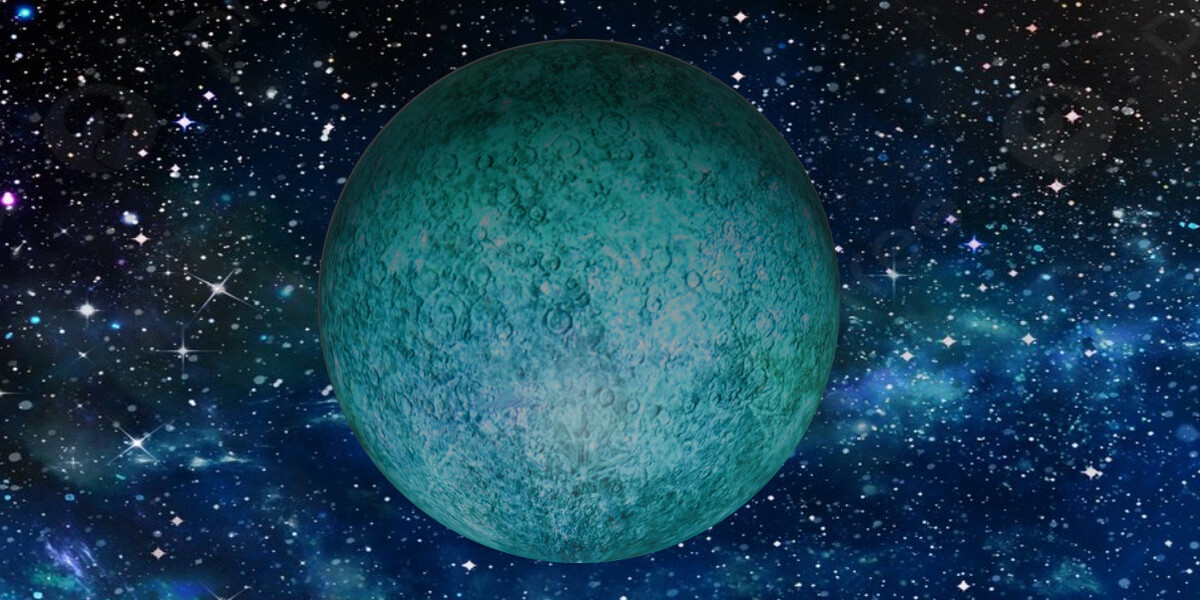
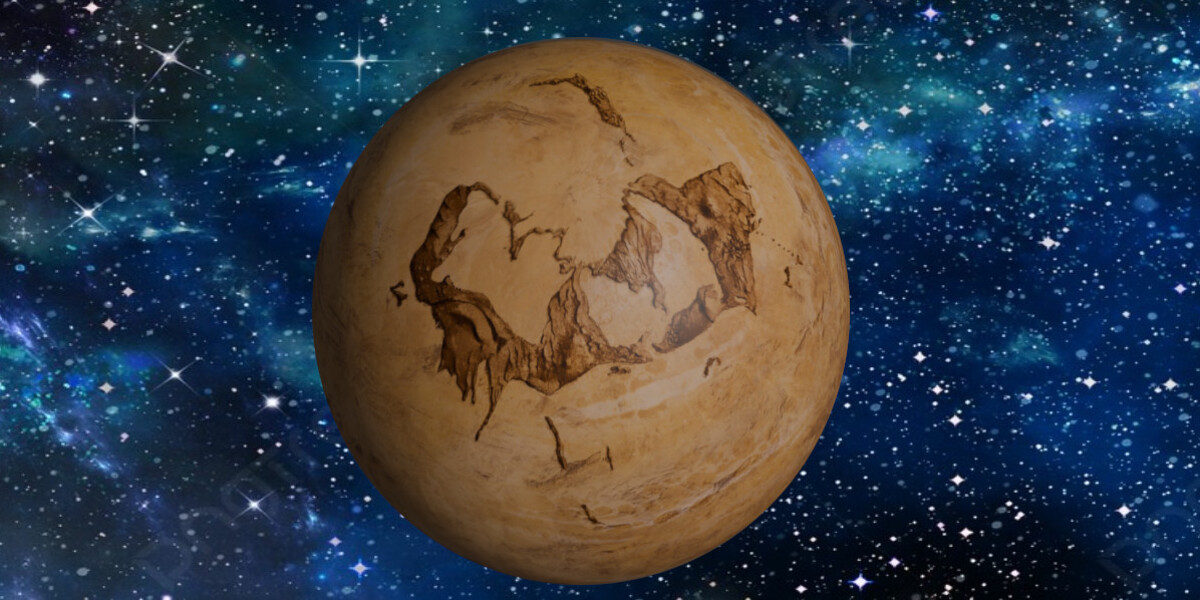
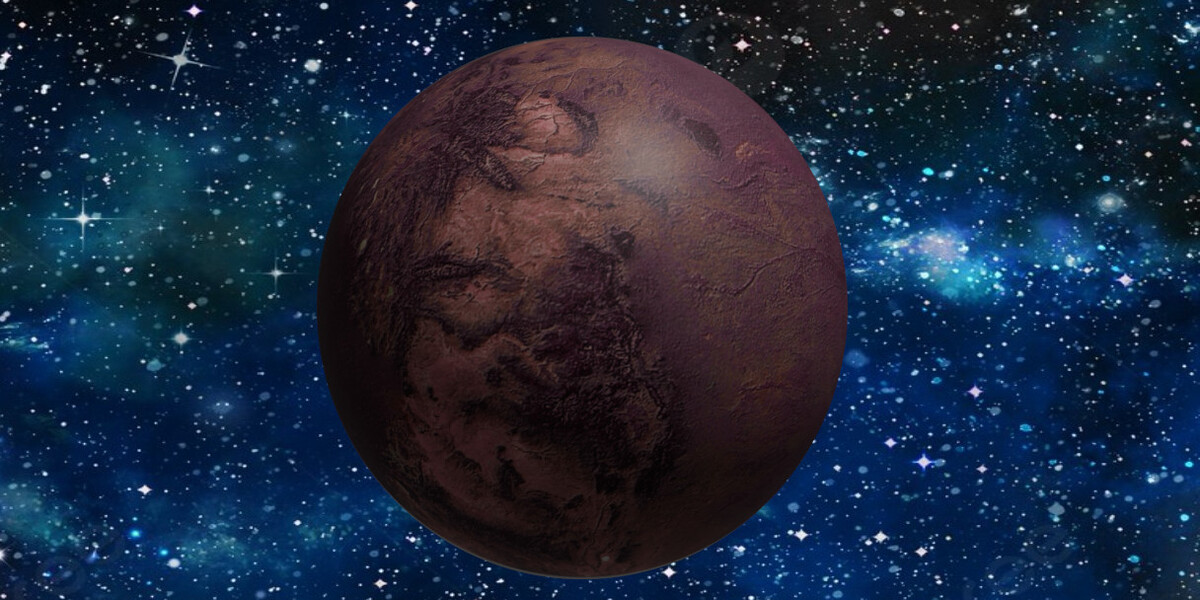
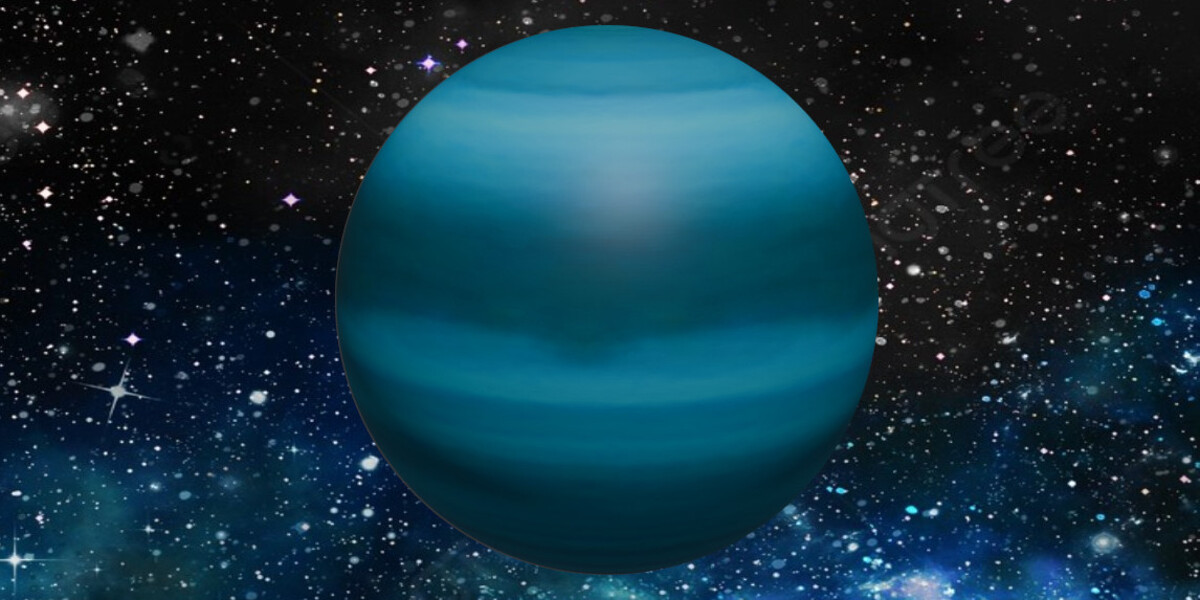
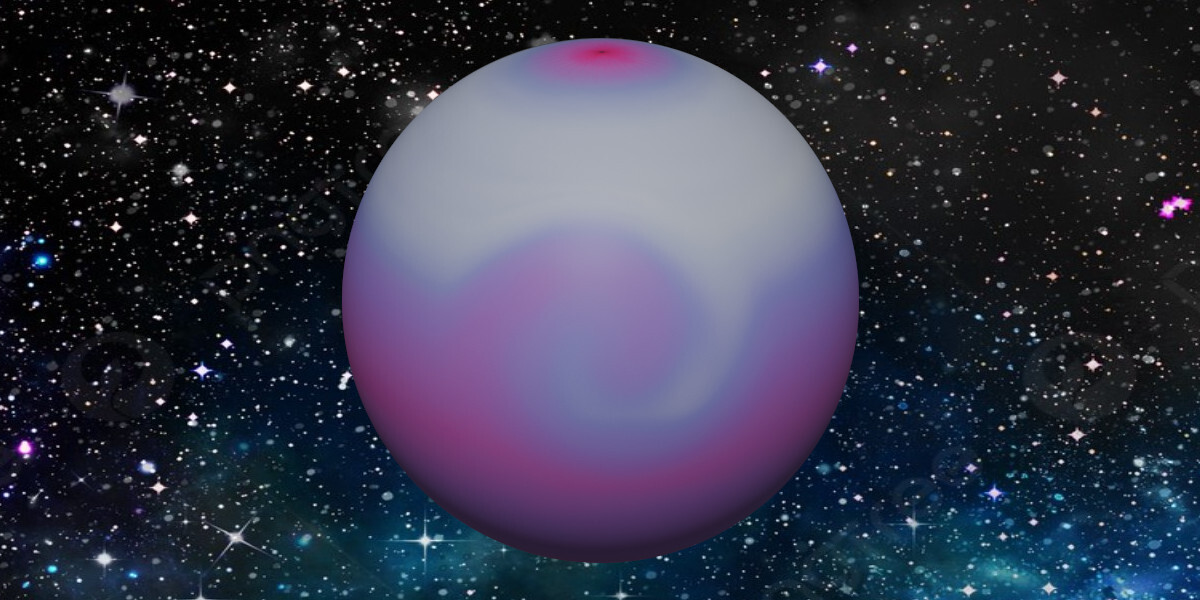
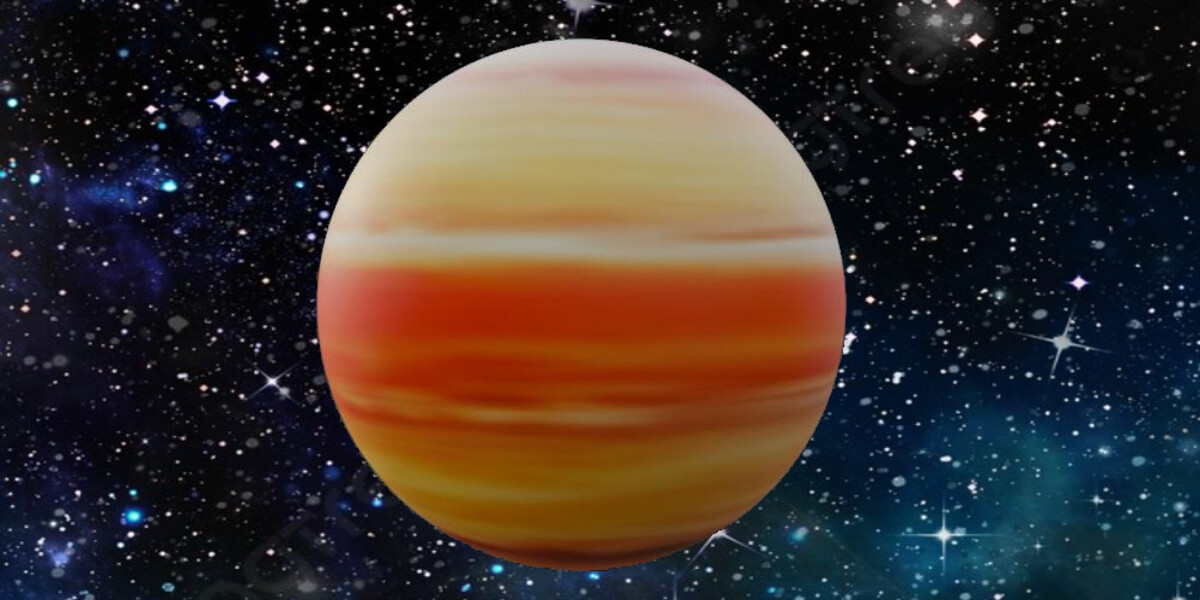
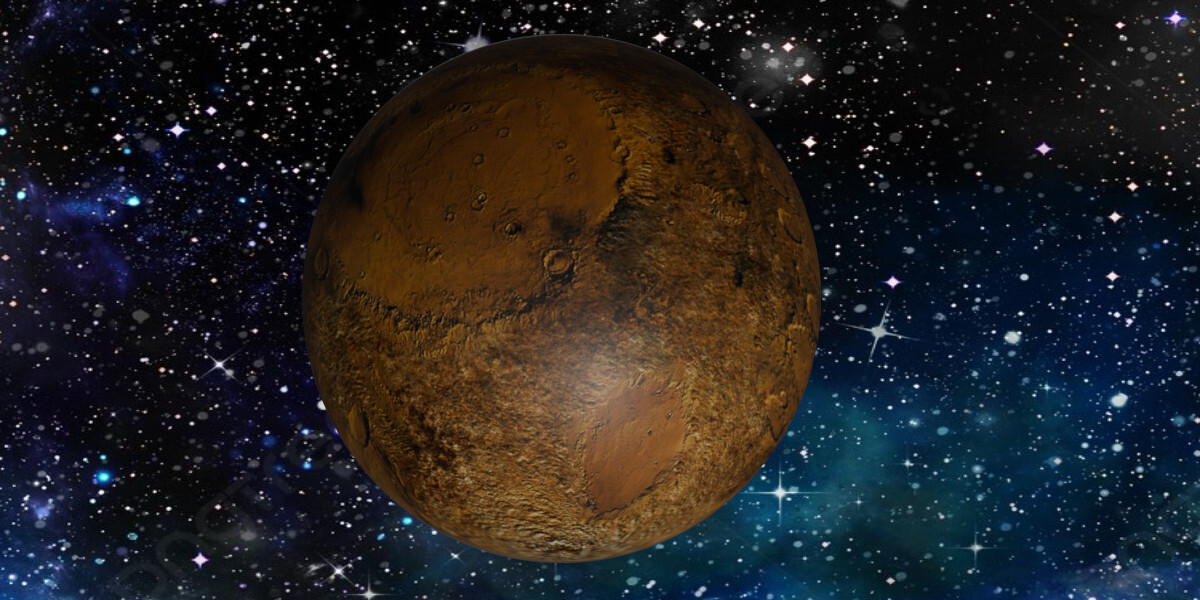
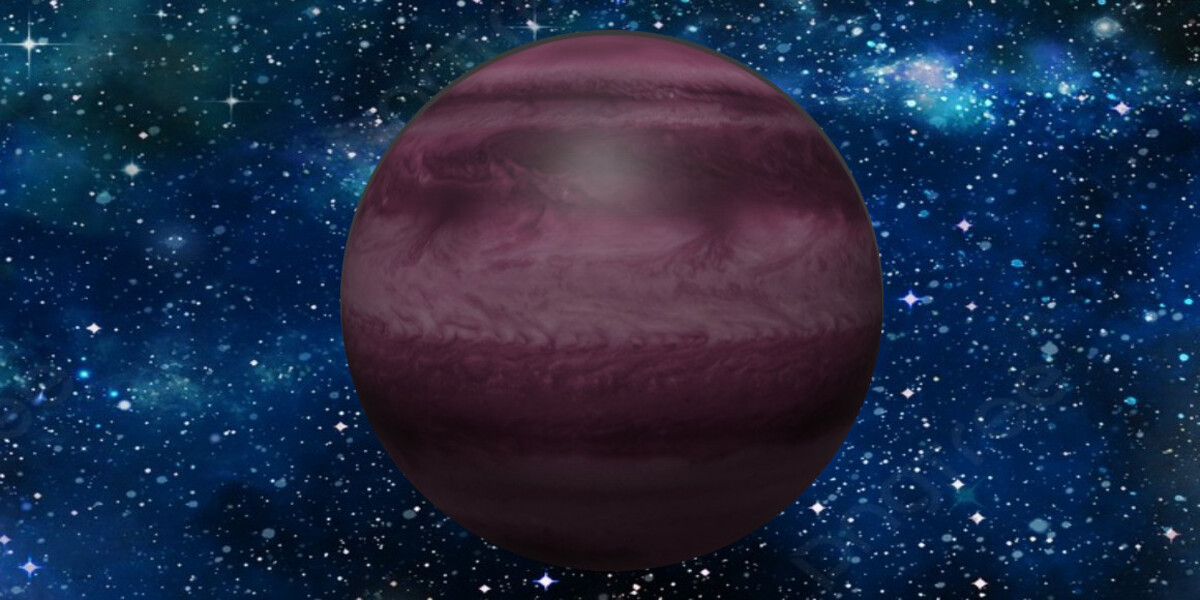
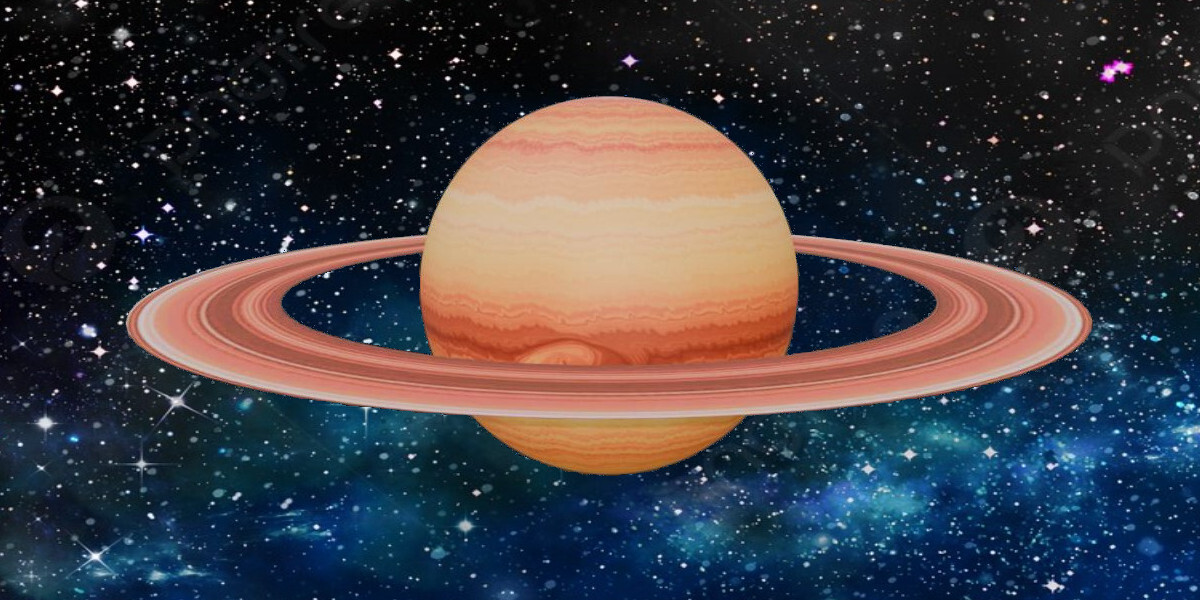
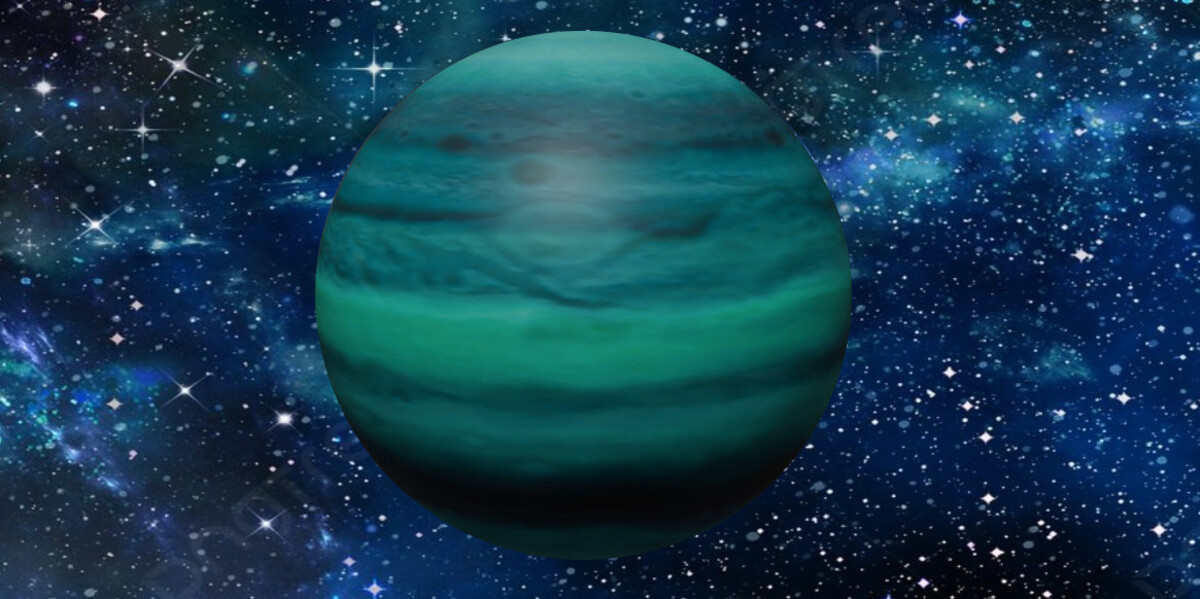
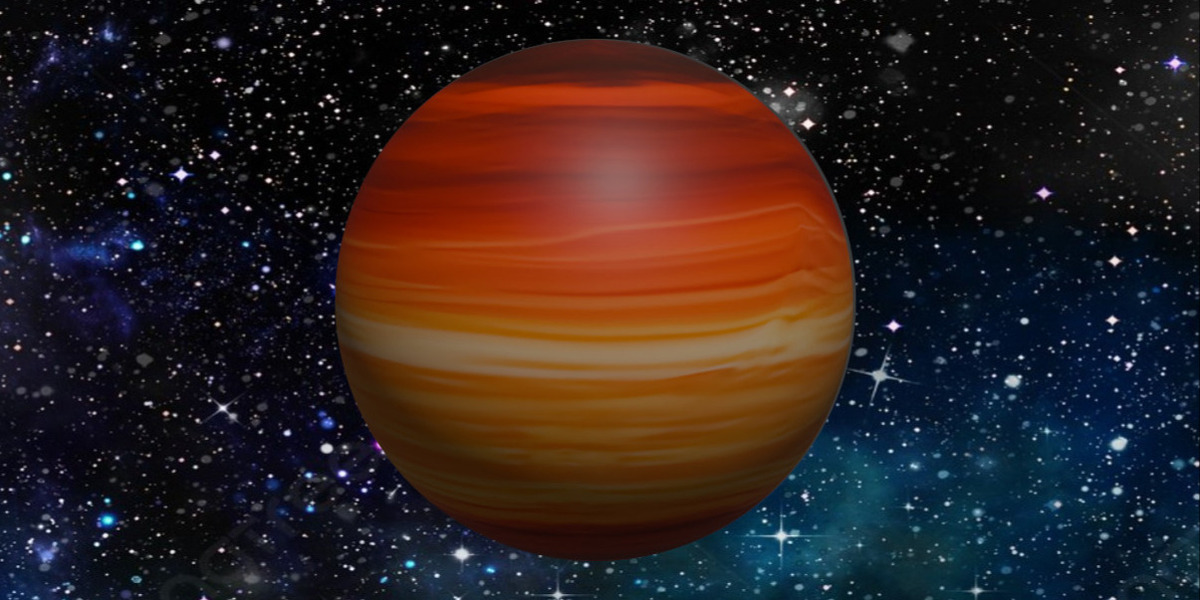
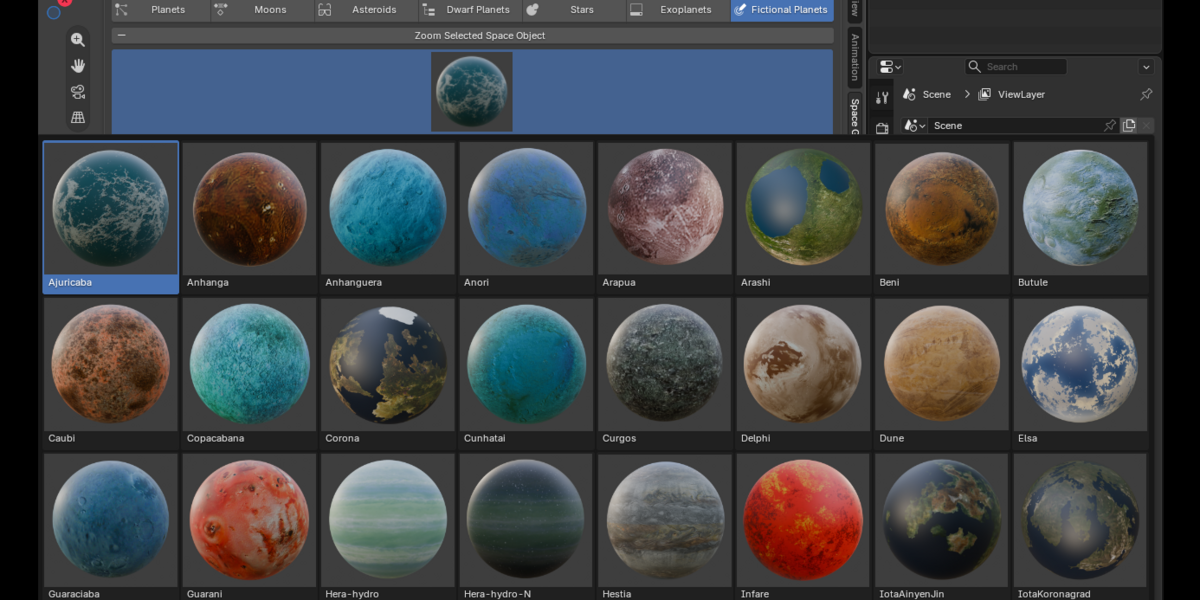
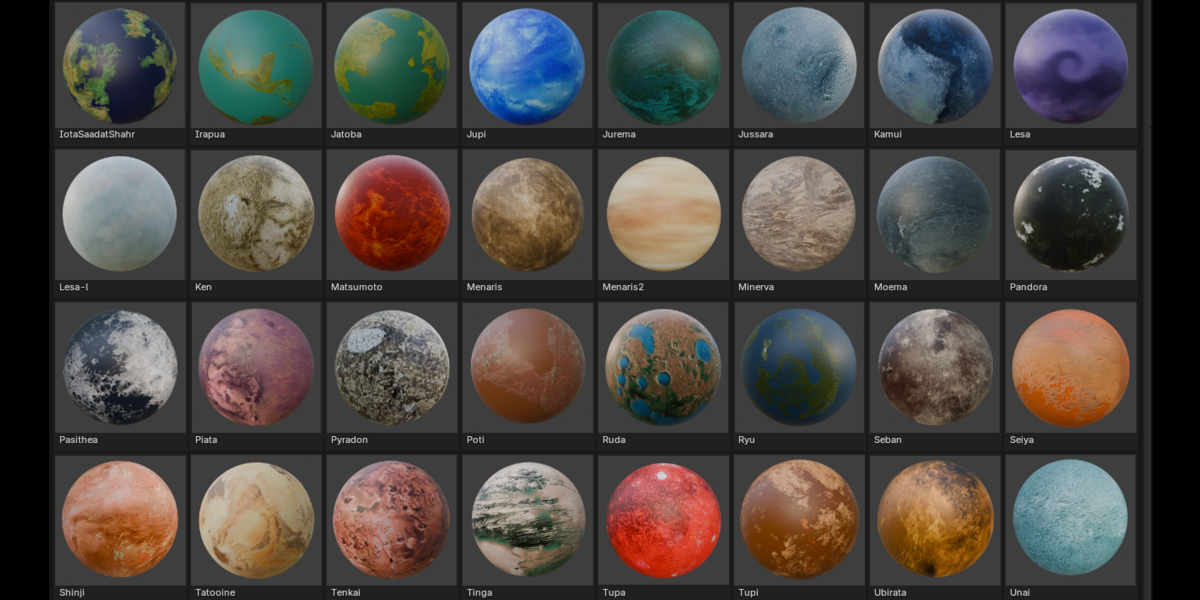
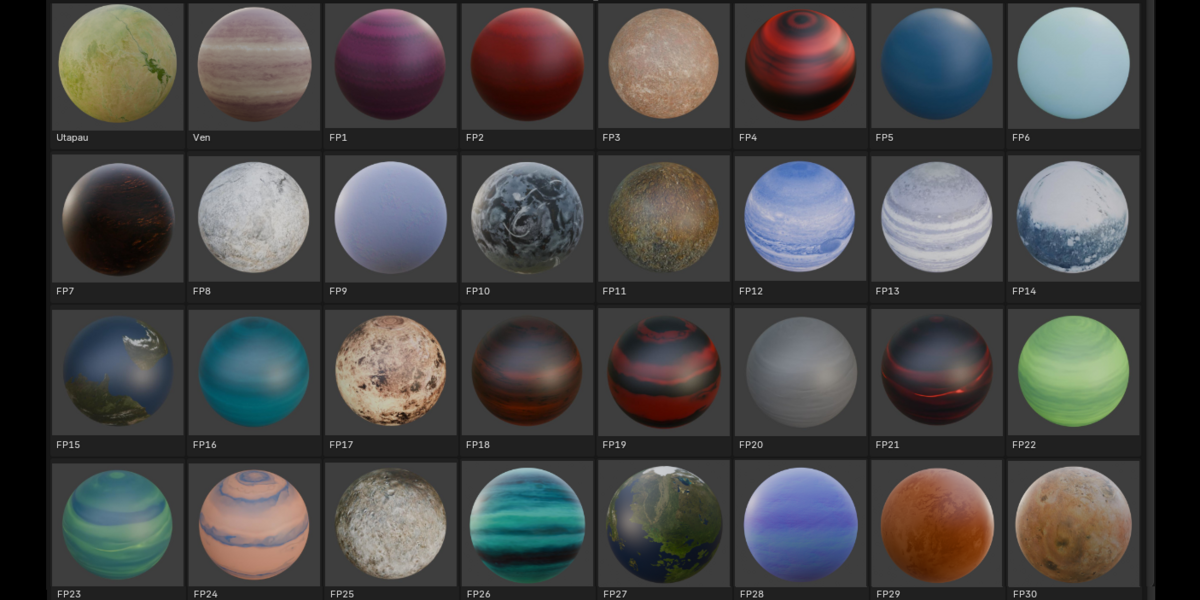
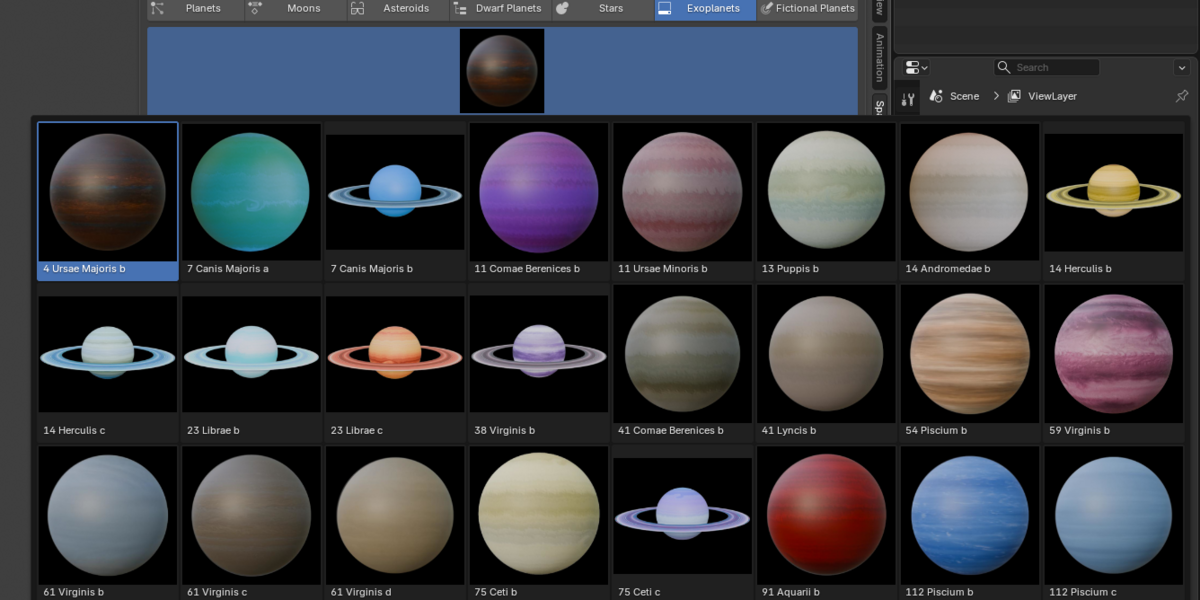
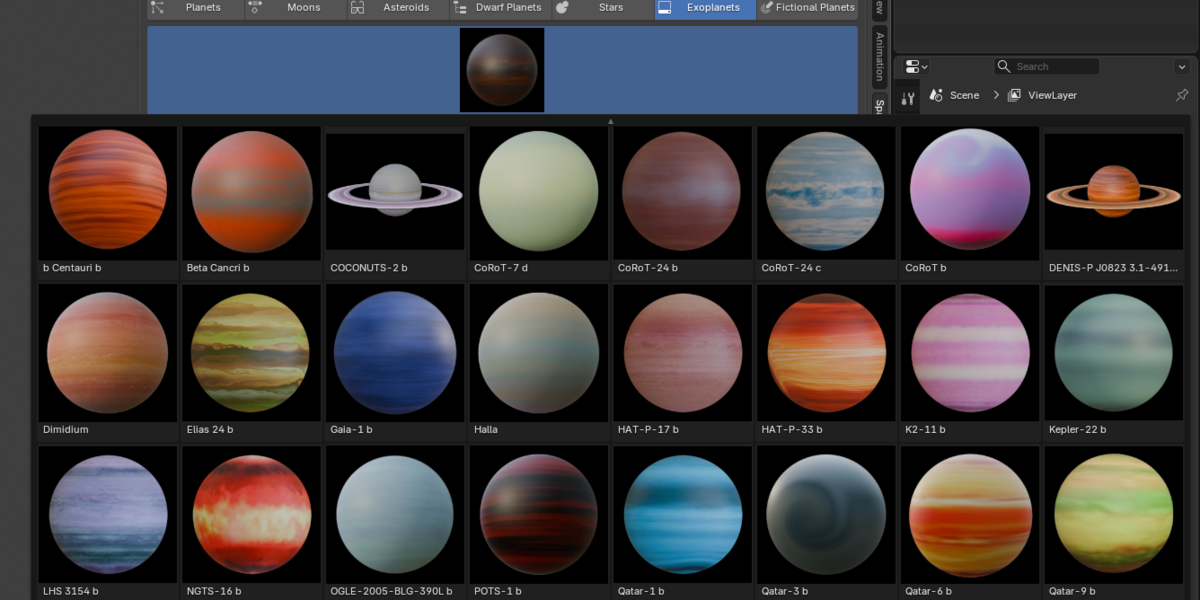
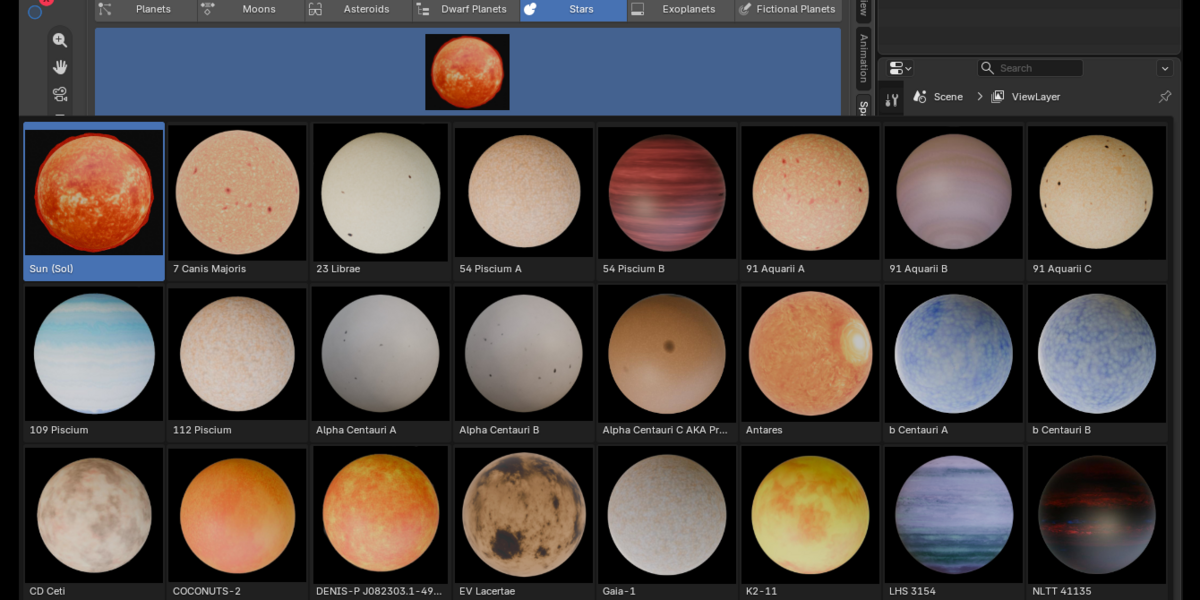
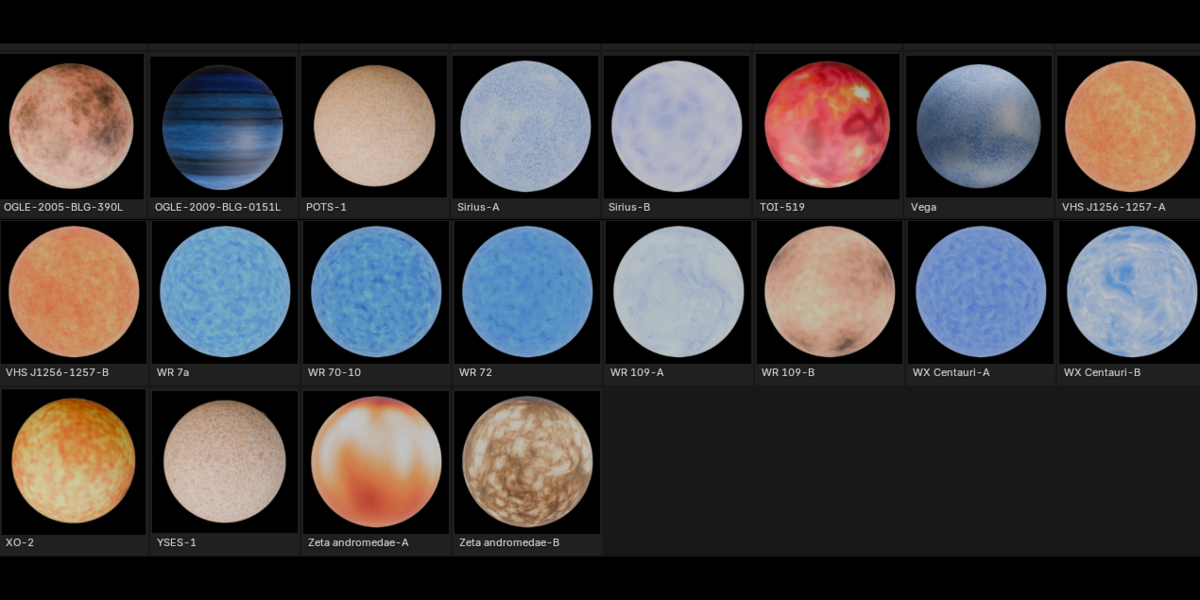
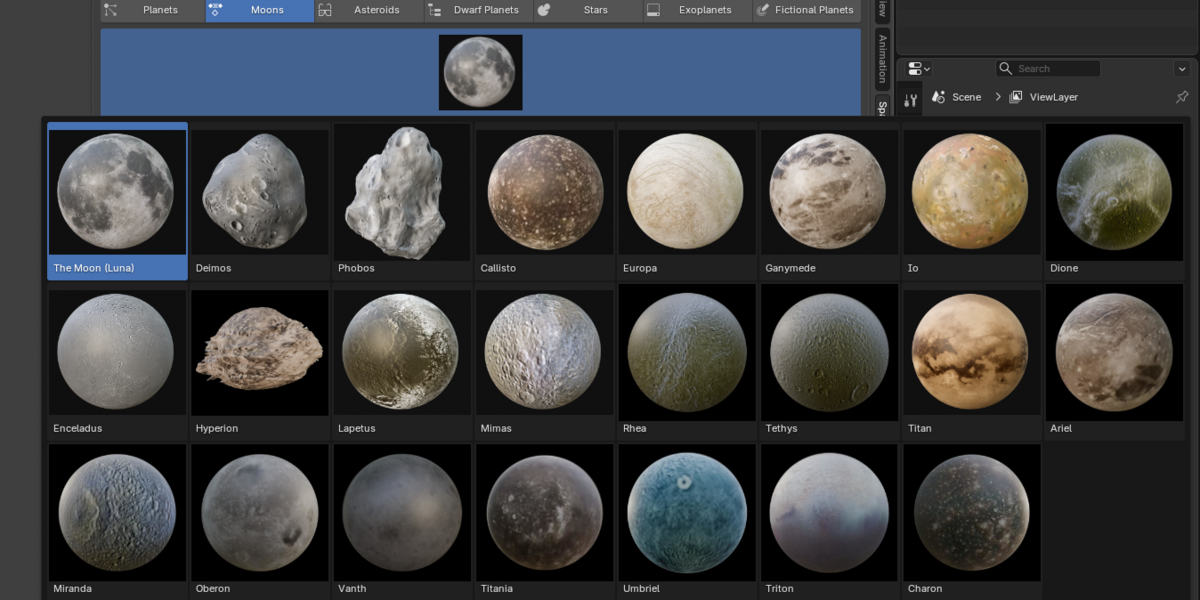
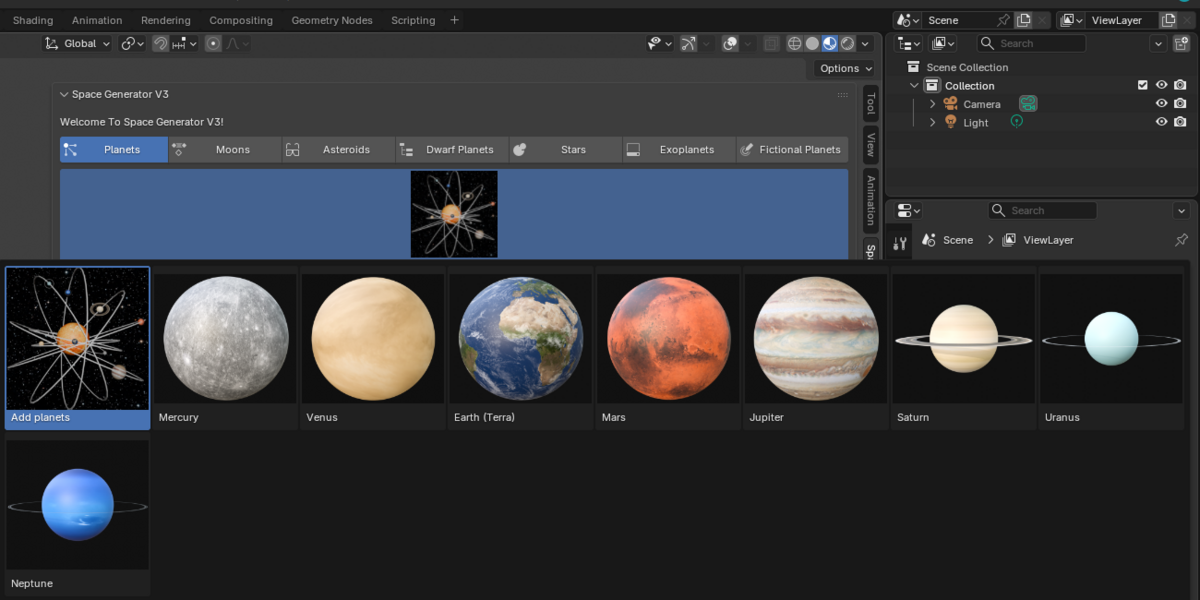
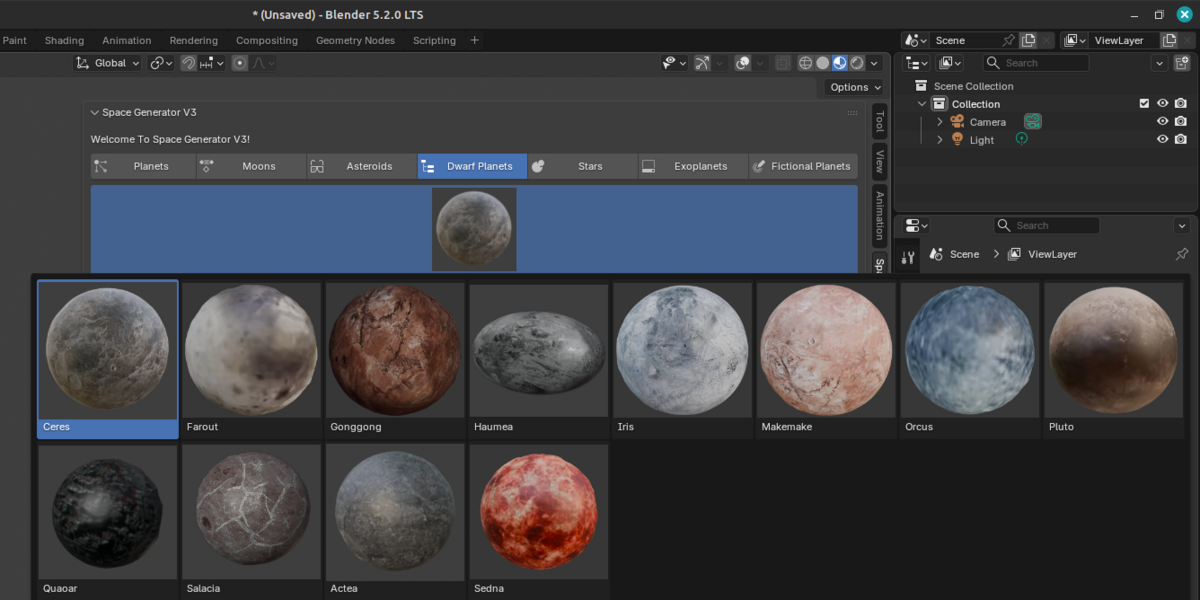
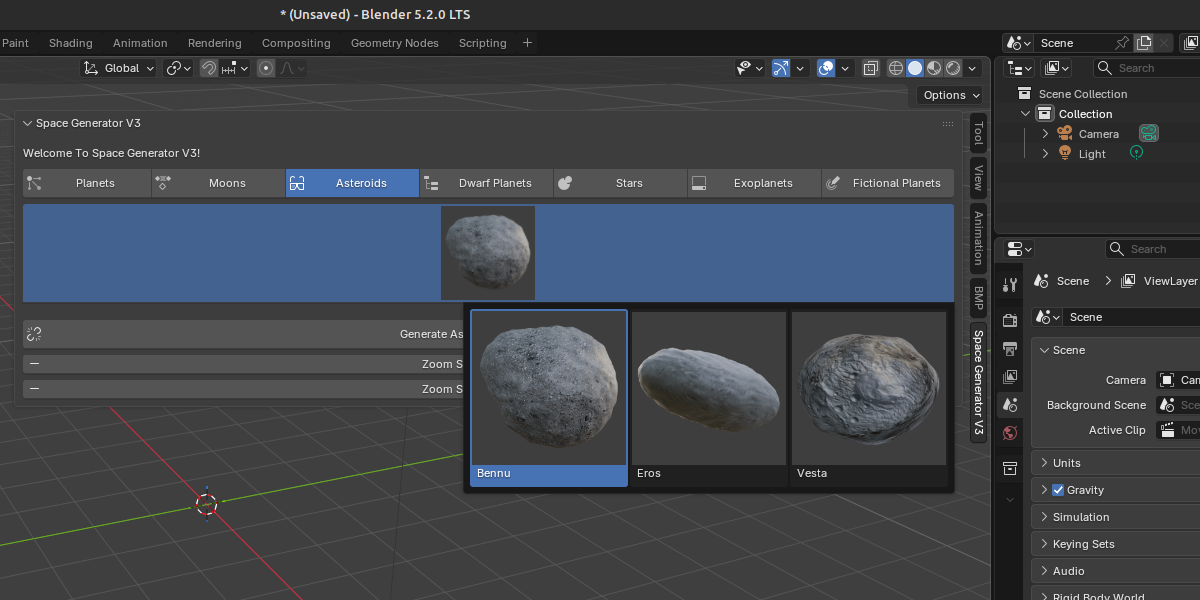
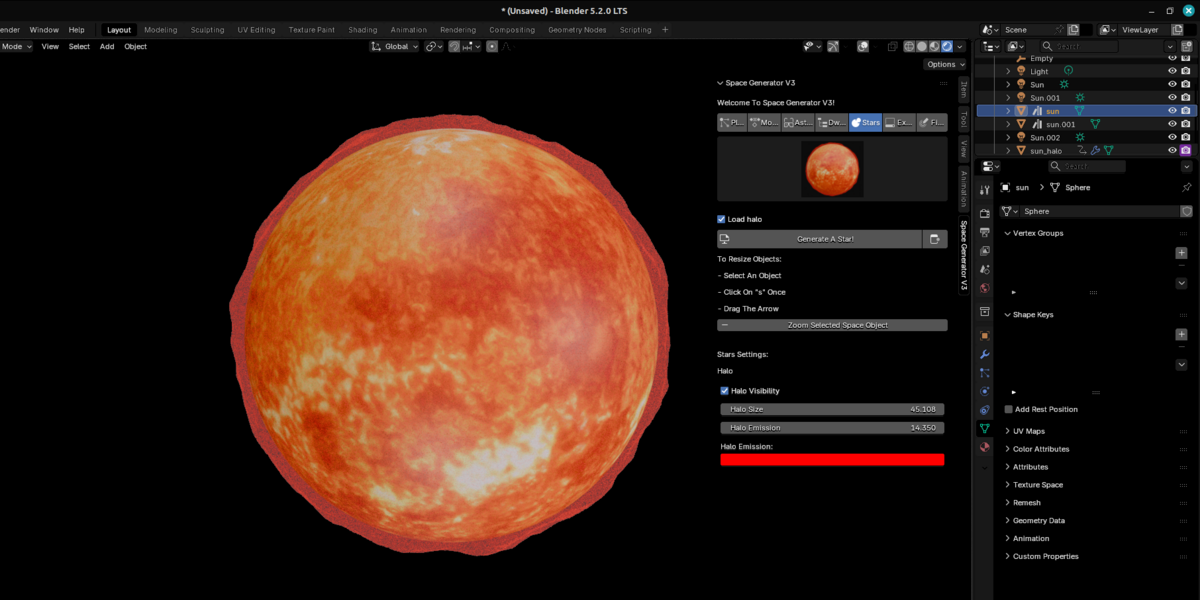
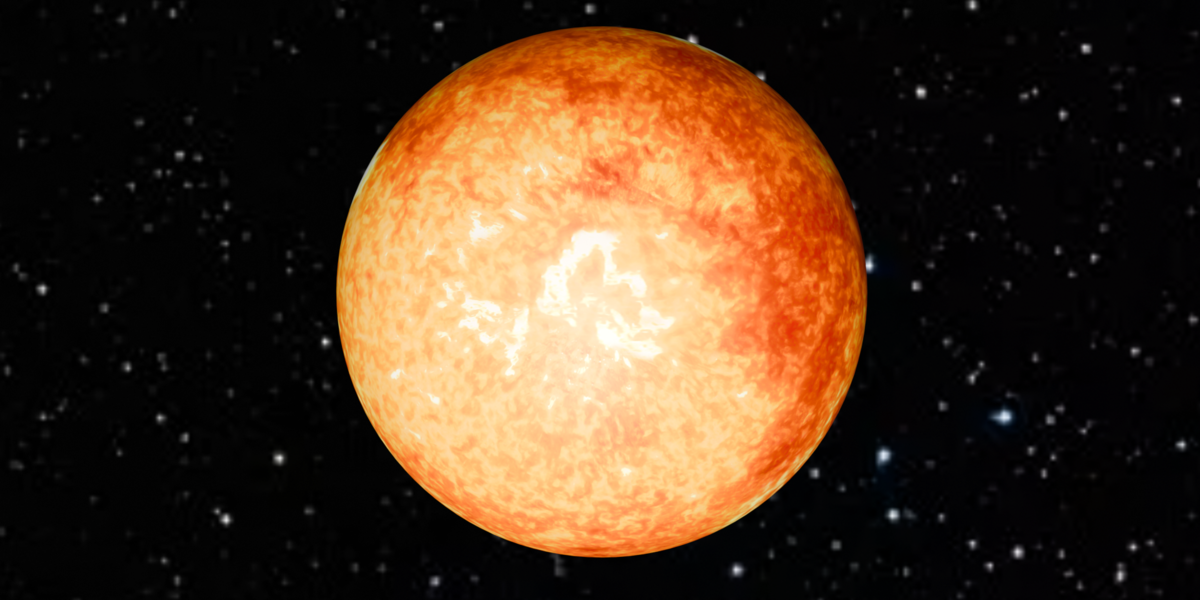
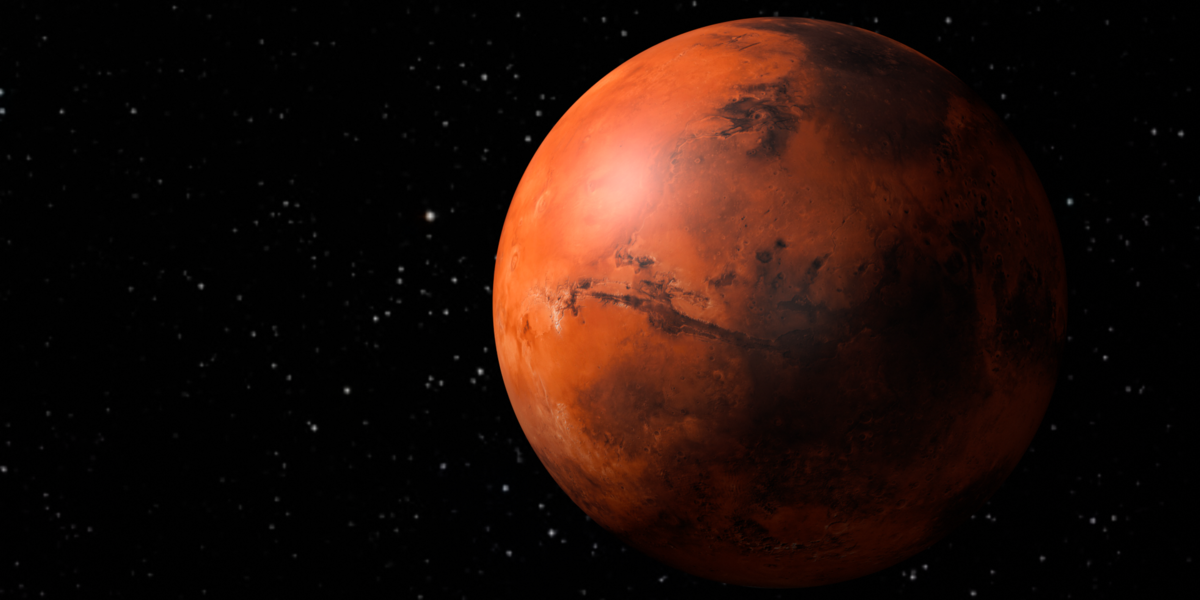


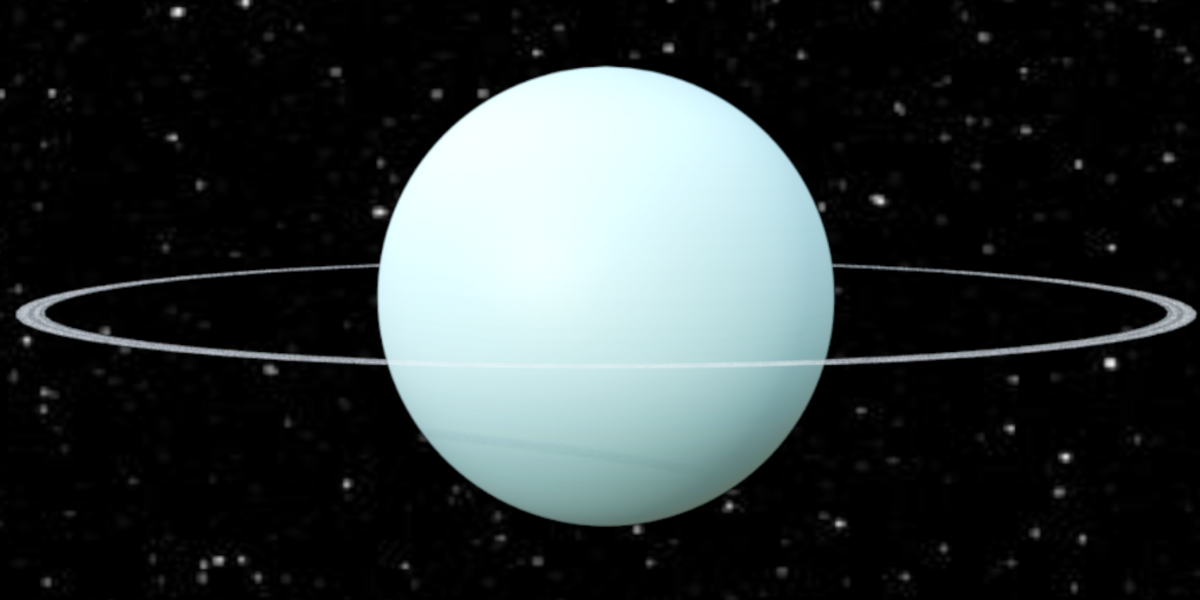
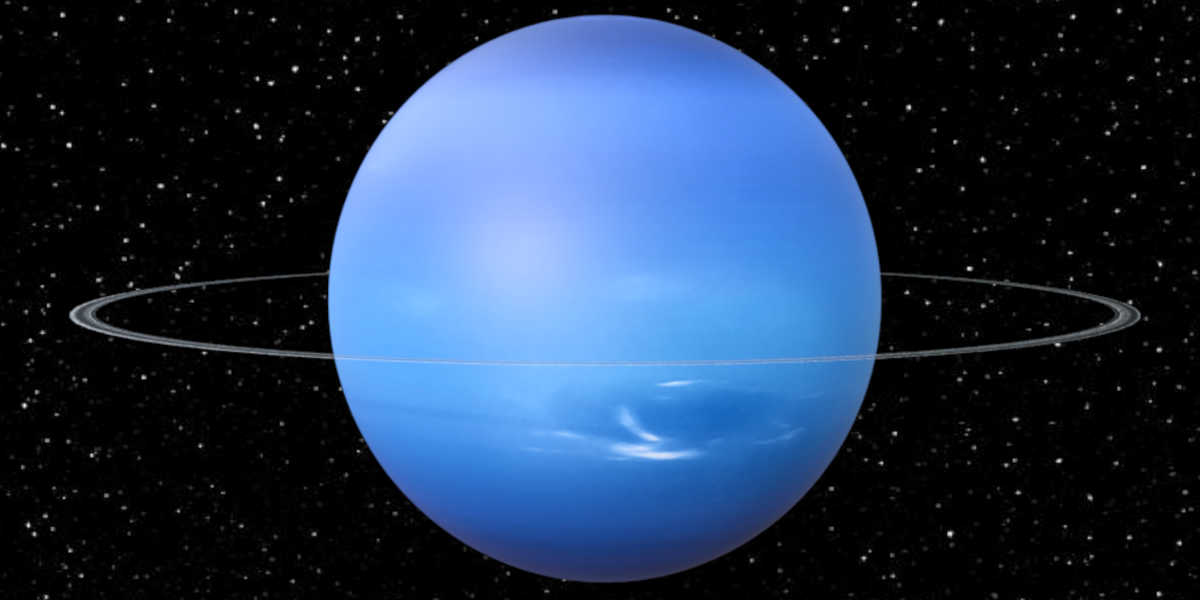
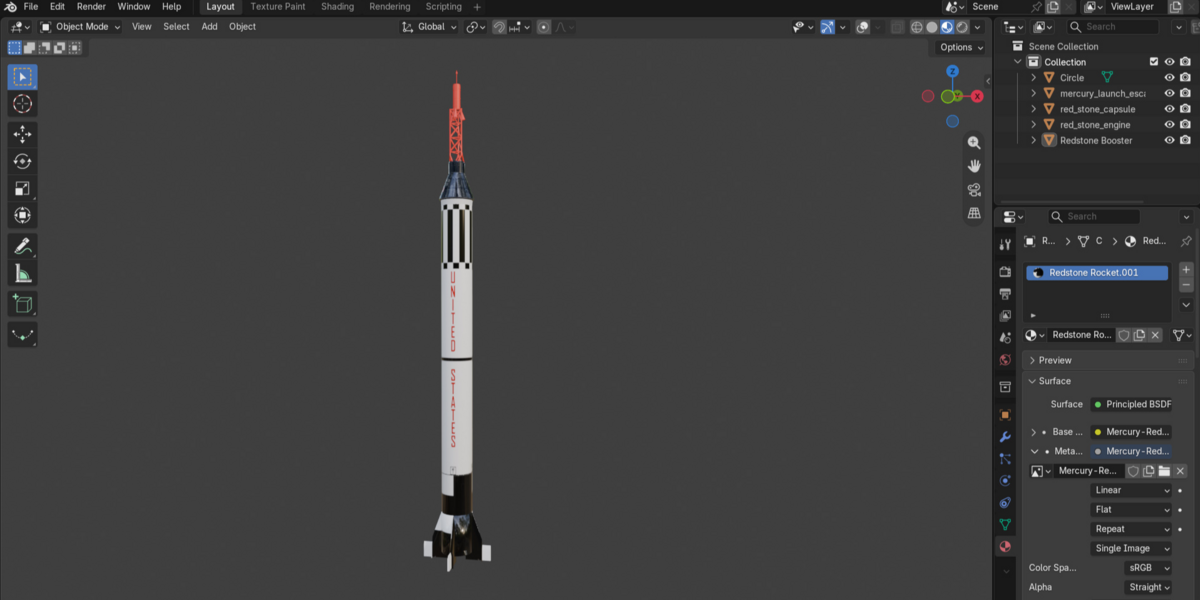
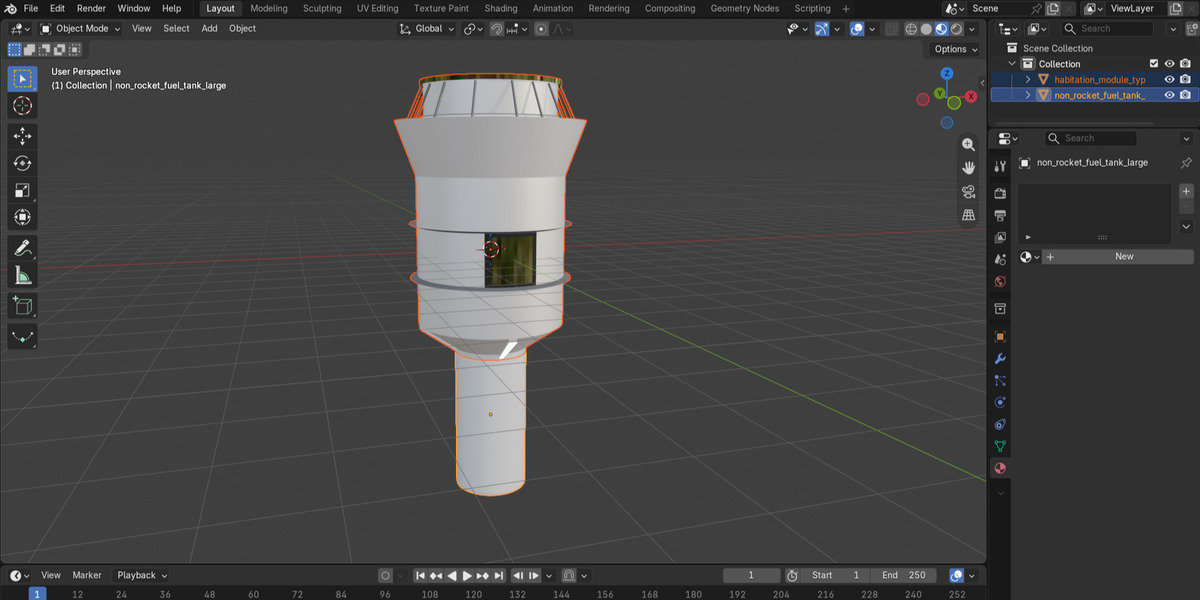
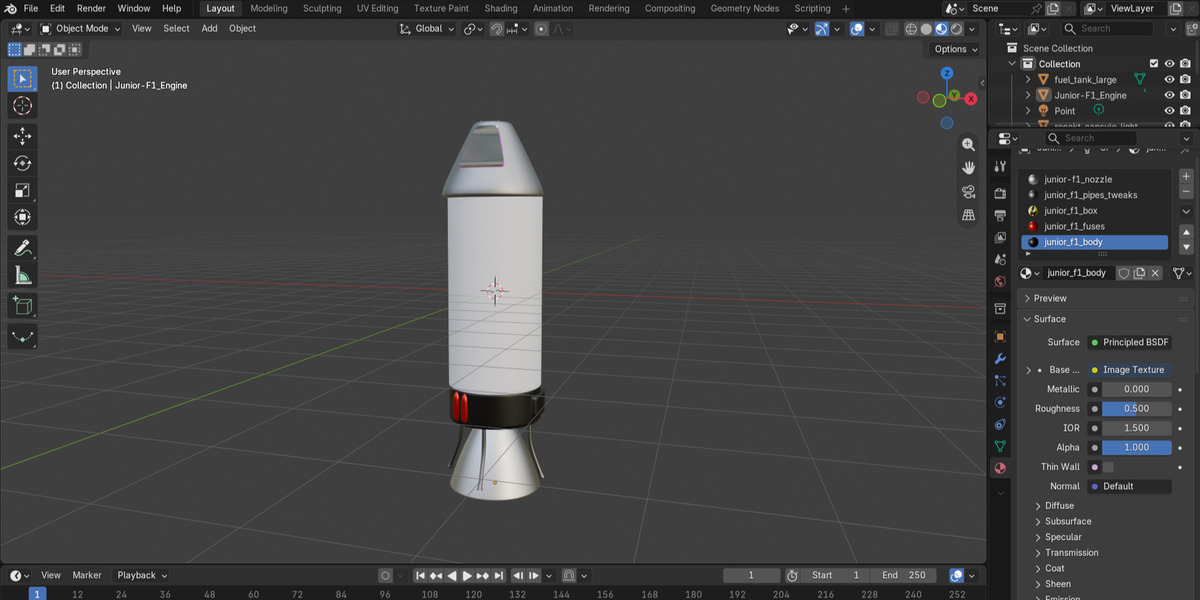


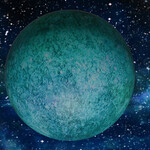
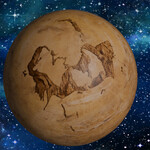
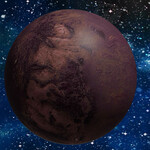
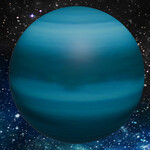
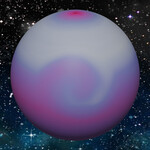
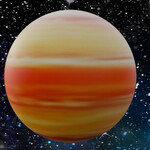
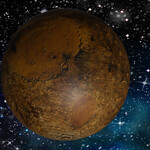
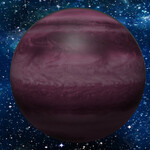
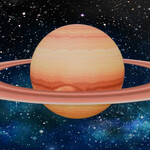
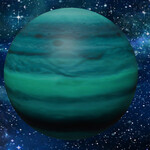
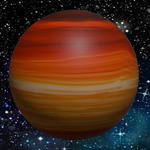
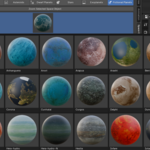
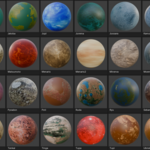
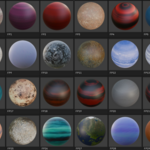
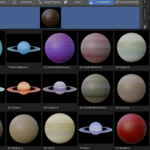
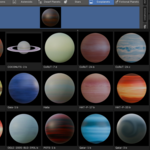
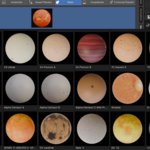
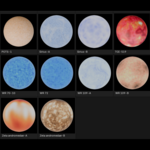
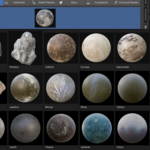
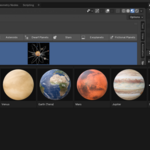
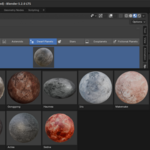
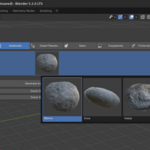
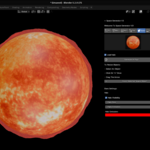
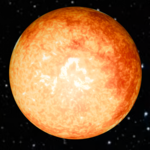
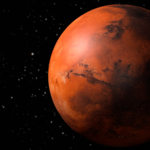
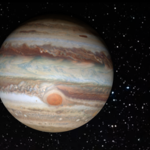
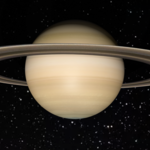
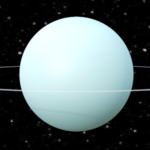
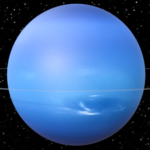
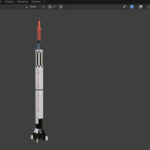
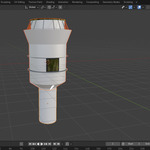
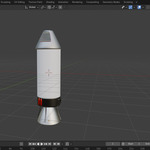
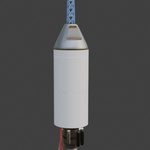
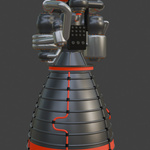
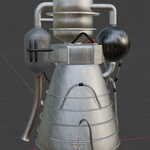
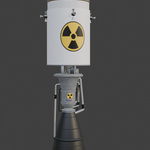
Inside the addon you'll find all the Celestial Bodies.
How to get the Rocket assets?
Those assets are histed on Google Drive.
Look for a file called "get_rocket_assets.txt" inside the space_generator_vxxx.zip.
Open that file, and follow download instructions.
How to load/unload rings, atmospheres and clouds?
When you load an asset, it's ring, atmosphere or clouds will automatically load because the check boxes are on by default.
If that's ok for you then you're all set.
- You obviously won't see any ring or atmosphere or clouds if the object doesn't have any😎 -
If you don't want one or more properties to display you have to uncheck the required box(es), the change(s) will take effect next time you load an asset.
If you want the properties to display again just check the boxes and reload
Need More Help?
Contact us here on Superhivemarket, or on our Discord Server.
Happy Blending!
 Included
Includes 12 months of
- Support from Stellart
- Product updates
Extend this product’s Support Period +12 months: 50% of product price
Have questions before purchasing?
Login to message
Discover more products like this
8k 3d-planet-pack exoplanets 3d-space 8k-planet planet Planets exoplanet 4k 8k planet textures moons Moon 3d model 3d-sun-model asset 3d model planets Stars 2k Star asteroid