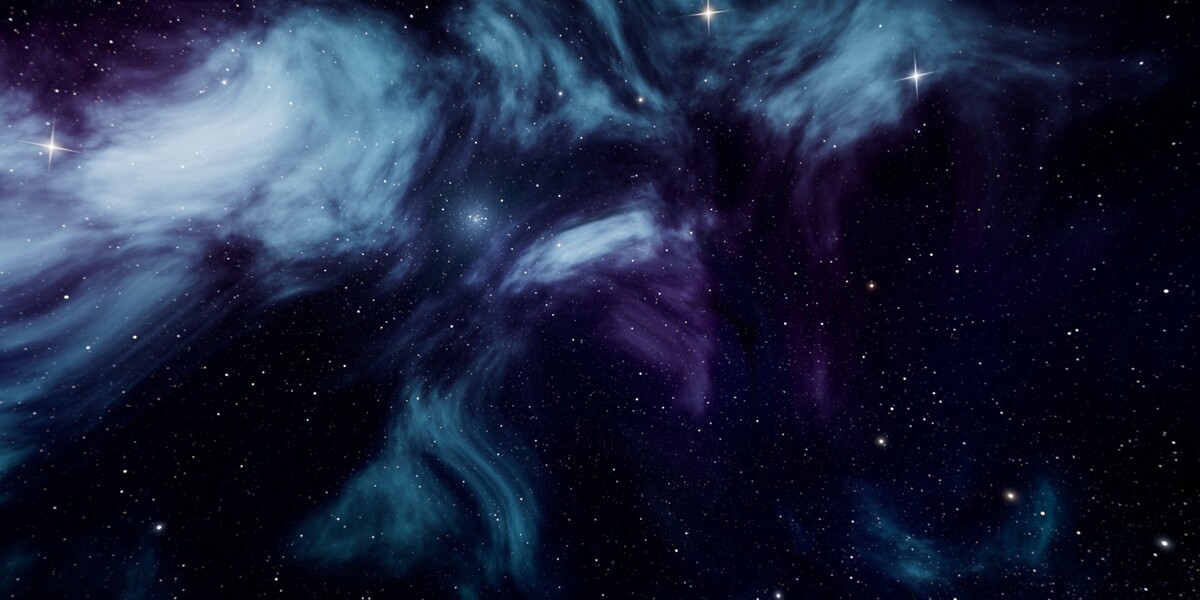
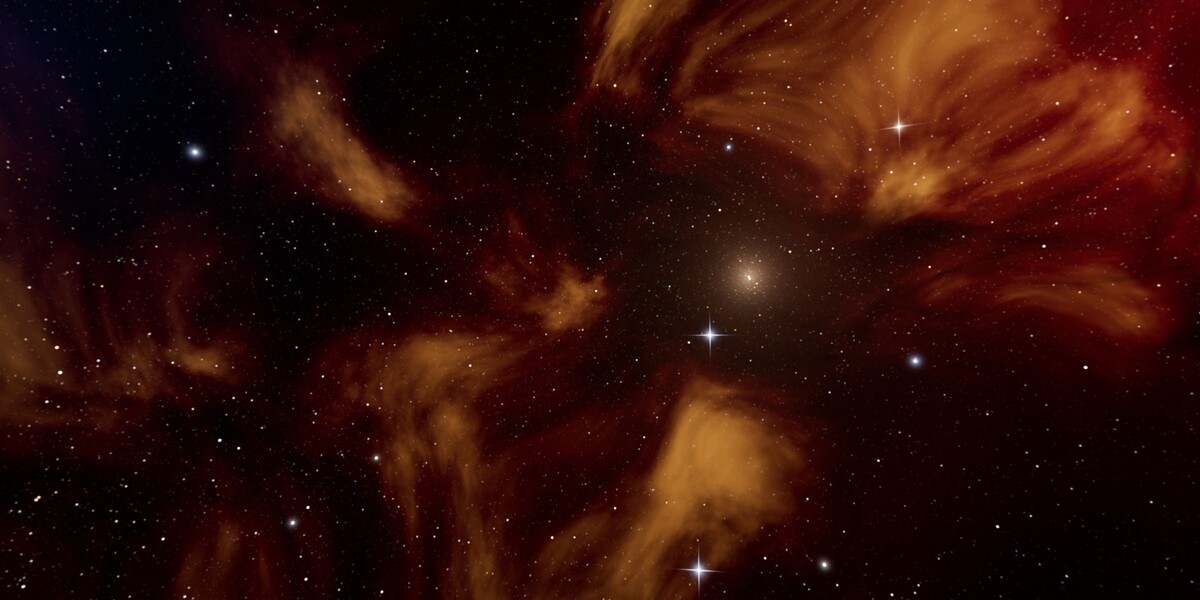
Space & Night Skybox Pack - 12 Stylized 8K Skies
 AssetsFactory
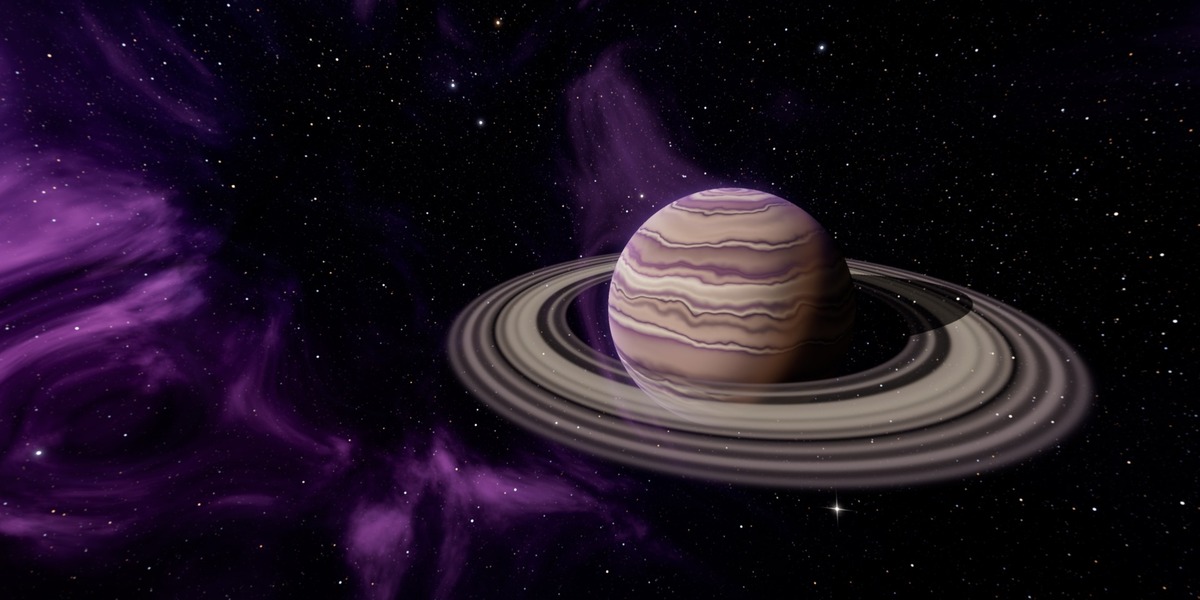
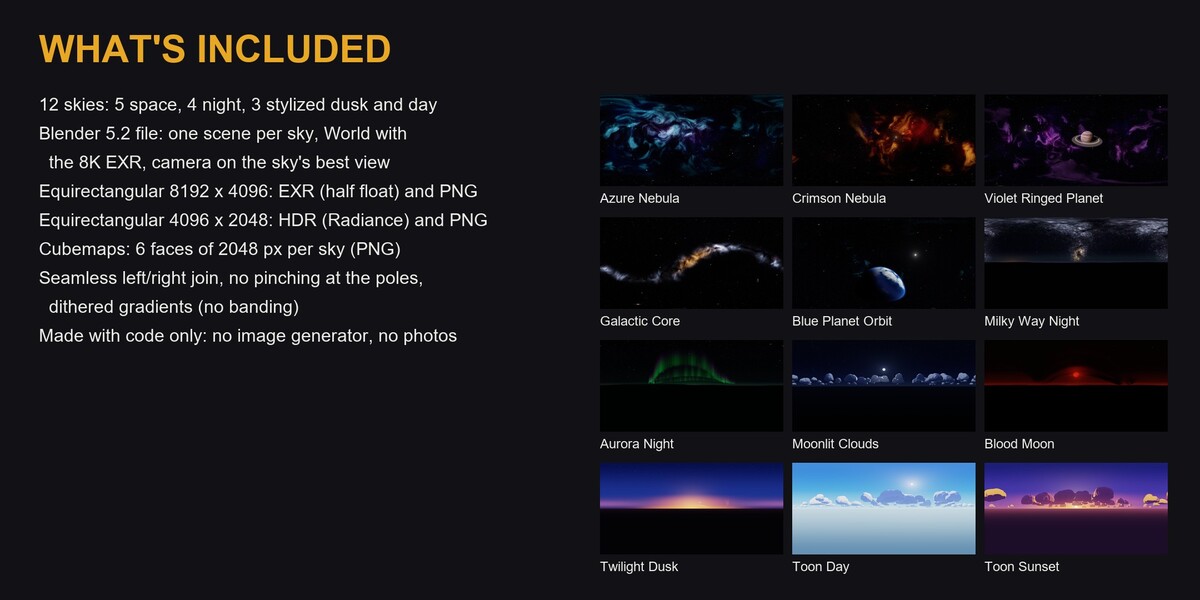
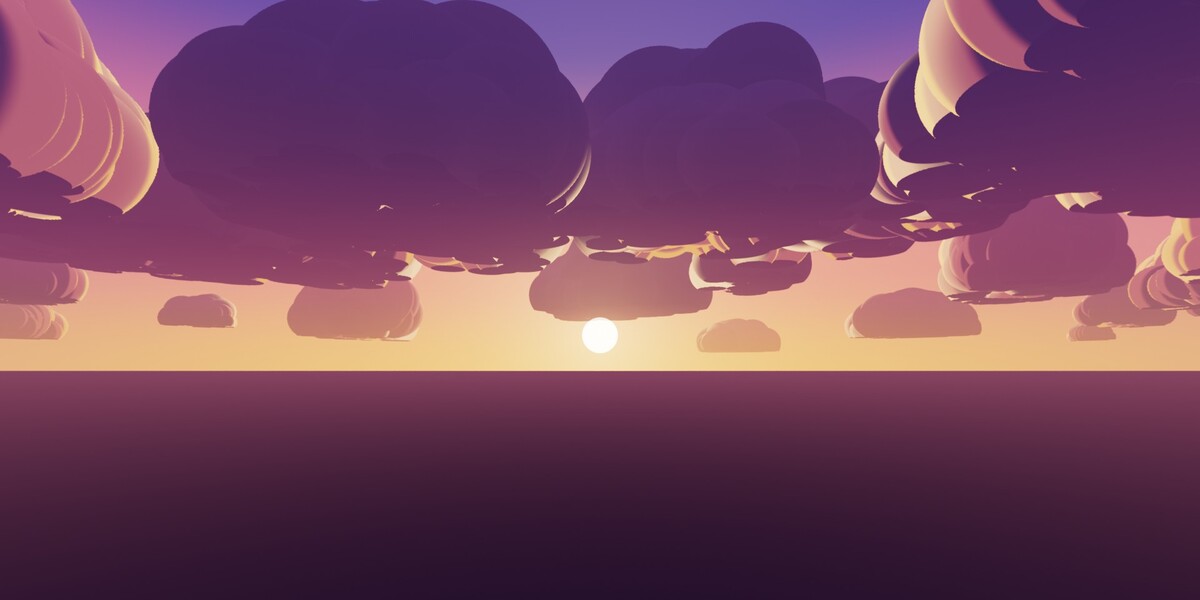
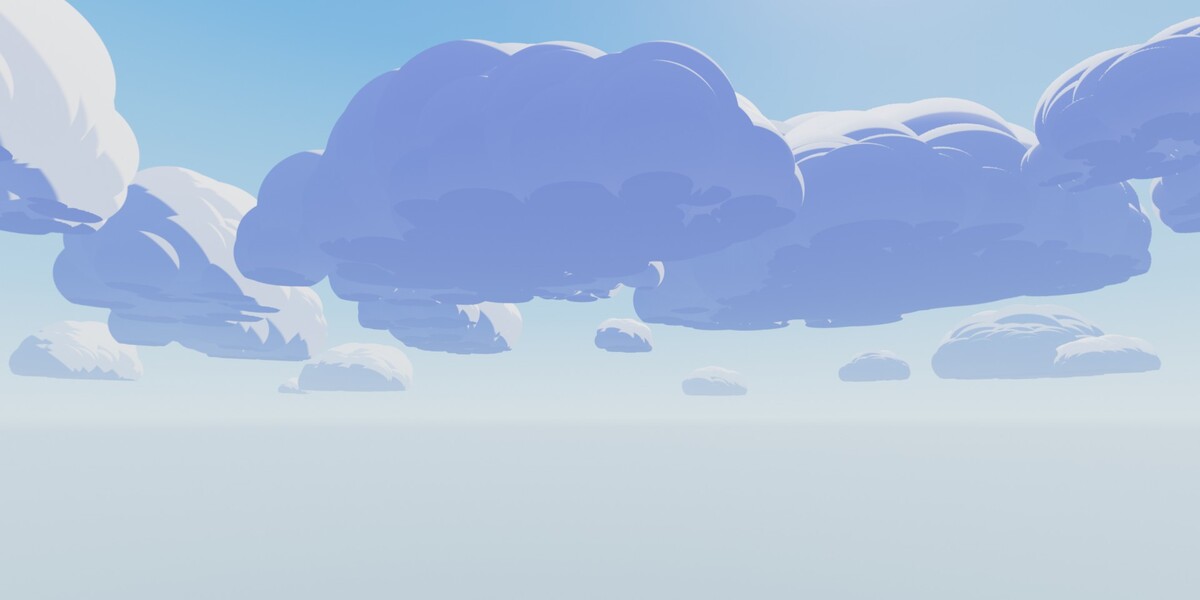
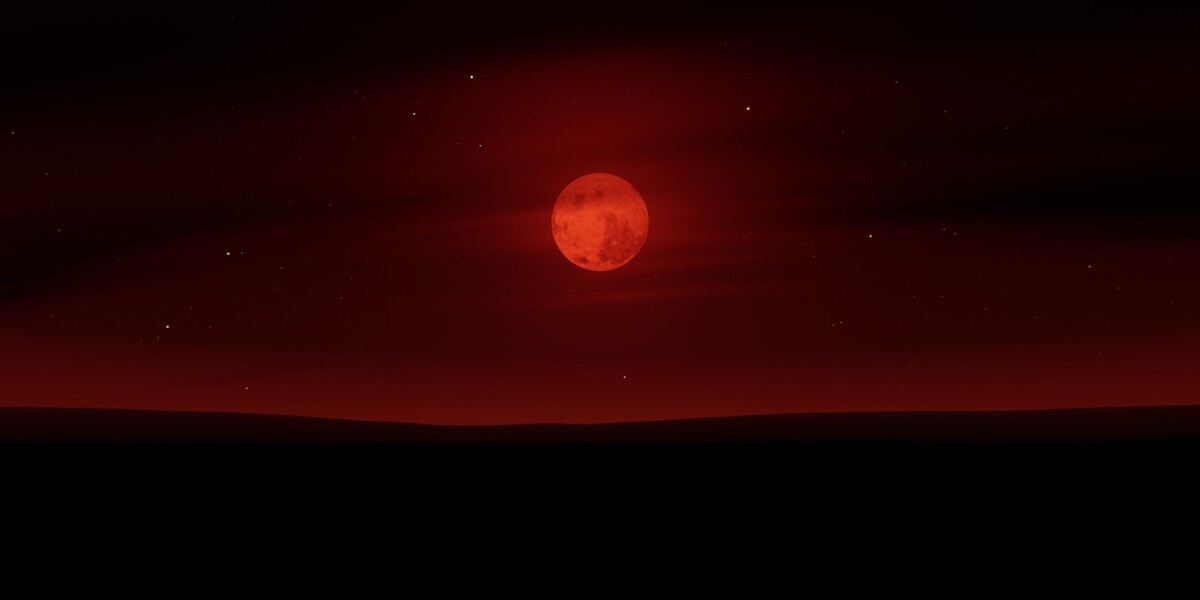
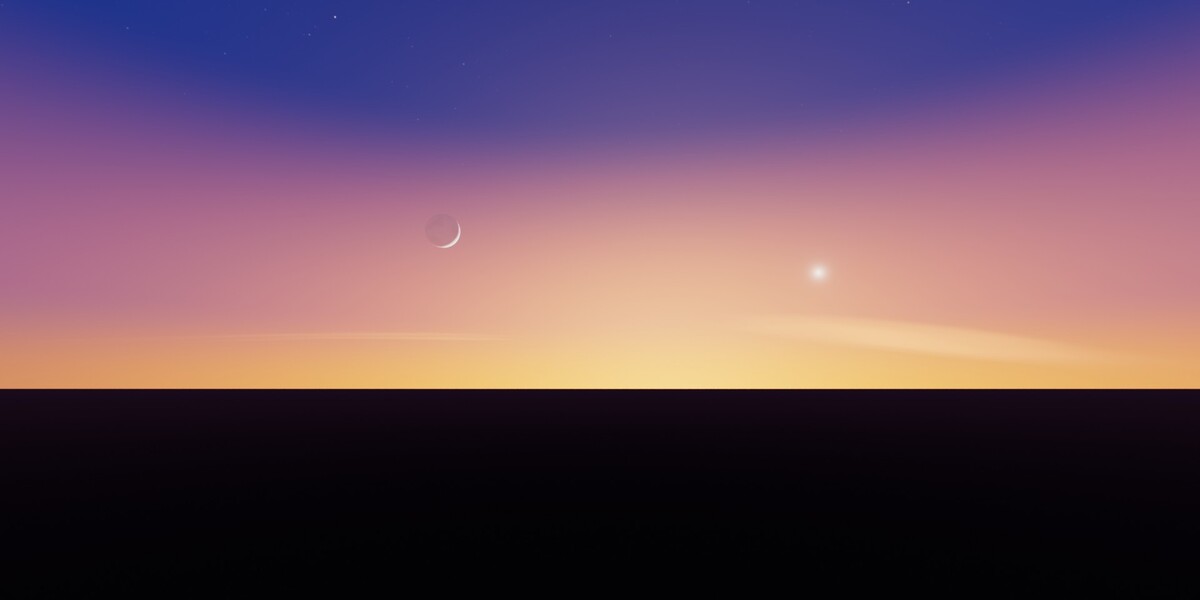
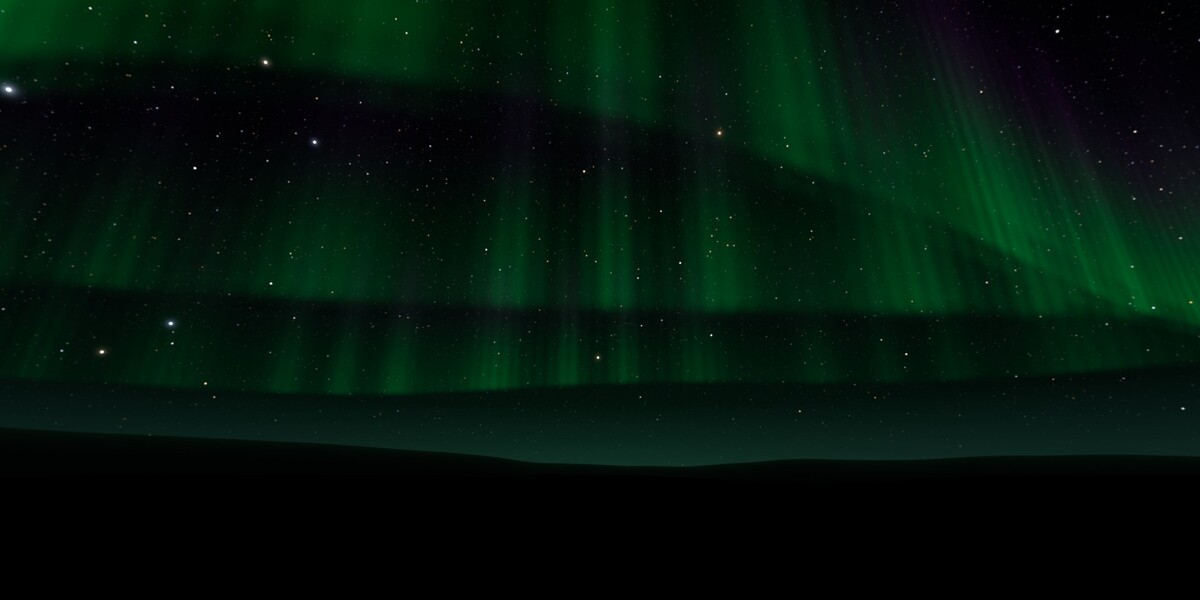
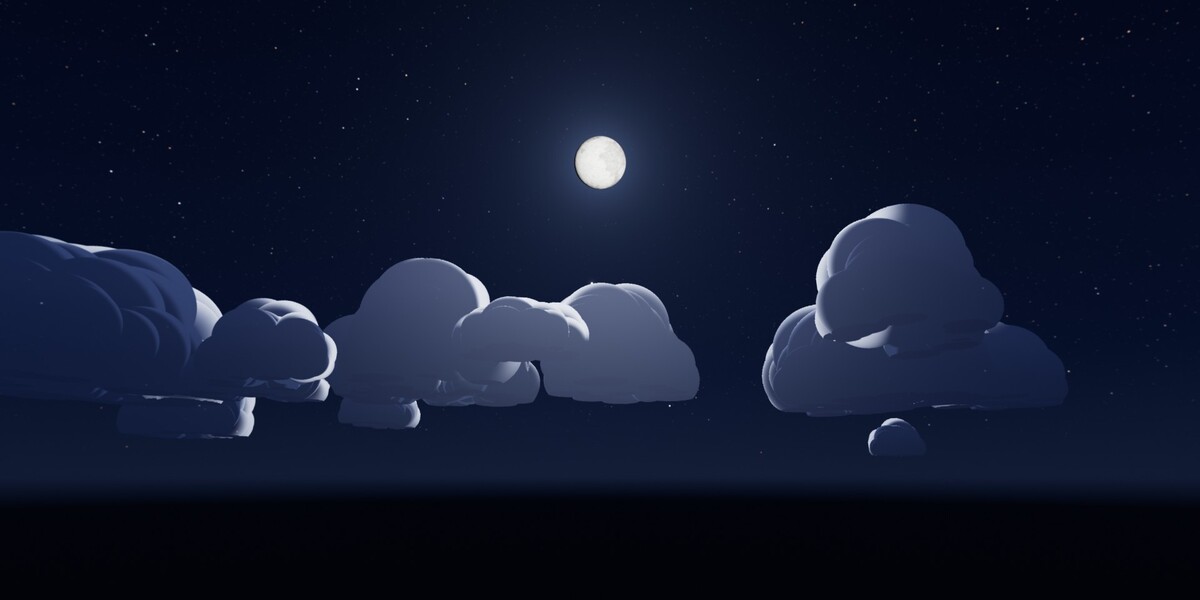
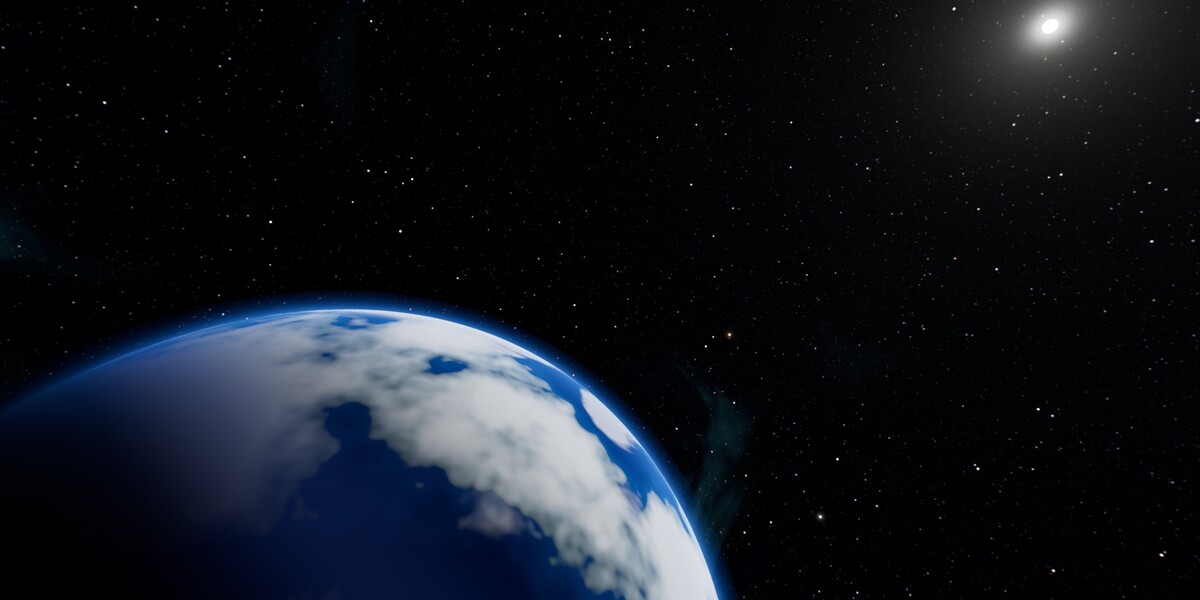
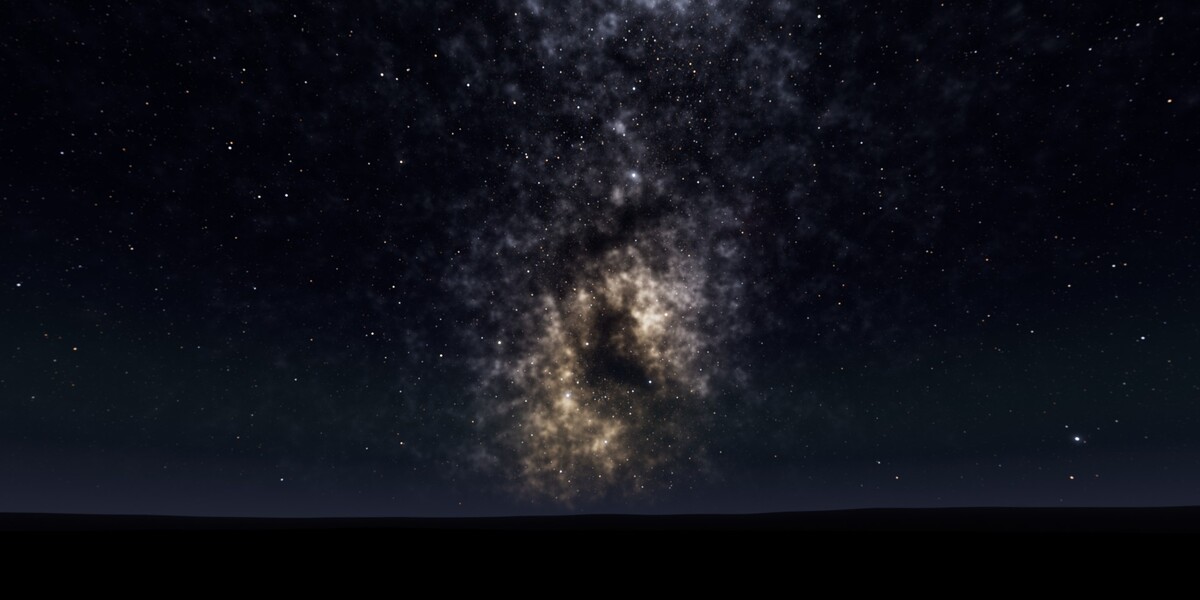
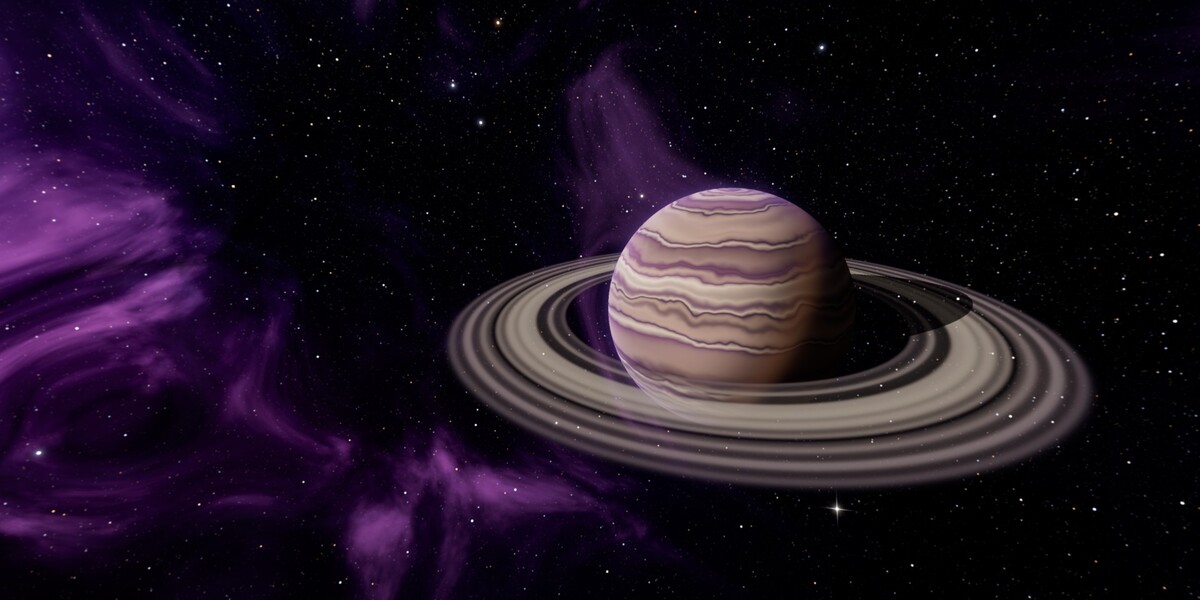
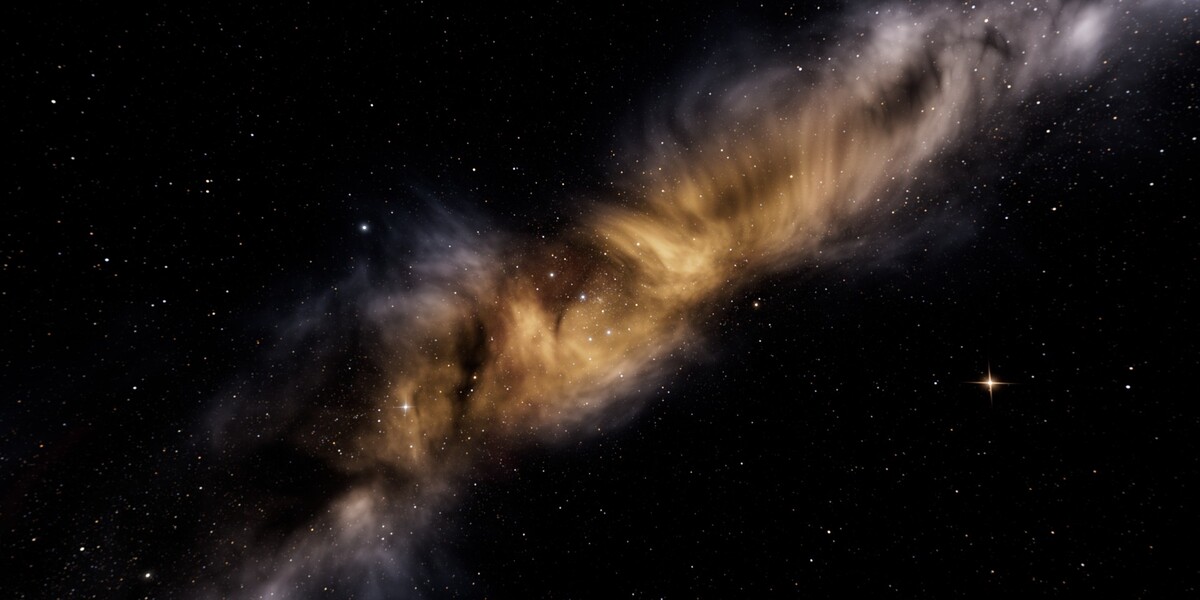
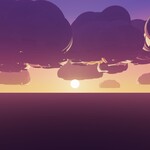
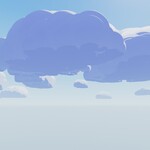
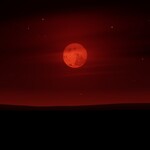
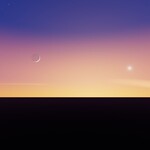
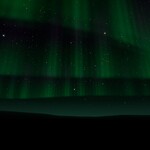
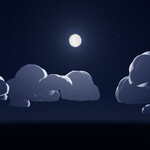
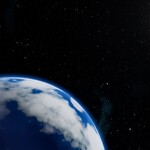
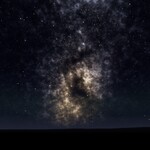
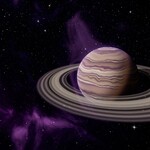
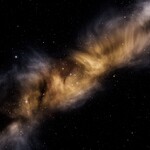
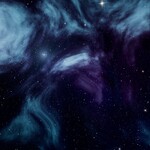
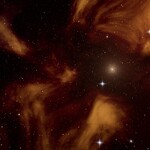
Open the demo file
- Unzip SpaceNightSkyboxes_Blender.zip, keeping the EXR_8K folder next to SpaceNightSkyboxes.blend.
- Open SpaceNightSkyboxes.blend in Blender 5.2.
- Pick a sky in the Scene selector (top right) and press F12.
Use a sky in your own scene
- File > Append > SpaceNightSkyboxes.blend > World > pick the sky.
- World Properties: choose the appended World.
- Rotate it with the Z rotation of the Mapping node in the World shader editor.
- Background Strength sets how much light the sky gives to your scene.
Colour
The demo scenes use the ACES 1.3 view transform at +1 exposure (Render Properties > Color Management), which matches the previews. Night skies are dark by design: raise the exposure for a brighter look.
Files
- SpaceNightSkyboxes_Blender.zip: the .blend and the 12 EXR 8K panoramas (8192 x 4096, half float, linear).
- SpaceNightSkyboxes_HDR_EXR.zip: EXR 8K and HDR 4K (4096 x 2048) for any other software.
- SpaceNightSkyboxes_PNG_Cubemaps.zip: PNG 8K and 4K (8-bit sRGB, tonemapped, dithered) and 6 x 2048 px cubemap faces per sky (OpenGL order px nx py ny pz nz).
Have questions about this product?
Login to message
| Published | 1 day ago |
| Blender Version | 5.2 |
| Render Engine Used | Cycles, Eevee |
| License | Royalty Free |
