Spaceship Realism Toolkit Pro
 Team Blender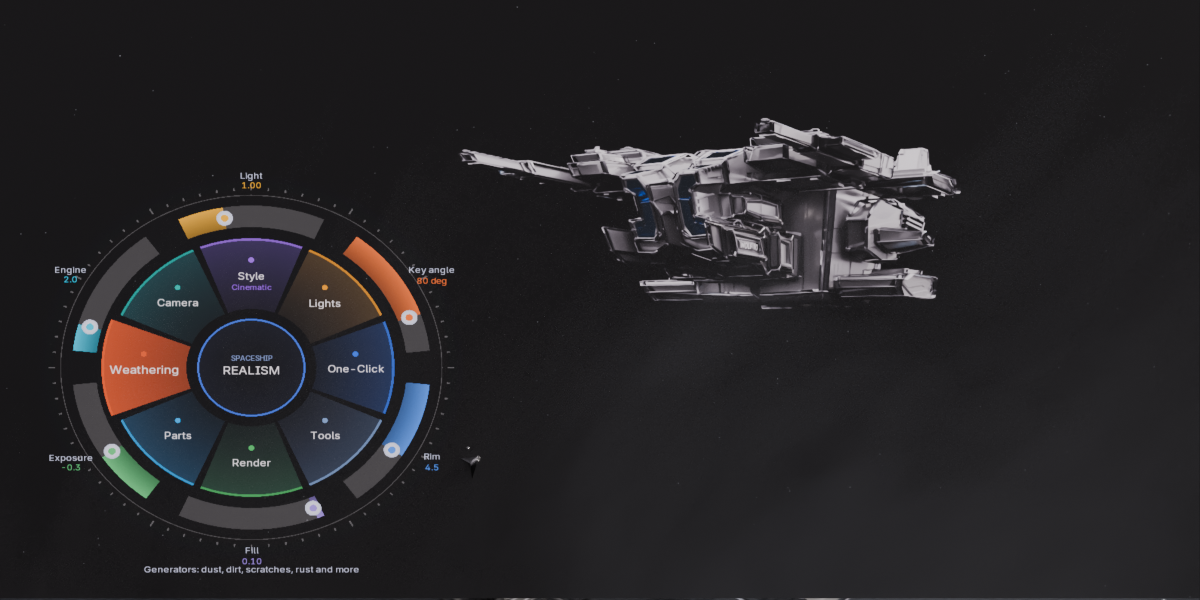
📘 Spaceship Realism Toolkit — Documentation
Overview
Spaceship Realism Toolkit is a complete realism workflow designed for sci‑fi and hardsurface artists in Blender. It combines lighting, camera setup, rendering, weathering, material enhancement and scene tools into one unified system — all controlled through a fast, intuitive radial menu (Alt+Q).
Compatible with Blender 3.0 to 5.2 (tested).
This documentation explains every feature, how to use the toolkit, and how to integrate it into your workflow.
🎯 1. Installation
Download the
.zipfile from Blender Market.Open Blender → Edit > Preferences > Add-ons.
Click Install… and select the zip.
Enable Spaceship Realism Toolkit.
In the 3D Viewport, press Alt+Q to open the radial menu.
No manual setup required — everything loads automatically.
🌀 2. Radial Menu (Alt+Q)
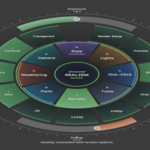
The radial menu is the core of the toolkit. It provides instant access to all realism tools without navigating panels or menus.
Categories in the radial menu:
One‑Click – Full realism setup in one action
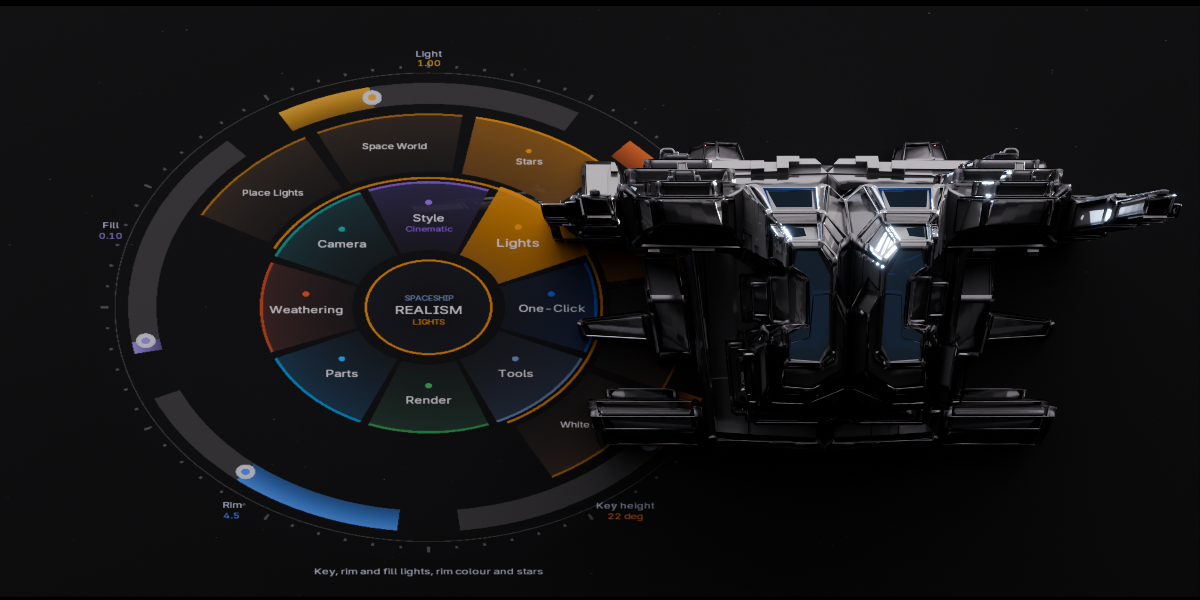
Lights – Key, Rim, Fill, Rim Color, Space World
Style – Cinematic, Standard, Product looks
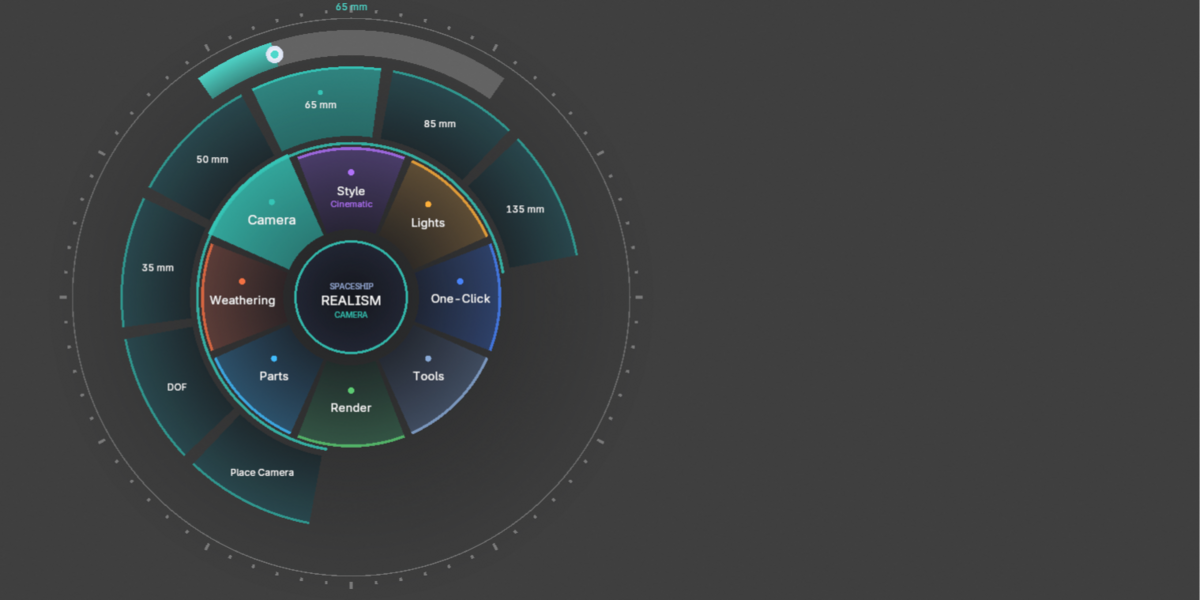
Camera – Auto camera placement, DOF, lens presets
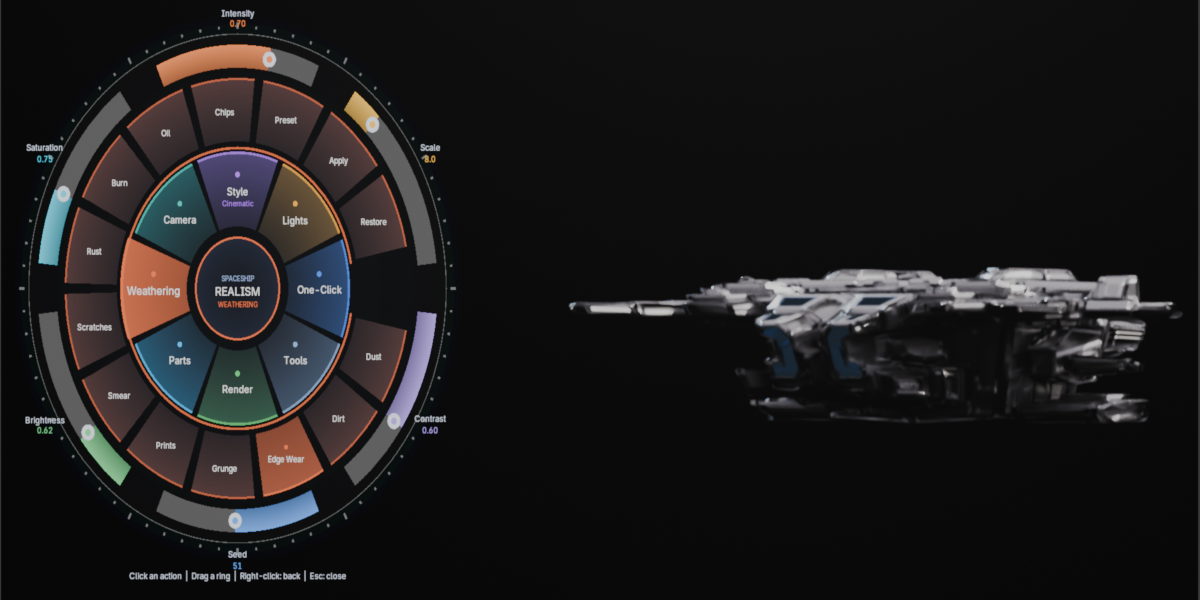
Weathering – 11 procedural generators
Parts – Engine glow, glass, color presets
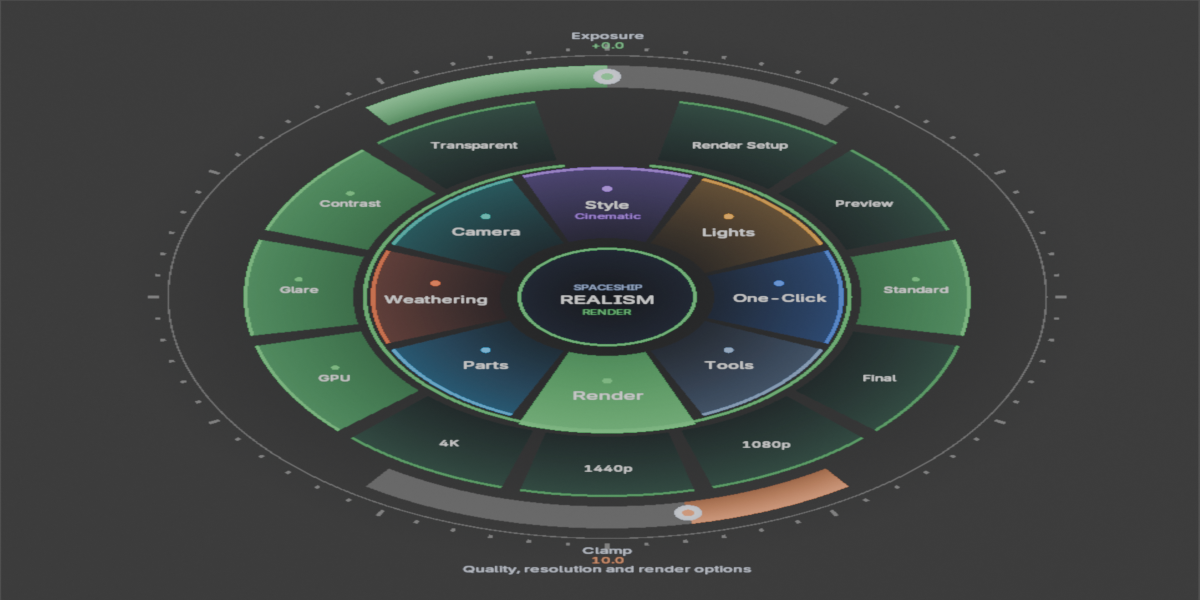
Render – Quality presets, resolution presets, GPU/CPU, glare
Tools – Live update, restore materials, restore parts
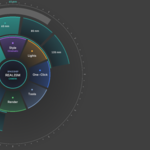
Each category opens its own ring with context actions and sliders.
The menu includes:
Smooth animations
Hover highlights
Dynamic sliders
Context‑sensitive items
Live updates
💡 3. Lighting Tools
The toolkit automatically places professional lighting around your model.
Features:
Key Light
Rim Light
Fill Light
Rim Color presets
Space World (with stars)
Ambient control
Lights follow the active camera and adapt to the model’s orientation.
🎥 4. Camera Tools
Instant camera setup with:
Auto placement
Depth of Field toggle
Lens presets: 35mm, 50mm, 65mm, 85mm, 135mm
Exposure control
Perfect for both previews and final renders.
🔧 5. Render Tools
Quick access to essential rendering options:
Quality presets:
Preview
Standard
Final
Resolution presets:
1080p
1440p
4K
Toggles:
GPU / CPU
Glare
Transparent background
High contrast
Clamp control
Cycles settings are optimized for clean, realistic results.
🎨 6. Weathering Generators
The toolkit includes a powerful procedural weathering system with 11 generators:
Dust
Dirt
Edge Wear
Grunge
Fingerprints
Smear
Scratches
Rust
Burn Damage
Oil Streaks
Paint Chips
Adjustable parameters:
Intensity
Scale
Contrast
Seed
Brightness
Saturation
Weathering is non‑destructive, stack‑based, and can be applied or removed at any time.
🧪 7. Material Enhancement
Materials using Principled BSDF are automatically upgraded with:
Bevel
Ambient Occlusion
Roughness variation
Color variation
Metallic blending
Weathering masks
Includes:
Restore Materials — revert to original materials
Restore Parts — reset engine glow and glass effects
⚙️ 8. One‑Click Realism Setup
For fast workflows, the toolkit includes a single action that configures:
Lighting
Camera
Render settings
World
Weathering stack
Materials
Ideal for concept art, quick previews, and production‑ready renders.
🧭 9. Workflow Example
Select your spaceship model
Press Alt+Q
Choose One‑Click
Adjust lighting, camera, weathering or render settings
Render your final image
The toolkit is designed to be fast, intuitive and artist‑friendly.
🖥 10. Compatibility
Blender 3.0 → 5.2 tested
Cycles required
Works with any mesh‑based hardsurface model
Optimized for sci‑fi and mechanical designs
🛠 11. Support
For questions, bug reports or feature requests, contact via Blender Market.
📜 12. Changelog
v4.0.0
Complete radial menu rewrite
GPU‑accelerated drawing
New weathering stack
New render presets
New camera tools
Performance improvements
Blender 3.0–5.2 compatibility
Have questions about this product?
Login to message
| Published | 4 days ago |
| Blender Version | 3.0 - 5.2 |
| Extension Type | N/A |
| Render Engine Used | Cycles, Eevee |
| License | GPL |