 ZEG
Installation
In Blender open Edit, Preferences, Get Extensions, then use Install from Disk and pick the cave_generator zip.
Usage
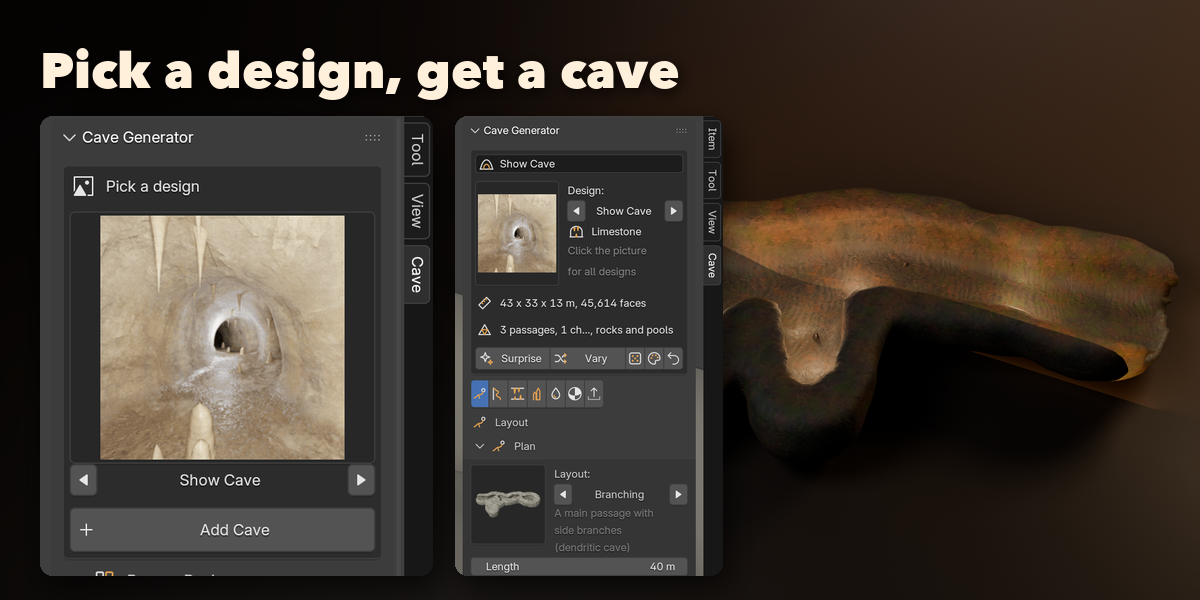
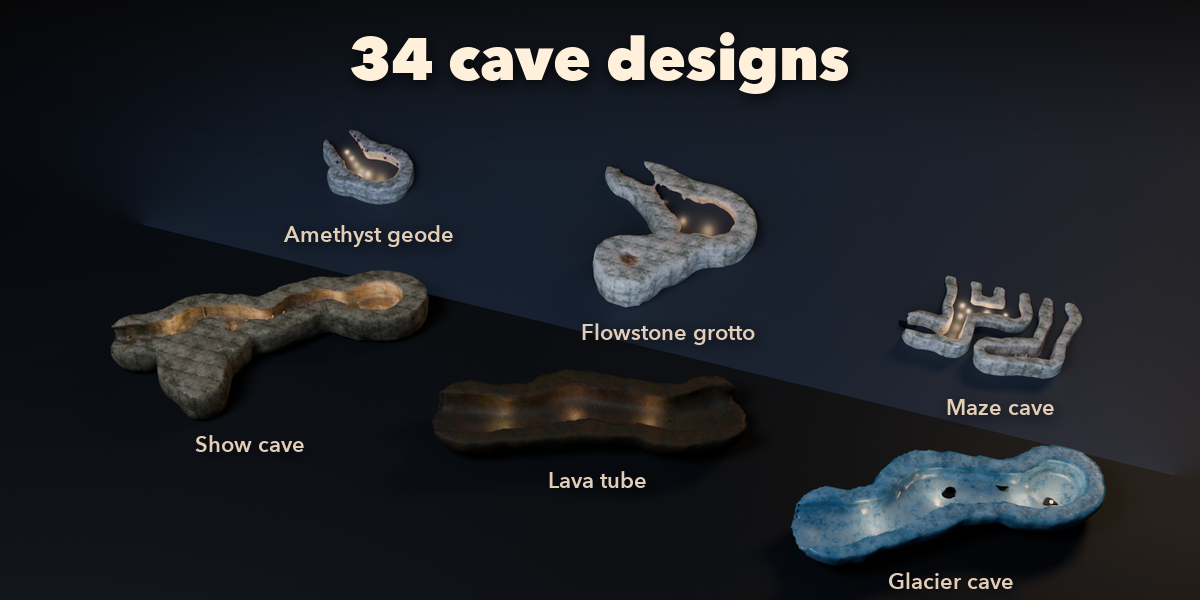
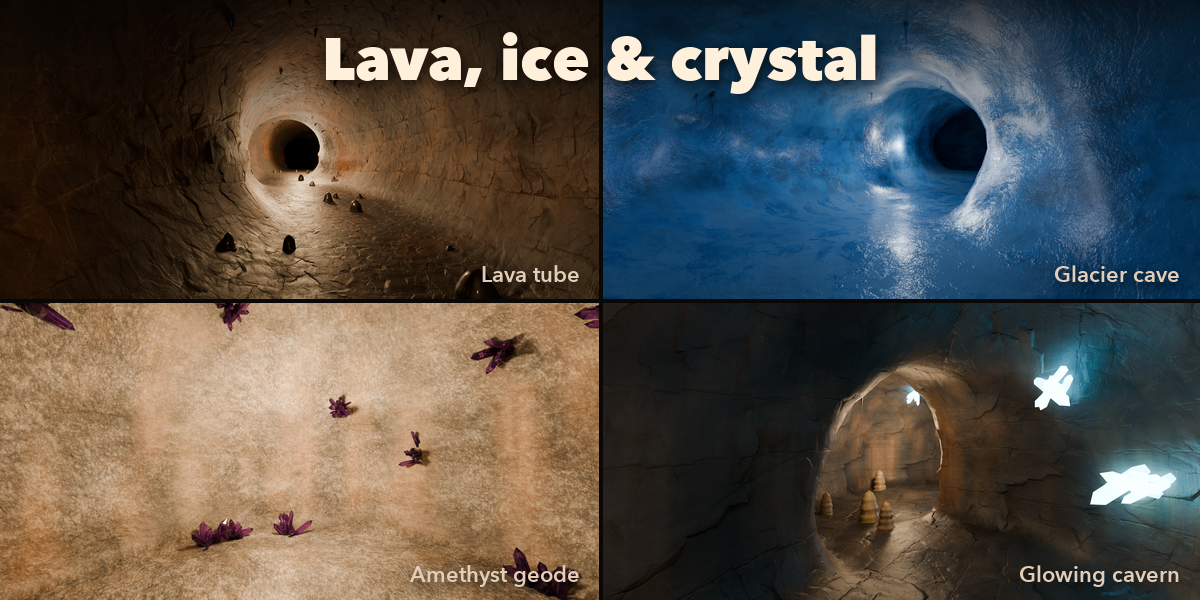
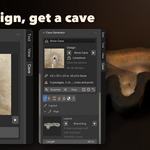
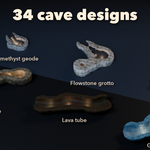
- Open the Cave tab in the 3D viewport sidebar (N). With nothing selected, click the picture to pick a design and press Add Cave, or use Shift+A, Mesh, Cave.
- The card at the top shows the design, size and face count. Surprise makes a random cave, Vary changes this one a little, the dice gives a new seed, the palette a new rock finish and the arrow resets the design.
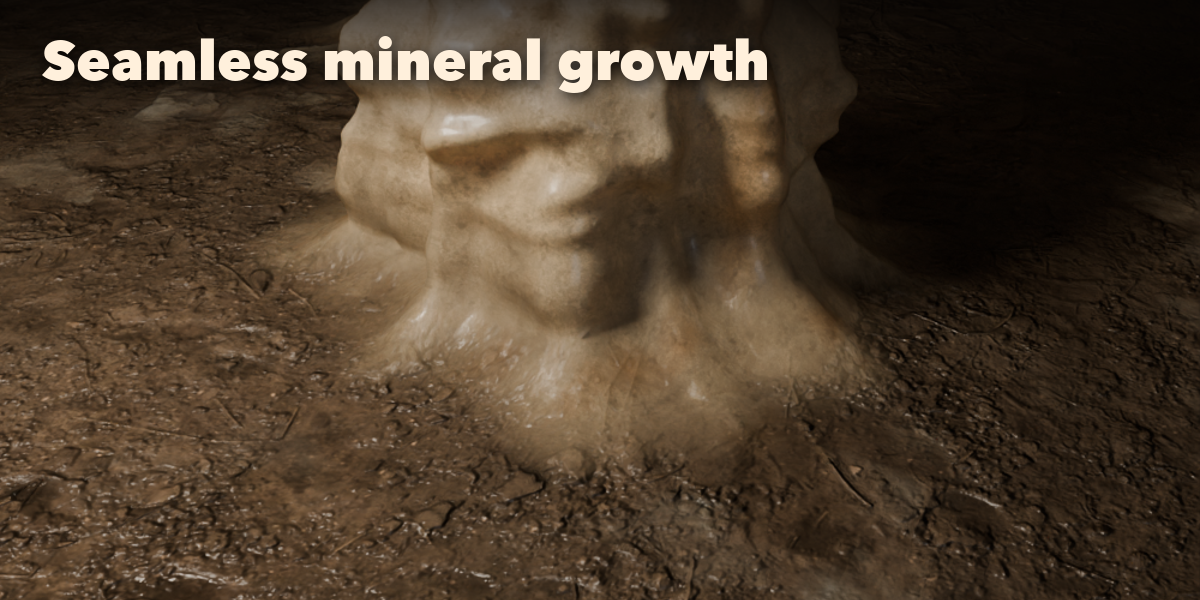
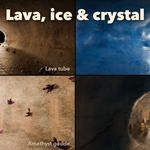
- The tabs hold every setting: Layout (plan, chambers, entrances, skylights, passage size and profile), Walls (relief, scallops, strata, rock mass, cutaway), Formations, Crystals and Rocks, Water, Finish (wall rock, floor, flowstone, moss, frost) and Game and Export.
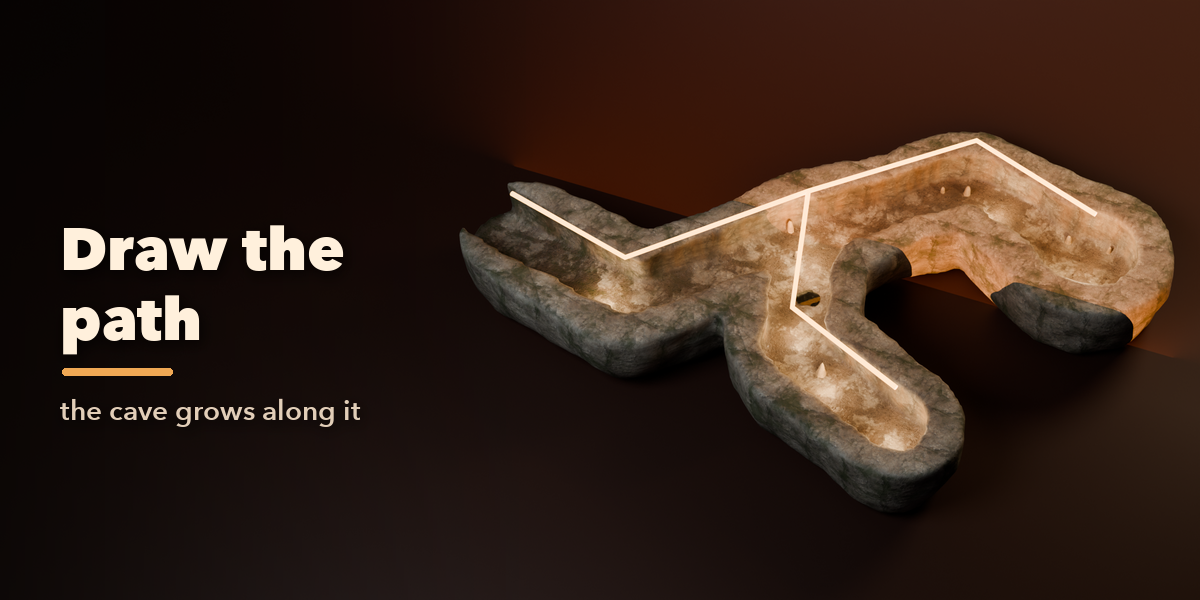
- For your own layout choose Custom Curve or press Draw Custom Path, edit the curve (each spline is a passage) and press Rebuild.
Game workflow
- Set Rock Mass to Interior Only for the lightest level mesh.
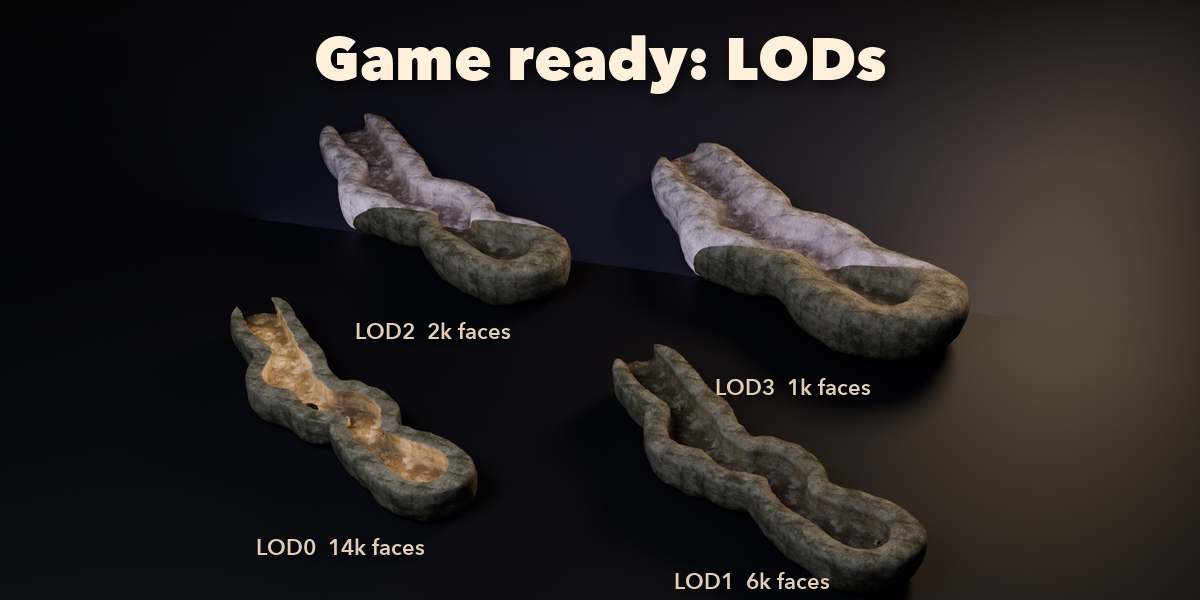
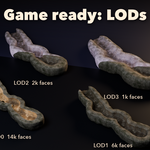
- Make LODs and Make Collision Mesh in the Game and Export tab.
- Export as FBX or glTF.
Have questions about this product?
Login to message
| Blender Extension Compatible | Yes |
| Published | 1 day ago |
| Blender Version | 4.2 - 5.2 |
| Extension Type | Add-on |
| Render Engine Used | Cycles, Eevee |
| License | GPL |

Discover more products like this
Generator procedural cavern lava-tube game-level cave tunnel Crystal environment dungeon stalagmite stalactite