Booklet Builder - Procedural Notebooks, Books, Magazines & Calendars
 Daniel Yosef


No. Everything is Geometry Nodes inside the .blend. The sidebar panel is a small script inside the file: click Allow Execution when Blender asks, or run the booklet_builder_ui.py text once.
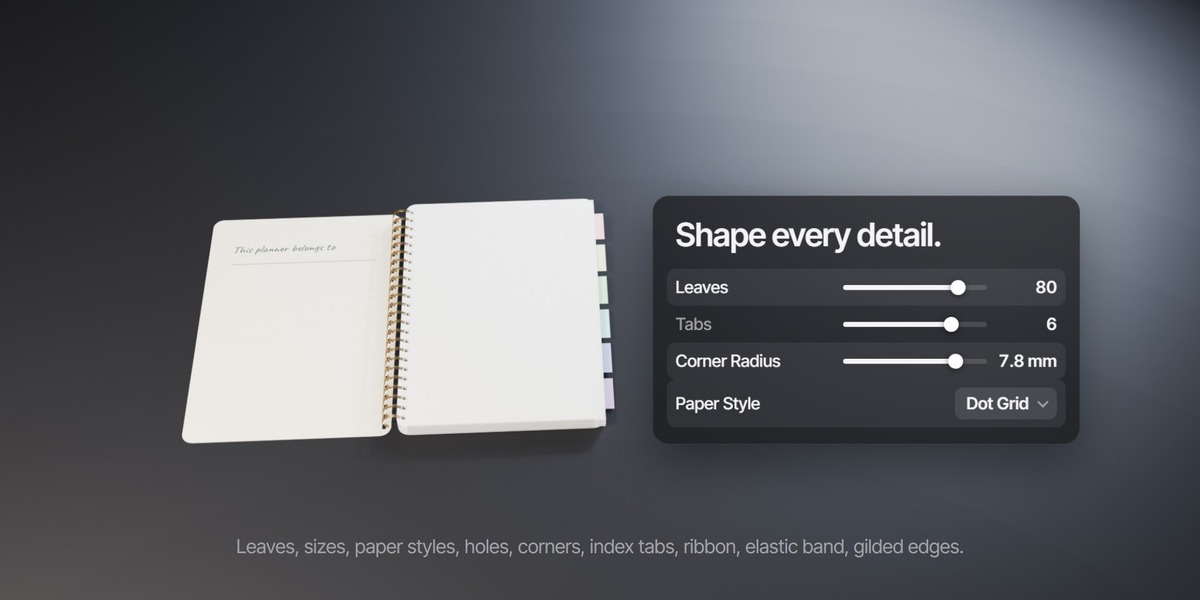
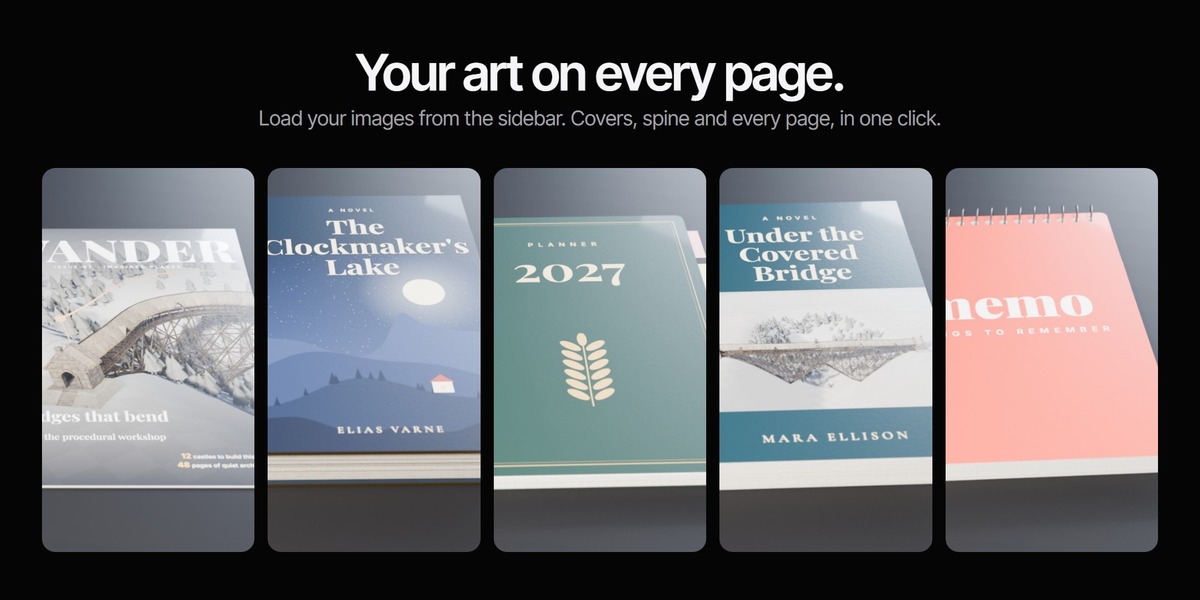
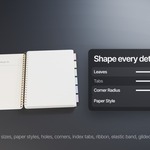
Select the booklet, open the N panel > Booklet, press Load Page Images and pick your images in order: front cover, inside front cover, then your pages. Press Make Unique first if you have more than one booklet in the scene.
Match the page proportions. For A5 (148 x 210 mm) around 1200 x 1700 px looks sharp in close-ups.
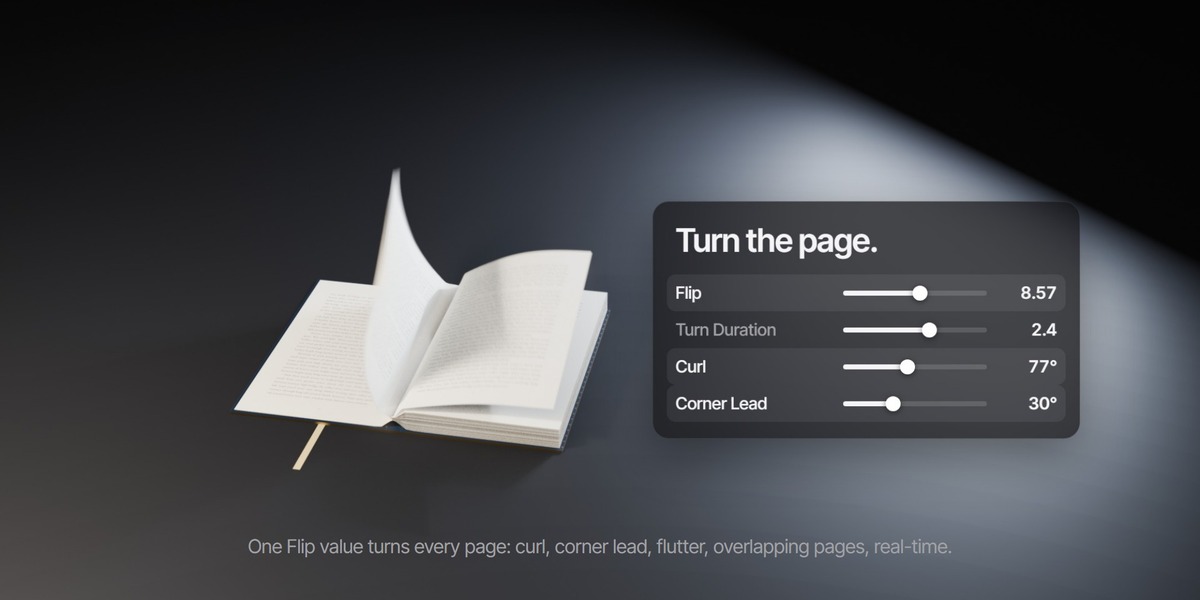
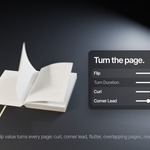
Yes. Keyframe Flip, use Auto Flip with a start frame and speed, or press Animate Page Flip in the sidebar. It runs in real time (about 15 ms per frame).
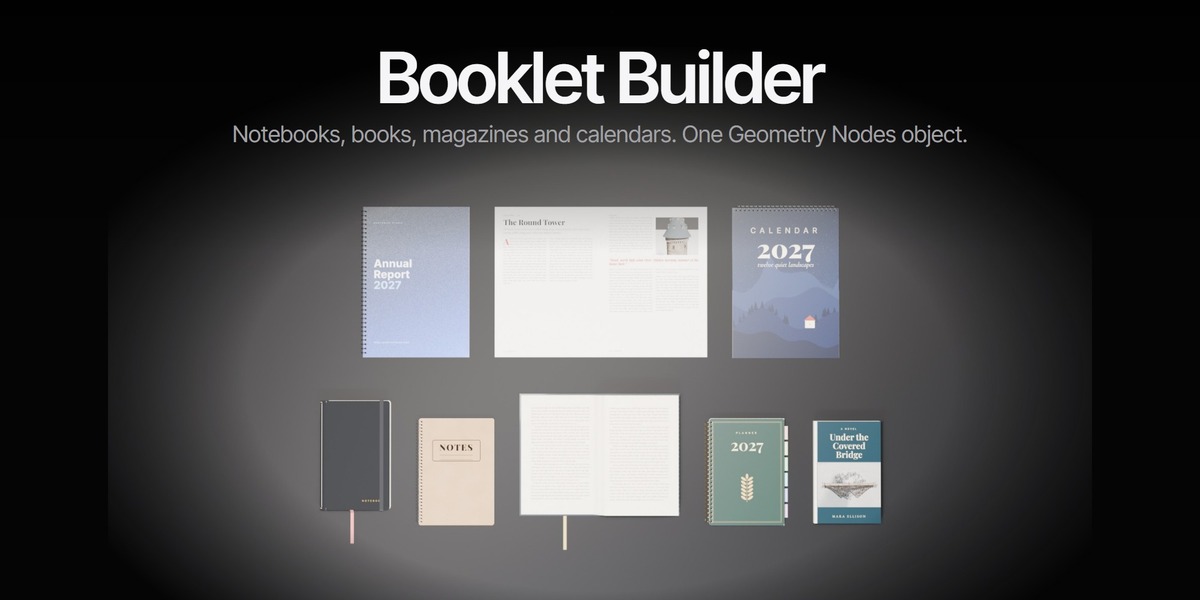
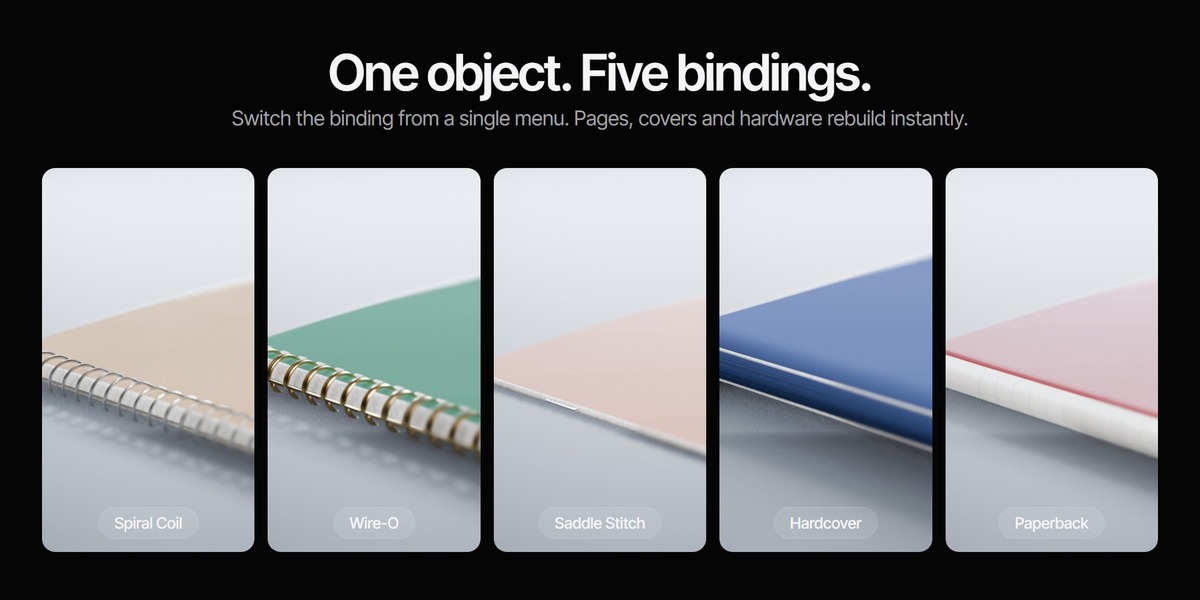
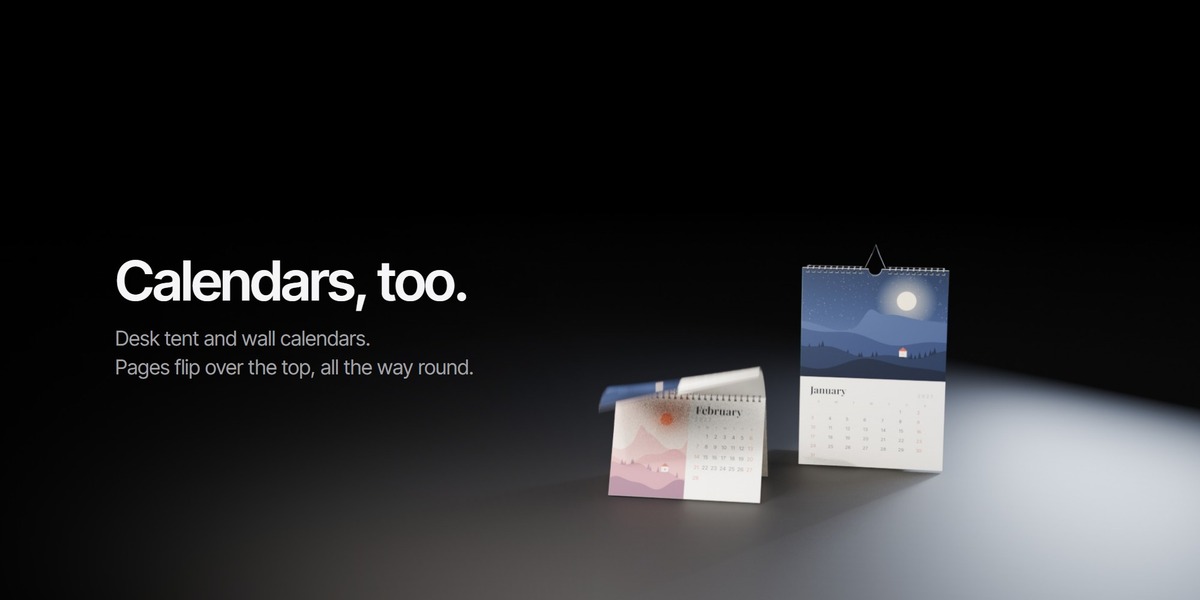
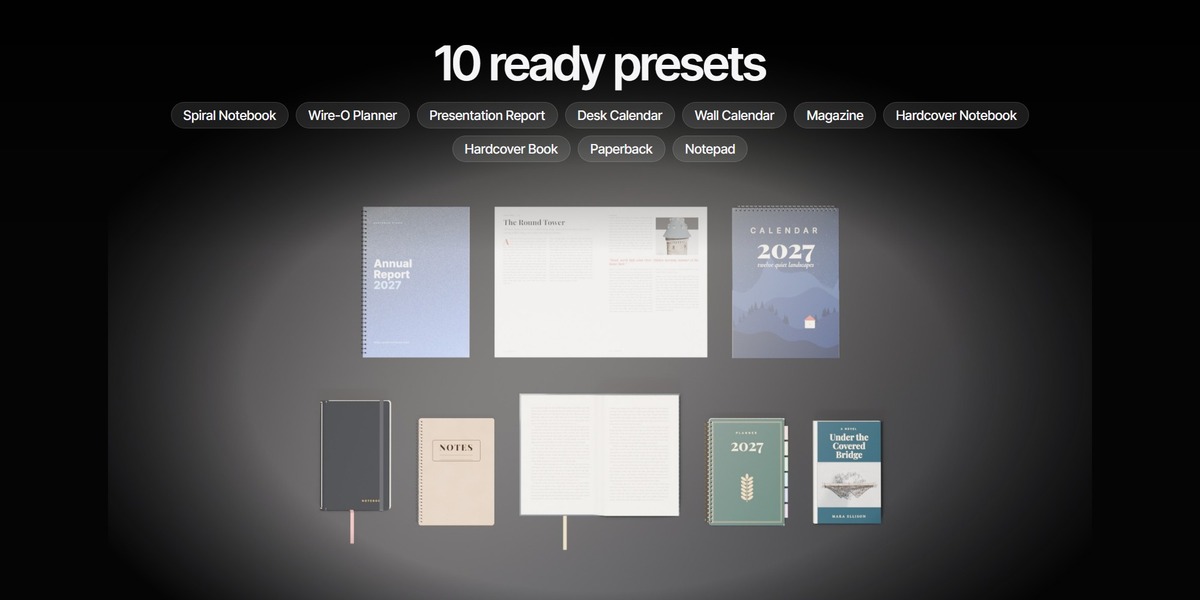
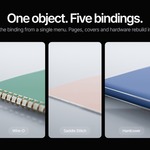
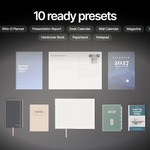
Spiral coil, Wire-O, saddle stitch (stapled magazine), hardcover and paperback. Side or top binding, flat, desk tent or hanging.
Yes, both.
Blender 4.5 and newer (tested in 4.5, 5.0 and 5.1).
Yes, the update is free. Download it from your Superhive library. The original file is still included.
Have questions about this product?
Login to message
| Published | over 1 year ago |
| Blender Version | 4.5 - 5.1 |
| Render Engine Used | Cycles, Eevee |
| Misc Data | Uvs-Unwrapped, Animated, Textured |
| License | Royalty Free |