 Stefano Bianchini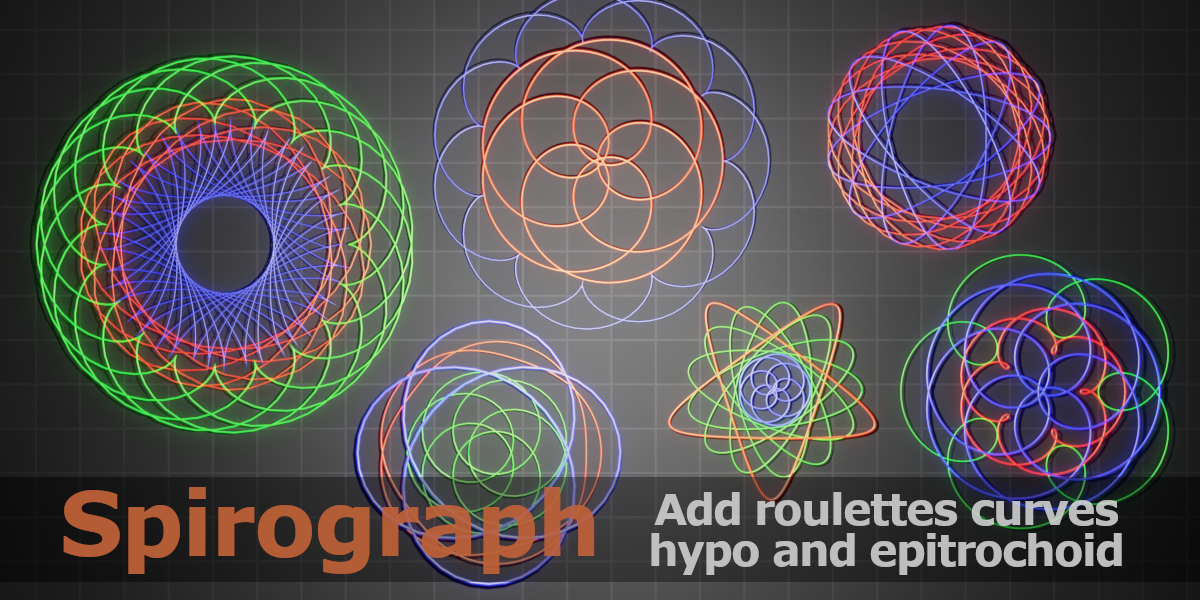
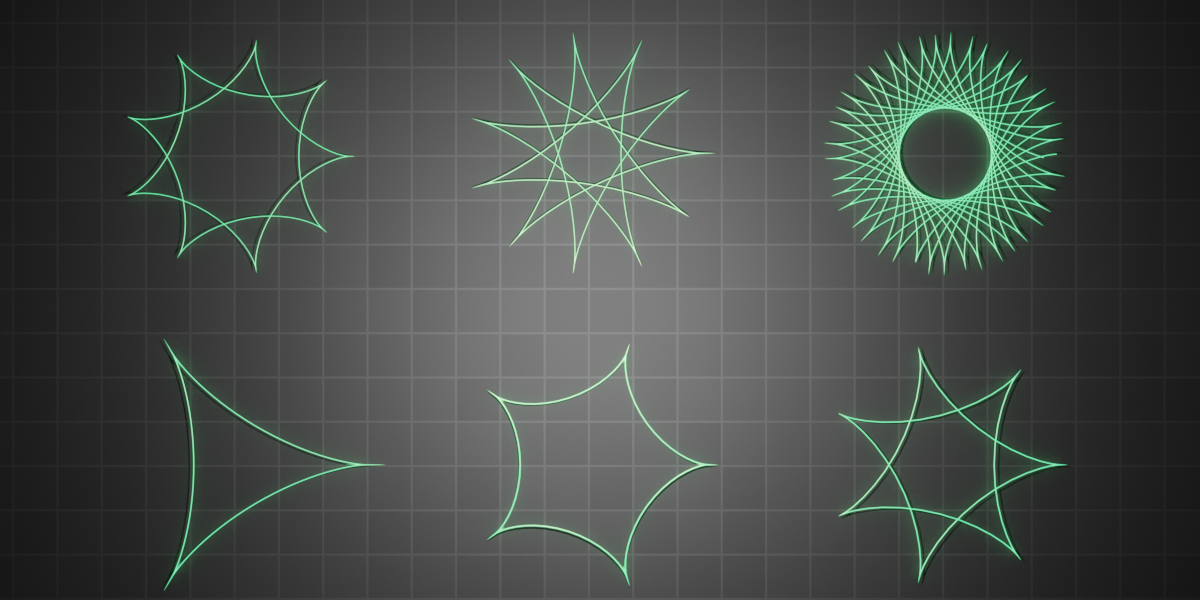
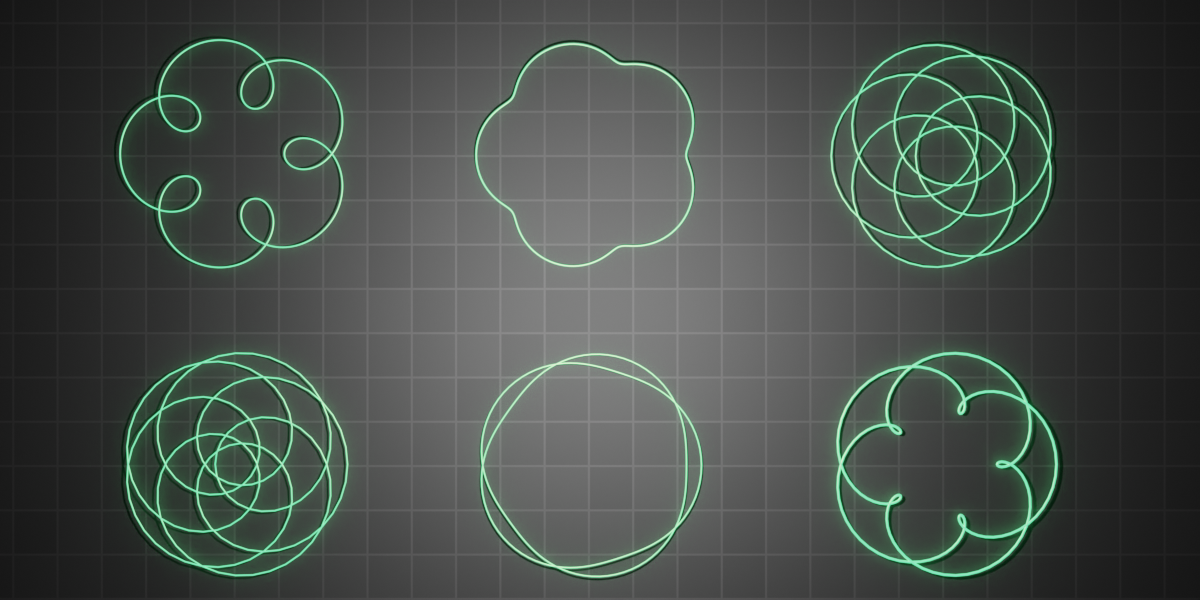
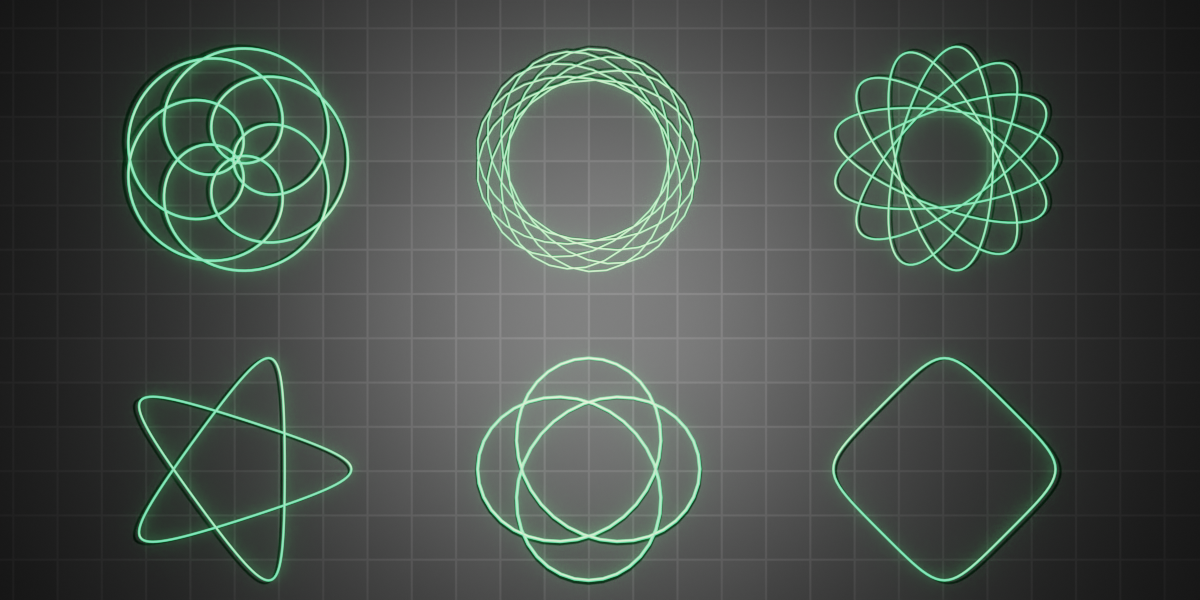
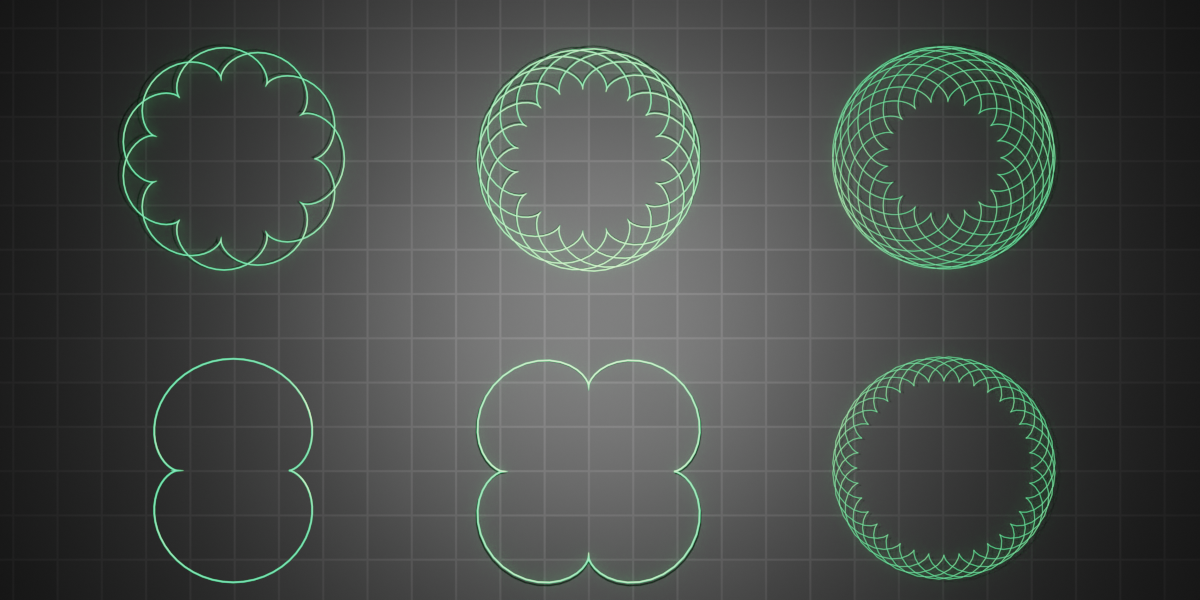
Spirograph is a simple add-on for creating roulette curves.
Roulette curves are those curves commonly created using the graphical tool called spirograph.
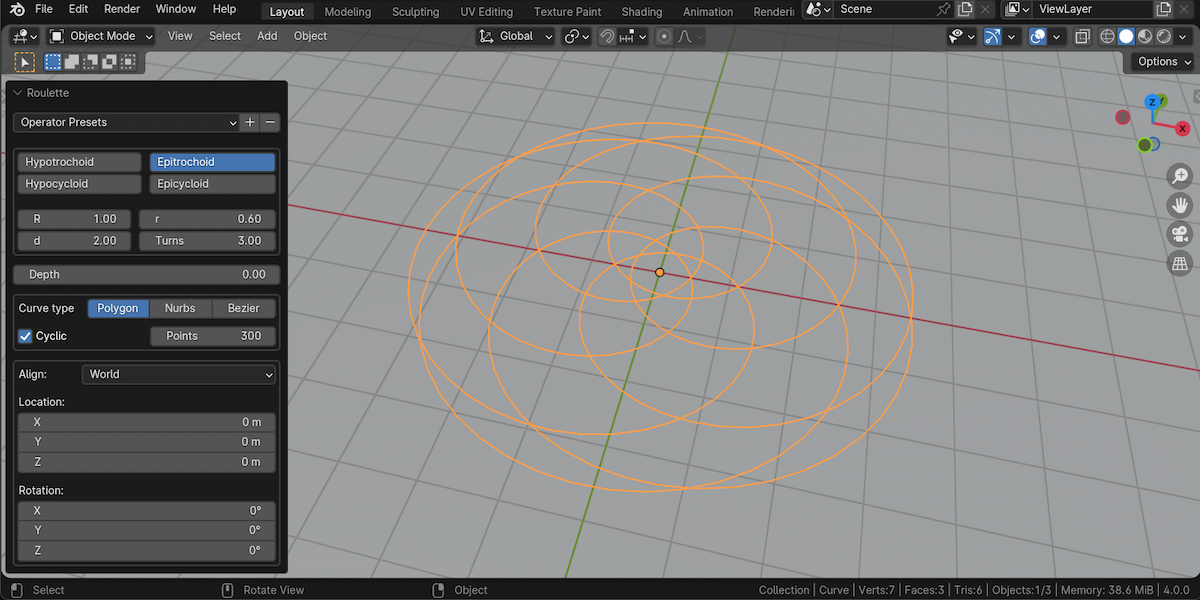
After installing the "spirograph" add-on you will find the "roulette" item in the Add->Curve menu as you can see in the short demo below.
You will also find some pre-installed presets (accessible from the redo panel) with some examples of curves.

Spirograph must be installed like any other Add-ons.
Save the Spirograph.zip file downloaded from the store in a folder of your choice, then open blender and open the preferences window, go to the Add-ons section, and press the “Install” button. Browse the files on your computer, choose the Spirograph.zip file, and press the “Install Add-on” button. At this point, you should now see the line “Add Curve: “Spirograph”, activate it by pressing the check box to the left of the name.
For more information on roulette curves and its parameters, you can read here:
Hypotrochoid, Epitrochoid, Epicycloid, Hypocycloid,
Roulette curves are those curves commonly created using the graphical tool called spirograph.
After installing the "spirograph" add-on you will find the "roulette" item in the Add->Curve menu as you can see in the short demo below.
You will also find some pre-installed presets (accessible from the redo panel) with some examples of curves.
Spirograph must be installed like any other Add-ons.
Save the Spirograph.zip file downloaded from the store in a folder of your choice, then open blender and open the preferences window, go to the Add-ons section, and press the “Install” button. Browse the files on your computer, choose the Spirograph.zip file, and press the “Install Add-on” button. At this point, you should now see the line “Add Curve: “Spirograph”, activate it by pressing the check box to the left of the name.
For more information on roulette curves and its parameters, you can read here:
Hypotrochoid, Epitrochoid, Epicycloid, Hypocycloid,
Please check out my other products in the store
 |  |
 |  |
