 Skava
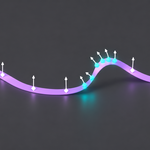
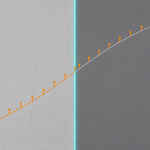
Your Blender curves as Unity Splines, with the same roll, measured
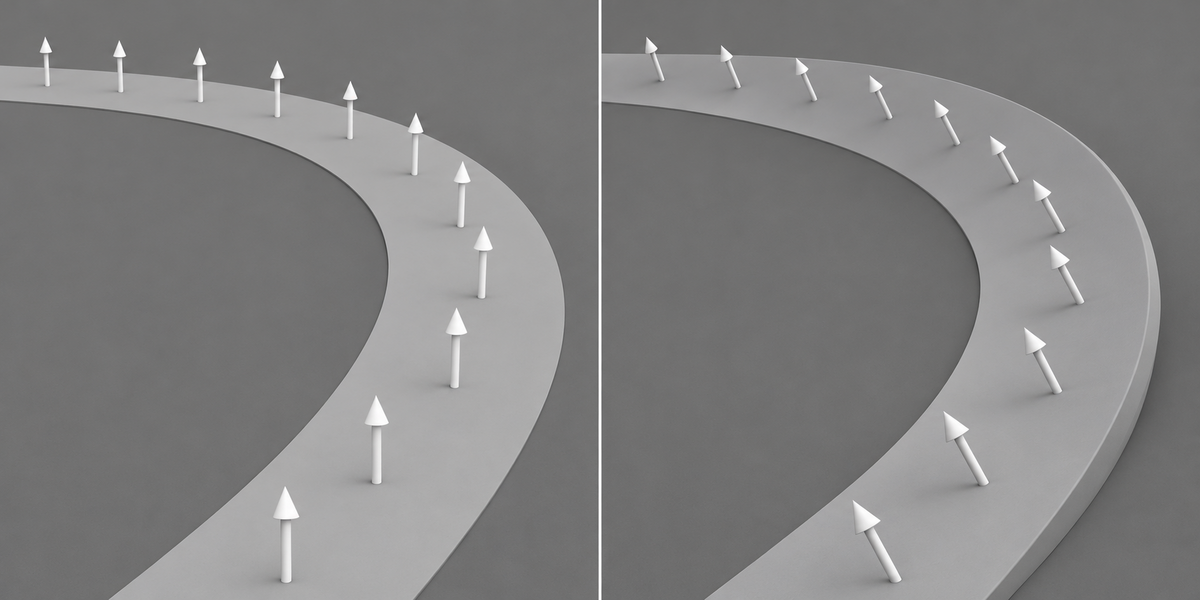
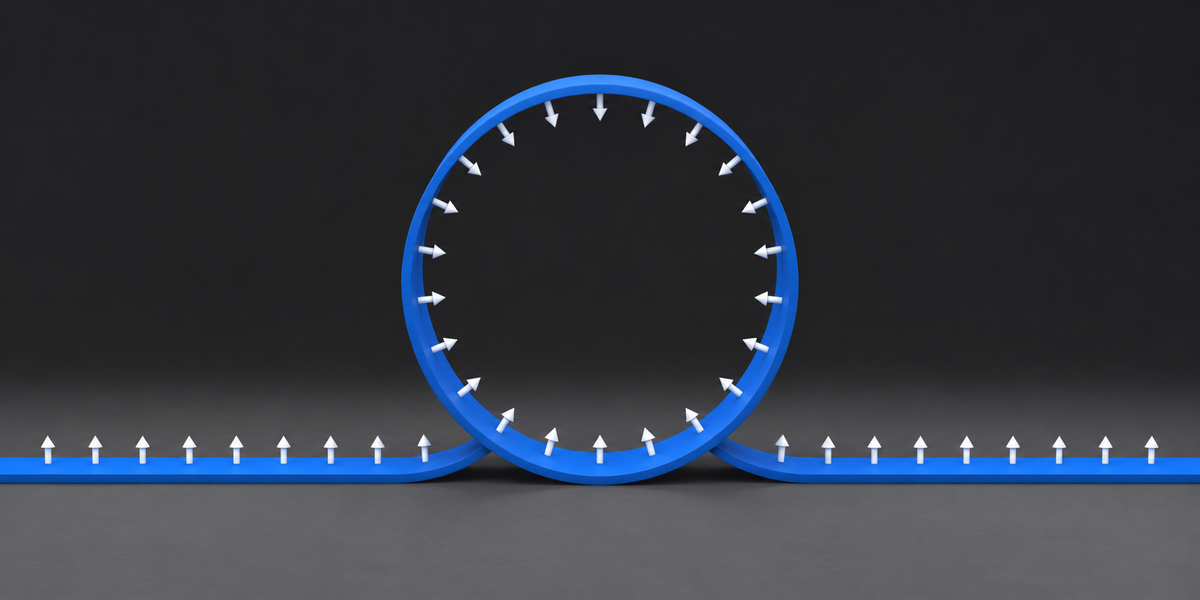
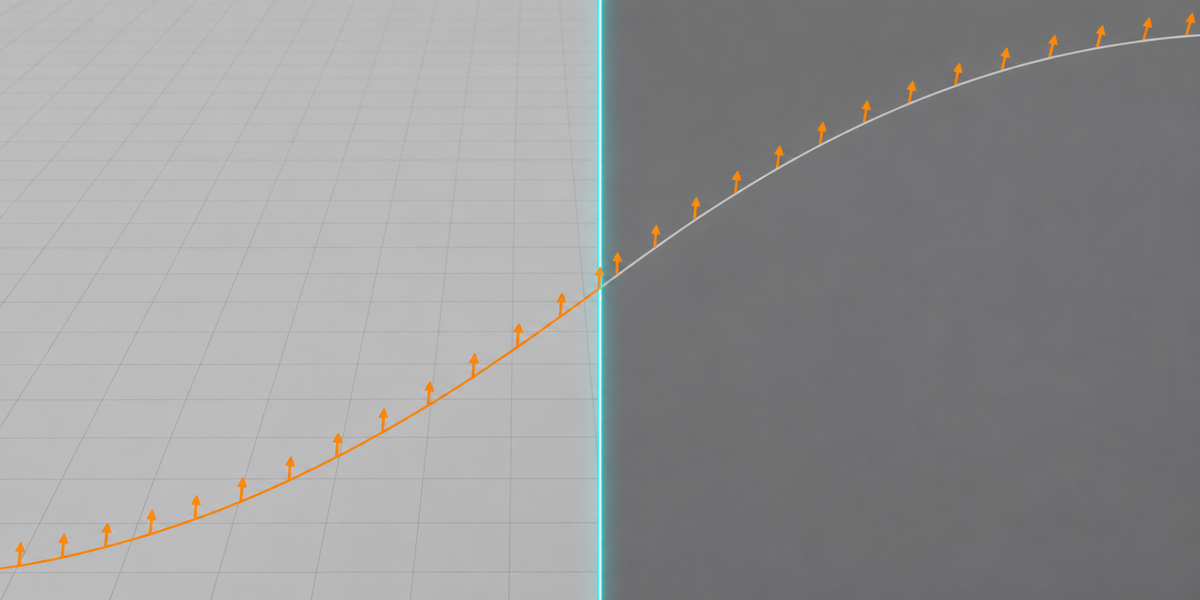
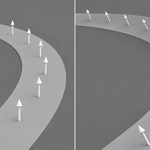
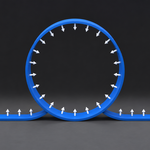
You drew the road, the rail, the race line or the camera path in Blender. FBX does not carry curves at all, so in Unity you either draw it again or rebuild it from its points. Points and handles give you the shape, but not the roll: Blender turns the curve's frame with its tilt and twist method, and Unity turns its up vector its own way. On our test curves, rebuilt from points and handles, a road banked to 30 degrees came out up to 32.6 degrees off, a closed race track 20 degrees off, and a loop turned upside down (180 degrees).
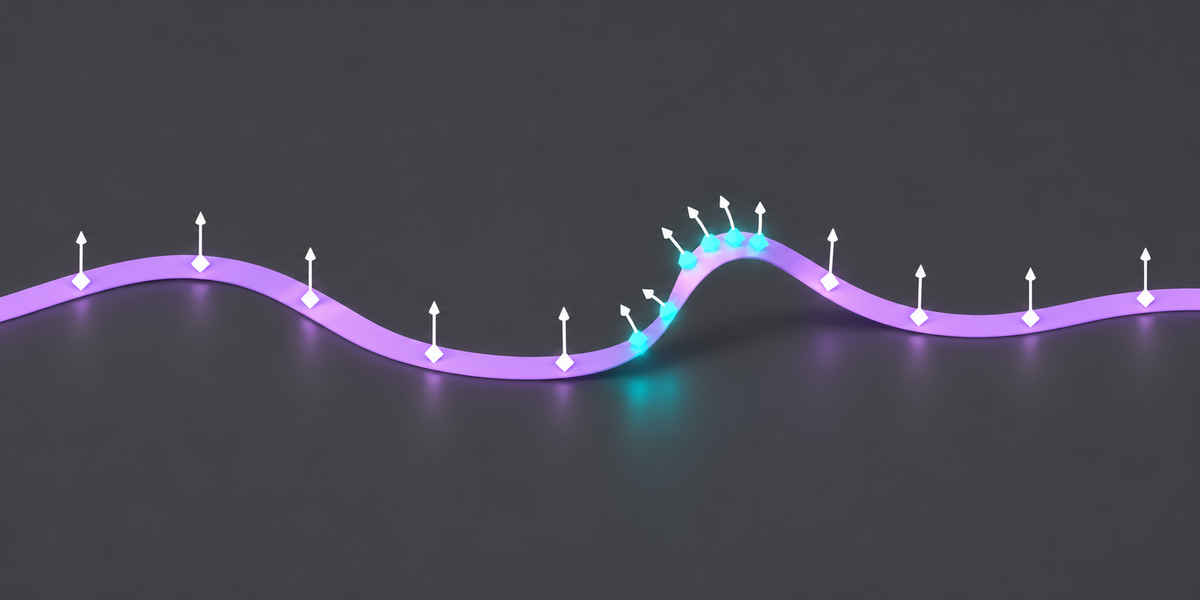
SplineForge carries your Blender curves into Unity Splines with Blender's shape and Blender's roll, where Unity puts the rest of your Blender scene, and proves it point by point. Each Unity knot is turned to Blender's frame; SplineForge predicts how Unity will turn its up between the knots, adds knots where it would turn further than your budget, and tells you before you export where even the most knots cannot hold it. Check measures Unity's splines against Blender's curves in millimetres and degrees.
What comes along
- Bezier splines exactly (Unity Splines are cubic Bezier curves too), Poly splines and Vector handles as straight pieces, NURBS fitted within your budget in millimetres.
- The roll: tilt, the twist method (Minimum, Z-Up, Tangent), banked turns, loops and corkscrews.
- Corners (handles out of line, or pulled in with S 0) and the bends of Poly splines: Blender turns its frame halfway there, so they get two Unity knots 1 mm apart, one ending the arriving side and one starting the leaving side. Two points in one place become one.
- Open and closed splines, several splines per object, several objects, moved, turned, scaled, unevenly scaled or mirrored, in metres or centimetres. Edits you have not yet left Edit Mode for are read too.
- Blender's radius at each of its points, as spline data named "radius" (Bezier and Poly).
- Set Up again after a new export: the same GameObjects get the new splines; splines and objects you added there stay. Tested: a Spline Extrude and a Spline Animate on the container keep their container, the extruded mesh rebuilds, and the animated point halfway along lies on the new spline.
Measured, not promised
- Check compares, in your open scene, every knot with Blender's plan (0.01 mm), and Unity's spline with Blender's curve at Blender's own points along it and halfway between them: the point against your shape budget and the up vector against your roll budget. It also checks the knot count, open or closed, and the radius at Blender's points. The report goes to the Console and next to the passport.
- On our test curves with a 0.5 degree budget: banked road 0.081 degrees, the same road in Z-Up 0.343, loop and corkscrew 0.076, closed race track 0.030, a Poly spline bending and twisting at every point 0.466. Bezier and Poly splines within 0.04 mm of Blender's own points.
- Scan's estimate is Unity's result: it models how Unity turns its up between knots, from the very knots that go to Unity, and matched Check to within 0.02 degrees on every test curve (0.344 against 0.343, 0.072 against 0.076, 0.419 against 0.419 on a NURBS).
- Check is tested by breaking things on purpose: a knot moved 1 mm, a knot turned 1 degree or flipped, a handle lengthened 1%, a knot deleted, the spline closed, the object moved 1 cm, deleted, or it or one of its curves switched off, the radius changed by 0.01 or removed: each one fails Check.
- Tested on macOS from Blender 4.2 and 5.2 in Unity 6 (6000.0, 6000.4 and 6000.6) with the Splines package 2.8 and 2.9, and on Windows from Blender 4.2 and 5.2 in Unity 6000.4 with the Splines package 2.8: the same results.
Limits
- The curve itself is carried. Modifiers on the curve object, bevel and extrusion geometry and Geometry Nodes output stay in Blender: export them as meshes if you need them.
- Blender draws a curve as straight steps (Resolution U); on a sharp bend the drawing lies away from the curve itself (up to 139 mm on our test road). Unity draws the curve itself: SplineForge carries the curve, and Scan names how far Blender's drawing lies from it.
- At a corner Blender turns its frame halfway at the corner point, and Unity at once: the corner point and half a drawn step on each side of it are not judged (nor the end point and half a step at an open end whose two handles are out of line; Scan names it). Where Blender turns its frame very fast (on our figure eight, 16 degrees in one drawn step) or at the open end of a spline whose end handles are folded, Unity cannot follow within a tight roll budget: 1.21 and 1.47 degrees on our test curves against a 0.5 degree budget. Scan says so before you export, and Check fails there; raise the budget, Resolution U, or add points in Blender.
- NURBS: the radius is not carried. A curve with shape keys is not carried, and named (apply or remove them first). Far from the scene's origin Unity's own precision shows: 0.32 mm on a curve 2.7 km out.
- Needs Unity's Splines package 2.8 or newer (com.unity.splines); without it, the SplineForge menu says how to add it.
The Unity scripts are MIT licensed: ship them in your games, closed source or not.
Blender 4.2 to 5.2. Unity 6. No Python packages, no cloud, no account, no AI model.