Split Render Tool 4
 Olivier Crespo Barrio
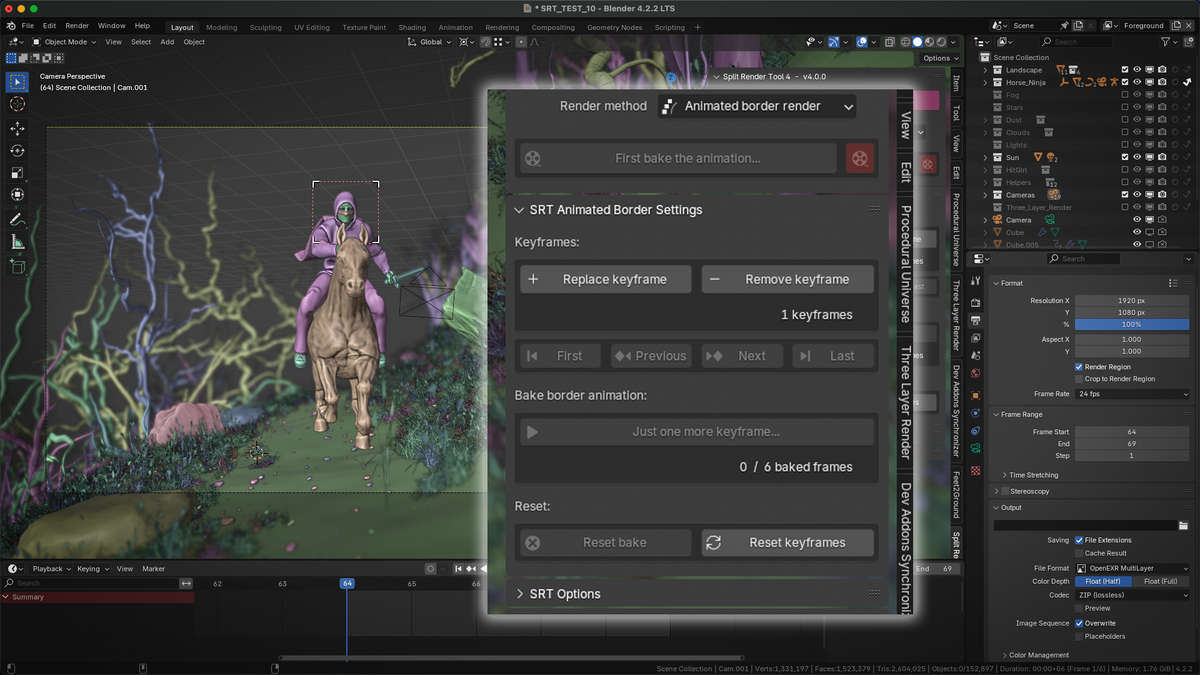
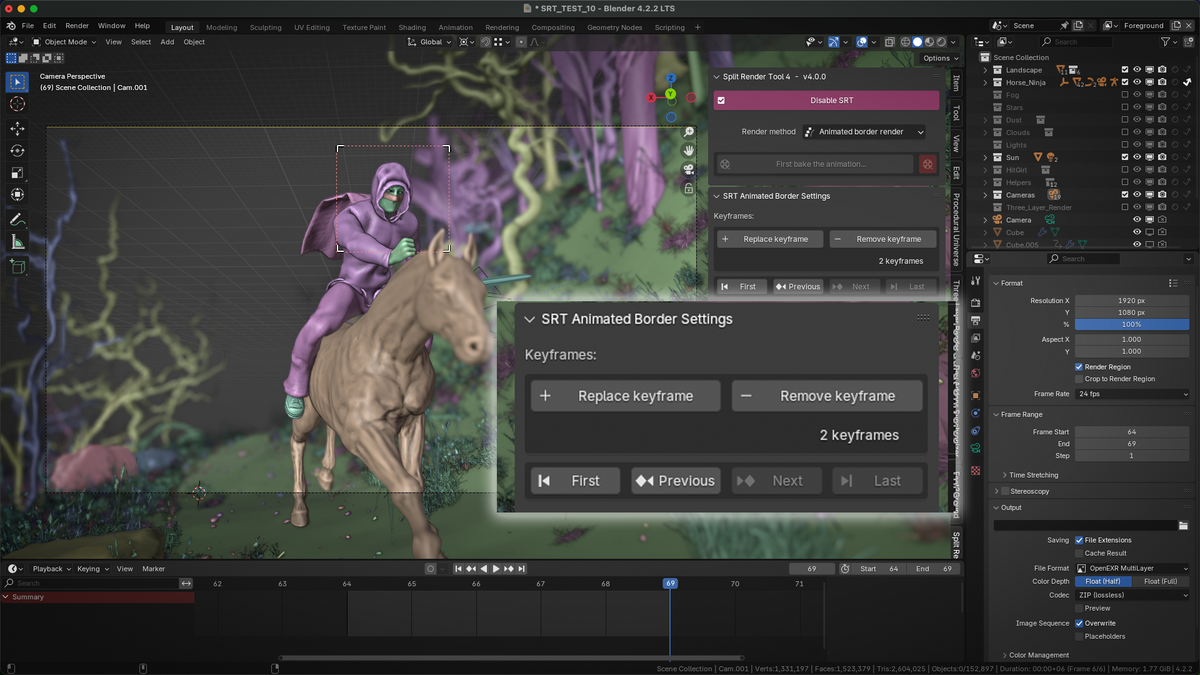
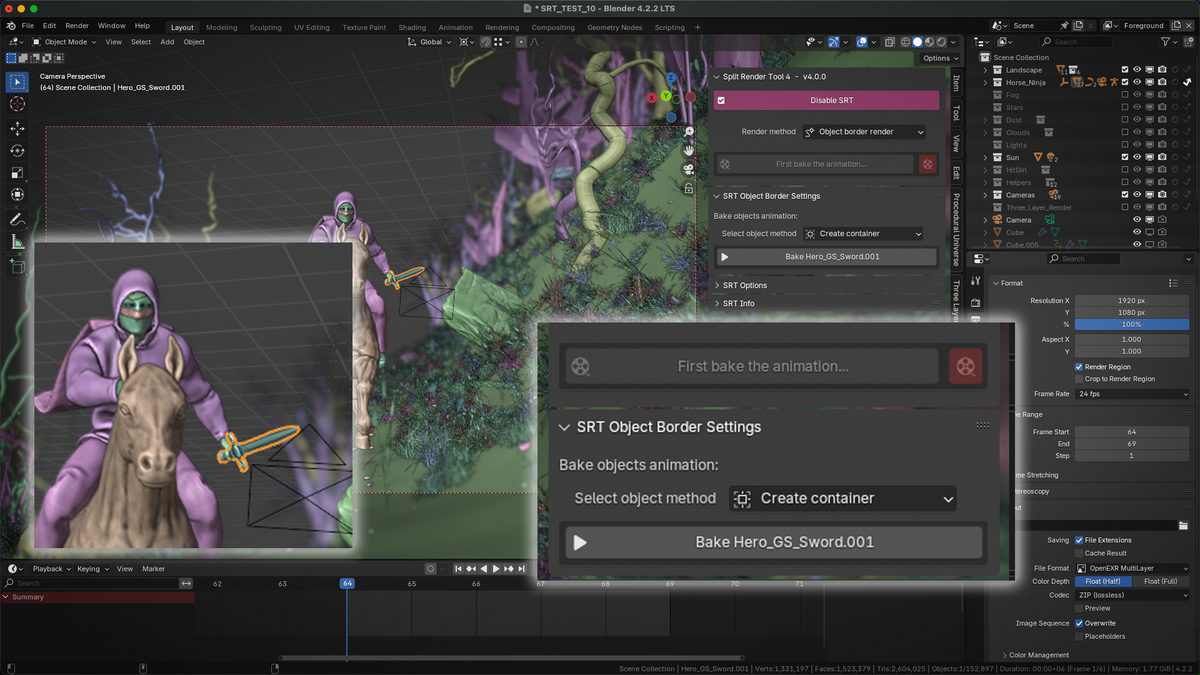
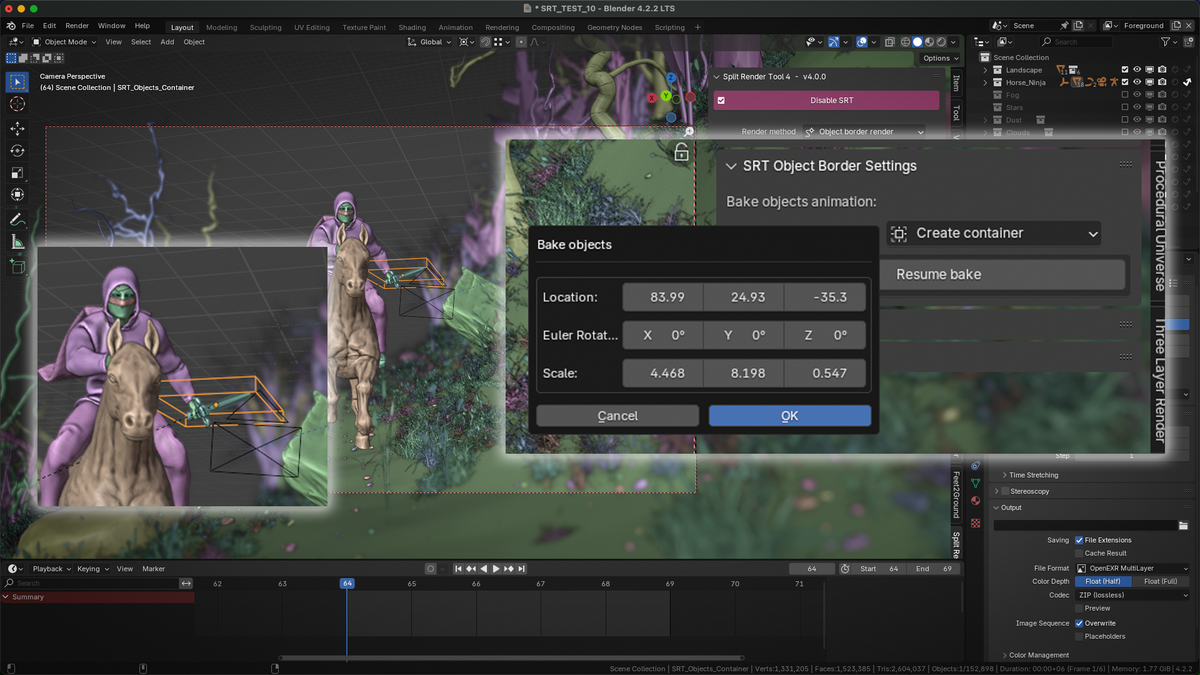
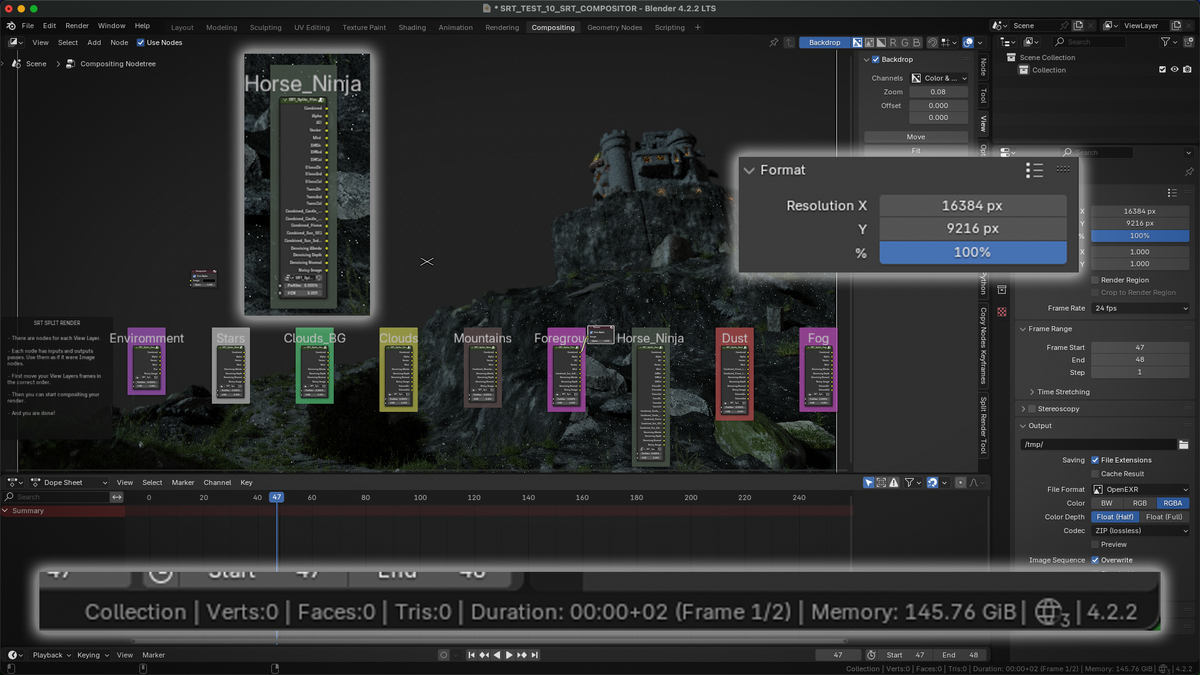
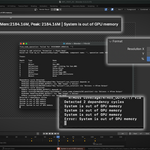
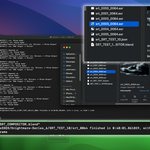
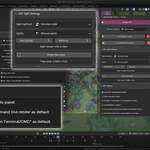
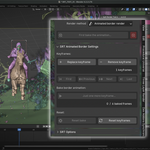
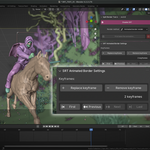
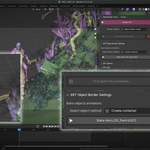
All documentation here:
- SRT4 Video Tutorial - Split Render
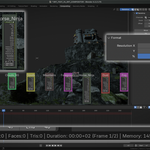
- SRT4 Video Tutorial - Animation Border
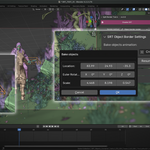
- SRT4 Video Tutorial - Object Border
Changelog
v5.2.0
- Added Blender 5.2+ compatibility.
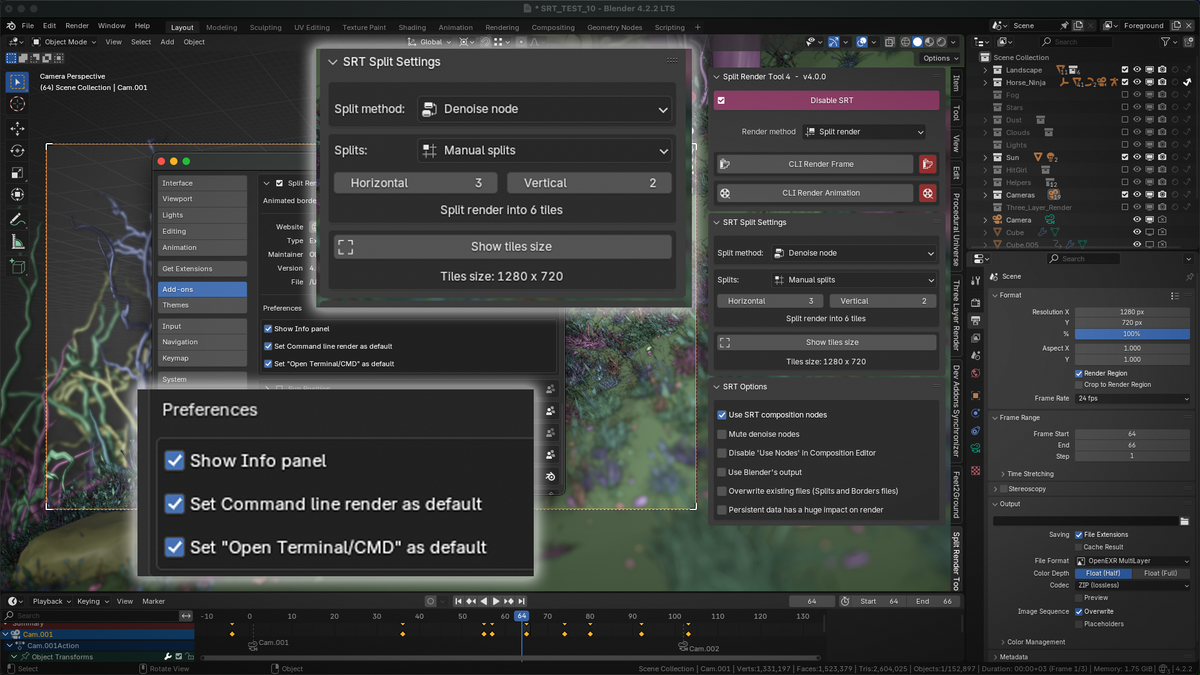
- Added new "SRT Settings" panel. It contains SRT settings, which also are available in "Preferences -> Add-ons -> Split Render Tool".
- Change Category setting re coded from scratch. Now is how it meant to be.
v5.0.0
- Added Blender 5.0+ compatibility.
v4.5.0
- Added Blender 4.5+ compatibility.
v4.0.1
- Fixed Persistent Data panel incorrect location.
- "Object Border": Added Bake button verification and Warning info. Now if object/s does not contain mesh output (ex: only instances), the button is greyed out, and a warning appears. You can add "Realize instances" nodes if you want.
- "Object Border": Fixed crop node, which was causing no blur on edges.
- "Object Border": Fixed Container not being removed, if after pressing Bake button, operator is cancelled. Now when Reset Bake is pressed, container will be removed too.
- "Object Border": Fixed container parent, not updating it when Reset Bake is pressed. Now parent is deleted on each Reset Bake.
- "Object Border": Columns layout for adjusting container location, rotation and scale. Now is easy to select all 3 sliders at the same time.
- "Object Border": Properly disabled Bake Animation button if no object is selected.
- "Object Border" and "Animated Border": Fixed View Layers error while creating composition project, if any View Layer changed Enable status between Bake and Render processes.
- Added "Connect SRT node" option to SRT Compositing Editor panel. Select your original Image node render and SRT node and all passes will connect automatically.
- Added more info to some popups.
- Fixed SRT Compositing Editor panel showing in Shader Editor and Geometry Nodes Editor too (now only in Composition Editor).
- Fixed SRT Compositing Editor "Mute/Unmute" button not showing up if "Use Nodes" had not been enabled in that particular project.
v4.0.2
- Added "Denoise Borders" Split Method. Render Borders uses Combined image with IA Denoising, but needs more disk space, more time to render and has some issues with transparency in some situations. Denoise Nodes solves those issues by using Noisy Image along Denoise nodes, but IA Denoising is ignored. Denoise Borders mixes both methods. It uses Combined image, so IA Denoising is present. But instead of render borders, it uses Noisy image to fix the borders. The result is almost the same as rendering with IA Denoising.
- Added "Border Size" option to Denoise Borders split method. You can set the borders size, which is useful at high splits number.
- Added "Show Borders size" option next to "Show tiles size" in Split Render method.
- Added "Solve Warning" buttons for each SRT Warning. Just to speed up a little the workflow.
- Added "Ignore Persistent Data warning" button. If you have no issues while rendering, why do you need to have that on screen?
- Fixed minor bugs.
v4.0.3
- Added new Documentation panel. It includes link to Documentation and links to SRT tutorials.
- Added "Documentation links" switch to hide it from N-View panel. You can enable it again from SRT preferences (Same as Info panel).
- Added "Borders Size" info next to "Tiles Size" in Split Render method.
- Fixed "Mute/Unmute Denoise nodes" state.
v4.0.4
- Added "Switch to Denoise Nodes" option to Compositing Editor panel. When rendering with Denoise Borders method, you have both Denoise Borders and Denoise Nodes by using this option.
- Added "Mute/Unmute Crop nodes" option to Compositing Editor panel. Using Object or Animated methods, if there is no blur on edges, or if black instead of alpha, use this option.
- Added "Custom N-Side panel label" option to Preferences (seems to be annoying large labels?).
- "Fixed" Object and Animated methods not removing .blend1 temporal compositing files.
v4.0.5
NOTE: This is a fast update, just to be able to enable and use SRT. Blender 4.4 has broken the core of SRT. As far as I tested (not too much, sorry but I'm dealing with personal problems) only Animated Border feature does not work, the rest seems to be ok (some little issues, but usable). I will update it again soon.
- Fixed Enable SRT bug.
- Fixed Object Border feature.
- Fixed some buttons not working.
- Source code improvements.
- Fixed "Switch to Denoise Nodes" button being a preview switch between SRT on and SRT off.
- Optimized "Switch to Denoise Nodes" to be available only when rendered with that method.
- Added "Preview Original" button to switch between SRT On/Off.
Have questions about this product?
Login to message
| Blender Extension Compatible | Yes |
| Sales | 50+ |
| Dev Fund Contributor | |
| Published | almost 2 years ago |
| Blender Version | 4.1 - 5.2 |
| Extension Type | Add-on |
| Render Engine Used | Blender-Internal, Cycles, Eevee |
| License | GPL |
Discover more products like this
animations gpu rendering render-region Blender cycles out-of-gpu-memory view layers 3drenders blender eevee vram-error split render-passes crop