 ZEG
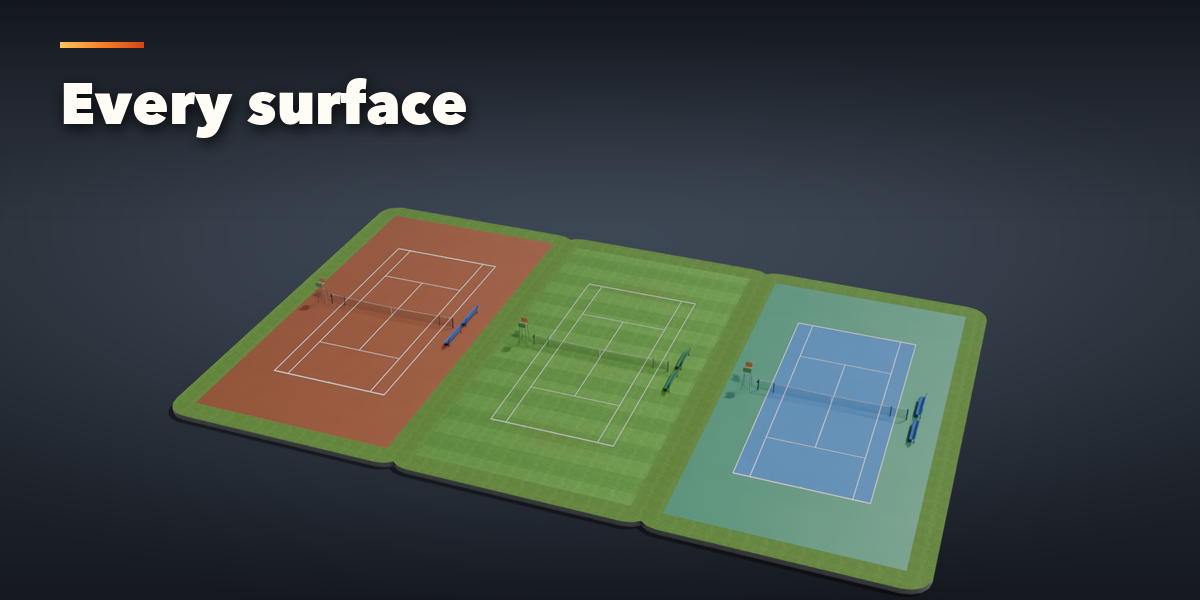
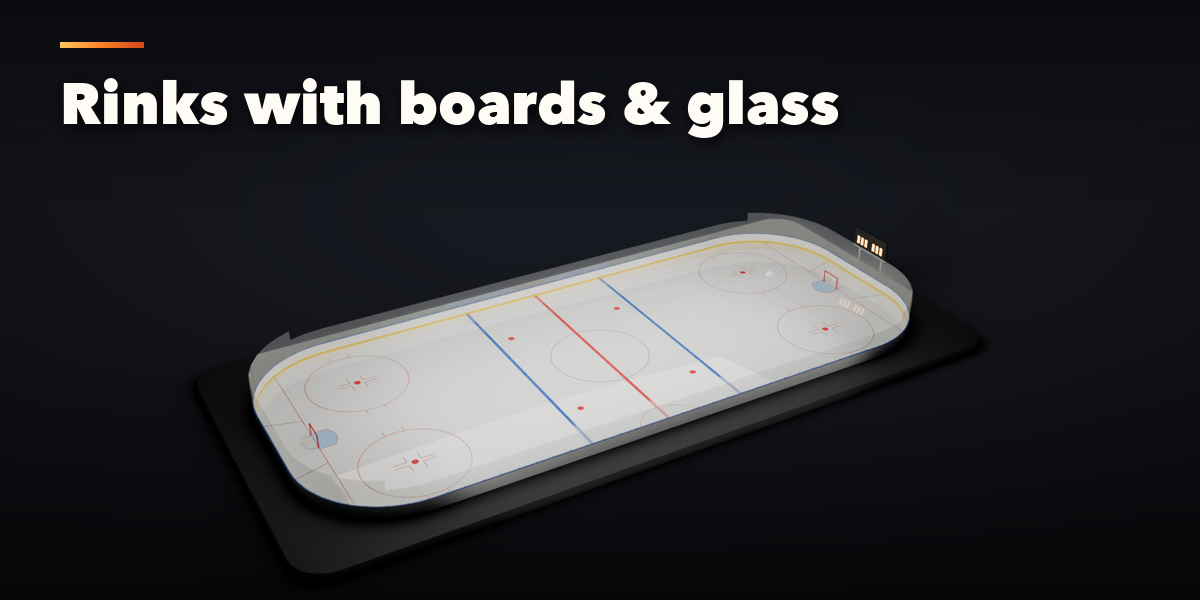
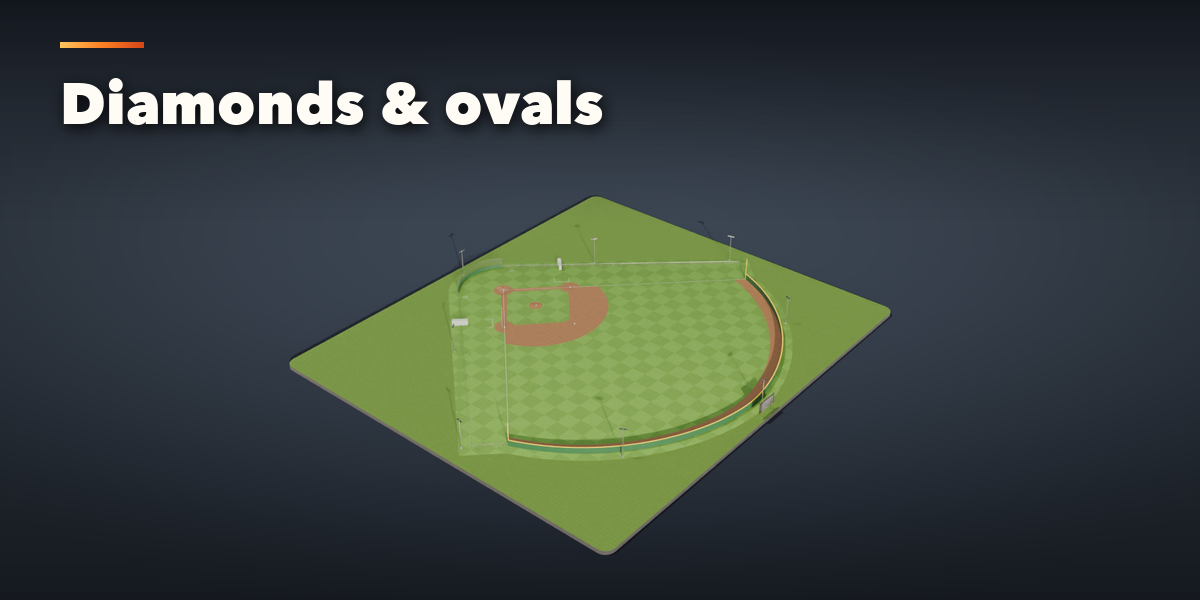
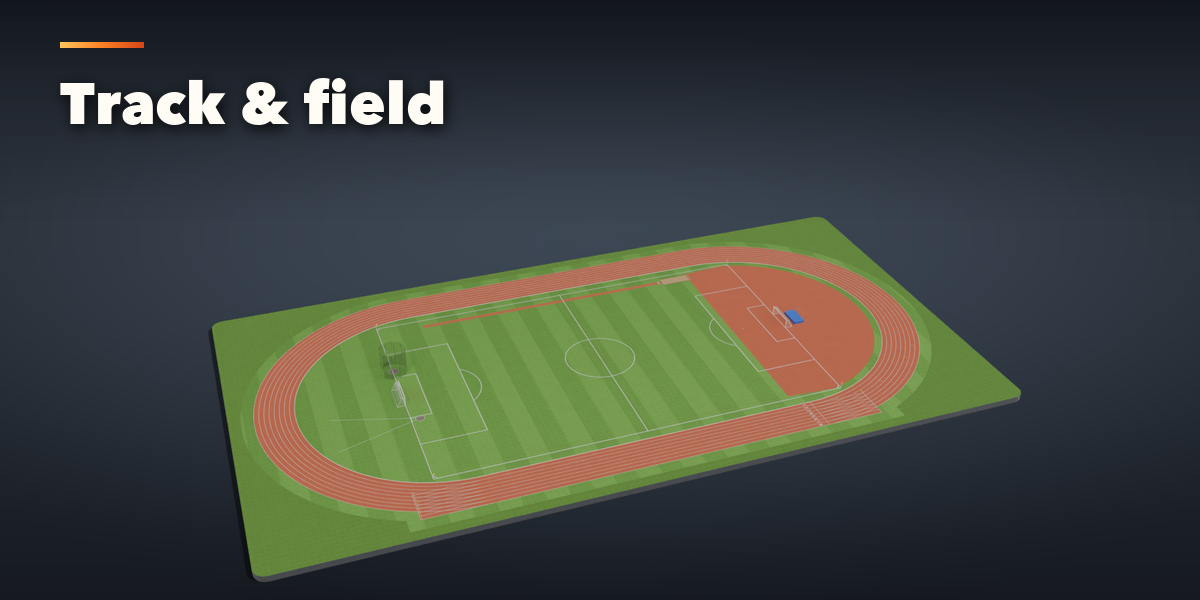
Installation
In Blender open Edit, Preferences, Get Extensions, then use Install from Disk and pick the sports_court_generator zip.
Usage
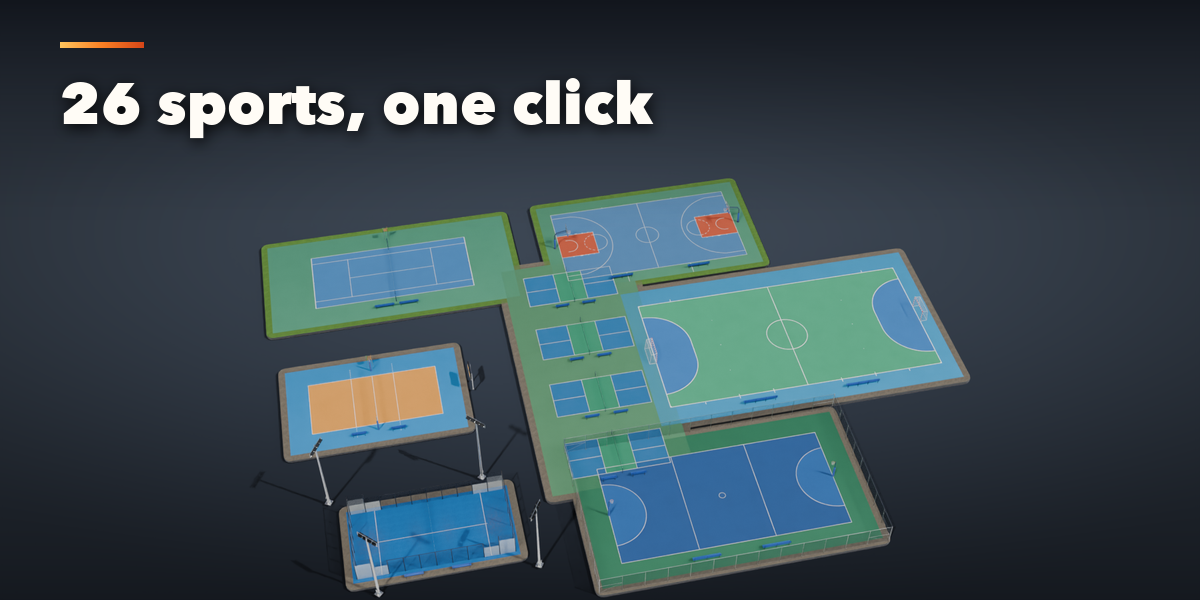
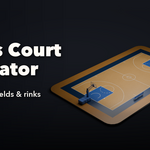
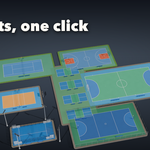
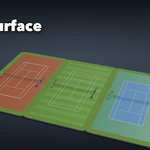
- Open the Courts tab in the 3D viewport sidebar (N). With nothing selected it shows a picture grid of the sports: click one to add a court at the 3D cursor. Every preset is also in Shift+A, Mesh, Sports Courts.
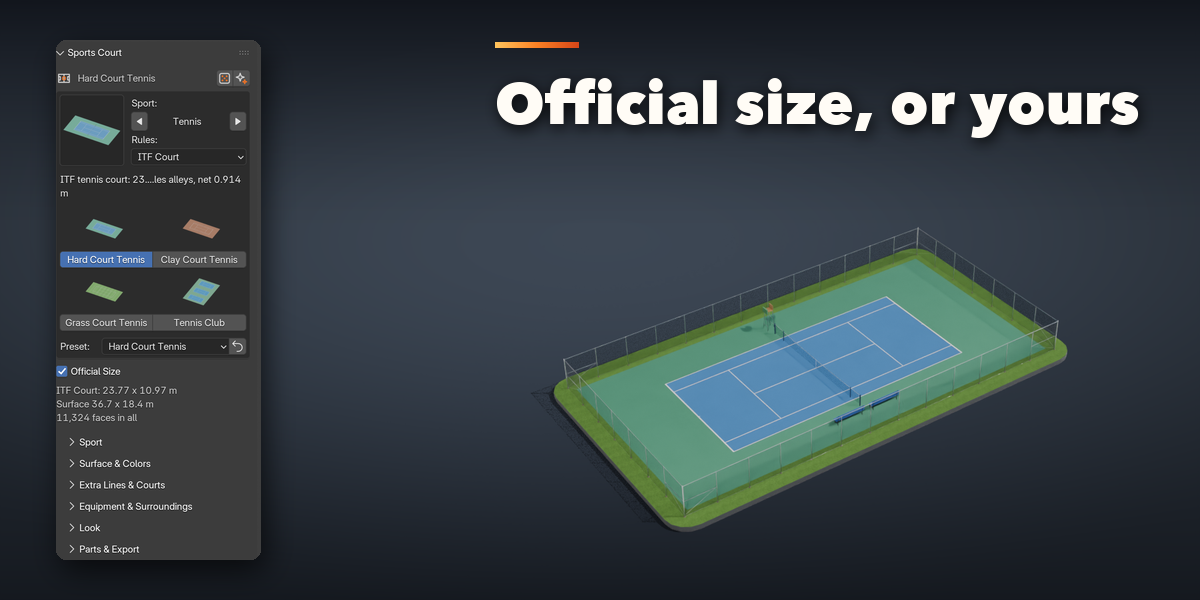
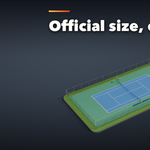
- With a court selected, the top of the panel shows the sport and its rules variant (for example FIBA, NBA or NCAA), the presets of that sport as pictures, and Official Size. Turn Official Size off to type your own length and width; a warning appears when they leave the range the rules allow. Some variants have their own options, such as the NBA painted three-point area or the number of tennis courts.
- The two buttons next to the court's name randomize the look (colors, wear, fence, lights) or make a surprise court of any sport.
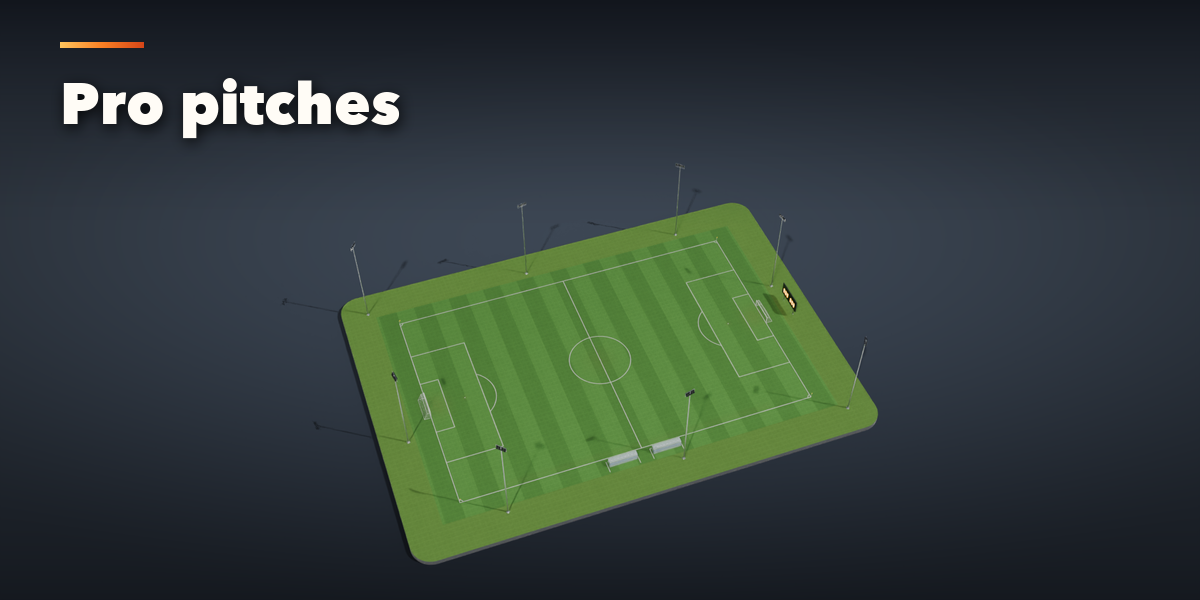
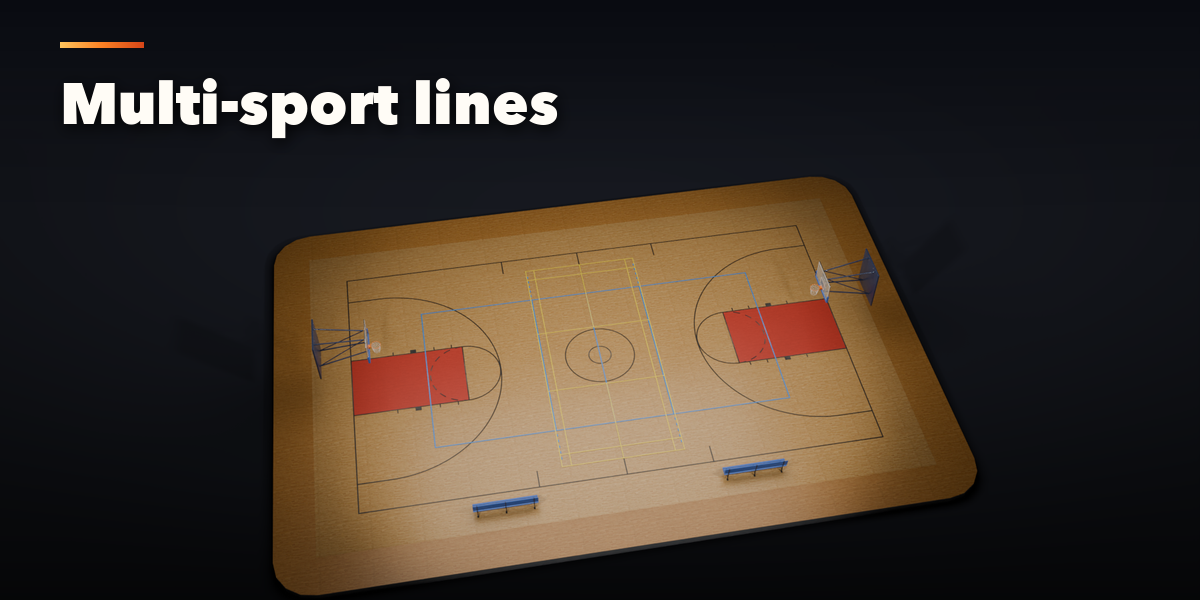
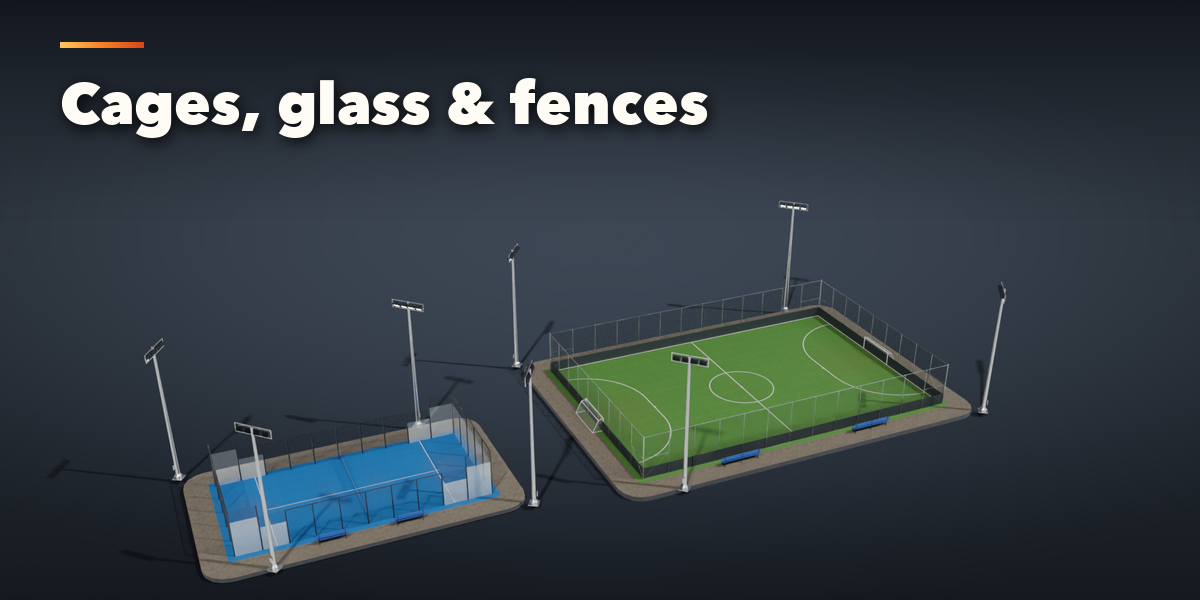
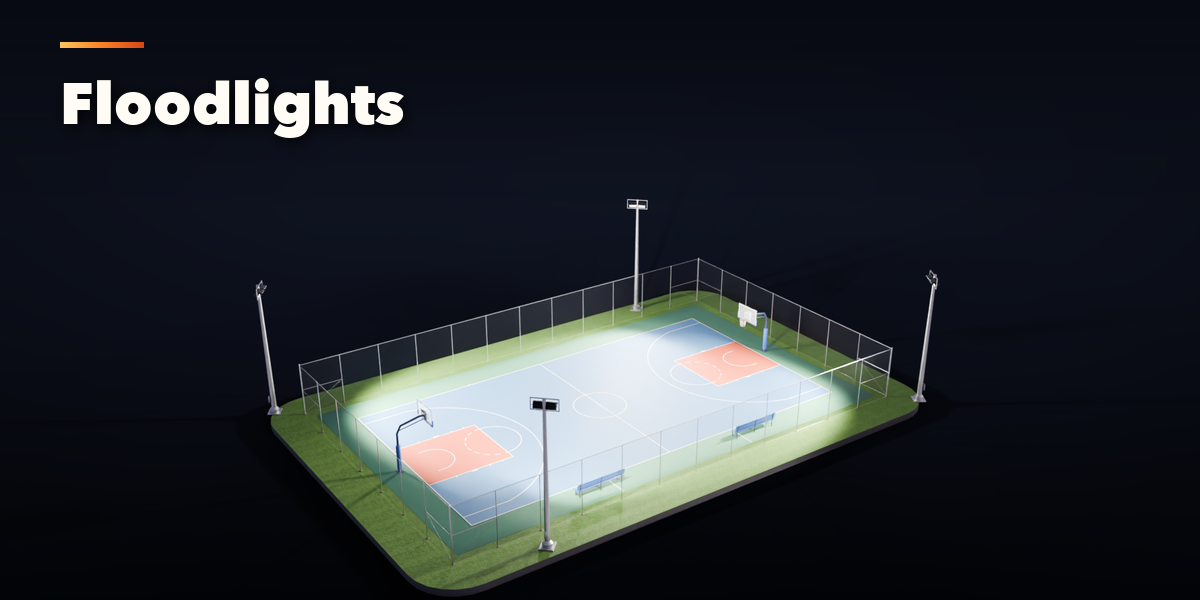
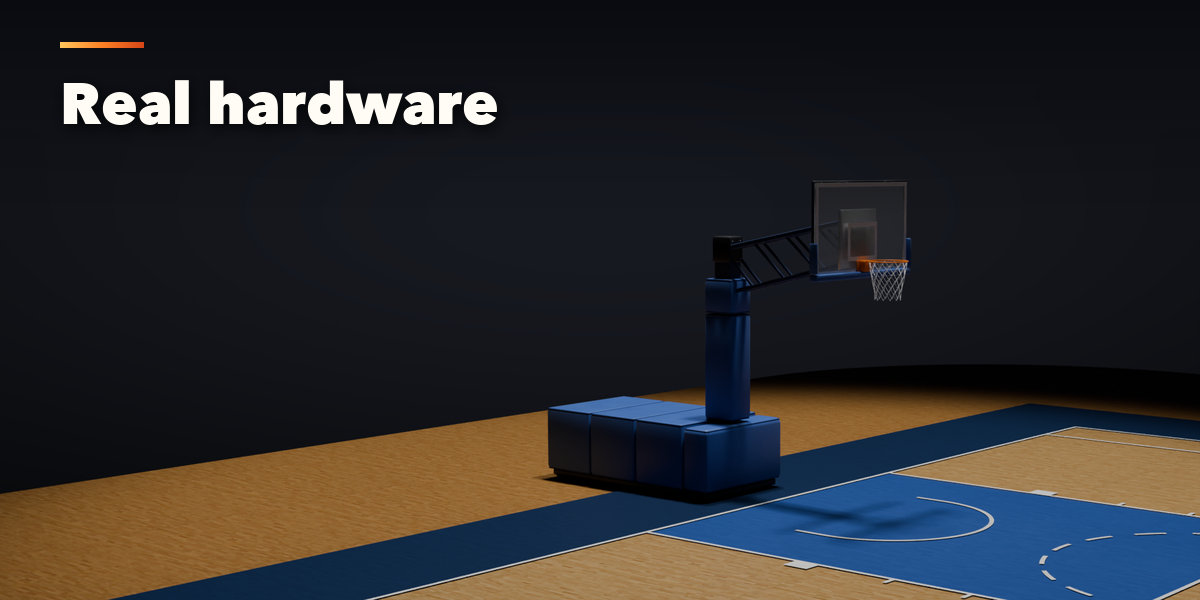
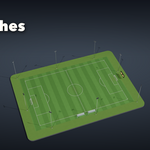
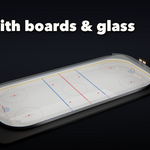
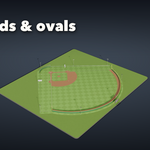
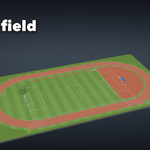
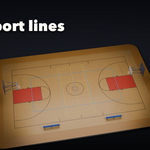
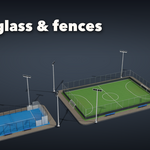
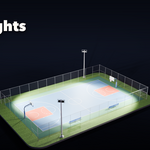
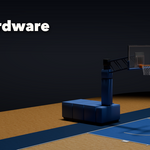
- The sub-panels hold the rest: Sport (picture grid to switch sport), Surface & Colors (surface, ground, every paint color, line width), Extra Lines & Courts (copies side by side, up to two extra sets of lines such as volleyball over basketball), Equipment & Surroundings (goals and hoops, props, walls and glass, benches, scoreboard, fence, floodlights), Look (wear, dirt, mowing stripes, seed) and Parts & Export (detail level, part visibility, Convert to Mesh, Make LODs, Delete).
All sizes are in meters. The court's length runs along X; the root empty sits on the ground at the center of the field and all parts are its children, in the court's own collection.
Have questions about this product?
Login to message
| Blender Extension Compatible | Yes |
| Published | 2 days ago |
| Blender Version | 4.2 - 5.2 |
| Extension Type | Add-on |
| Render Engine Used | Cycles, Eevee |
| License | GPL |

Discover more products like this
basketball Ice rink Generator procedural soccer court tennis Game asset field sports stadium football