Stable Mapping — Triplanar & Anti-Tiling

Oliver Beck in Materials and Shading


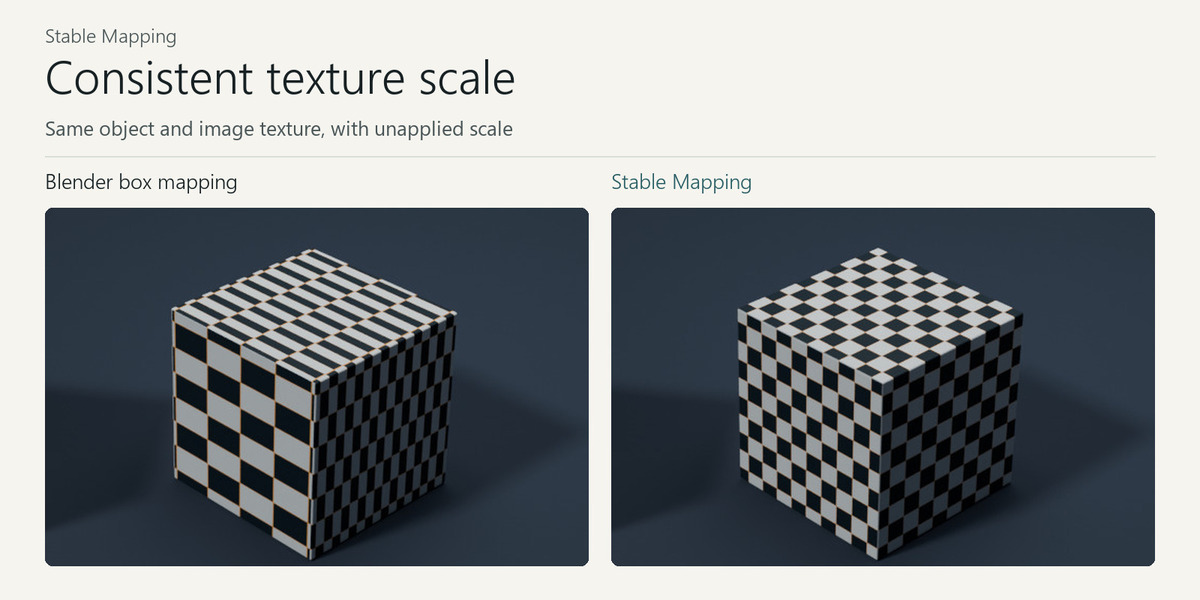
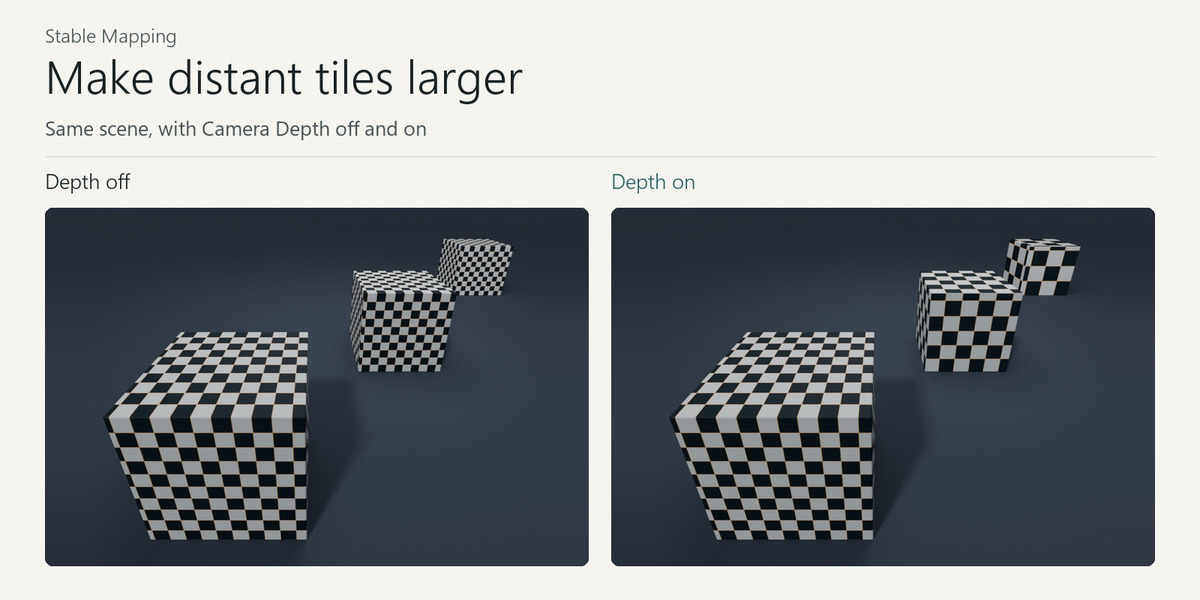
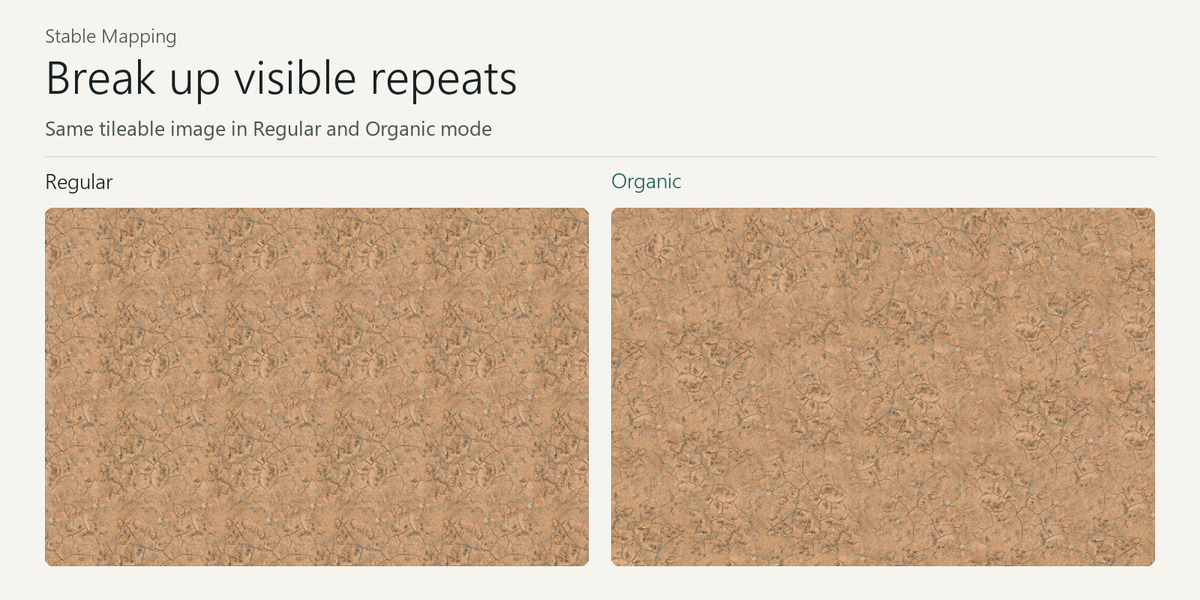
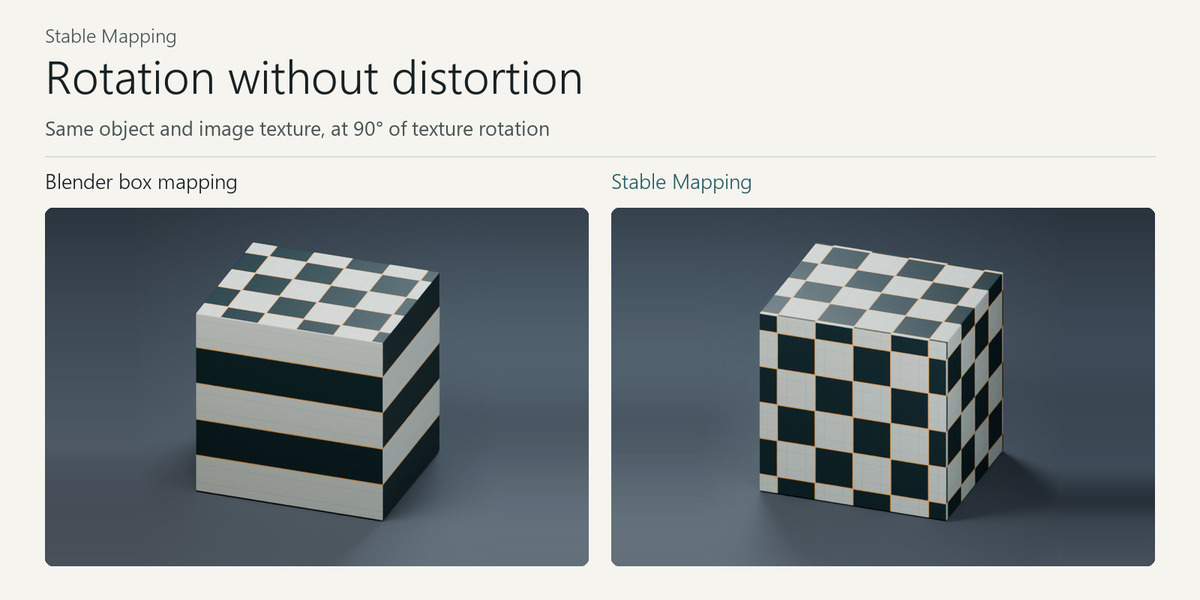
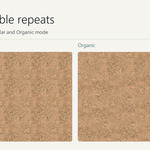
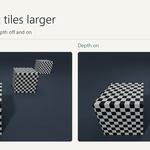
Keep texture size consistent across objects with unapplied scale. Break up visible repeats in natural textures and use camera depth to make distant texture tiles larger.

Blender 5.0+ · Cycles and Eevee · Installable extension ZIP

Quick setup

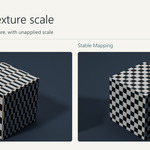
Select your image textures, click Apply Mapping to Selected Textures, then adjust size and rotation in the Shader Editor. You can restore selected setups at any time.
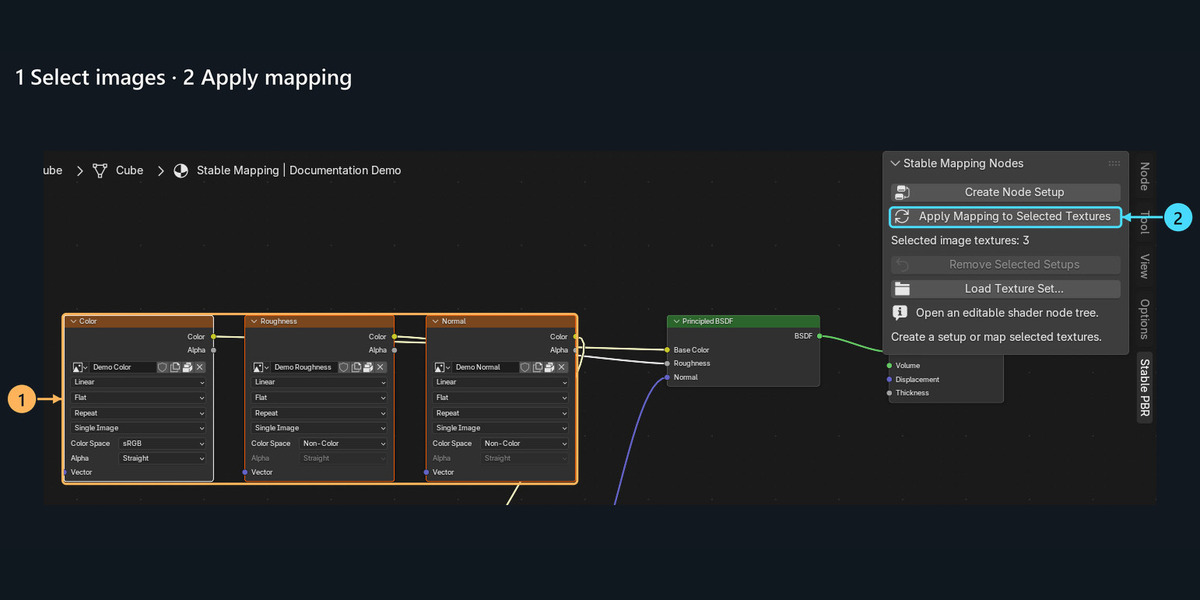
Blender Shader Editor with selected Image Texture nodes and the Apply Mapping to Selected Textures button

Feature demos

Consistent texture scale with unapplied object scale. Blender box mapping on the left and Stable Mapping on the right.

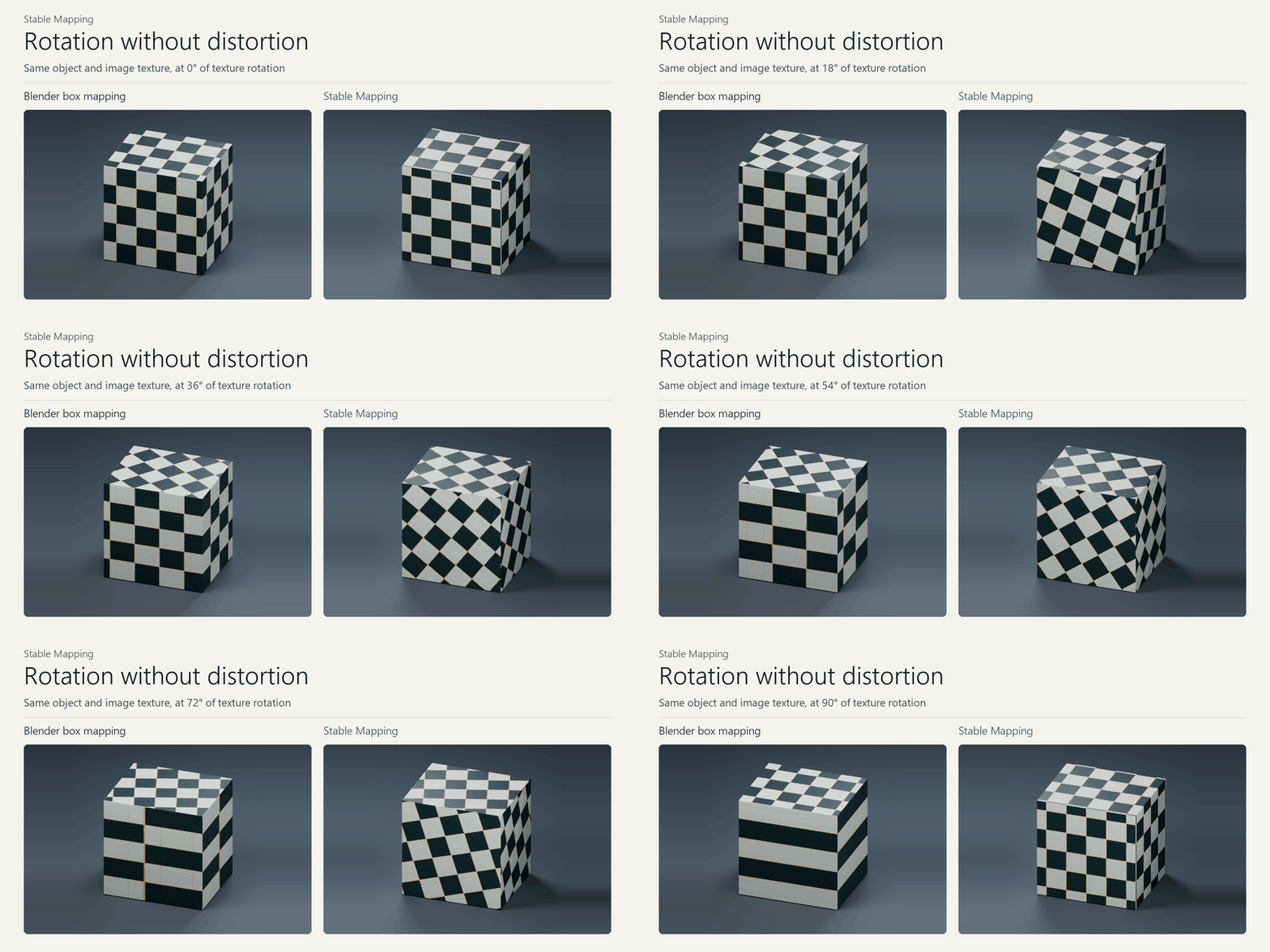
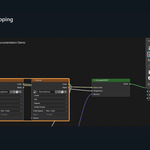
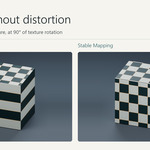
Animated comparison of Blender box mapping and Stable Mapping across a 90 degree texture rotation

Camera Depth off and on, showing larger texture tiles on distant objects

Regular and Organic tiling on the same tileable stone texture


$5$2.50

Have questions about this product?
Login to message

Details
Blender Extension Compatible Yes
Published 2 days ago
Blender Version 5.0 - 5.3
Extension Type Add-on
Render Engine Used Cycles, Eevee
License GPL