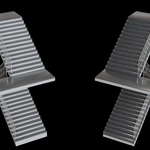
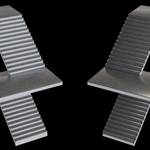
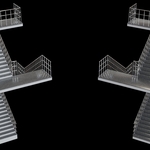
Stairs 20 – Geometry Node Assets
 RaWiLOGIC


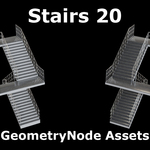
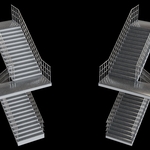
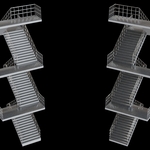
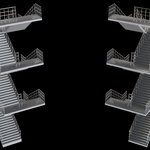
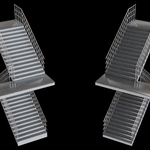
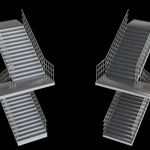
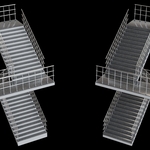
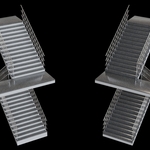
Installation of the assets in the Asset Browser:
1.
Navigate to your asset folder using the File Explorer/Finder. If you
do not already use assets, create a new folder named “Assets”.
2.
Inside your existing asset folder (or the new “Assets” folder),
create a new folder named “Stairs”.
3. Copy the file stairs20.blend into the “Stairs” folder.
4. Open Blender’s Preferences and go to File Paths.
5. In the Asset Libraries section, click the plus button to add a new library and name it “Stairs”.
6. Path: Click the folder icon and select the “Stairs” folder.
7. Import Method: Choose Append as the import method for this library.
8. Save your preferences.
Open
the Asset Browser, select the “Stairs” library and drag a stairs
into your Blender scene.
Select
the stairs and open the Modifiers panel. You will now see all
available parameters – experiment with the values and have fun!
Have questions about this product?
Login to message
| Dev Fund Contributor | |
| Published | about 2 months ago |
| Blender Version | 5.2 |
| Render Engine Used | Cycles |
| License | Royalty Free |
Discover more products like this
procedural 3D-Models 3D-AssetLibrary stairs geometrynodes stairs generator