 Blender Bash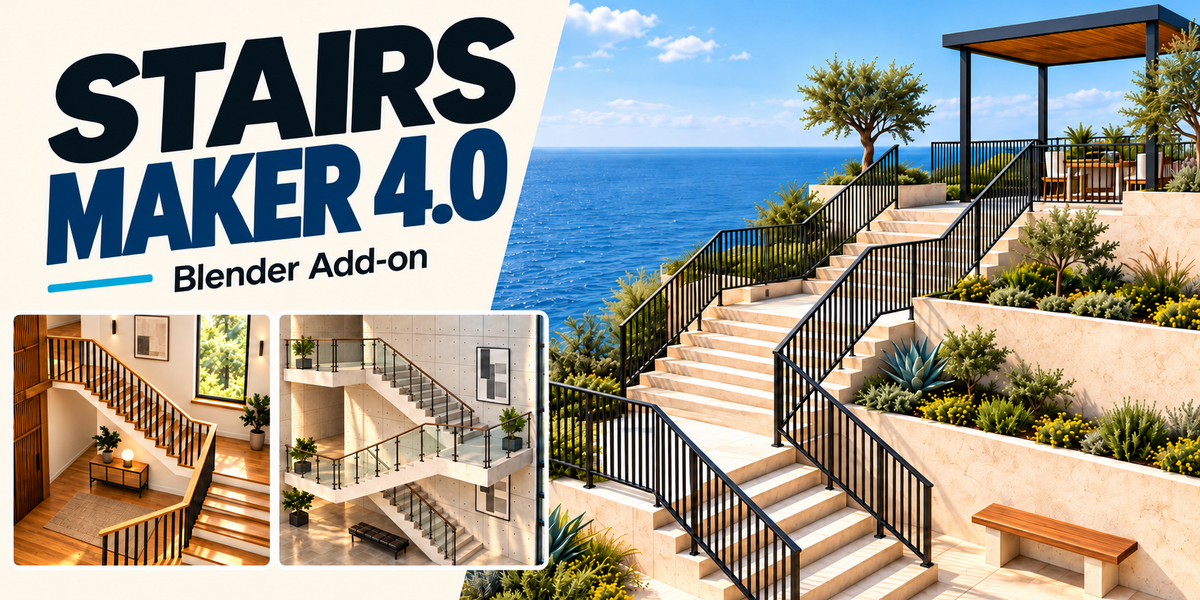
STAIRS MAKER · BLENDER ADD-ON
Create stairs, landings
and railings in Blender.
Start with a single flight, a curve, mesh lines or rectangular faces. Adjust the parameters or edit the source path or faces, and the staircase updates with your design.
Change the design without rebuilding the staircase manually.
See how it works
Choose your starting point
Four ways to build a staircase
Use panel controls for a single flight, or define the route and layout with editable source geometry.
01 / Object Mode
A single flight. Controlled in the panel.
Create a flight and adjust its dimensions in the Stairs Maker panel. This is the default mode; changes to the source object’s geometry do not affect the staircase.
02 / Curve Mode
Shape the staircase along a path.
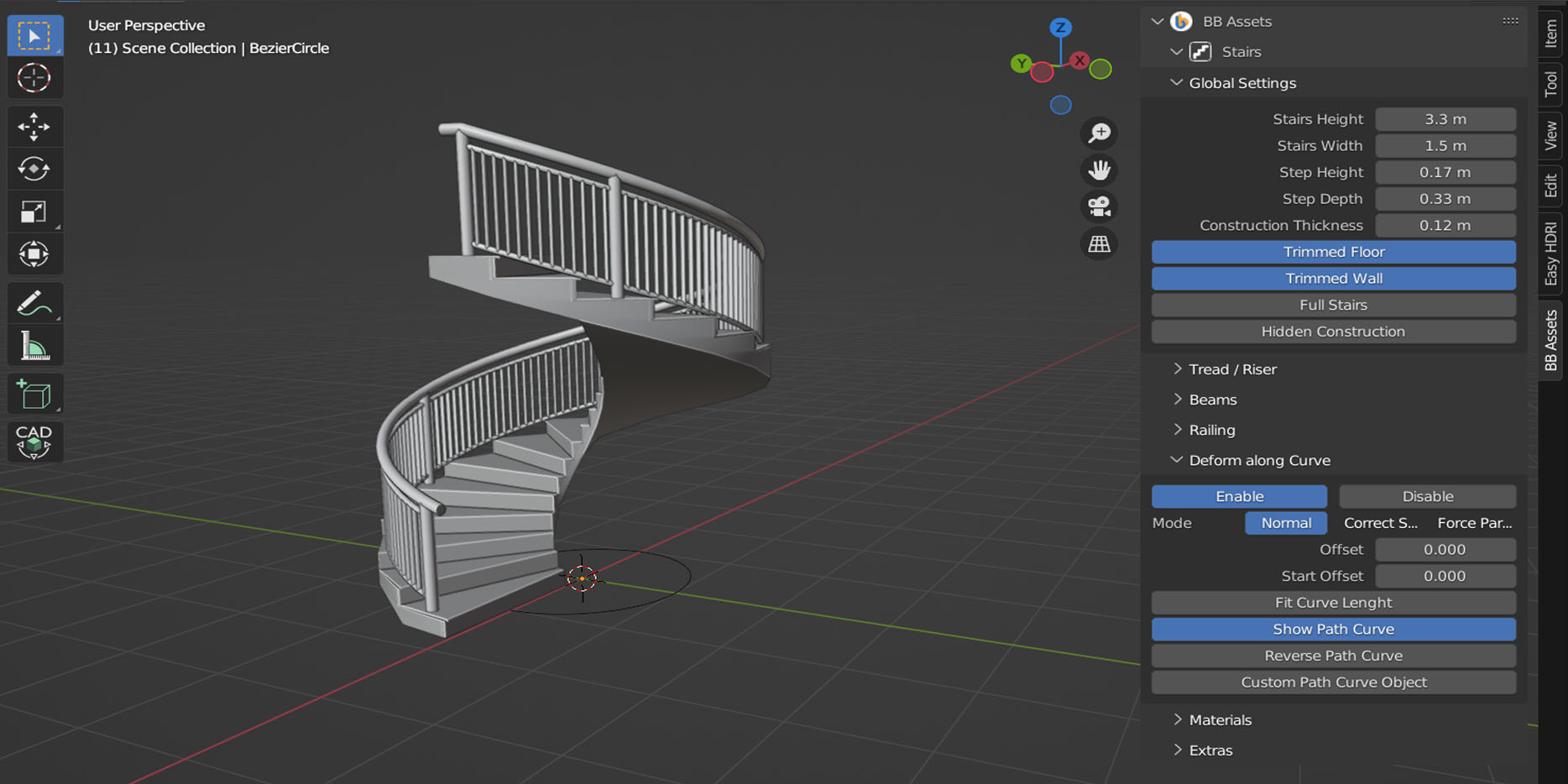
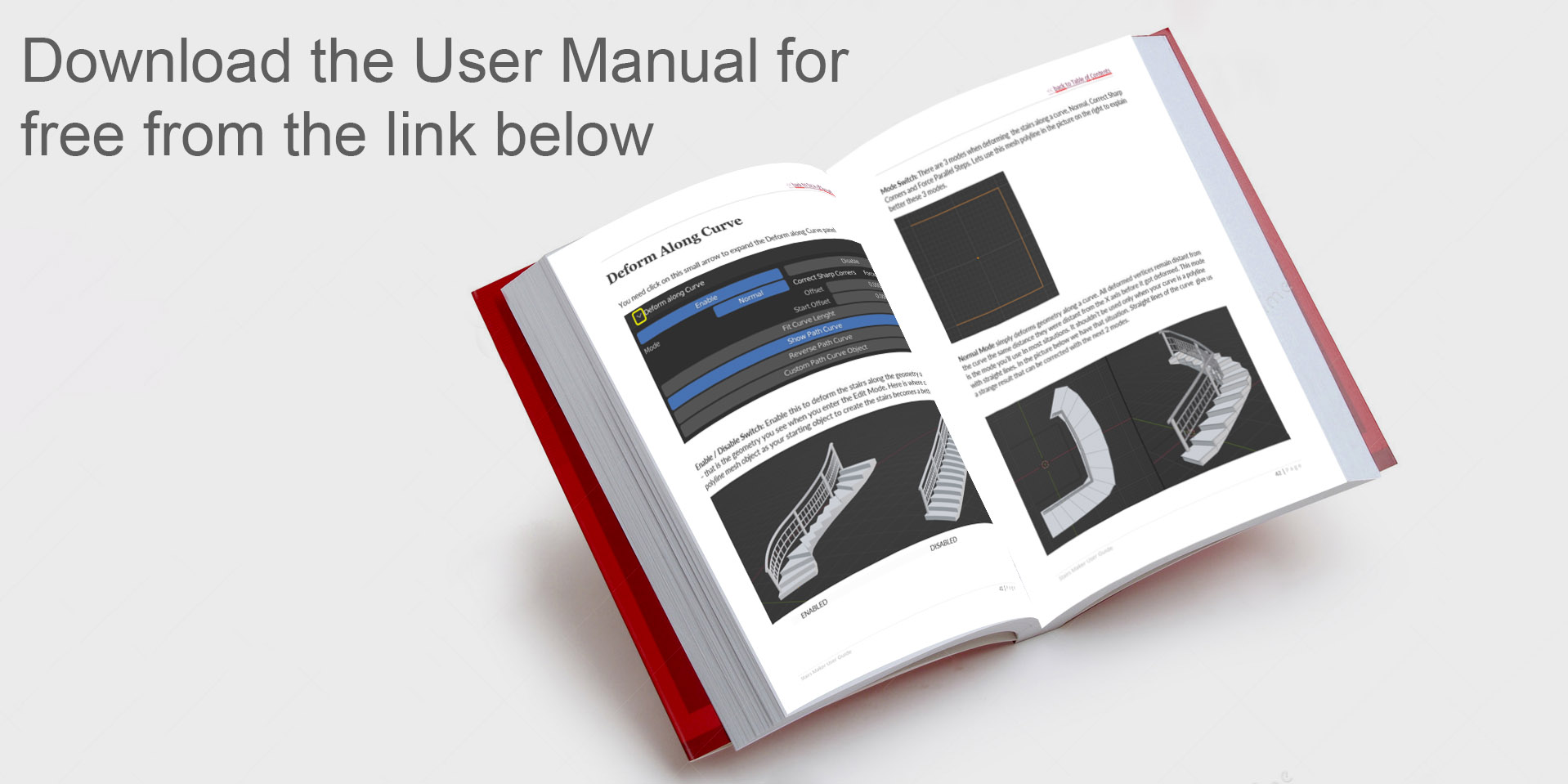
Create a parametric staircase, then align it along a curve or mesh polyline. Edit the path to change its shape and direction; use Deform Along Curve to control how the staircase follows it.
03 / Lines Mode
Draw the route. Generate the staircase.
Sloped mesh lines create flights; horizontal segments create landings. Set the width and choose railings on the left, right, both sides or neither in the panel.
Orthogonal Landings controls alignment where steps would otherwise not be perpendicular to the route. Use a continuous route; branching or Y junctions are not supported.
04 / Planes Mode
Define the layout with faces.
Sloped rectangular faces define flights, horizontal faces define landings, and vertical faces define railing sections. Source faces control the layout and widths. Select side edges and extrude upward to add railings. Edit the mesh to update the staircase.
Merge Close Posts, available in Lines and Planes modes, combines posts closer than your chosen distance to reduce crowding and some abrupt handrail transitions.
Direct viewport editing
Adjust the staircase with gizmos.
Use 32 interactive viewport gizmos for visual adjustments, or enter exact values in the panel. Change dimensions and components without modelling them again.
Gizmos are available in Object and Curve modes, not in Lines or Planes modes.
Make it your own
Choose the construction. Change the details.
Stairs & supports
Adjust treads, risers, supporting beams and stringers, including beam spacing and tapered staircase shapes.
Railings & components
Customize posts, handrails, vertical bars and horizontal bars. Use custom component objects and profiles for different designs.
Presets & variations
Start with six included presets and save up to eight custom presets. Explore rotation, swirl, random and zigzag controls for supported railing components.
UVs & editable geometry
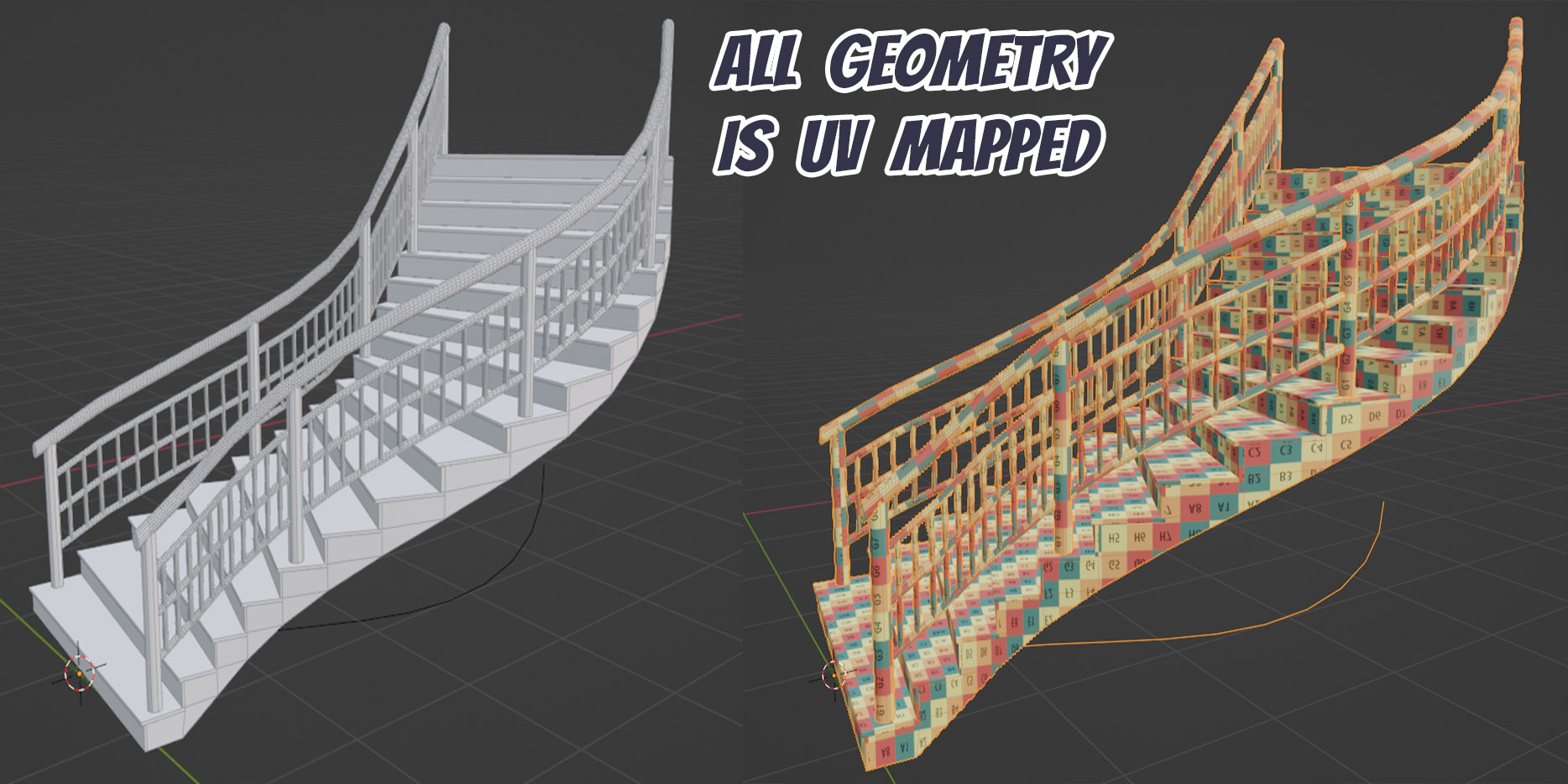
Control UV mapping while working procedurally. Apply Geometry creates an editable mesh with a real UV map for further editing or export.
UNDER THE HOOD
Controls in the panel. Geometry that stays editable.
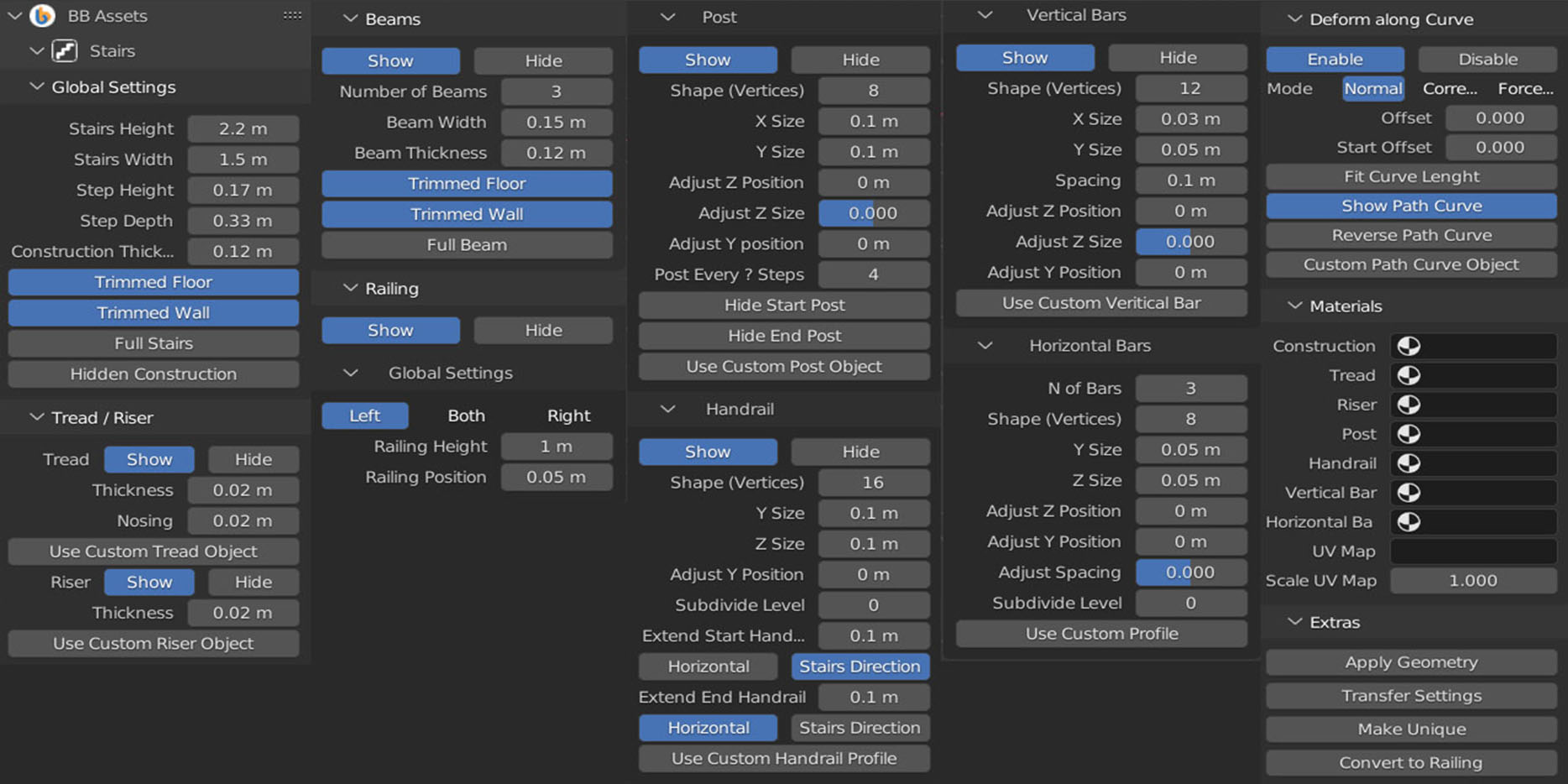
Stairs Maker adds a Geometry Nodes modifier to the selected object. Its controls are organized in the Stairs Maker panel in the 3D Viewport, so you can work with the add-on without editing the node trees.
Stair components
Adjust the construction, treads and risers, including their dimensions, shapes and UV-mapped materials.
Railing components
Customize posts, handrails, vertical bars and horizontal bars, including their dimensions, shapes and materials.
MATERIALS & EXPORT
UV mapping, from procedural geometry to mesh.
UV mapping is controlled through a vector attribute while the staircase is procedural. Apply Geometry converts that attribute into a real UV map, which you can edit in the UV Editor and use when exporting to other 3D software.
UV-mapped geometry
Assign and adjust materials on the generated staircase.
An editable UV map
Apply the geometry to create a mesh with a real UV map for editing or export.
DESIGN GALLERY
Different layouts. Different stair and railing styles.
Examples made with Stairs Maker, from architectural layouts with landings to custom components and profiles.
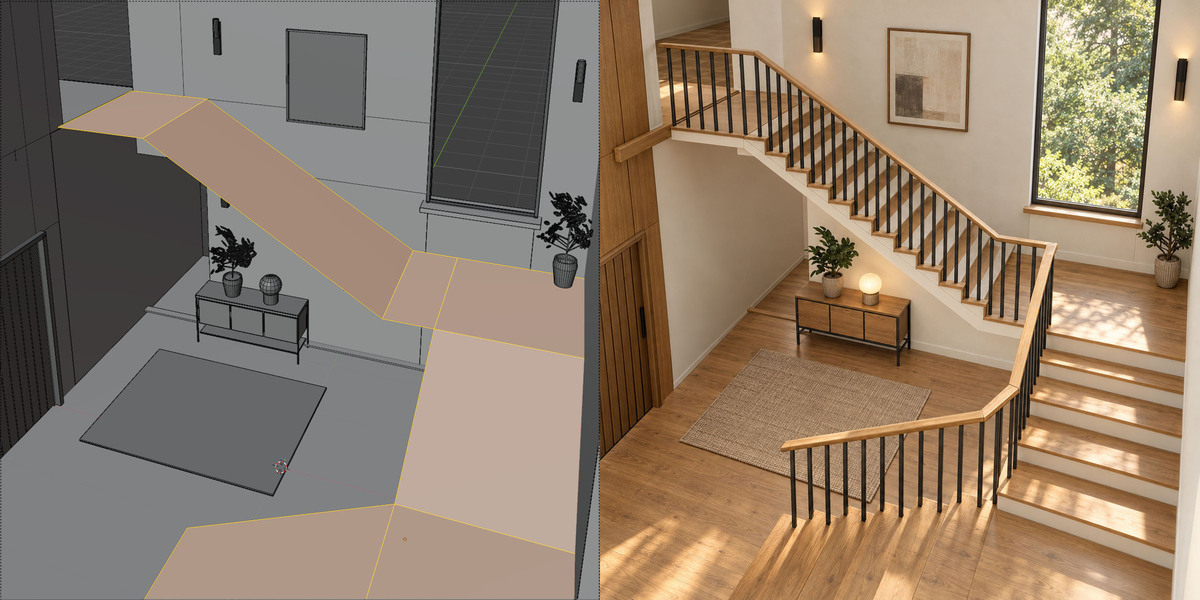
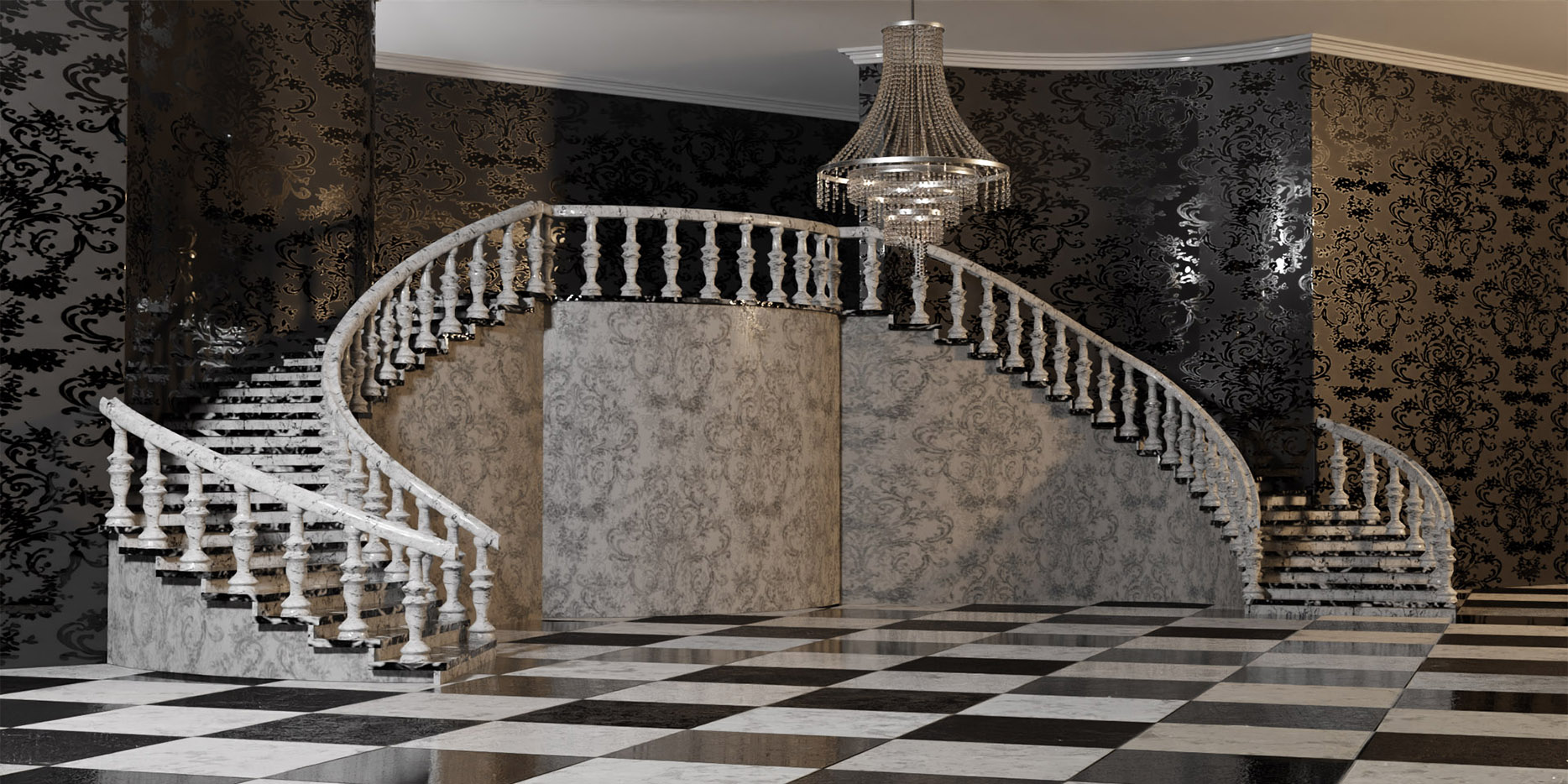
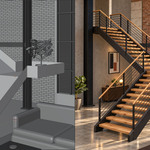
Warm interior
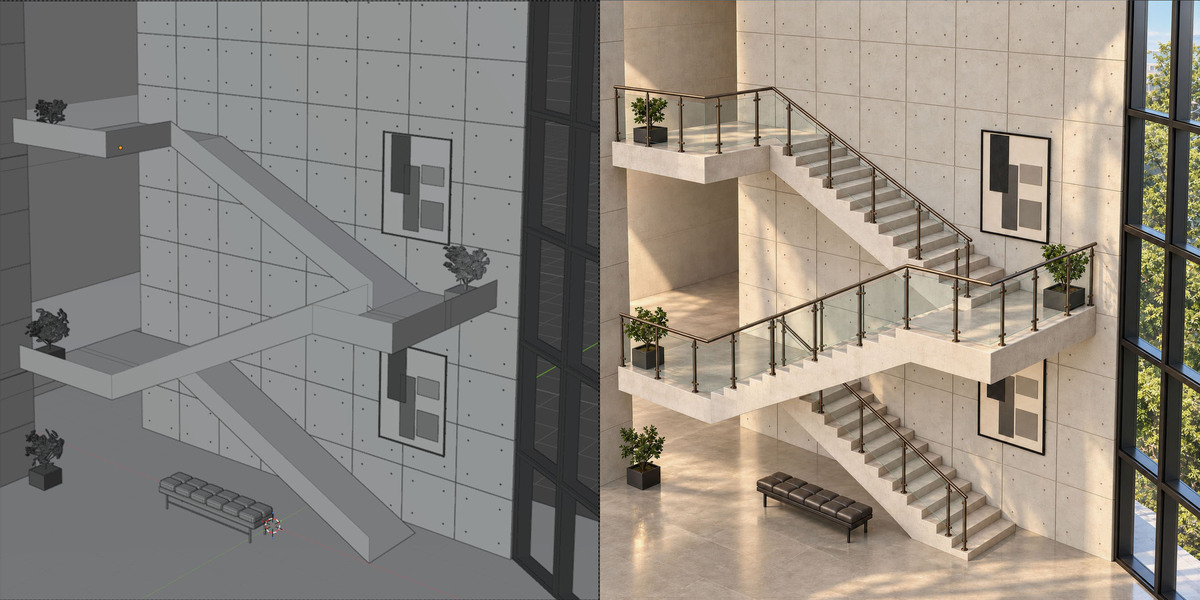
Source geometry and the finished staircase in an interior setting.
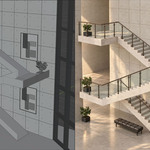
Multi-level architecture
Flights and landings with glass railing panels.
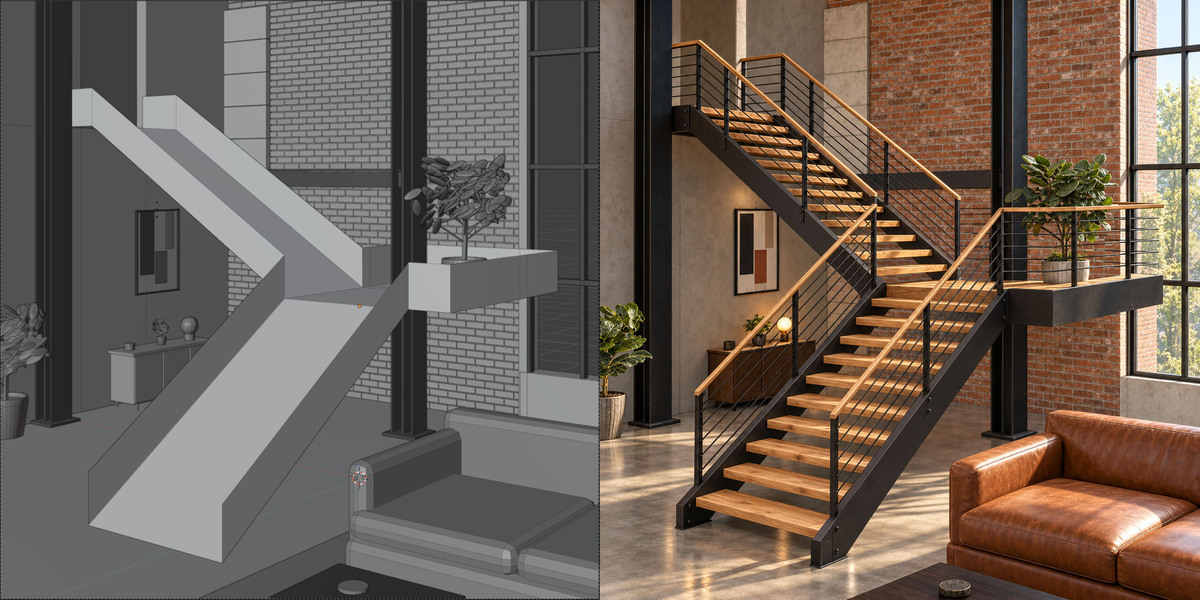
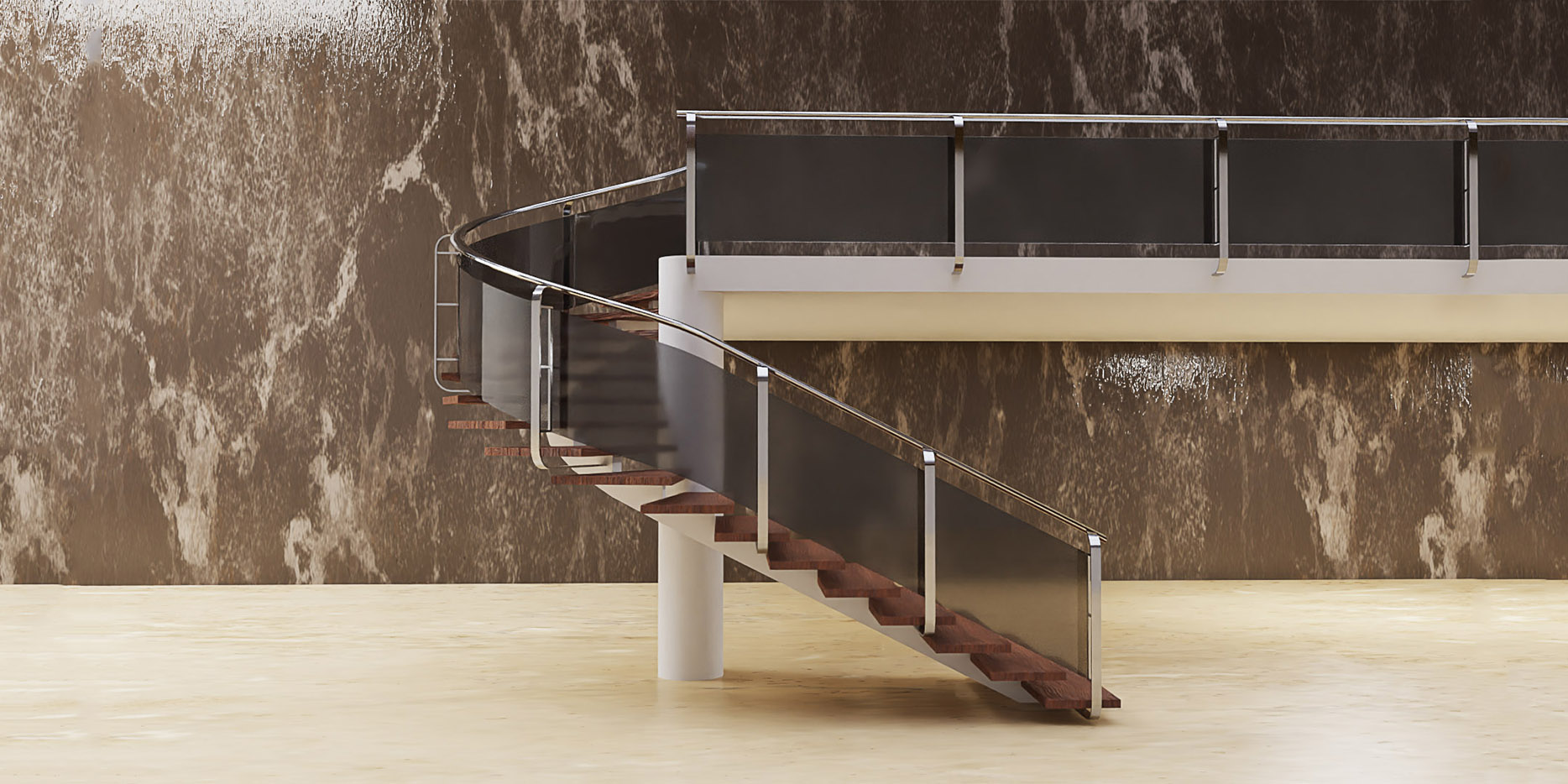
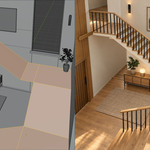
Industrial interior
Timber treads with dark supporting construction and railings.
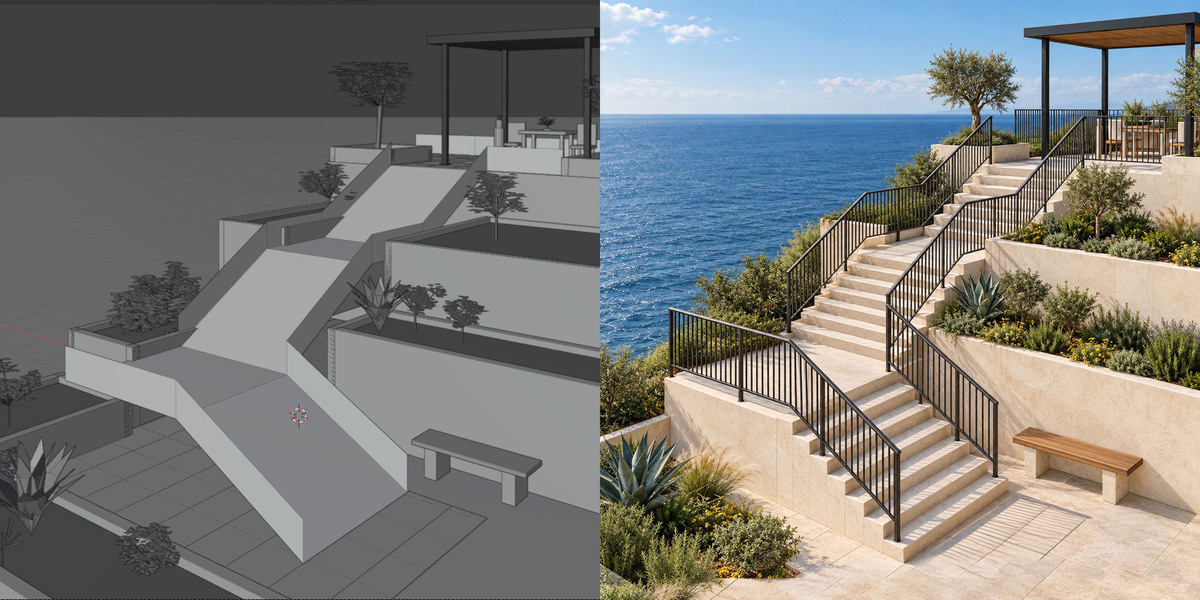
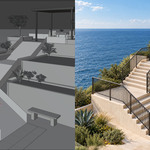
Outdoor staircase
Stone steps and landings in a coastal setting.
Custom posts & glass
One supporting beam, hidden risers, default treads and handrail, custom posts and a glass horizontal bar.
Custom treads & posts
Hidden construction and risers, custom treads and posts, a default handrail, and no vertical or horizontal bars.
Custom profiles & solid construction
Full stair construction with default risers and treads, a custom handrail profile and custom posts. Vertical and horizontal bars are hidden.
RELEASE NOTES
Update history
Latest release: 4.1.1. Previous changes are retained below for reference.
1.1.1. (Blender 3.3, 3.4)
-
first version
1.1.3. (Blender 3.3, 3.4)
-
adjust vertical bars Z size is now possible even with no horizontal bars
-
Fixed alignment bug with vertical bars
1.2.2. (Blender 3.5)
-
When applying geometry a real UVmap gets created (see manual) that can be used when exporting this geometry into other software.
1.2.3 (Blender 3.5)
-
Fixed Bug with inverted normals when applying geometry when reverse path curve is enabled
1.3.1 (Blender 3.6)
-
Updated for Blender 3.6
-
From this version, there is no longer the need to keep the geonodes modifier active
1.4.1 (Blender 4.0)
-
Updated for Blender 4.0
2.1.1 (Blender 4.2)
-
Updated for Blender 4.2
2.2.1 (Blender 4.2)
-
Renamed panel from "BB Assets" to "Stairs Maker"
-
Small bug fix
2.2.2 (Blender 4.2)
-
Fixed bug with multiple Railings Objects
3.4.4 (Blender 4.4)
-
Gizmo Editing – Introduced 32 interactive gizmos, allowing you to adjust the staircase directly in the 3D Viewport with intuitive visual controls.
-
Presets System – Added 6 default presets and support for up to 8 custom presets, letting you save and reload your favorite staircase and railing styles.
-
Tapered Staircases – New Taper parameter lets you control the width variation from bottom to top of the staircase.
-
Post Z Rotation Randomization – Added a parameter to apply randomized Z-axis rotation to each post.
-
Handrail Swirl – You can now twist (swirl) the handrail along its path for a dynamic look.
-
Handrail Z Offset (Random & Zig Zag) – Added parameters for vertical variation of handrail profiles using random or zig zag patterns.
-
Vertical Bar Z Rotation Randomization – Each vertical bar can now have a random Z-axis rotation for a more organic appearance.
-
Vertical Bar Z Offset (Random & Zig Zag) – New controls allow vertical bars to move up or down along the Z-axis, with random or zig zag variations.
-
Horizontal Bar Swirl – Horizontal bars can now be twisted (swirled) along their length.
-
Horizontal Bar Z Offset (Random & Zig Zag) – Same as for handrails: random or zig zag vertical movement is now supported.
-
Extend Horizontal Bar Start/End – You can now extend the start and/or end of the horizontal bars, similar to how it already worked for handrails.
-
Independent Vertical Bar Height – A new parameter lets you adjust the Z size (height) of vertical bars independently of the number of horizontal bars.
3.5.1 (Blender 4.4).
-
Added a whole new section - Stringers
-
Added a parameter to adjust beam spacing – You can now control the distance between supporting beams in the staircase construction for better structural flexibility and visual customization.
3.5.2 (Blender 4.4 and higher updated for 5.2).
-
Fixed a bug with the smooth shading of the handrail
4.1.1 (Blender 5.2)
Lines Mode, Planes Mode and Landings
Lines Mode: Create stair flights from sloped mesh lines and landings from horizontal lines. Set the staircase width and railing sides in the Stairs Maker panel.
Planes Mode: Use sloped mesh faces for flights, horizontal faces for landings and vertical faces to define railing sections. The source faces determine the width and layout of the staircase.
Procedural source editing: Move or reshape the source lines or planes to update the generated staircase.
Orthogonal Landings: New option in Lines Mode to keep steps perpendicular to the source route when needed.
Merge Close Posts: New control in Lines Mode and Planes Mode for merging railing posts that are generated close together.
Object Mode and Curve Mode remain available alongside the two new construction modes.
When a layout needs a finishing touch
Some source layouts can produce awkward handrail or beam geometry, particularly in Planes Mode. You can apply the geometry and edit the resulting mesh manually. Applying ends procedural editing for that result.
Start with the tutorial.
See how to build flights and landings, add railings and edit the source geometry.
Watch Lines, Planes & Landings
First released in 2022. Over 2,000 copies sold.
Thank you to everyone supporting the continued development of Stairs Maker.
