 ZEG



Installation
In Blender open Edit, Preferences, Get Extensions, then use Install from Disk and pick the kettle_generator zip.
Usage
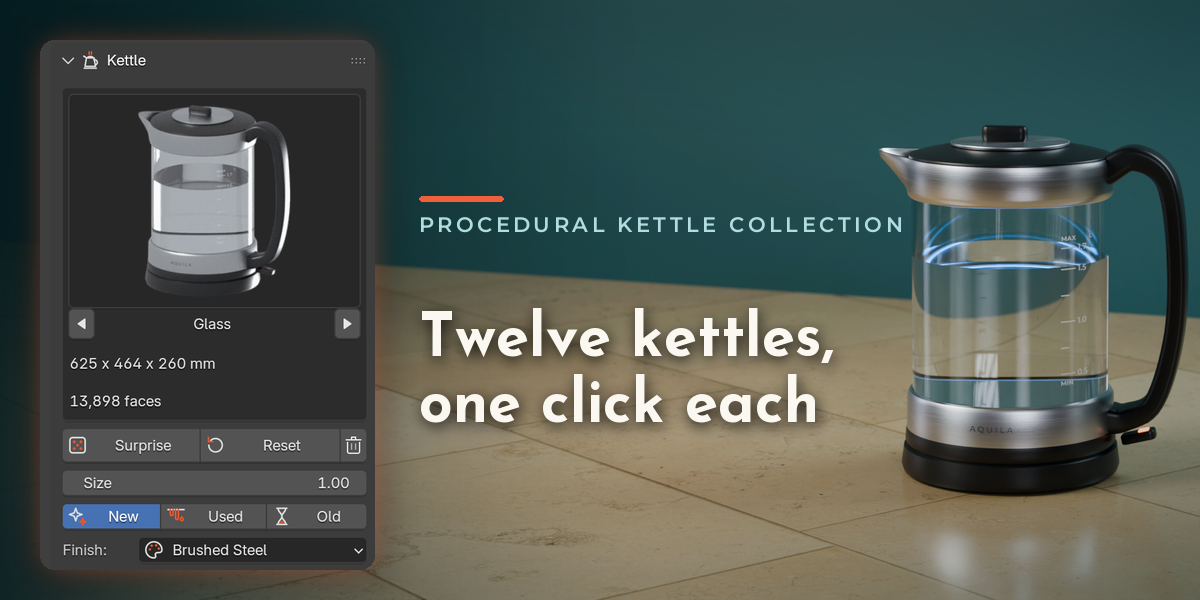
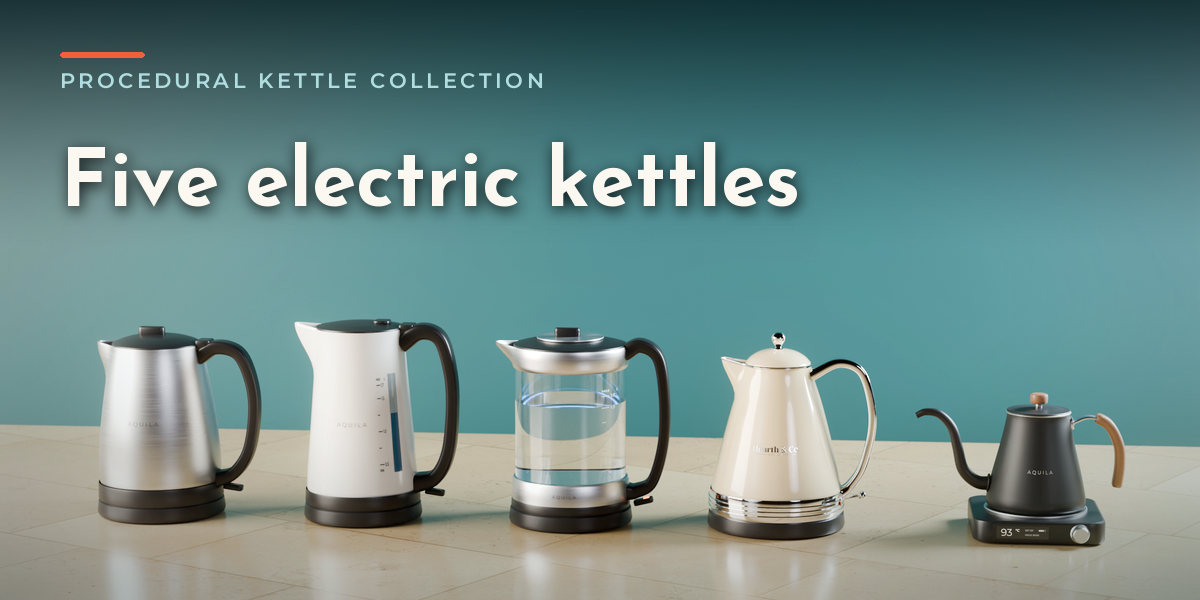
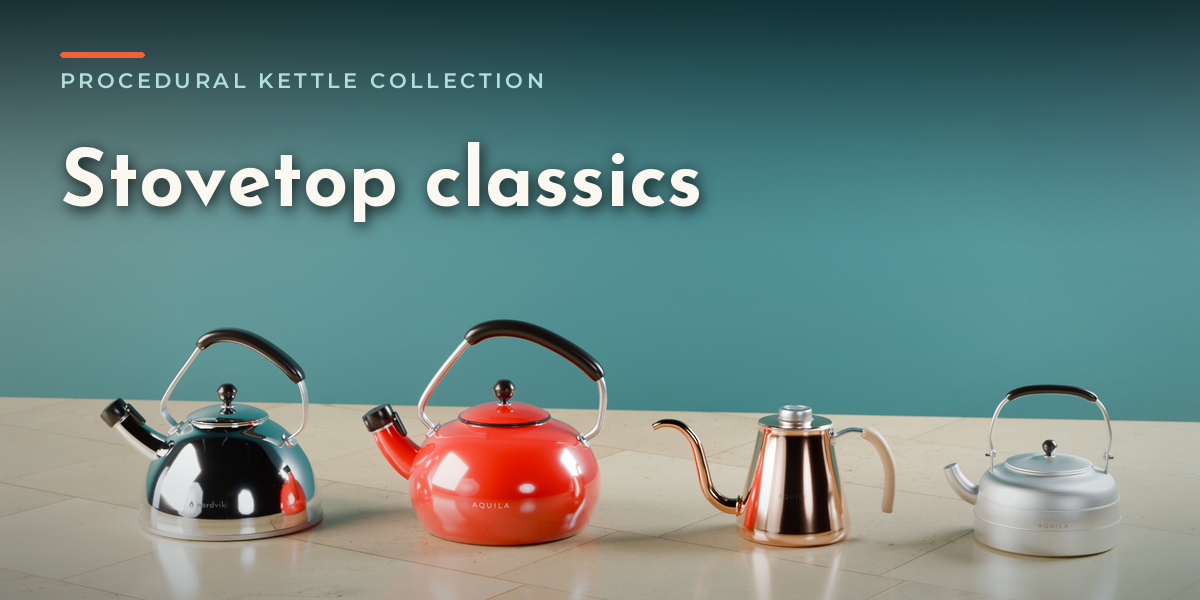
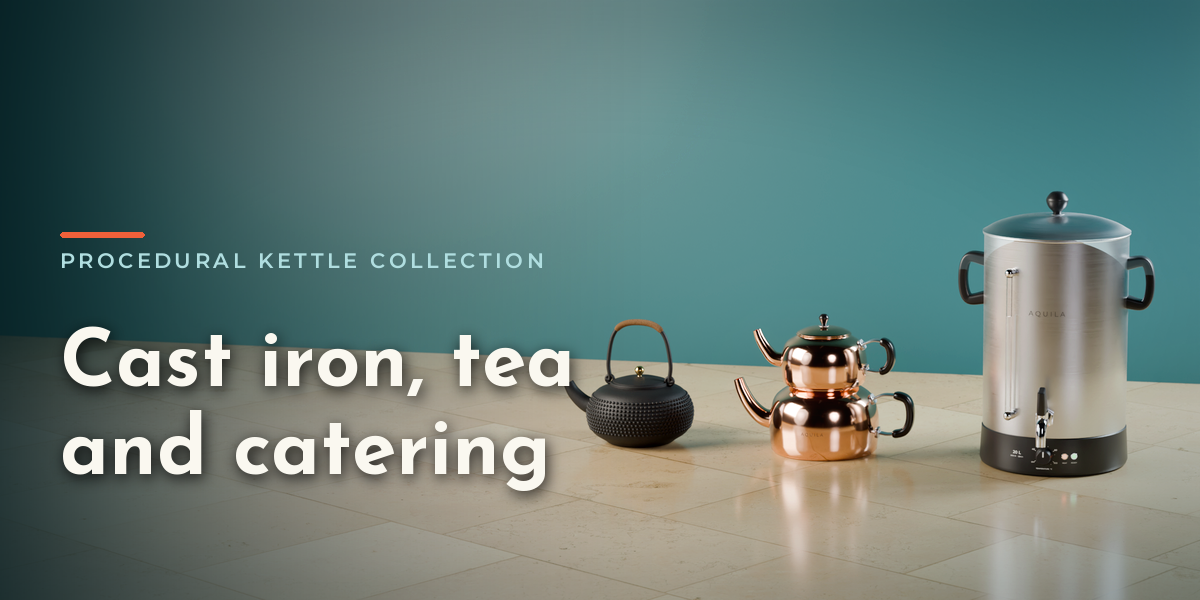
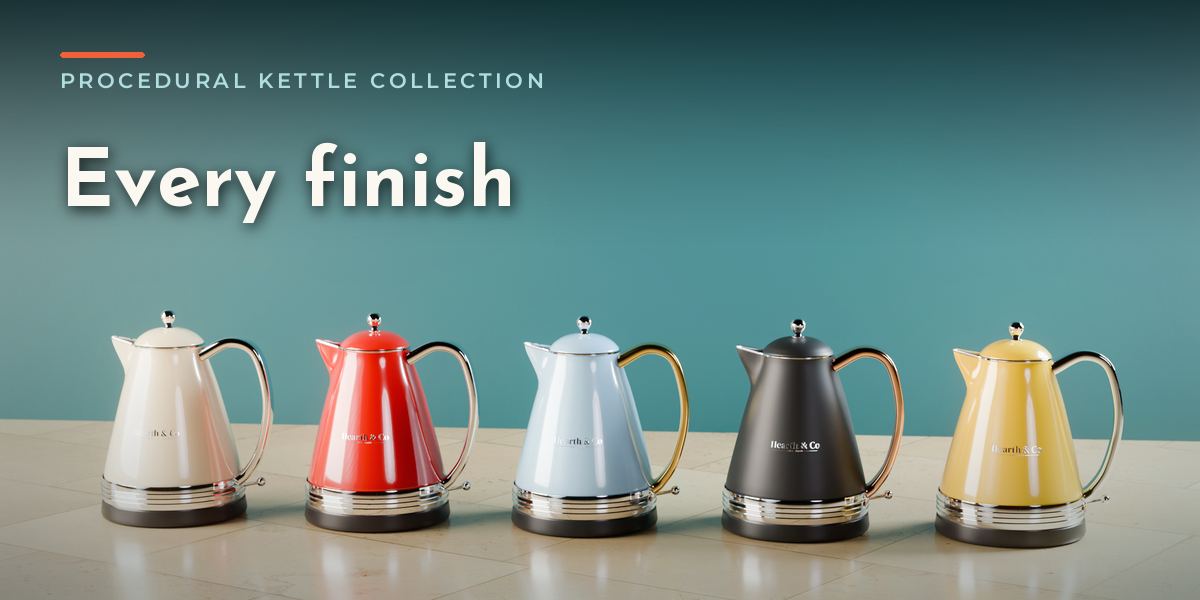
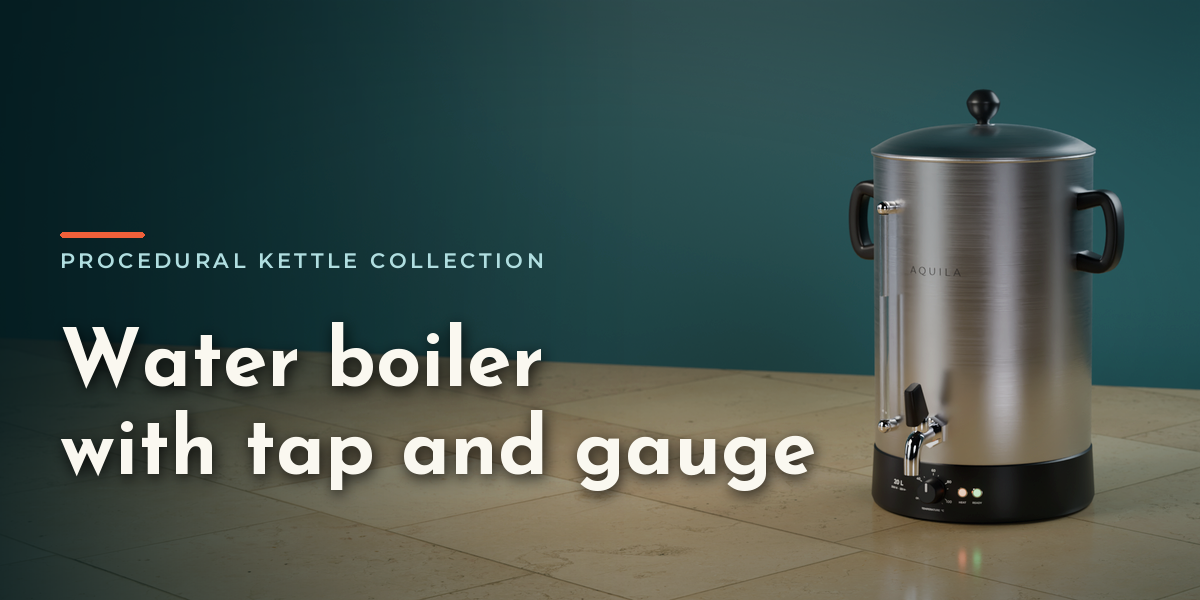
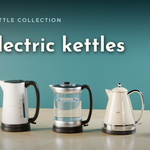
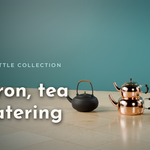
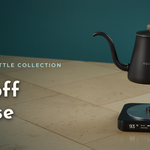
- Open the Kettle tab in the 3D viewport sidebar (N). With nothing selected, click the picture to choose a design or pick one from the Electric, Stovetop or Tea and Catering lists, then press Add. Shift+A, Kettle works too.
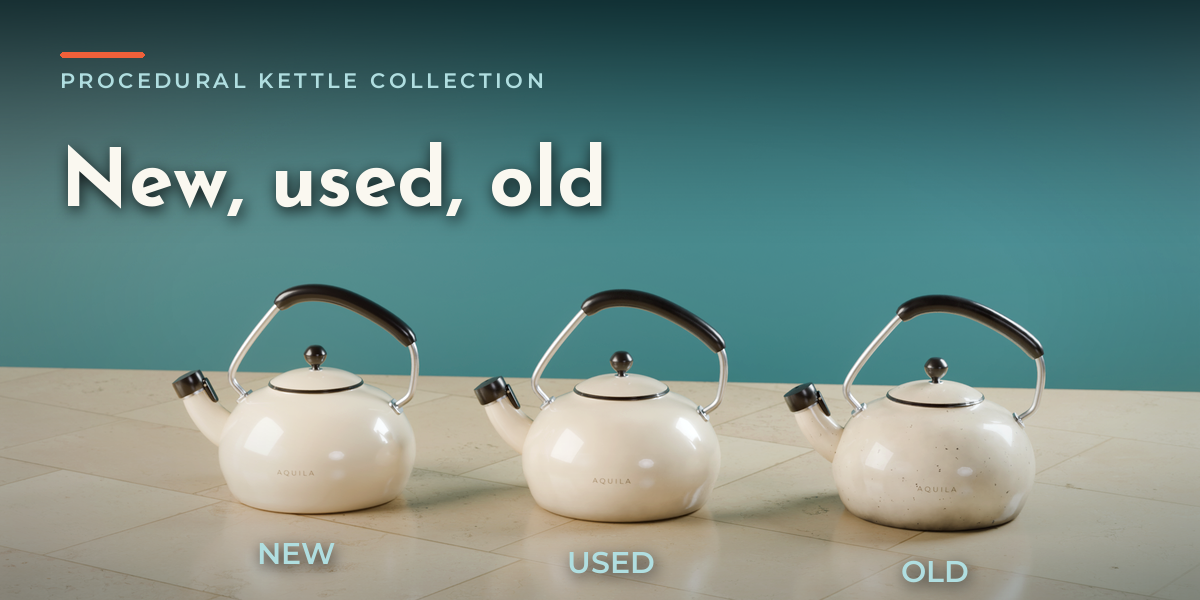
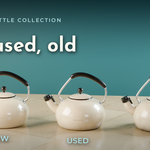
- Select a kettle to edit it. Size, condition and body finish are on the first screen. Surprise randomizes the selected kettle in place and Reset returns it to its starting look.
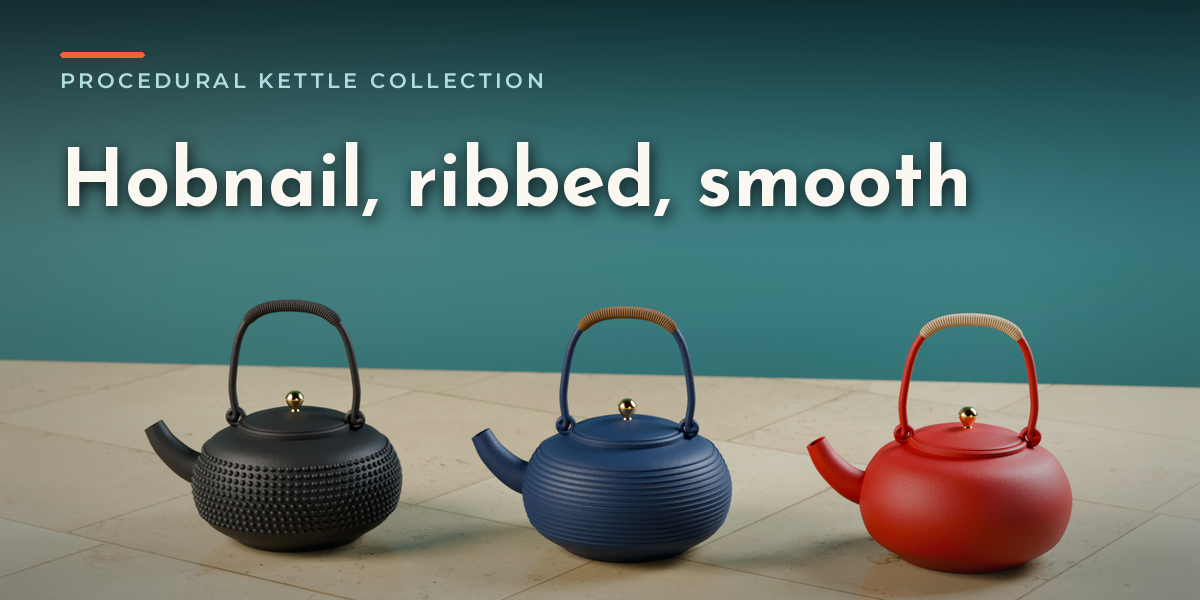
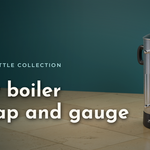
- The Shape tab holds width, height, spout reach, the cast iron surface, the whistle, the power base and detail.
- The Look tab holds the handle material, trim and brand logo.
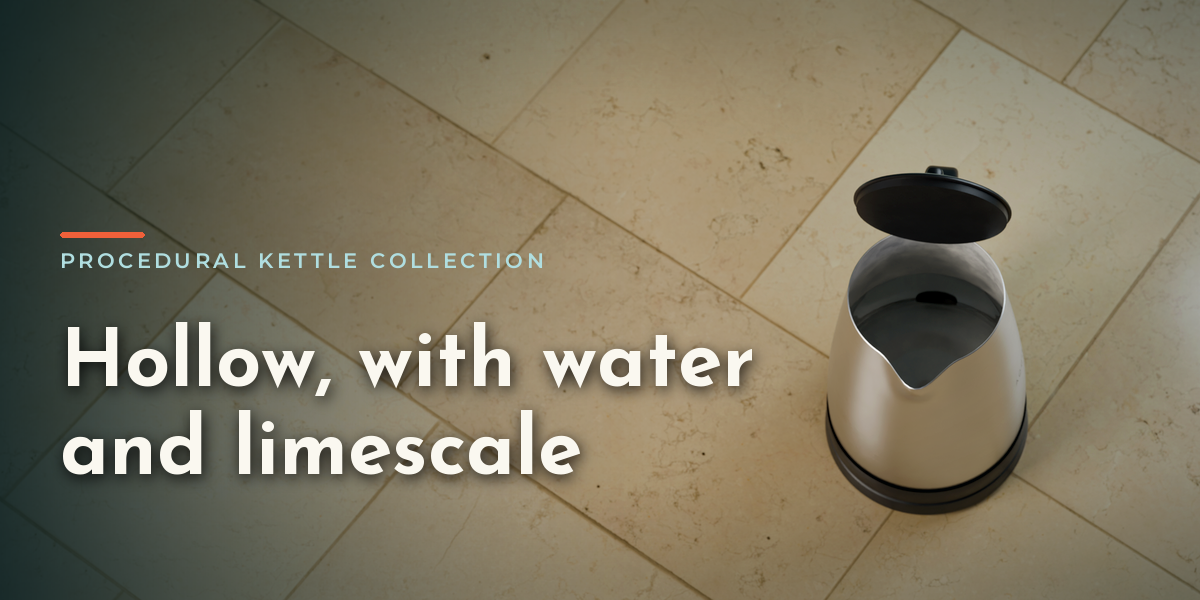
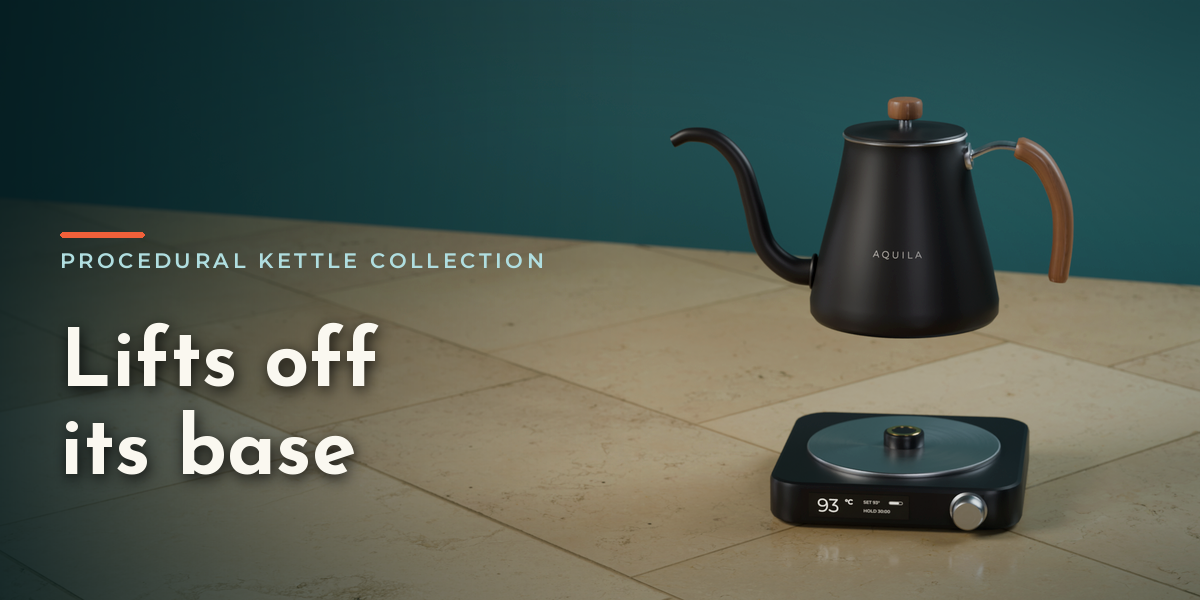
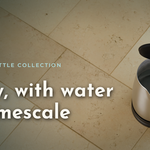
- The State tab opens the lid, sets the water level, flips the whistle, folds the bail handle, lifts the kettle off its base, switches it on and shows the cord with an EU or US plug.
Notes
Each kettle is one mesh with one material per surface. Copies made with Shift+D or Alt+D get their own mesh and materials as soon as you edit them. Deselect a kettle to return to the add screen.
Have questions about this product?
Login to message
| Blender Extension Compatible | Yes |
| Published | about 6 hours ago |
| Blender Version | 4.2 - 5.2 |
| Extension Type | Add-on |
| Render Engine Used | Cycles, Eevee |
| License | GPL |

Discover more products like this
kitchen appliance gooseneck tetsubin teapot props water-boiler electric kettle Generator photorealistic tea kettle kettle