Steampunk Clock - 46 Animated Assets
 MESHLUME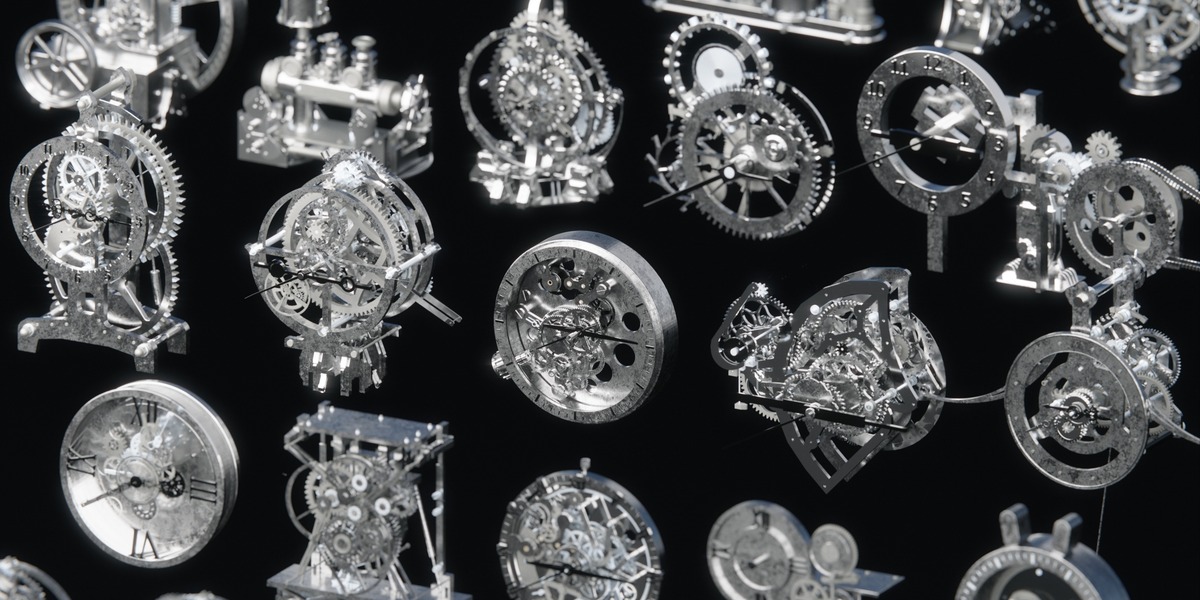
Getting Started
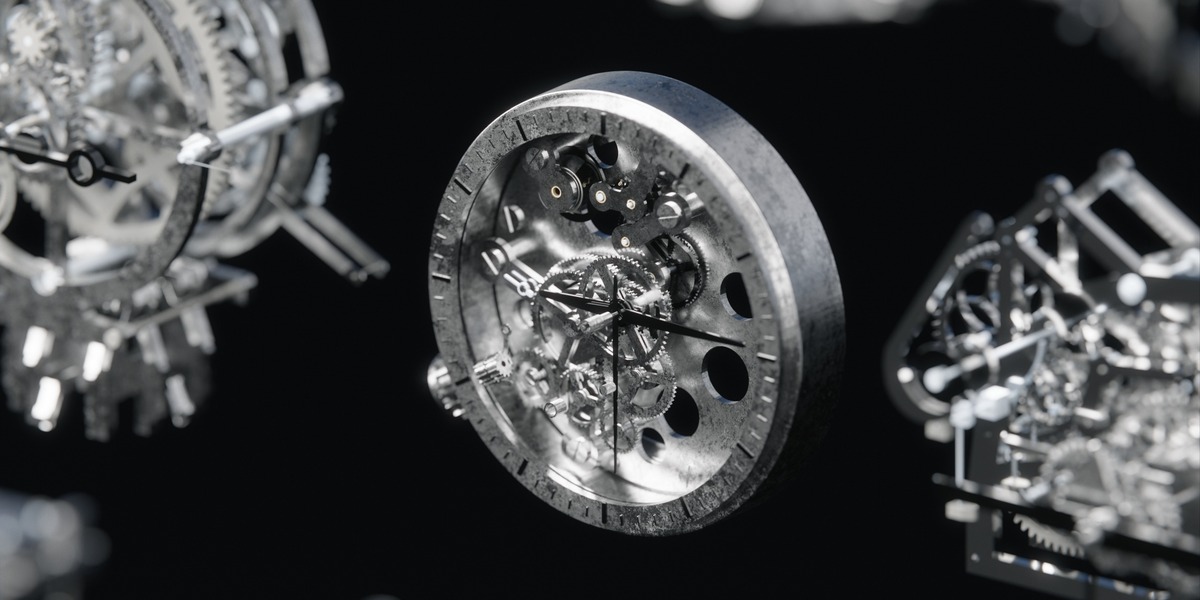
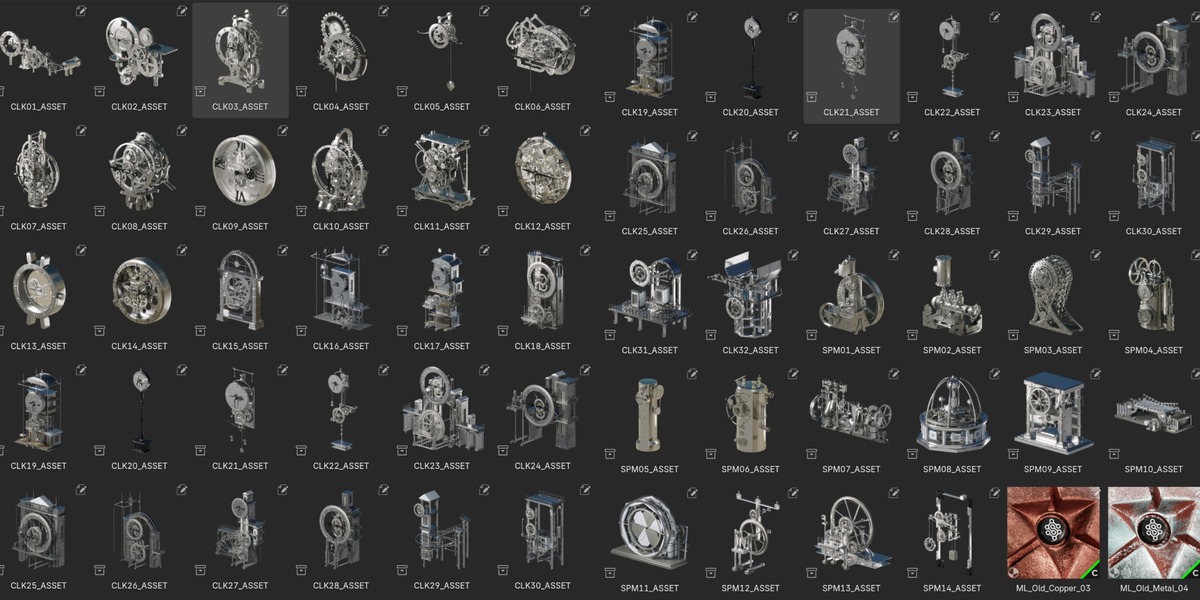
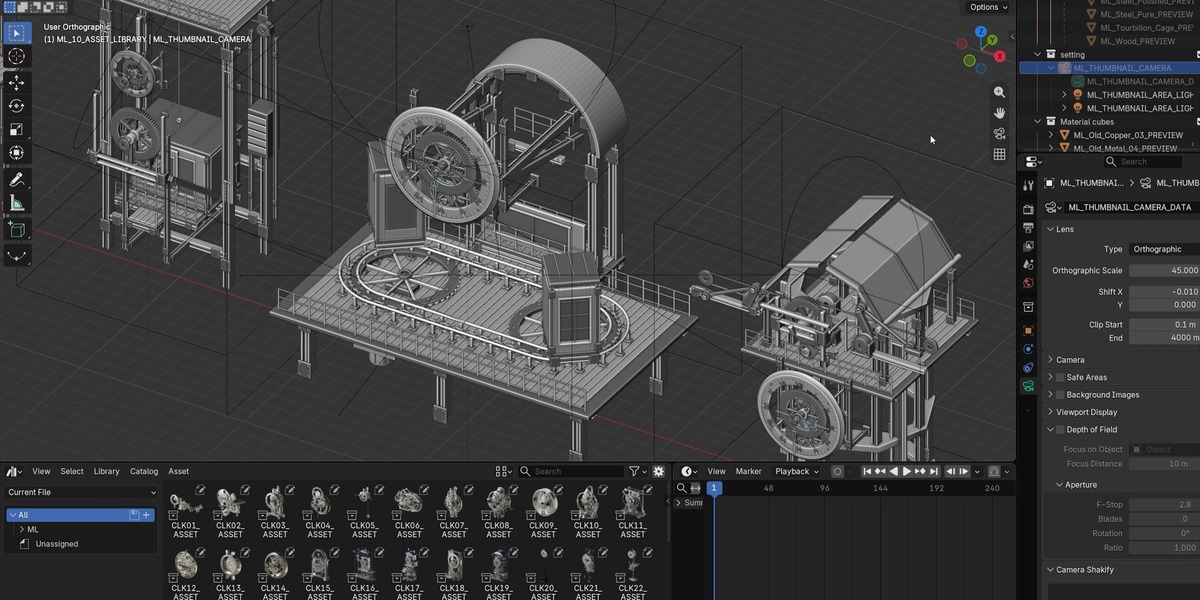
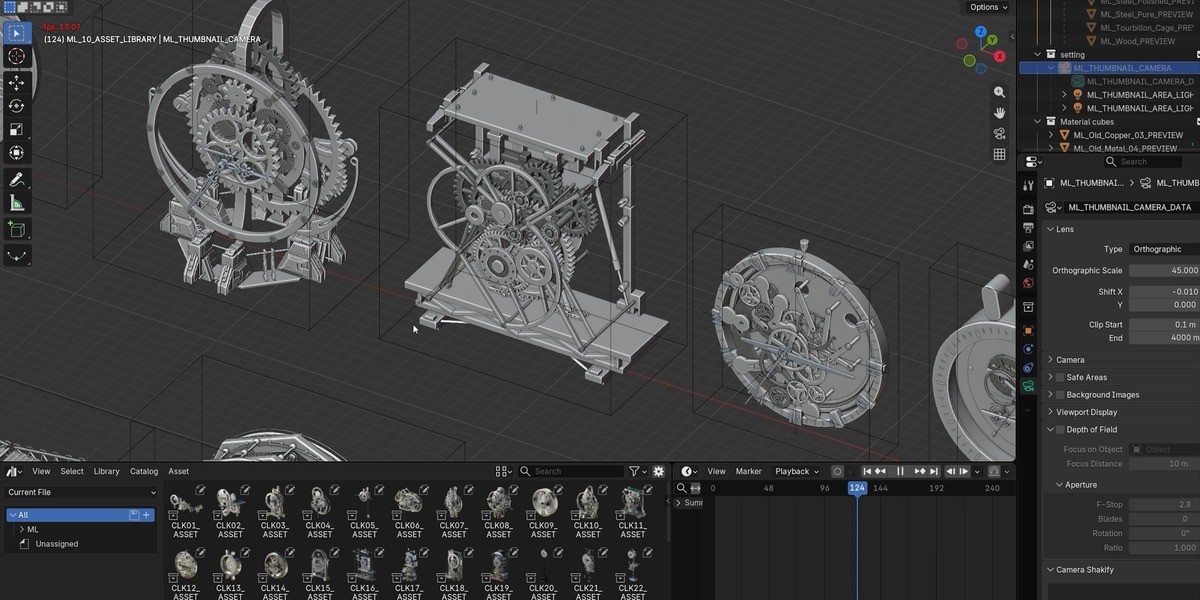
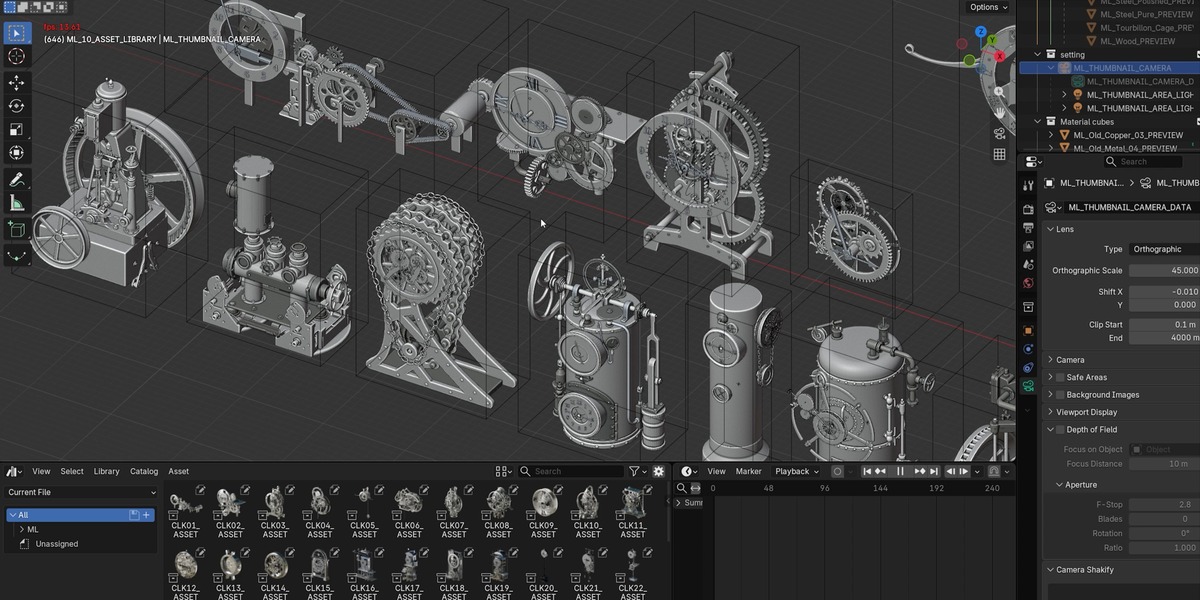
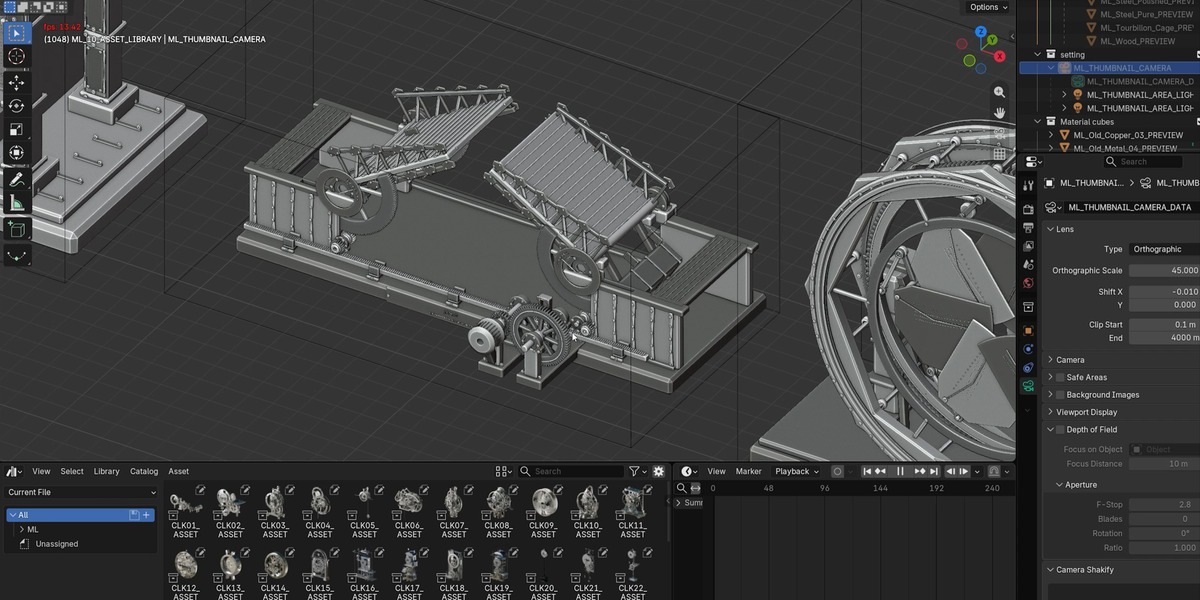
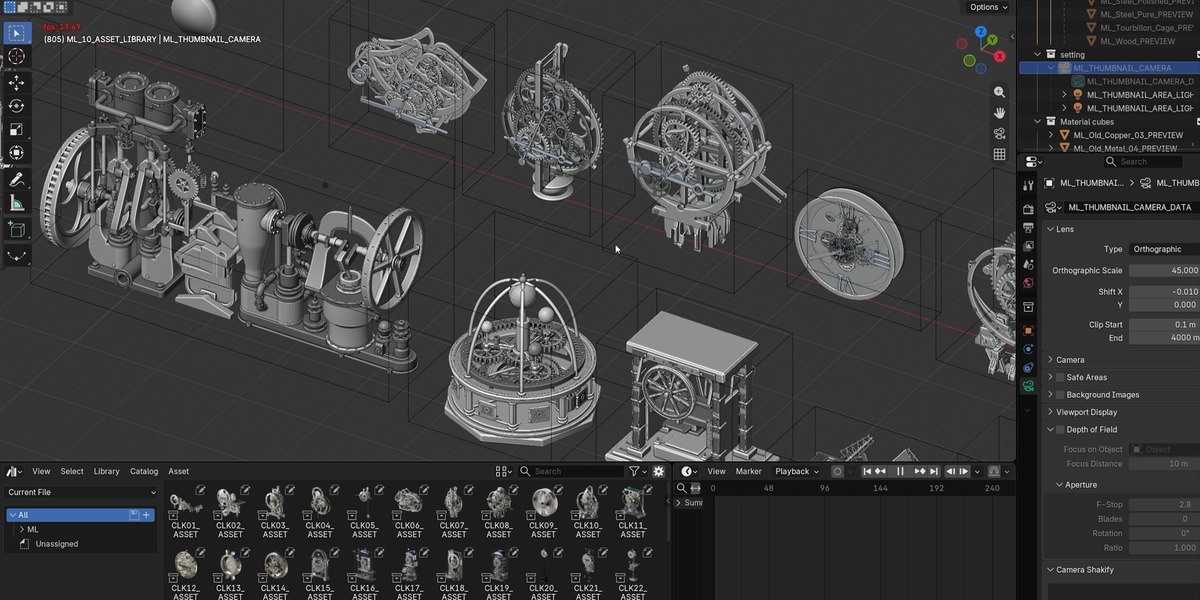
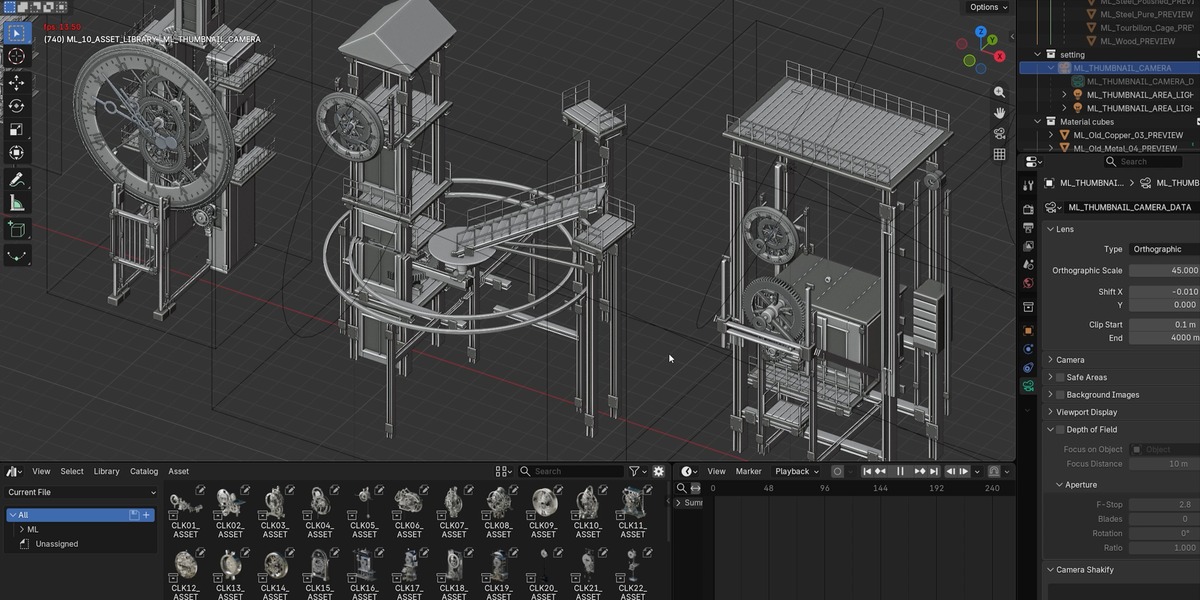
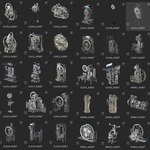
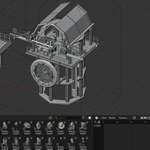
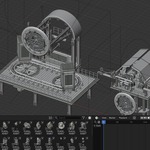
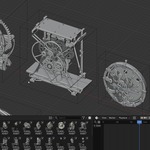
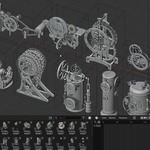
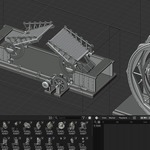
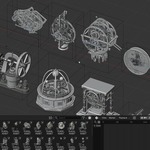
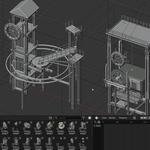
Steampunk Clockwork includes 46 animated Blender assets: 32 clocks and 14 mechanical assemblies. The package also includes an organized local Asset Library, custom previews, 9 reusable procedural material assets, and 5 studio showcase scenes.
Tested with Blender 5.2 LTS on Windows using Cycles. No additional add-on is required.
1. Download and Open
Extract the complete ZIP before opening any files.
Open “Steampunk Clockwork - 46 Animated Assets.blend” to access the complete collection and demonstration scenes. The main editing view displays the assets in two rows.
Press F12 to render the supplied CLK31 composition. For other supplied compositions, choose ML_SHOWCASE_01 through ML_SHOWCASE_05 from the Scene selector.
2. Install the Asset Library
- Open Edit > Preferences > File Paths.
- Under Asset Libraries, add the “Asset Library” subfolder inside the extracted package.
- Give the library a recognizable name, such as “Steampunk Clockwork”.
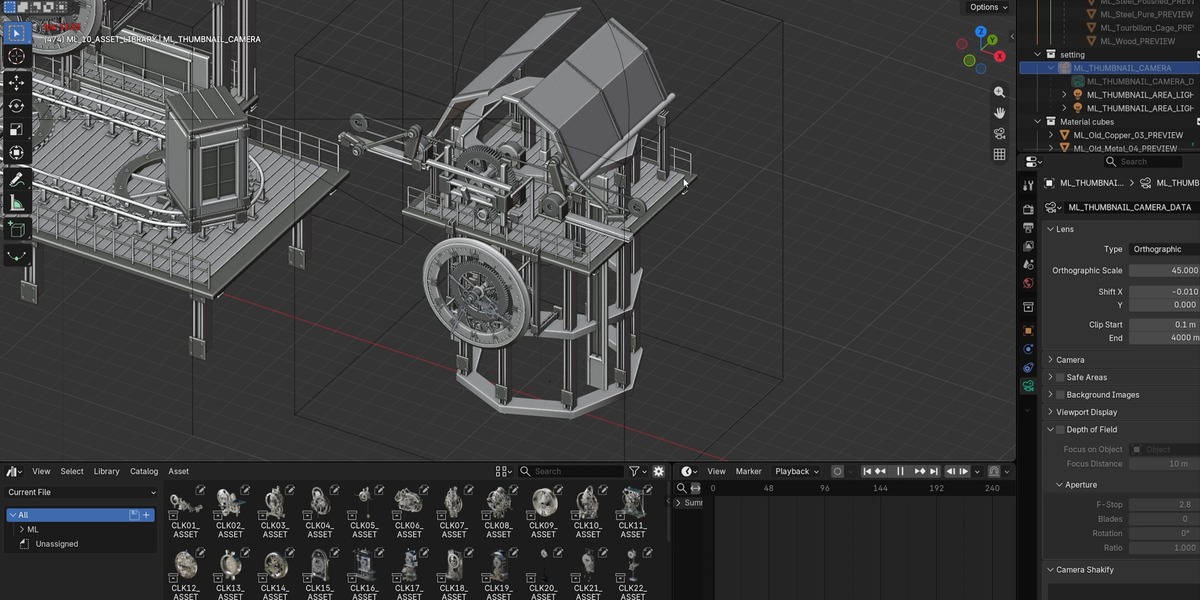
- Open an Asset Browser editor and select this library.
- Browse the Animated Clocks, Animated Machines, and Materials catalogs.
Register only the “Asset Library” subfolder. Registering the entire package may display duplicate assets because the main demonstration file also contains marked assets.
Keep “blender_assets.cats.txt” beside the library’s .blend file.
This download uses a local asset library. A connection to Superhive’s online asset repository is not required.
3. Place Assets
Drag a complete CLK##_ASSET or SPM##_ASSET collection into your scene. Use the Append import method for a local copy.
Collection instance origins are positioned at the asset’s bottom center at frame 1. Move, rotate, and uniformly scale the complete instance. Avoid applying transforms to individual animated components.
4. Play and Customize Animation
The supplied animation range is frames 1–1441 at 24 fps. Press Space while the pointer is over the Timeline or 3D Viewport to play.
In the editable source collection, select the asset’s *_ASSET_CTRL empty and open Object Properties > Custom Properties. Available controls vary by asset and may include clock time, speed, phase, and run/reset settings.
Clock hands begin at the designed 09:15:30 marker pose. Properties identified as DRIVEN are calculated outputs; adjust their upstream controls instead.
See Documentation/USER_GUIDE.md for the controller reference. Preserve the original parent, constraint, and driver relationships when editing.
5. Materials and Rendering
The supplied appearance uses procedural metal materials. Main-scene HDRI resources are packed, and the model library has no external image dependencies.
Use Cycles for the verified rendering setup. Compatibility with other render engines and Blender versions has not been verified.
UV maps are provided per mesh. No baked texture-map set, shared texture atlas, or separate low-resolution model set is included.
6. Performance and Further Help
These are high-detail assets intended for rendering and animation. Loading the complete collection may reduce viewport playback speed. For lighter scenes, import only the assets you need.
Mechanisms have different animation cycles; the entire collection is not one synchronized seamless loop. These are visual mechanical rigs rather than physical engineering simulations.
The package includes README_FIRST.md, a controller reference, a material guide, and a release audit. When reporting an issue, include your Blender version, asset name, frame number, and any changed control settings.
 Included
Includes 12 months of
- Support from MESHLUME
- Product updates
Extend this product’s Support Period +12 months: 75% of product price
Have questions before purchasing?
Login to message
| Published | 15 days ago |
| Blender Version | 4.2 - 5.2 |
| Render Engine Used | Cycles, Eevee |
| Misc Data | Uvs-Unwrapped, Rigged, Animated, Textured |
| License | Royalty Free |

Discover more products like this
mechanical alarmclock animated fantasy architecture asset library kinetic 3dclock abstract clock gears Steampunk clock tower