 ZEG
Installation
In Blender open Edit, Preferences, Get Extensions, then use Install from Disk and pick the zip.
Usage
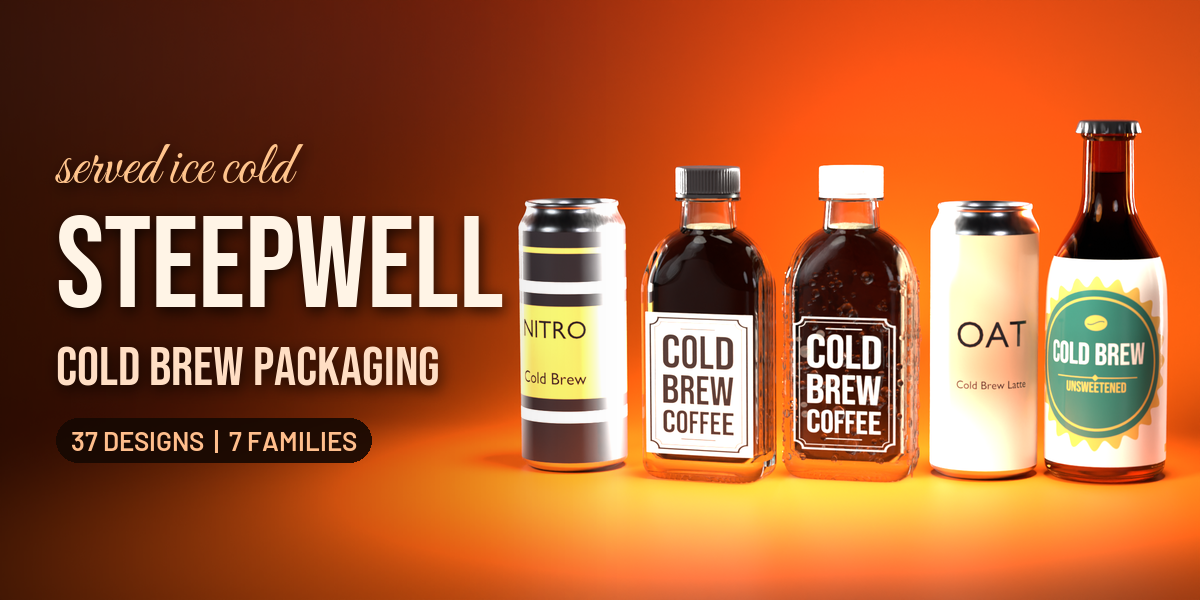
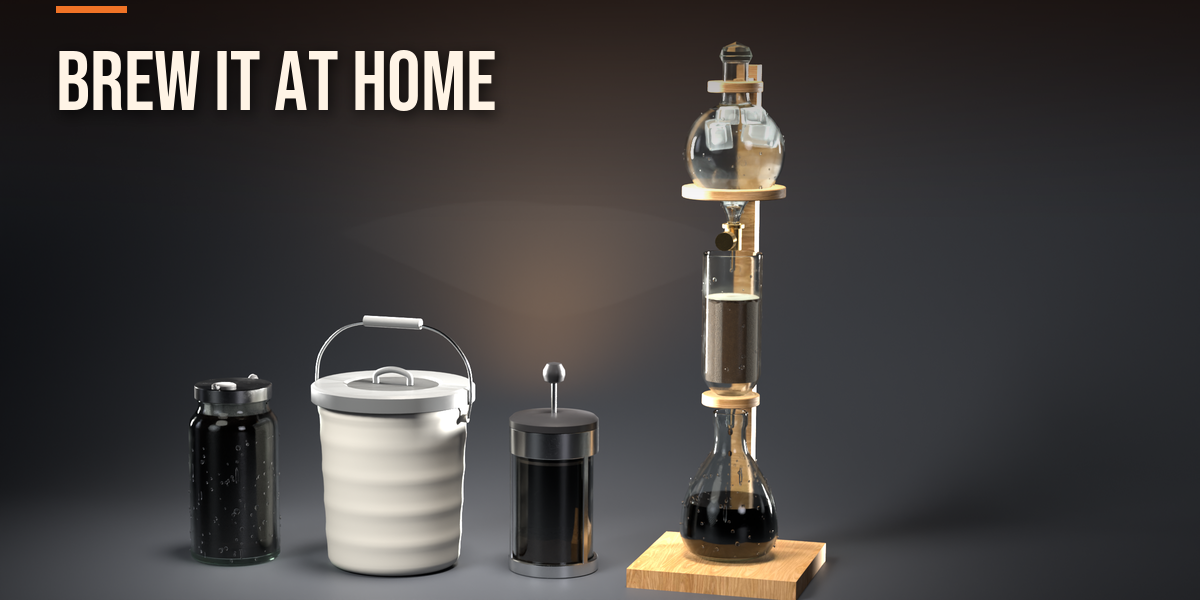
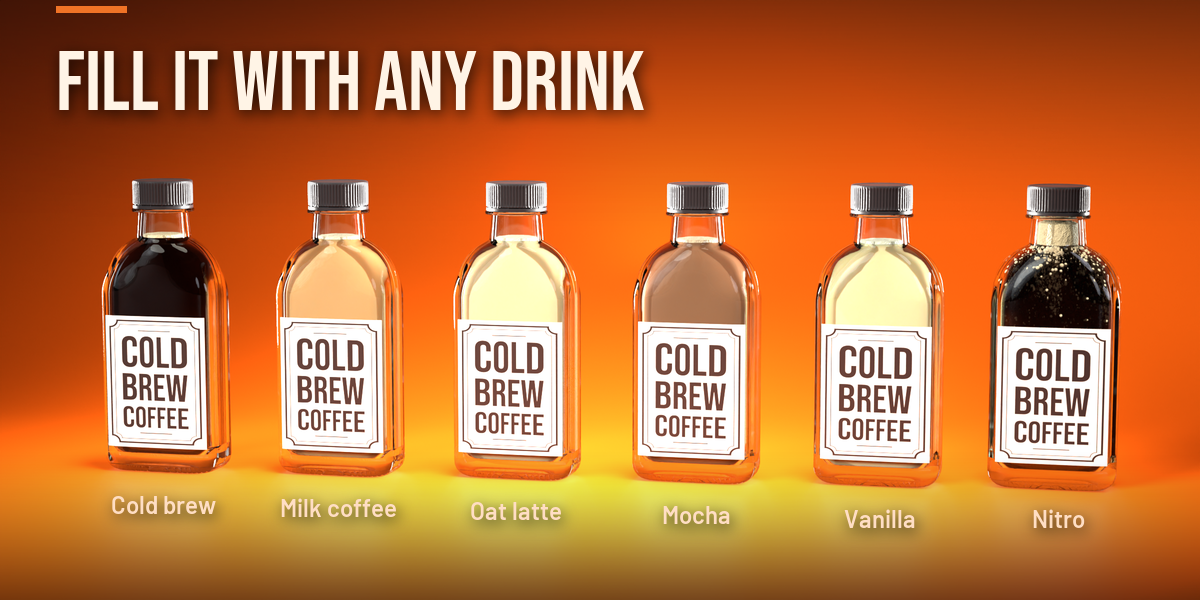
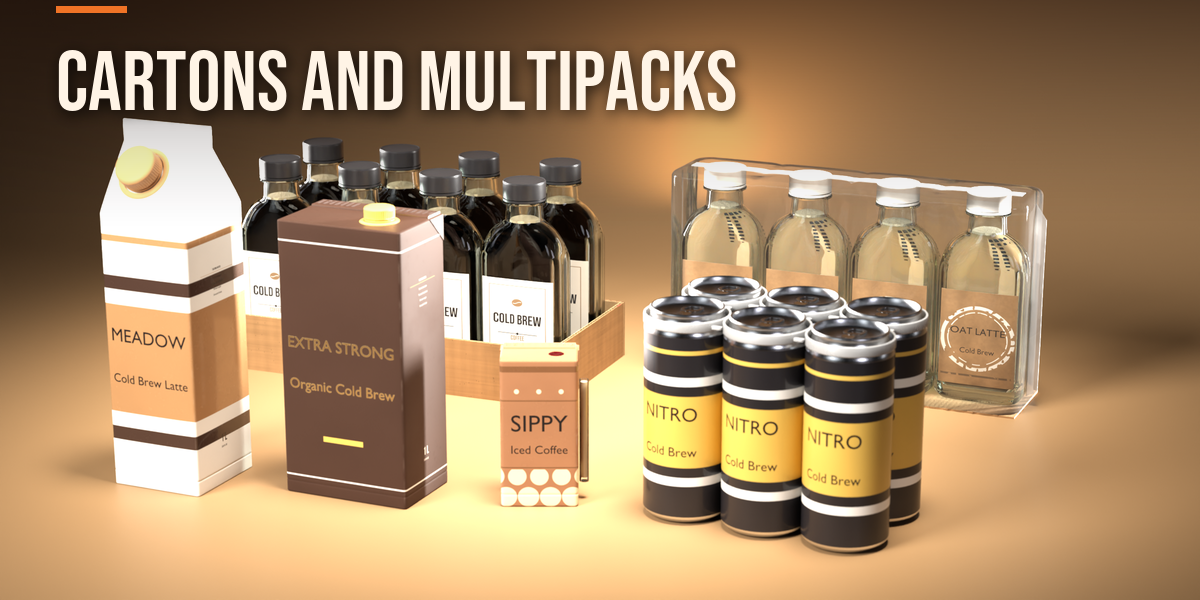
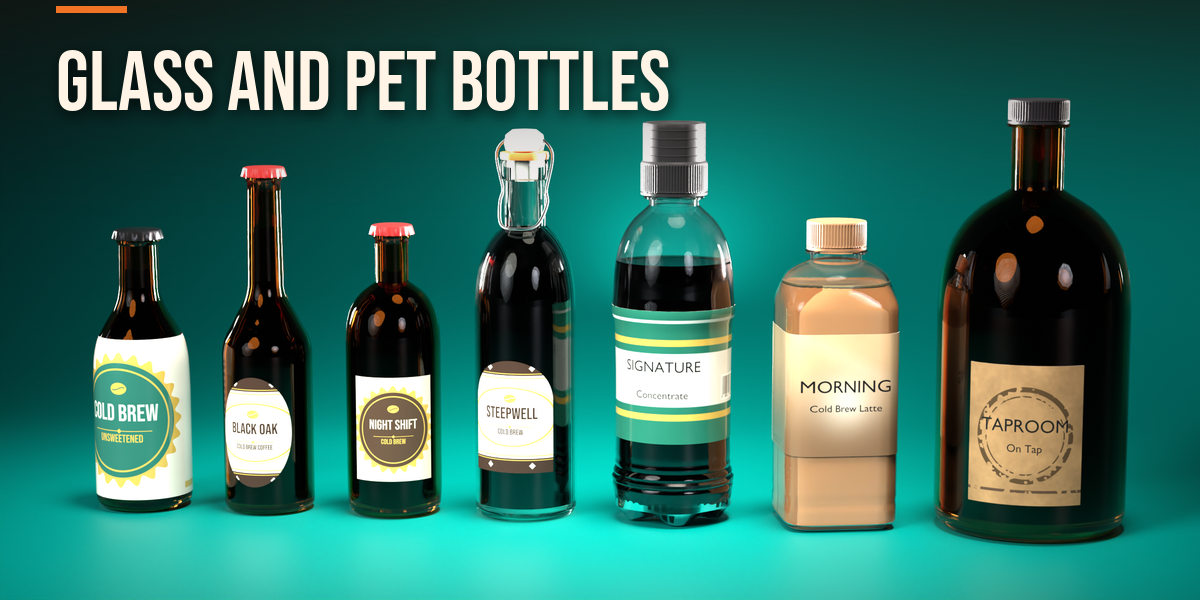
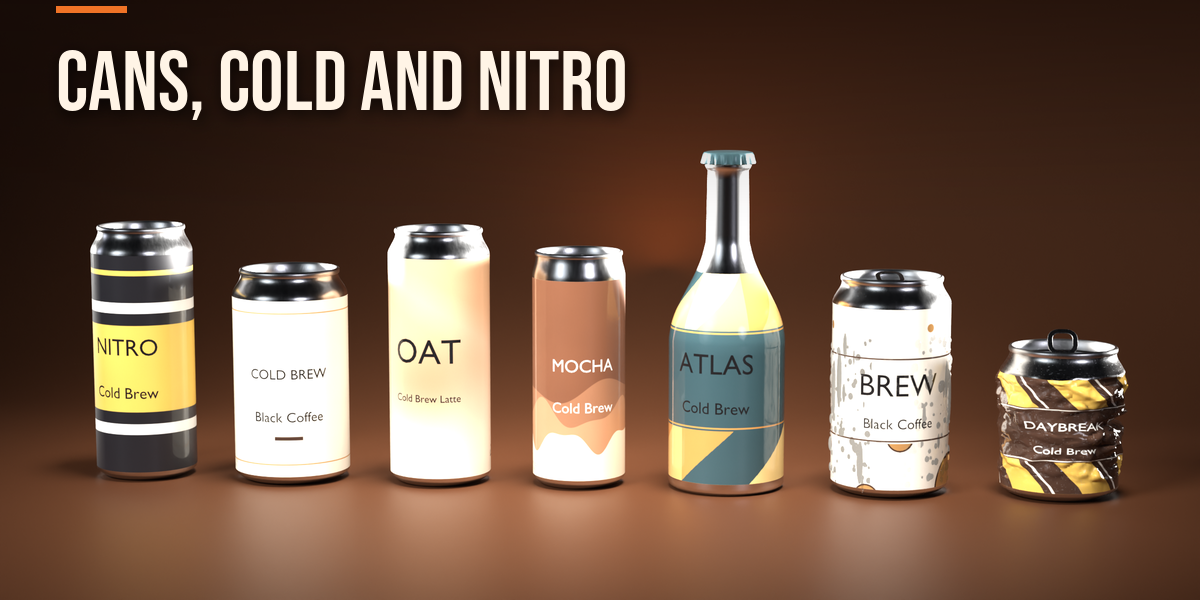
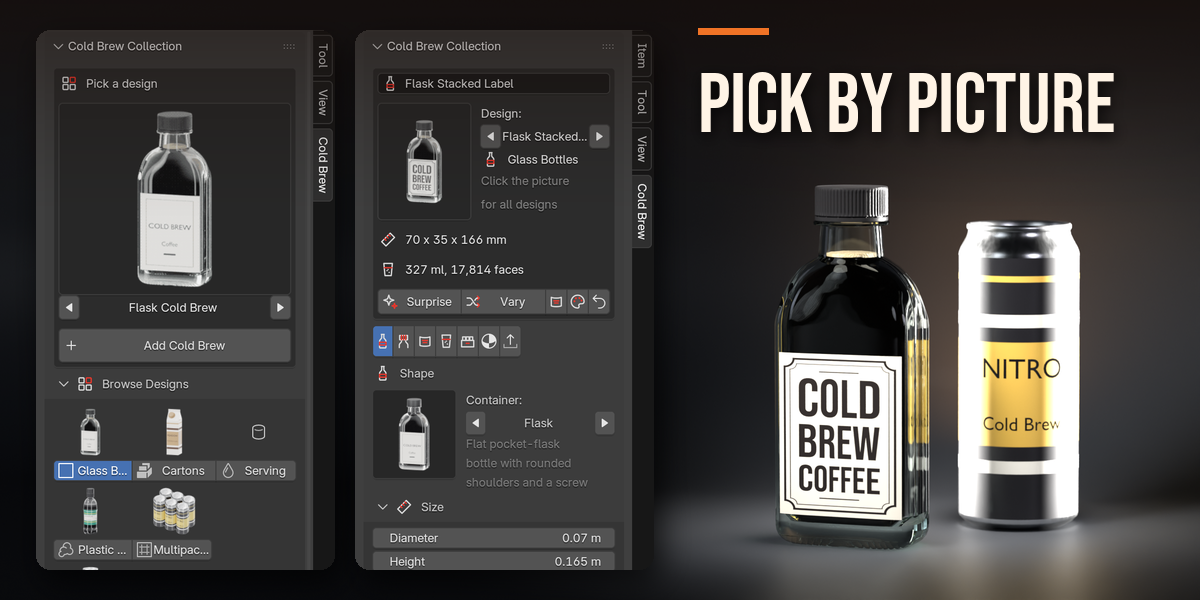
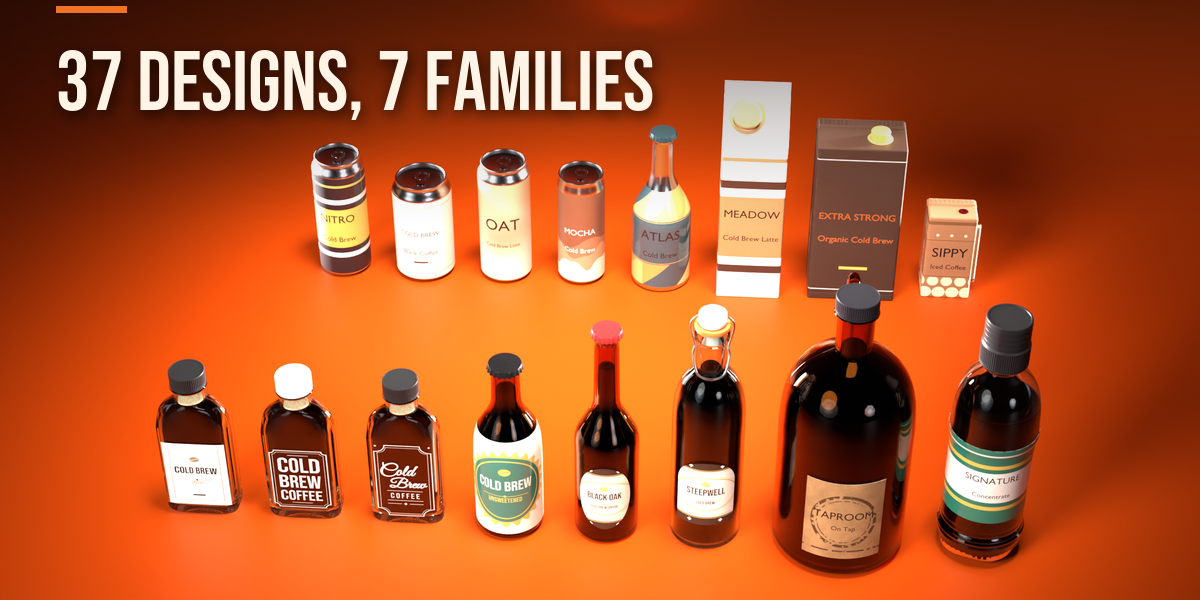
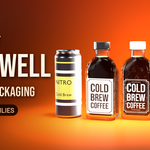
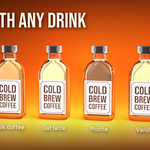
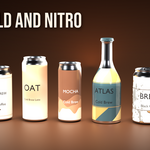
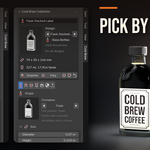
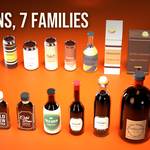
- Open the Cold Brew tab in the 3D viewport sidebar (N). With nothing selected, click the picture to choose one of the 37 designs, or browse the seven families, and add it at the 3D cursor. You can also use Shift+A, Mesh.
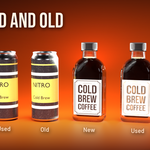
- The card at the top shows the design, its size in mm, its capacity and its face count. Surprise makes a new random design, Vary changes the current one a little, the label button paints a new label, the palette button picks new colors and the arrow resets the design.
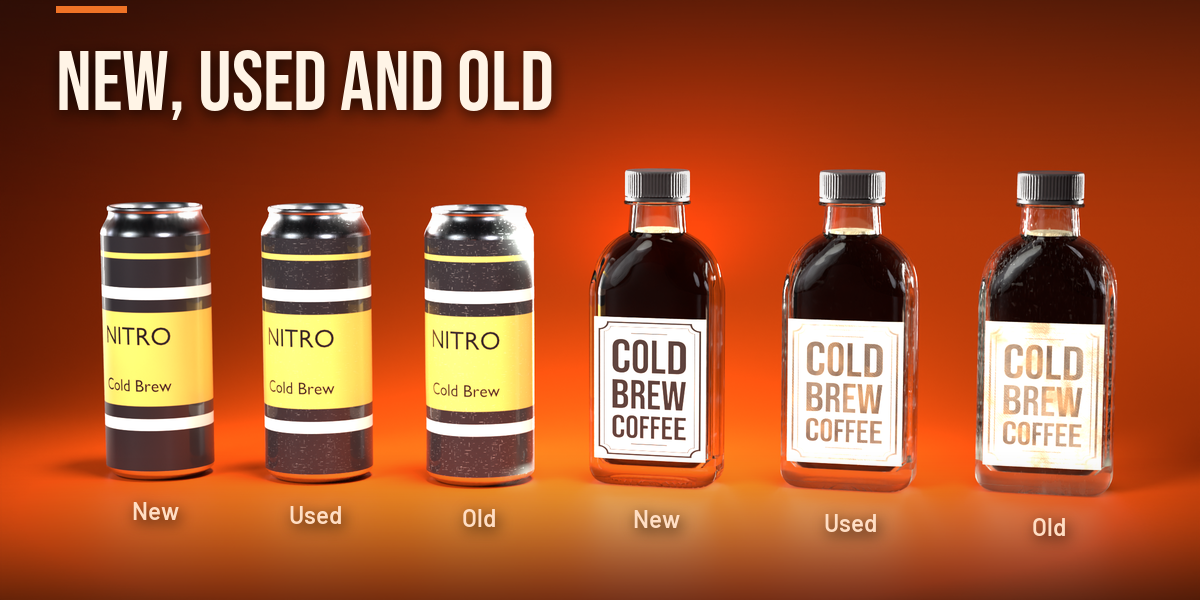
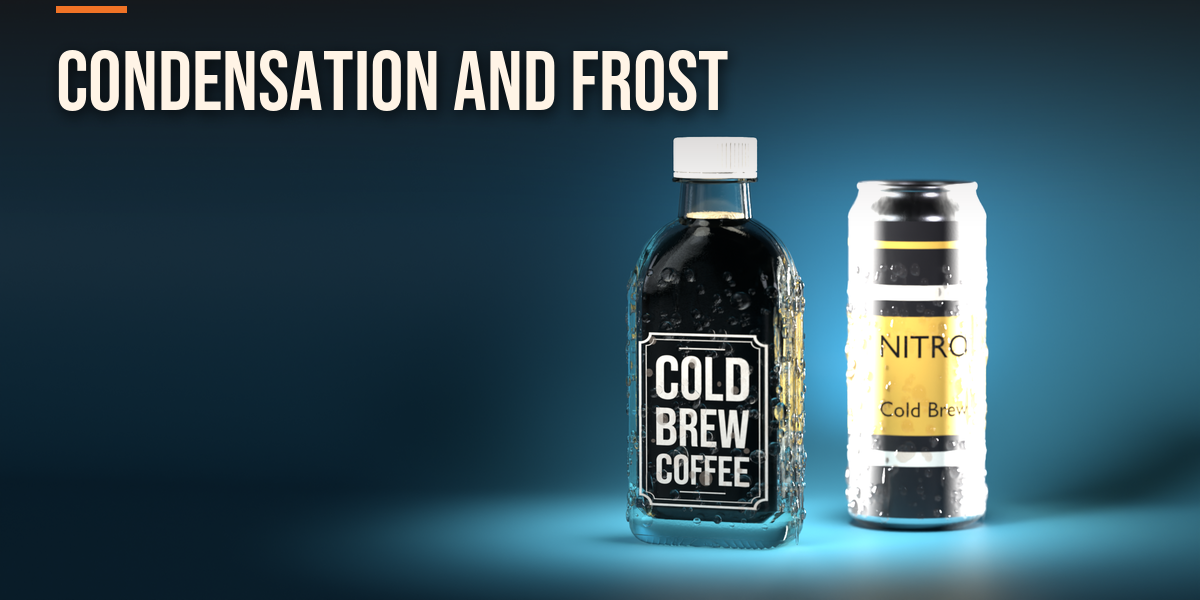
- The icon tabs hold every setting: shape, closure, label and artwork, drink and wet, pack, finish and export.
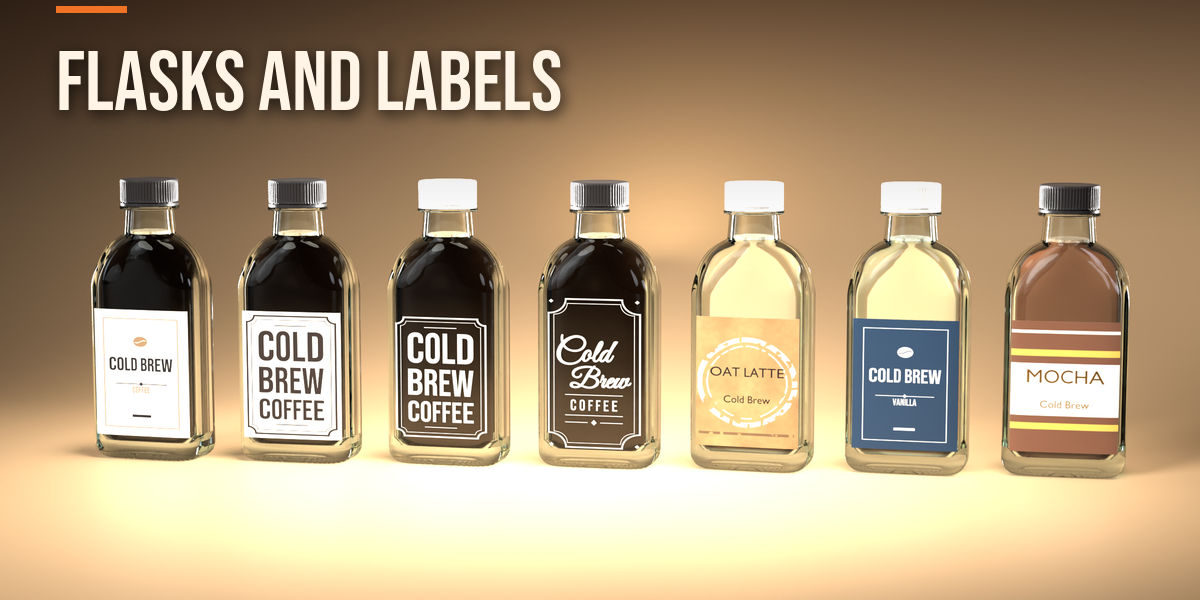
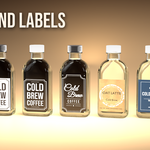
- To use your own artwork, pick Your Image as the label design and choose an image.
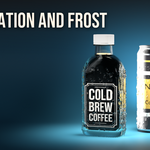
Use Rendered view in Cycles for real refraction in glass and drinks.
Have questions about this product?
Login to message
| Blender Extension Compatible | Yes |
| Published | about 1 hour ago |
| Blender Version | 4.2 - 5.2 |
| Extension Type | Add-on |
| Render Engine Used | Cycles, Eevee |
| License | GPL |
