 Theeko74
Installation
- Download the zip that matches your Blender version and your system (do not unzip it):
- Blender 5.1, 5.2 LTS and later → files with b51+
- Blender 4.2 LTS, 4.3, 4.4, 4.5 LTS, 5.0 → files with b42-50
- System: windows-x64, macos-silicon (M1, M2, M3, M4…), macos-intel or linux-x64
- In Blender: Edit → Preferences → Get Extensions → ⌄ (top right) → Install from Disk… and pick the zip. You can also drag the zip into the Blender window.
- Updating: install the new zip over the old one, then restart Blender.
Importing a CAD file
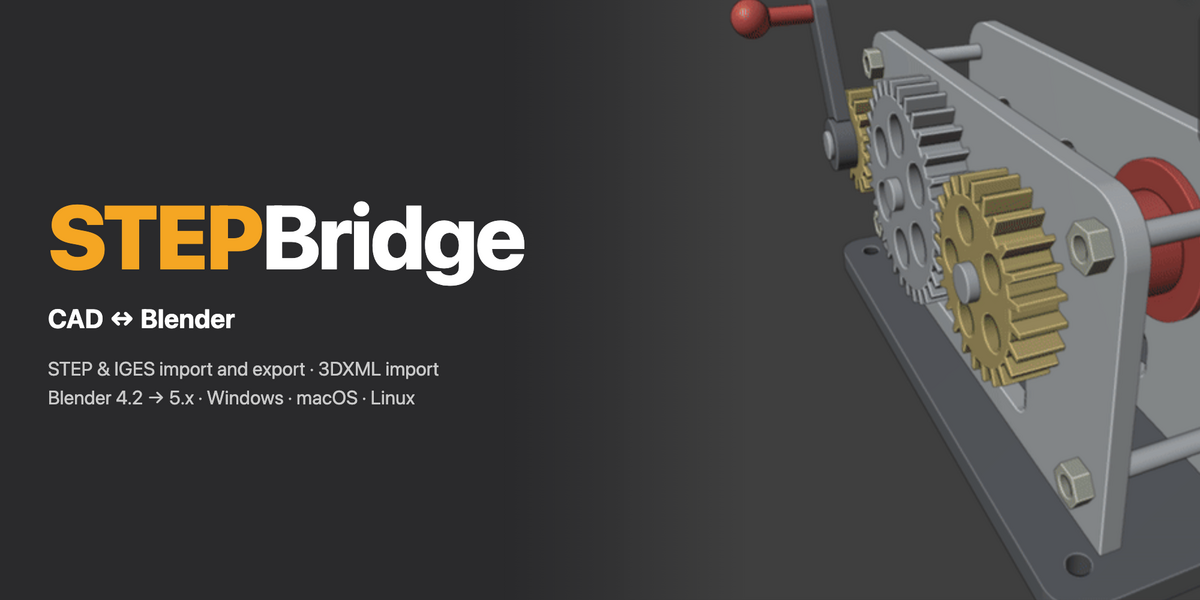
- File → Import → STEP / IGES or 3DXML, or drag one or many files into the 3D viewport.
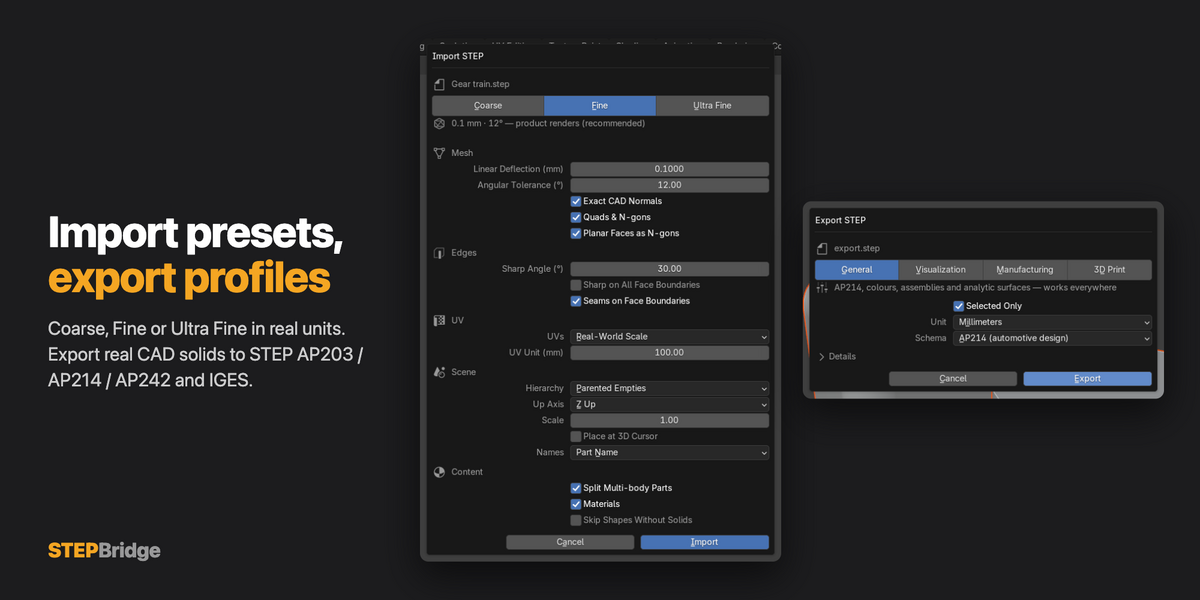
- Pick a preset: Coarse, Fine (recommended for product renders) or Ultra Fine. Every setting is under Details.
- A loading window follows each step; Esc stops cleanly.
- The STEP Bridge tab of the sidebar (N) shows the import report, the parts with a problem and the repair tools.
Working with the imported model
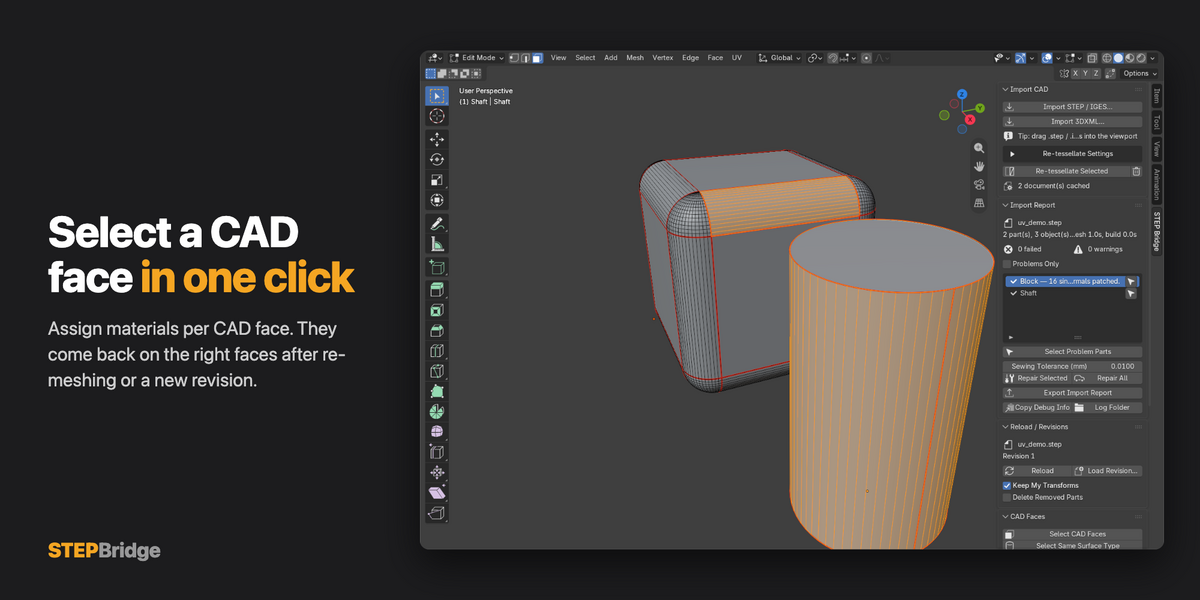
- Re-tessellate Selected: change the mesh density afterwards. Materials stay on the right CAD faces.
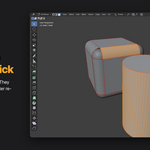
- Select CAD Faces: in Edit Mode, one click selects the whole CAD face (a cylinder, a fillet, a hole). Assign a material to it.
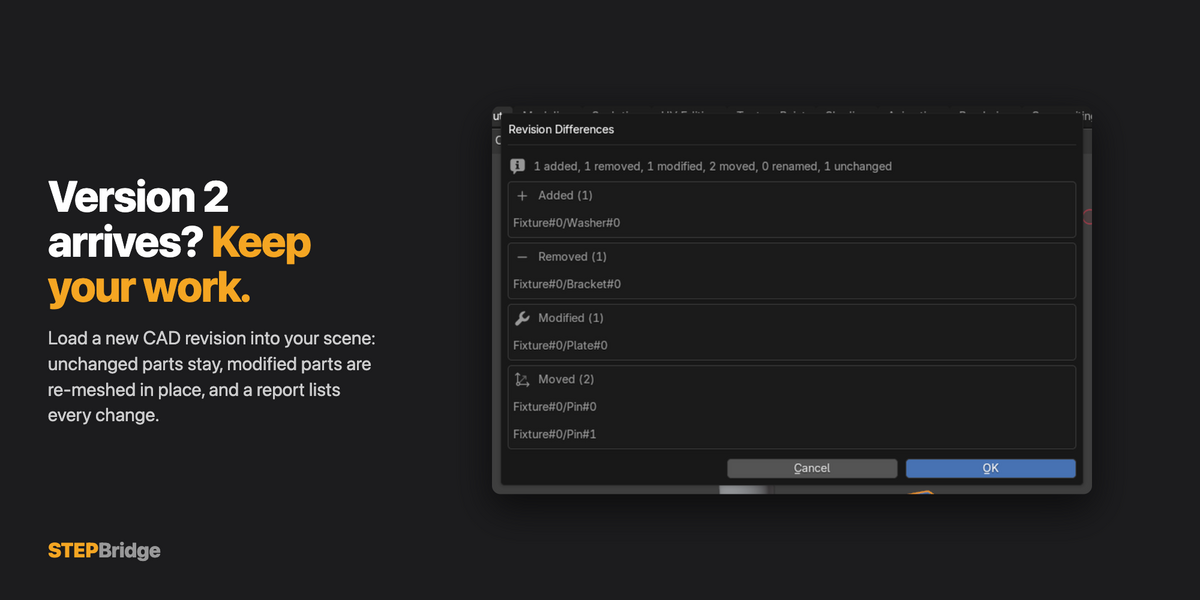
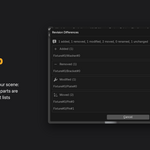
- Reload / Load Revision…: load a new version of the model into the same scene. Unchanged parts stay, modified parts are re-meshed in place, and a report lists what was added, removed, modified or moved.
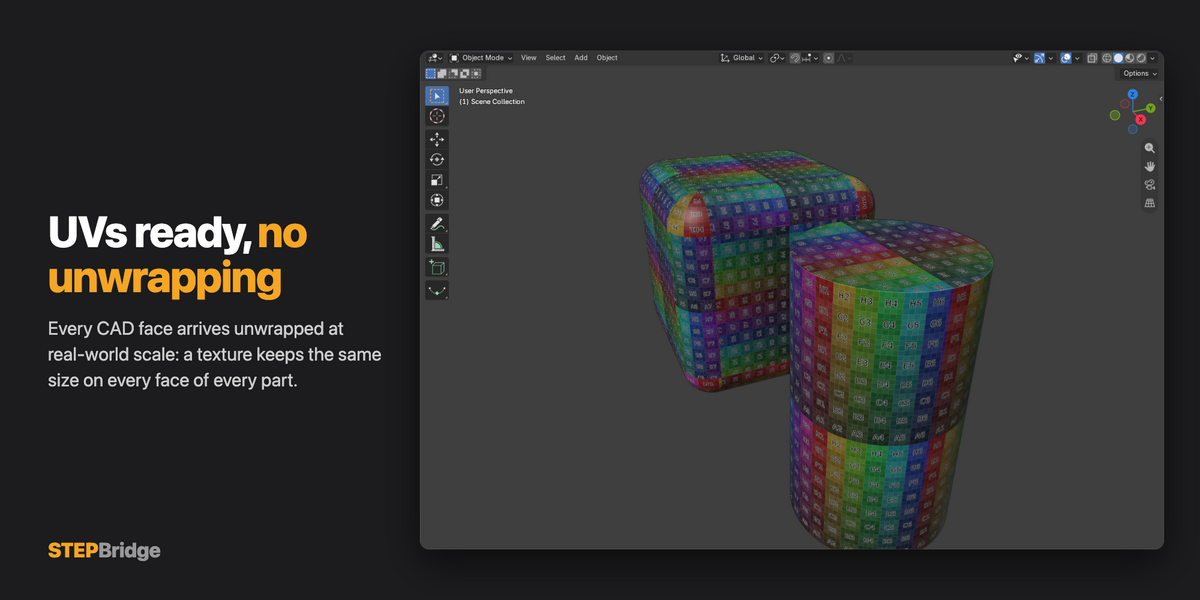
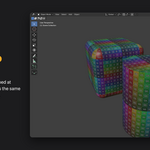
- UVs are in the CAD_UV layer, at real-world scale (1 UV unit = 100 mm by default).
Exporting to CAD
- Select the objects, then File → Export → STEP or IGES.
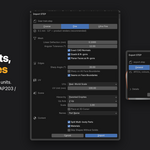
- Pick a profile: General, Visualization, Manufacturing or 3D Print, and the schema (AP203, AP214, AP242).
- The diagnosis panel gives a green / yellow / red verdict per object and one-click repairs before writing.
Troubleshooting
- Blender refuses the zip ("version must be less than…"): take the other family (b51+ or b42-50).
- "CAD kernel unavailable" in the preferences: the zip does not match your system or your Blender version.
- Part lying on its side: re-import with Up Axis set to Y Up.
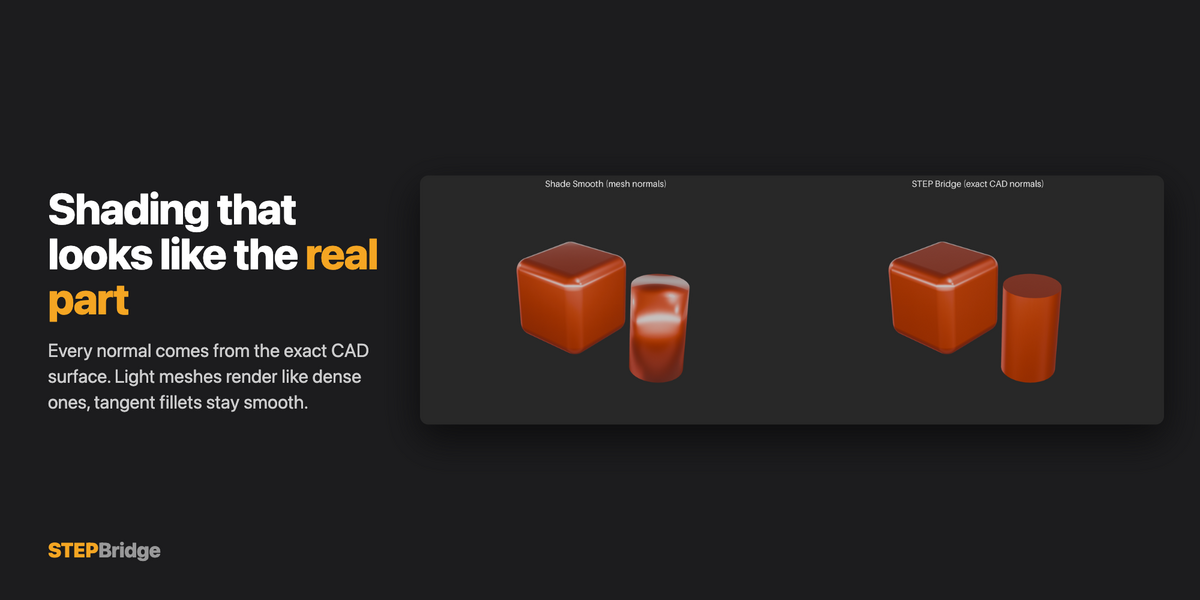
- Visible facets: keep Exact CAD Normals on and do not use Shade Flat, or switch to Ultra Fine.
- Anything else: click Copy Debug Info (preferences or Import Report panel) and send it with your question.
 Included
Includes 12 months of
- Support from Theeko74
- Product updates
Extend this product’s Support Period +12 months: 50% of product price
Have questions before purchasing?
Login to message
| Blender Extension Compatible | Yes |
| Published | about 3 hours ago |
| Blender Version | 4.2 - 5.3 |
| Extension Type | Add-on |
| Render Engine Used | Cycles, Eevee |
| License | GPL |

Discover more products like this
cad step product-visualization opencascade Export uv brep nurbs engineering iges import 3dxml