 Blender.Fun
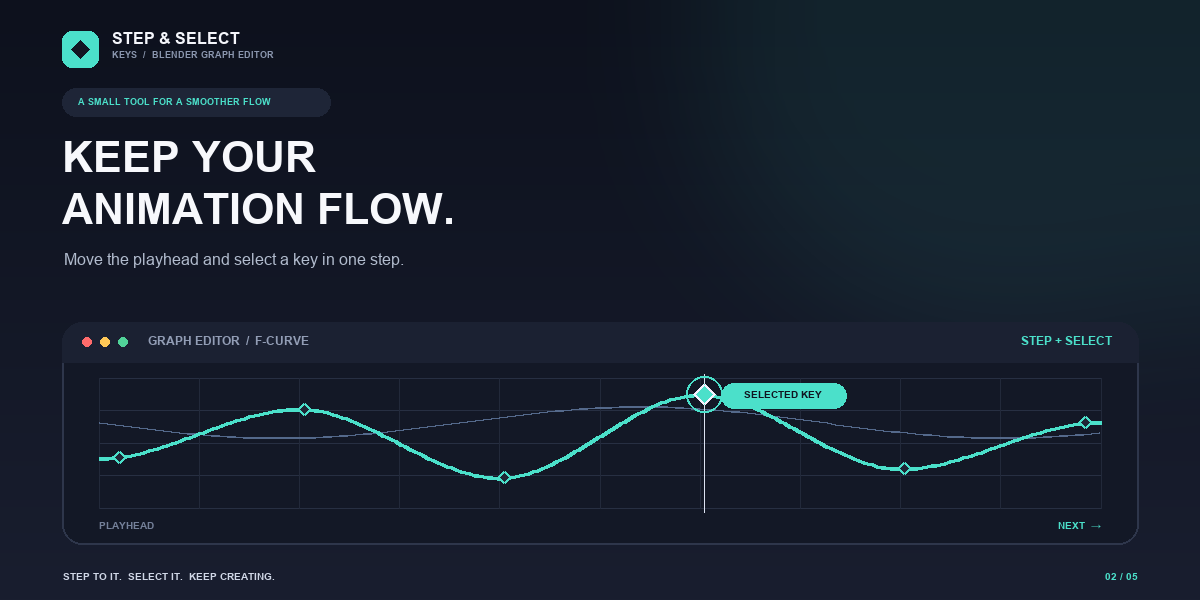
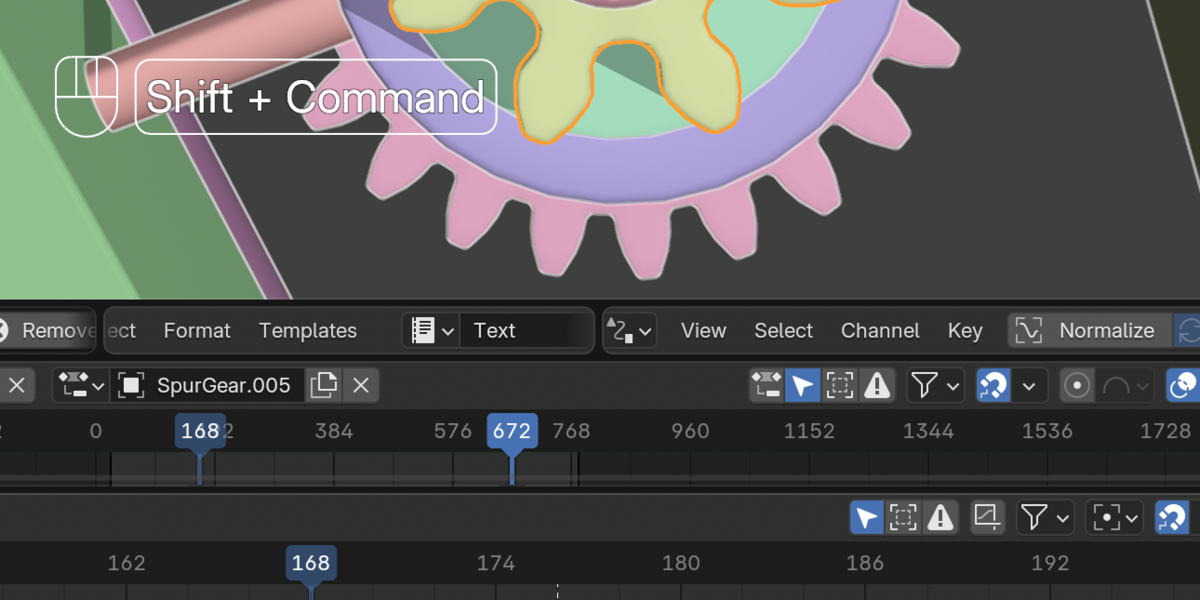
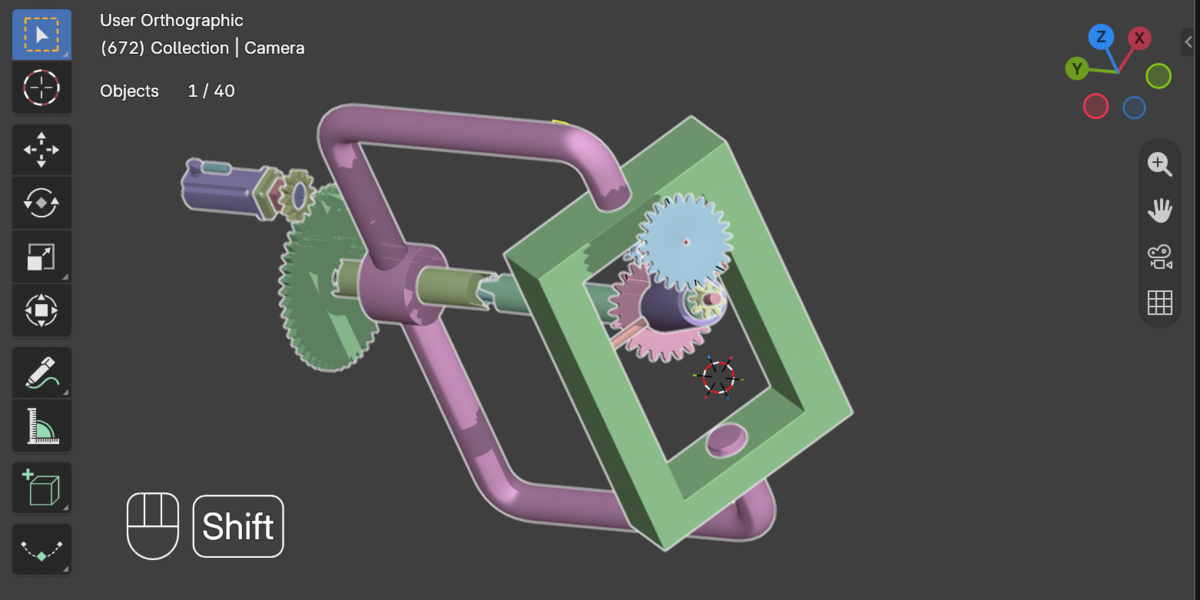
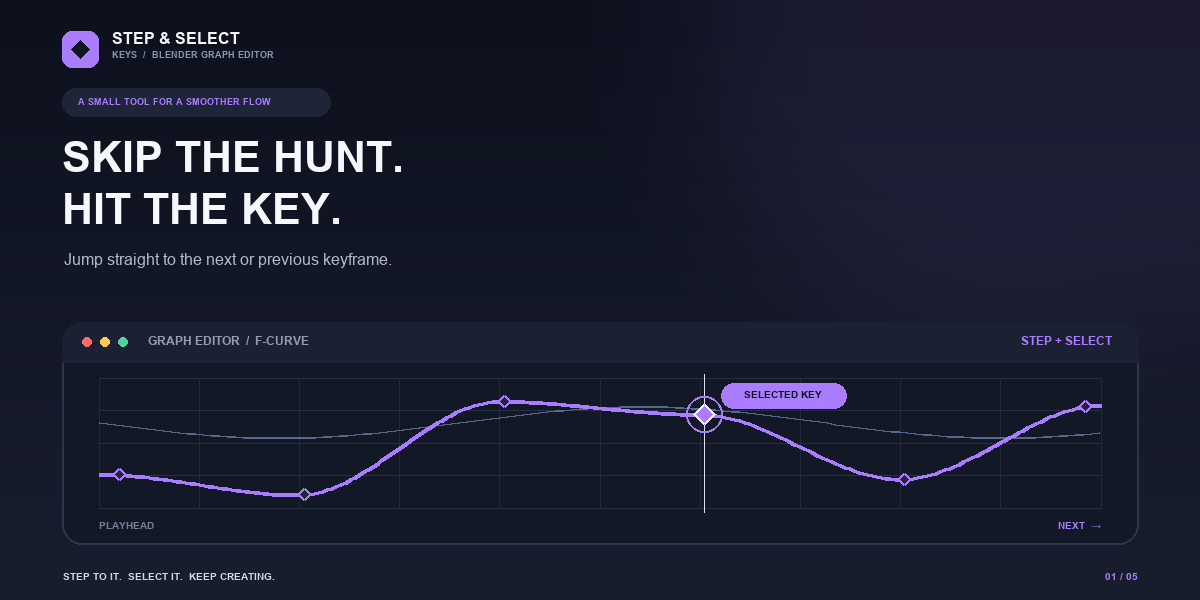

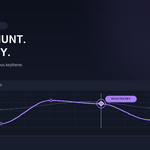
Save time editing animation by moving directly between keyframes in the Graph Editor. Step & Select Keys finds the next or previous keyframe on your selected F-curves, moves the playhead to it, and selects the key so you can get straight to editing.
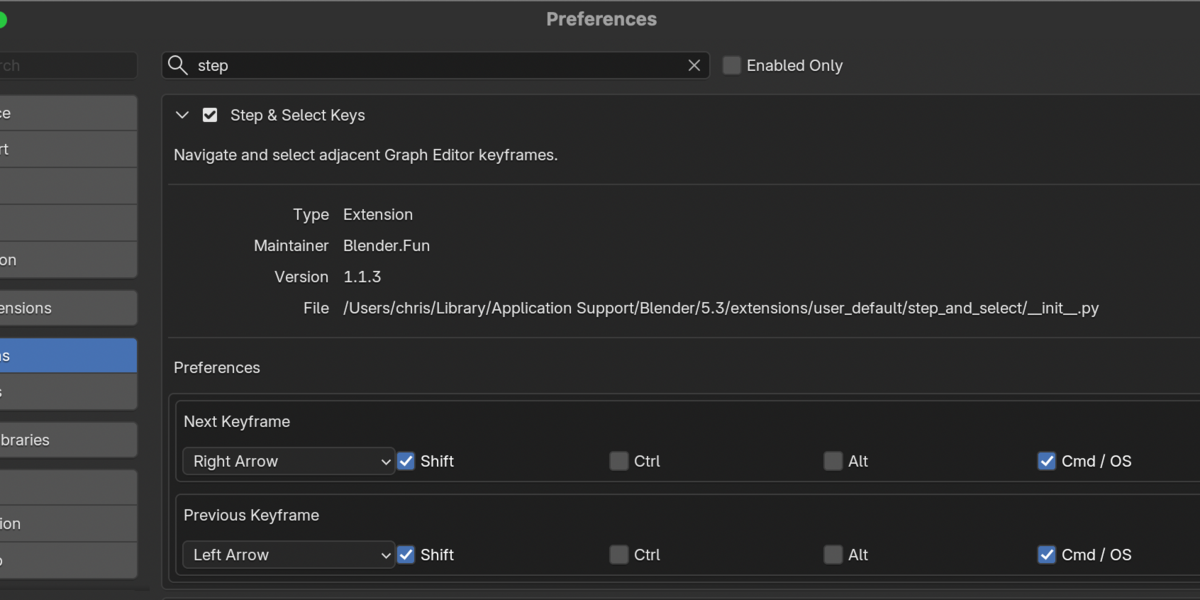
Use the add-on's preferences to choose a separate keyboard shortcut for each direction and make the controls fit your workflow. When no F-curves are selected, the add-on can still work with the only visible F-curve in the Graph Editor.
