 ZEG
Installation
In Blender open Edit, Preferences, Get Extensions, then use Install from Disk and pick the barrel_crate_generator zip.
Usage
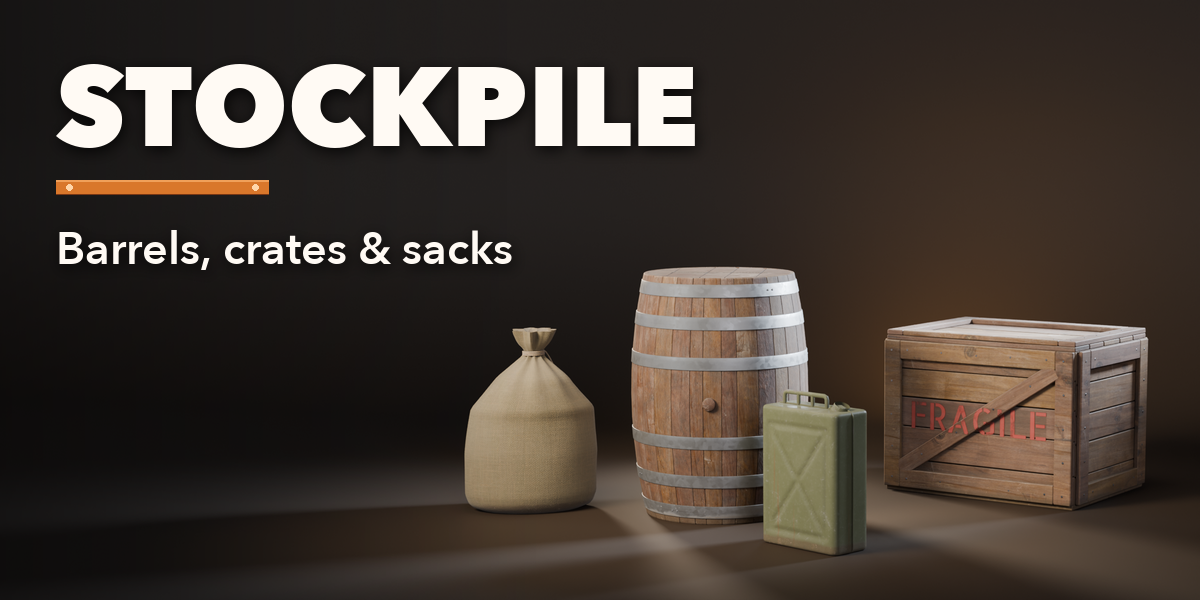
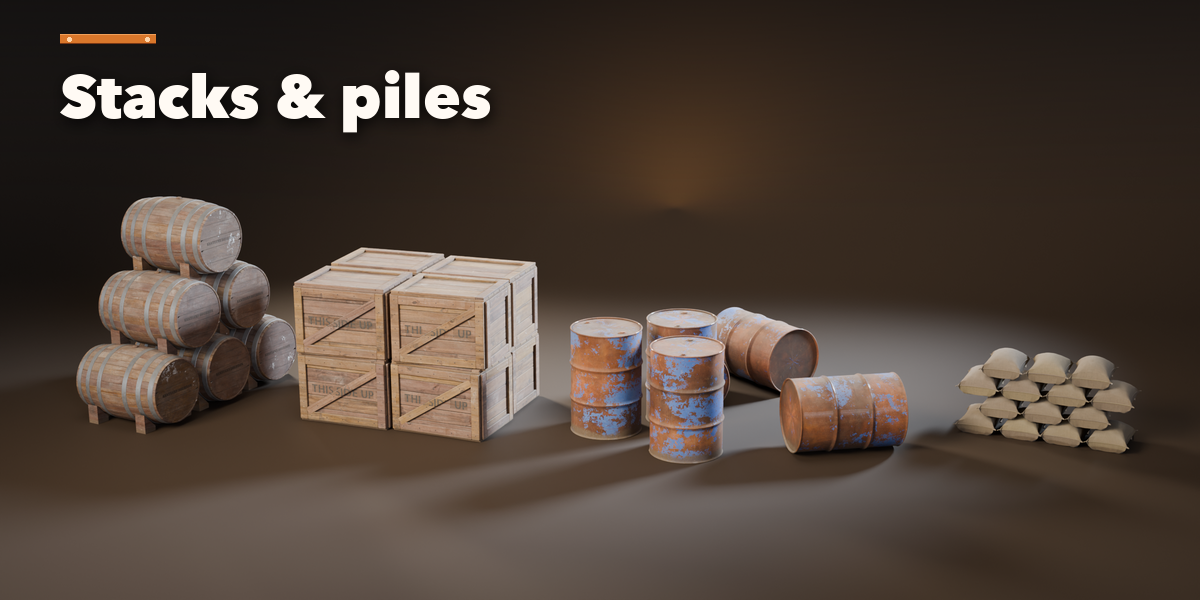
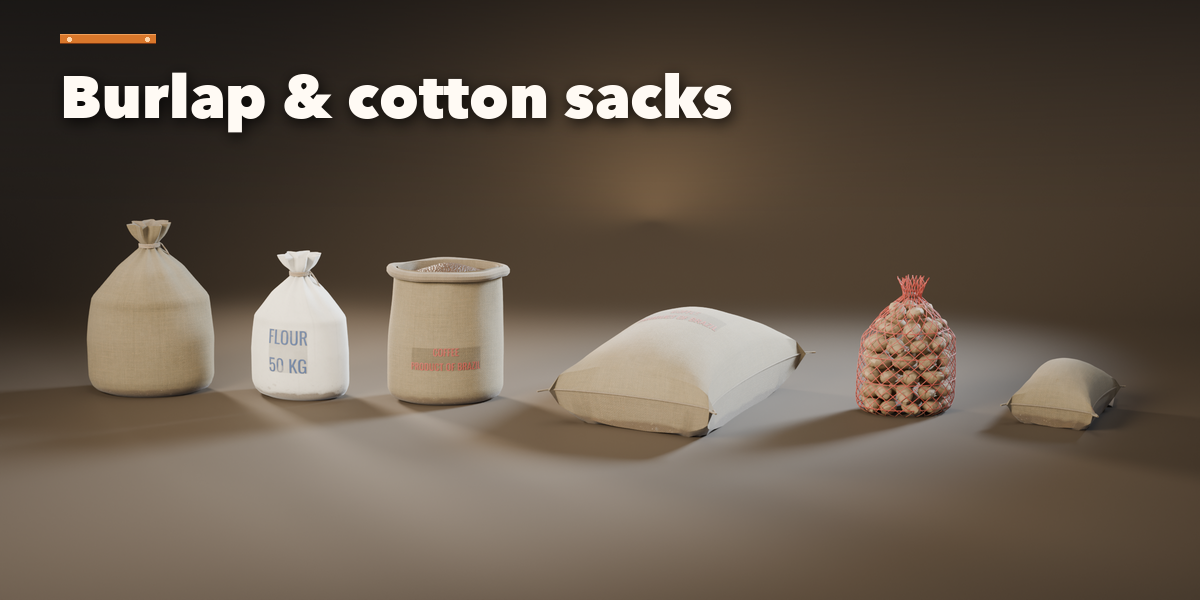
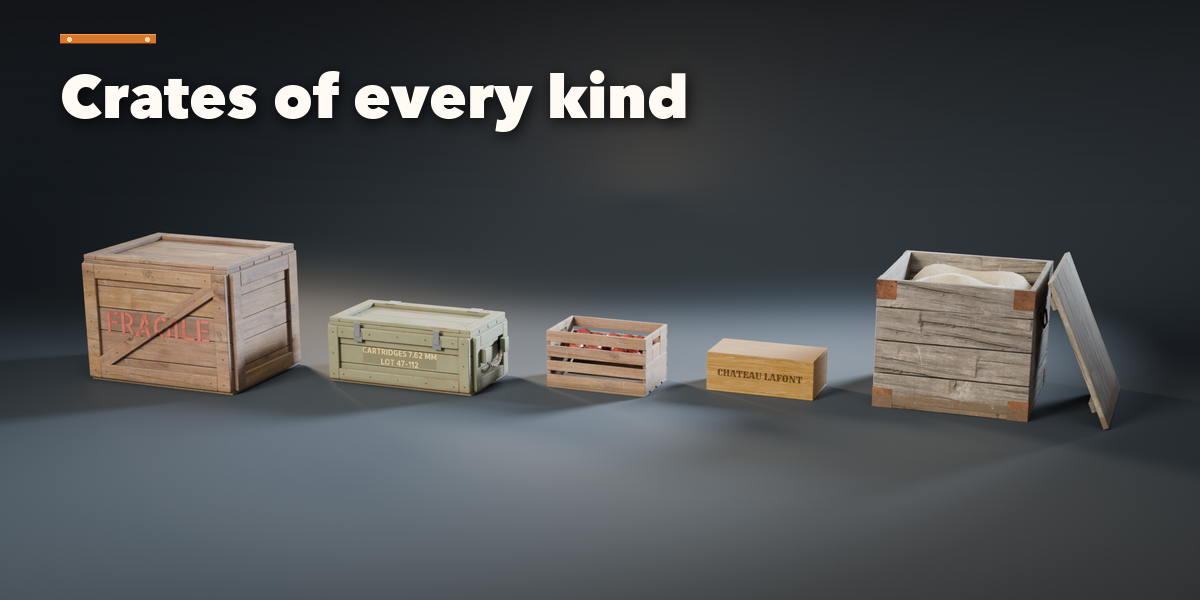
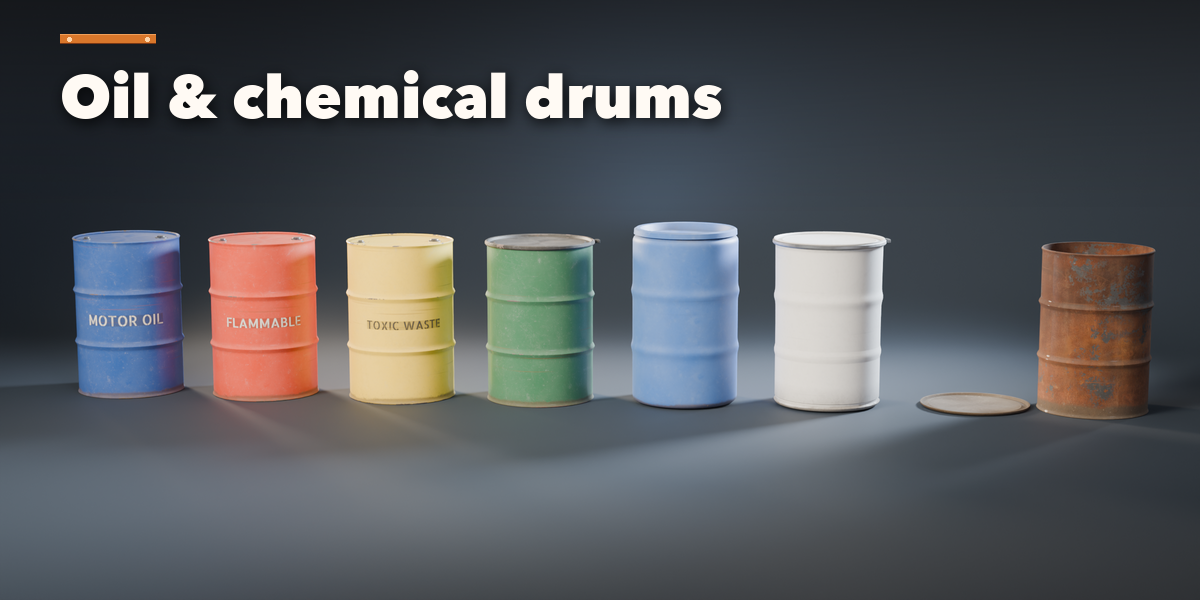
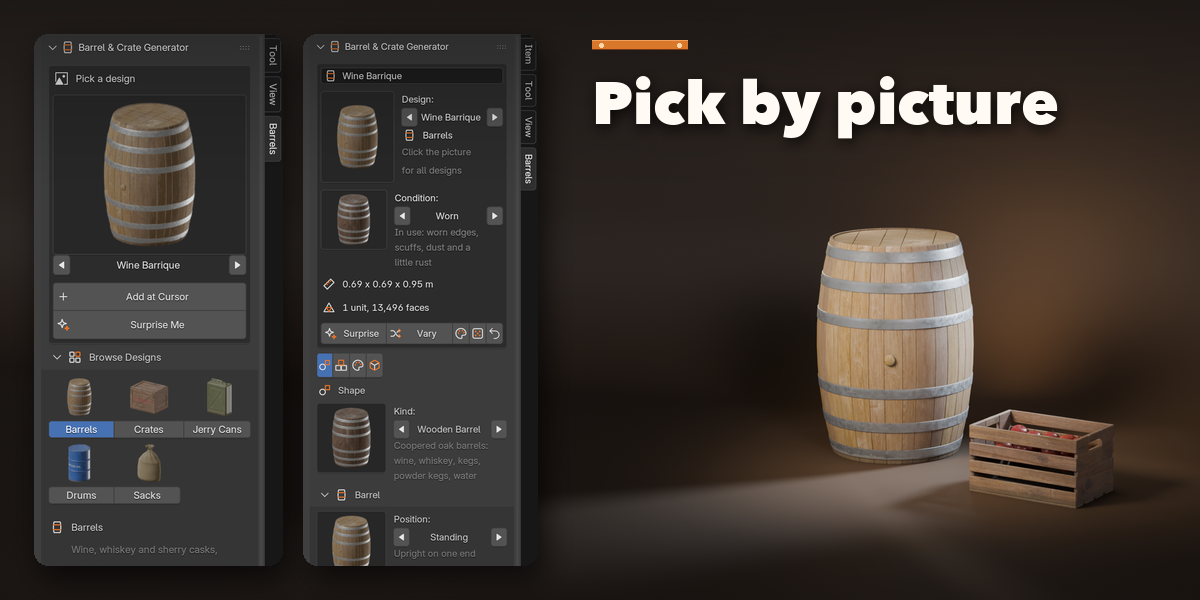
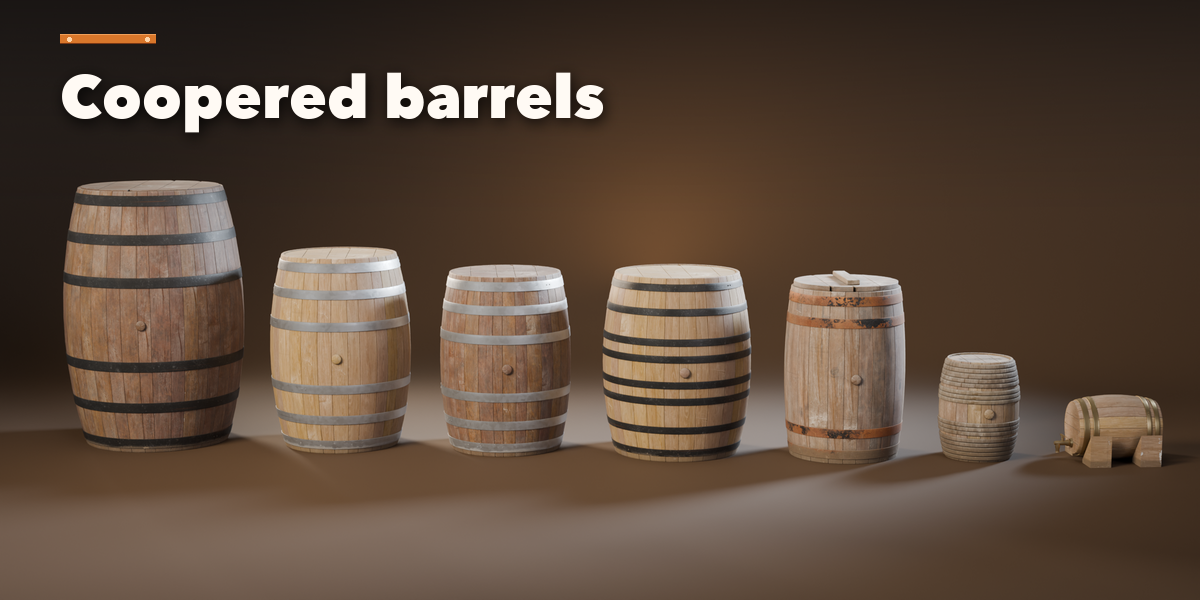
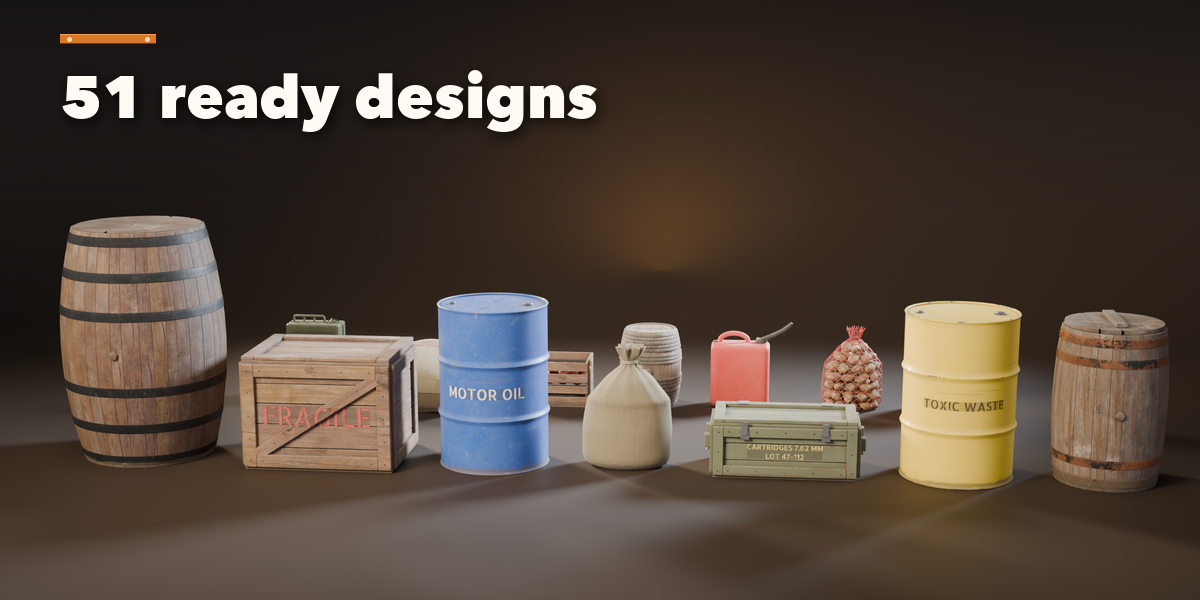
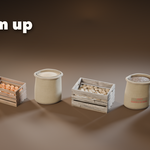
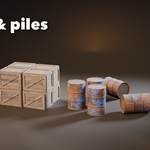
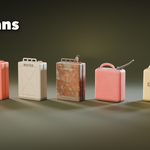
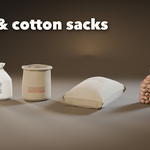
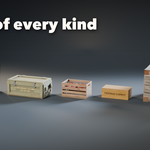
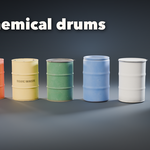
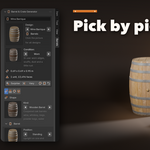
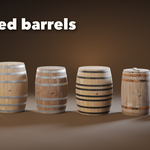
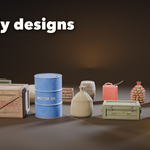
- Open the Barrels tab in the 3D viewport sidebar (N). With nothing selected, click the picture to choose one of the 51 designs, or browse the five families, then click Add at Cursor. You can also use Shift+A, Barrels & Crates, or Surprise Me for a random design.
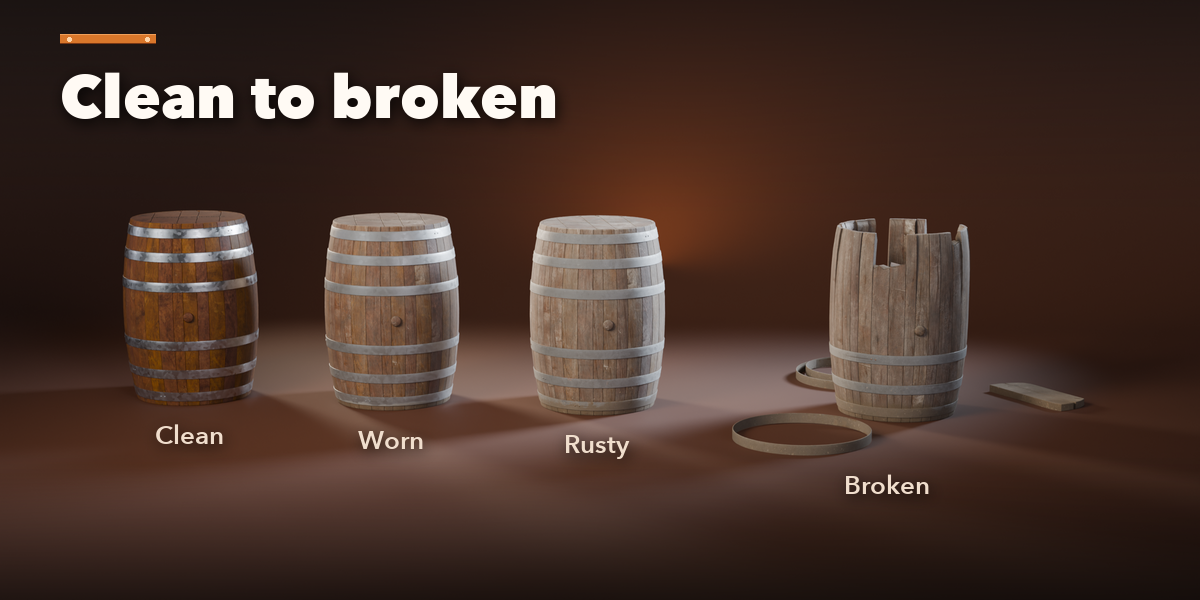
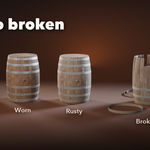
- The card at the top shows the design, its condition (Clean, Worn, Rusty or Broken), its size and face count. Surprise makes a new random design, Vary changes the current one a little, the palette button picks a new finish, the dice reshuffles the layout and Reset returns to the design.
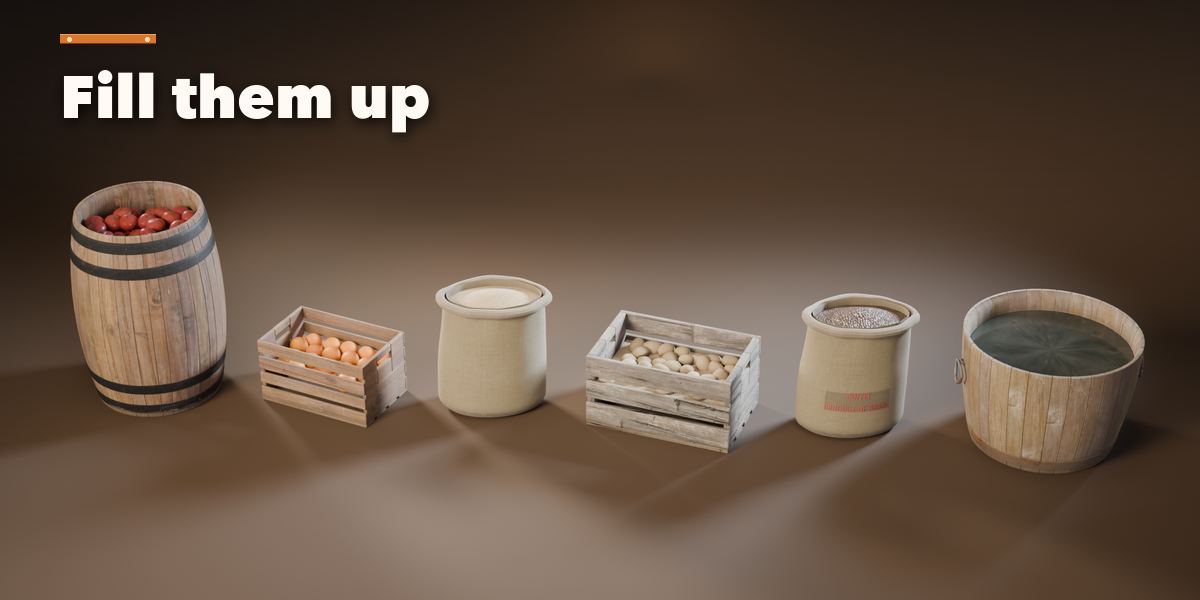
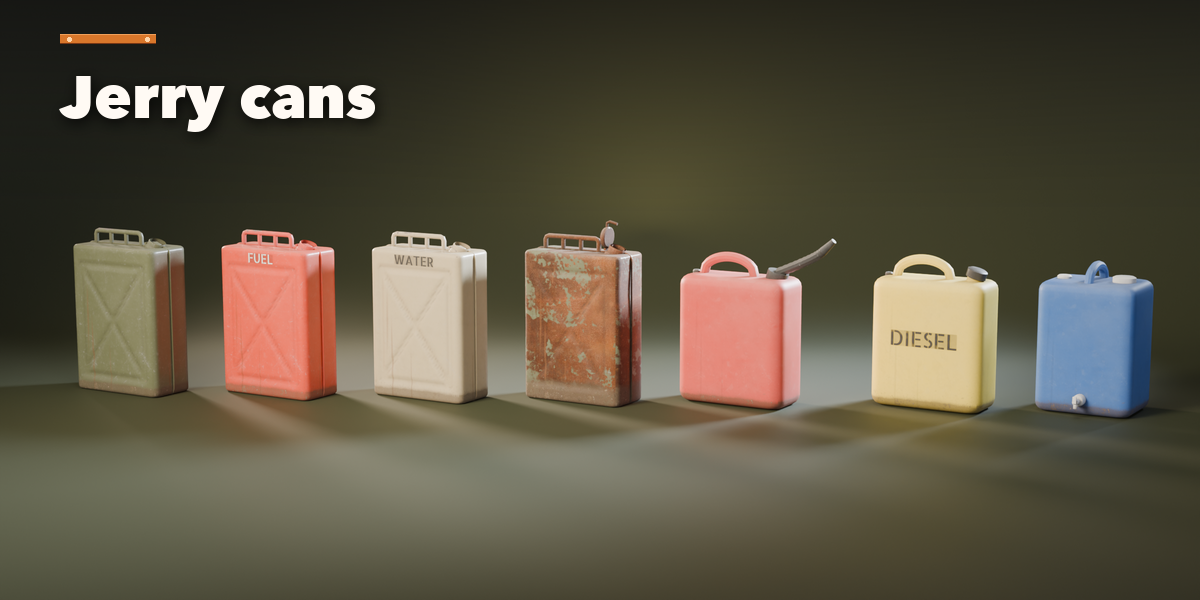
- The tabs hold every setting: Shape (the barrel, drum, crate, sack or can itself, its lid and contents, hoops, planks, labels), Layout (single, row, stack or pile), Finish (wear sliders, wood, paint, metal, plastic, fabric and ink colors) and Output (detail, Make Plain Mesh, Delete).
- Make Plain Mesh turns the design into a normal mesh with its materials, ready to edit or export.
Have questions about this product?
Login to message
| Blender Extension Compatible | Yes |
| Published | 2 days ago |
| Blender Version | 4.2 - 5.2 |
| Extension Type | Add-on |
| Render Engine Used | Cycles, Eevee |
| License | GPL |
