StoneForge Modular Structure Generator
 Fulm3D


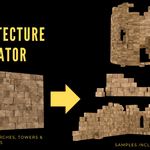
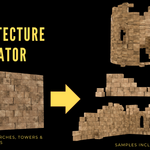
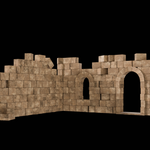
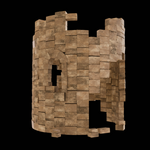
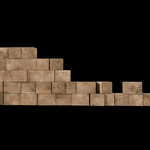
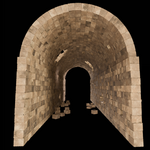
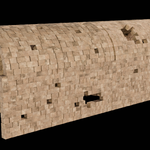
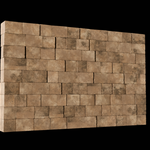
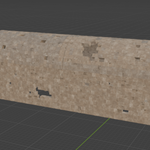
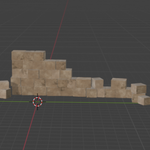
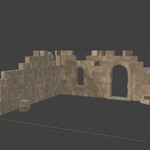
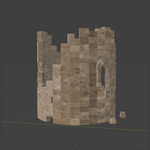
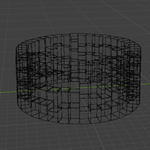
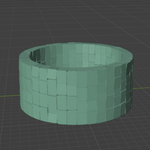
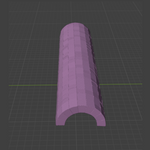
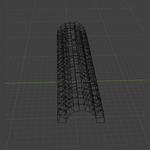
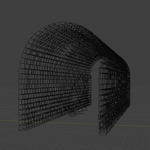
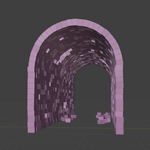
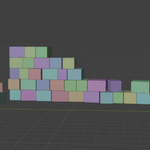
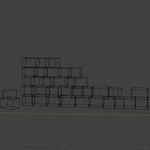
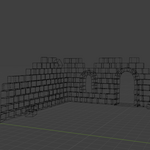
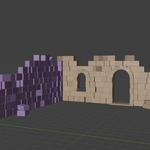
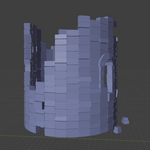
This section explains the functionality of each parameter available in the modifier panel for controlling the modular wall system.
Stack Length — Sets the total length of the wall. Integer values are recommended. For a single row, a value of 0.5 is suggested.
Stack Height — Controls the overall height of the wall. As with length, using integer values ensures clean results.
Instances Gap — Adjusts the spacing between each brick.
Rand Min — Defines the minimum size of each brick. Together with Rand Max, it generates random brick dimensions within the chosen range.
Rand Max — Defines the maximum size of each brick.
Instance Number — Controls the number of bricks generated. A value between 1 and 2 is recommended.
X and Z Scale — Adjust the scale of each instance along the X and Z axes.
Rotation Effect — Applies a slight randomized rotation to each instance on the Z axis, giving a more natural look.
Damage Activator — Enables or disables the brick decay effect.
Effect Strength (three values) — Controls the intensity of the decay for different instance groups. These groups can be further customized inside the Geometry Nodes editor.
Have questions about this product?
Login to message
| Dev Fund Contributor | |
| Published | 8 months ago |
| Blender Version | 4.5 |
| Render Engine Used | Cycles |
| Misc Data | Textured |
| License | Royalty Free |
Discover more products like this
3DBricks 3dmodular stone 3d-medieval-models ruins advanced geometry nodes 3d realistic asset