 MPTools
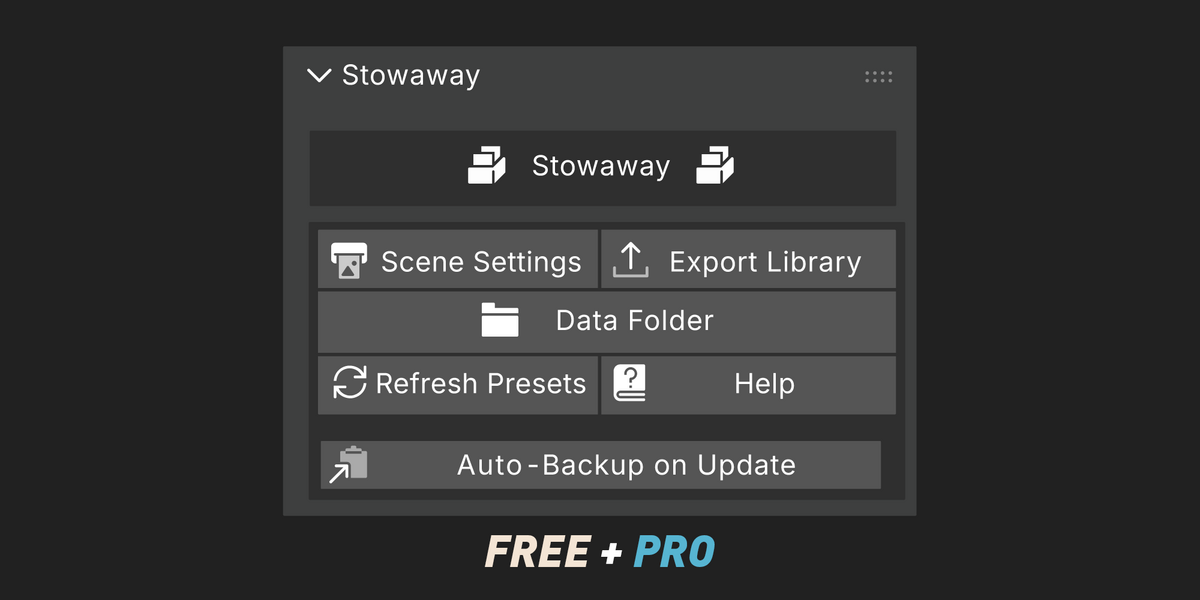
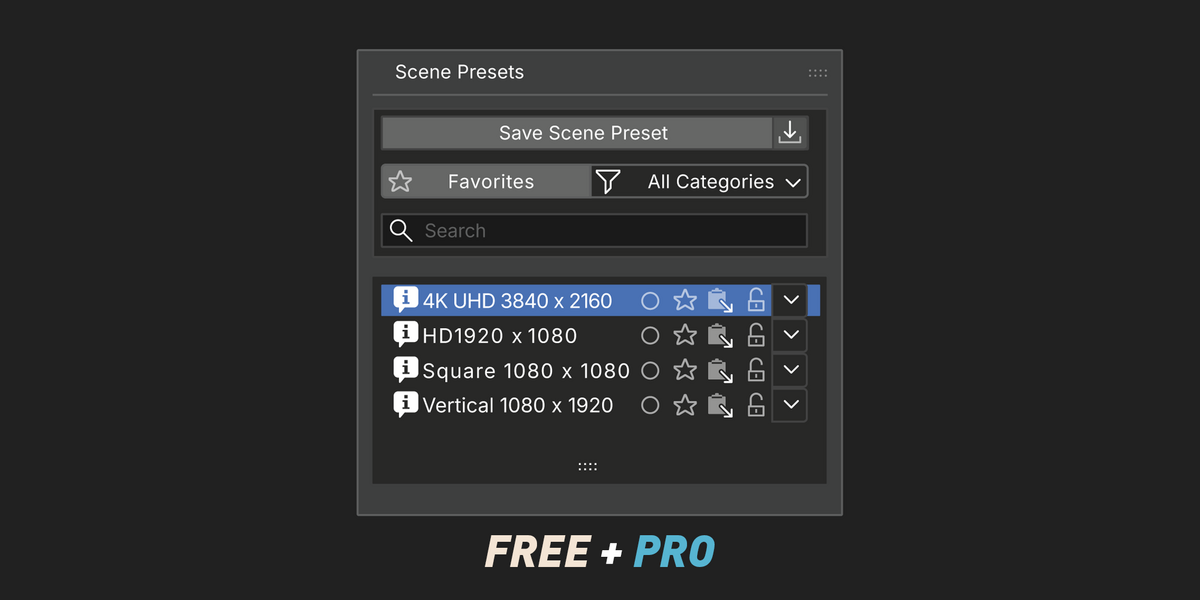
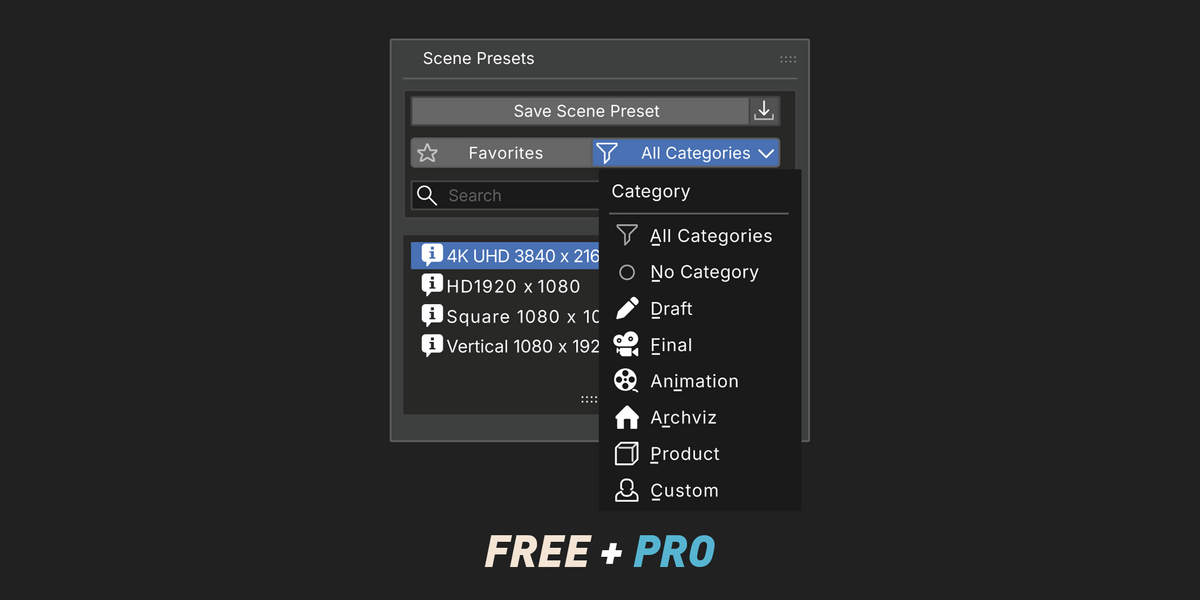
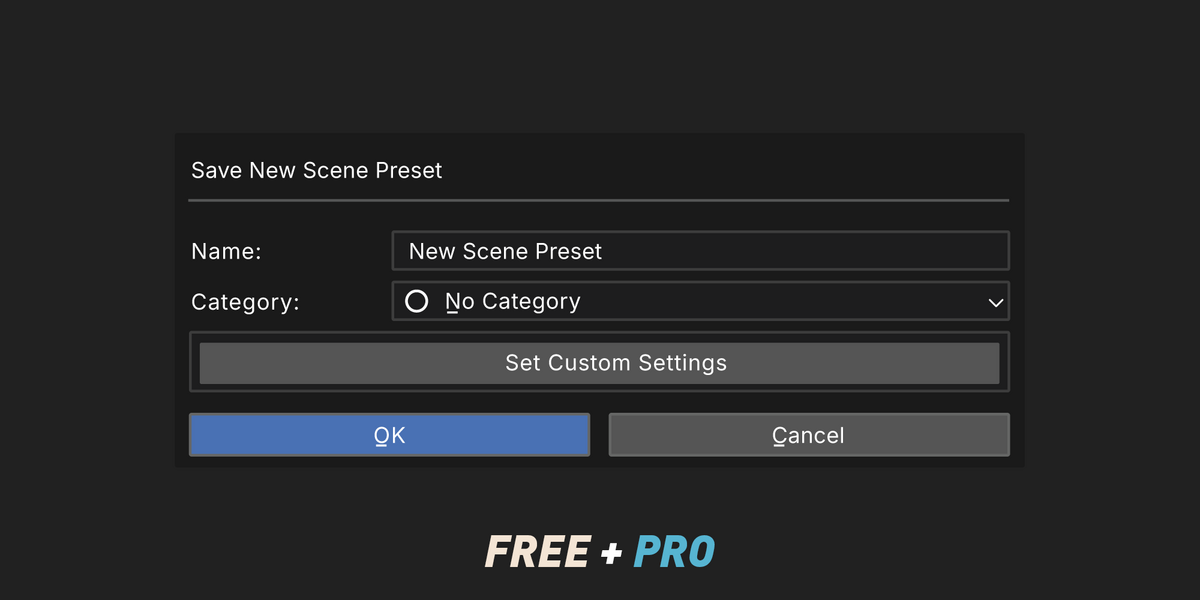
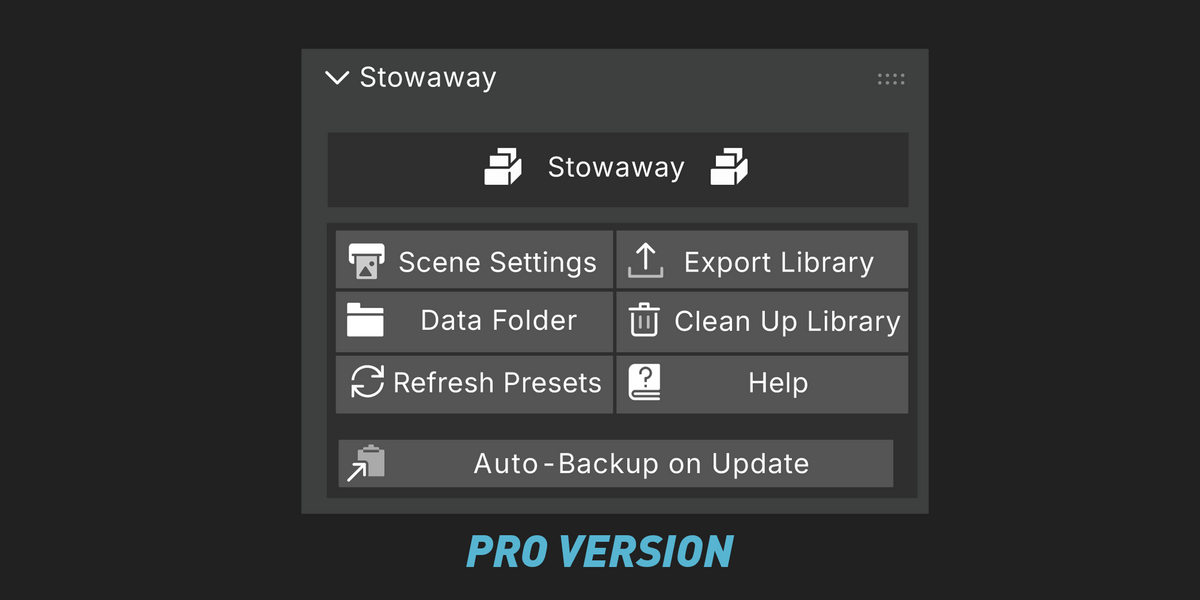
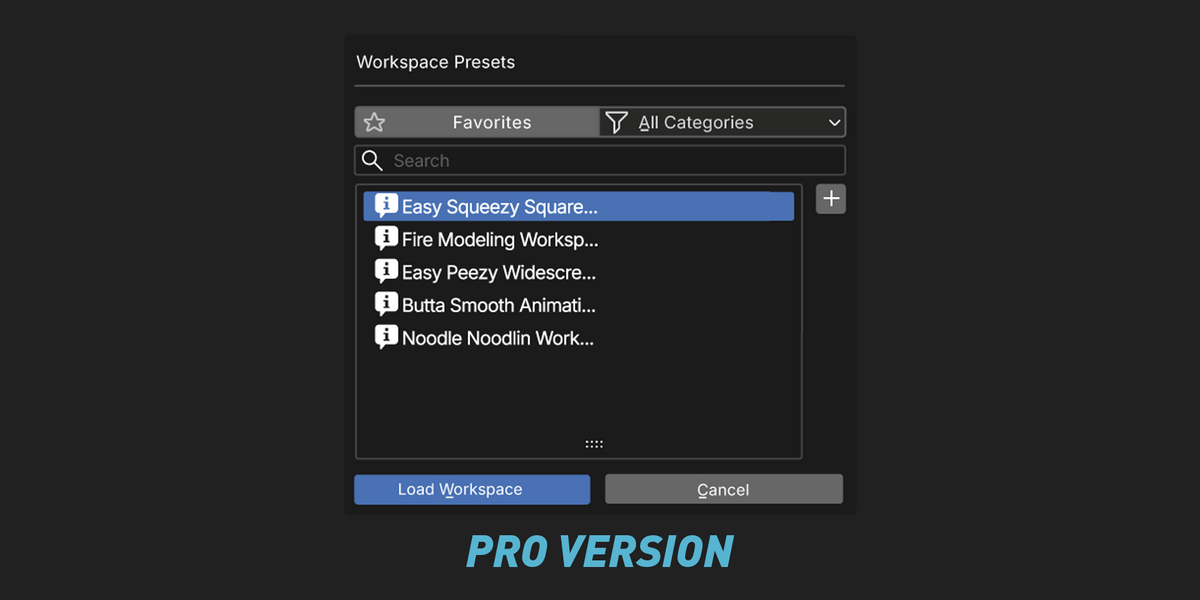
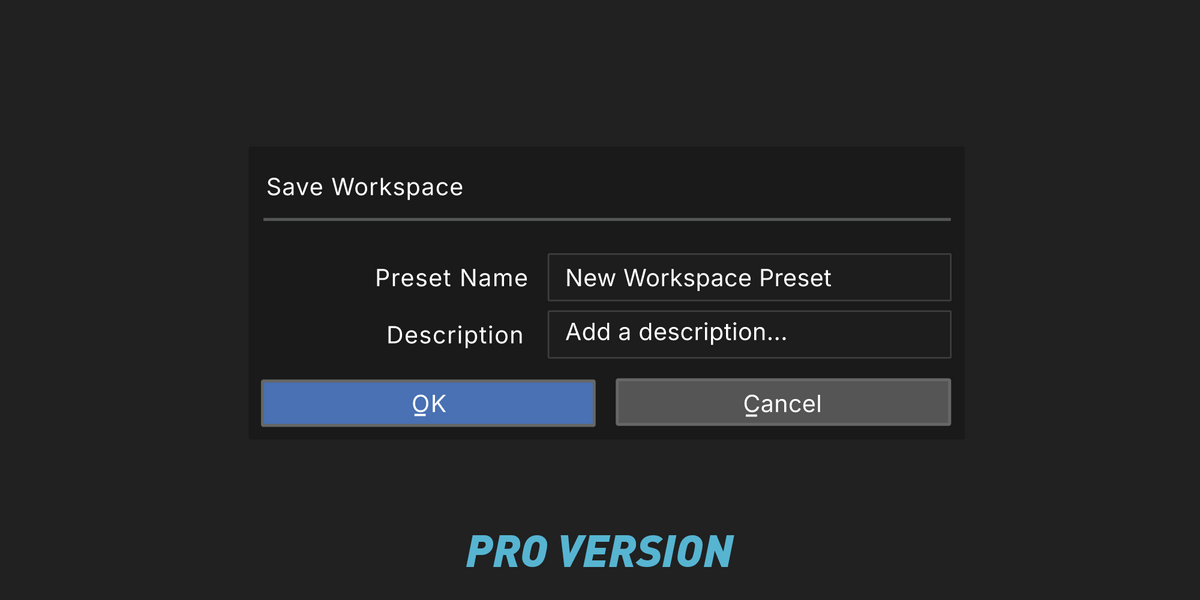
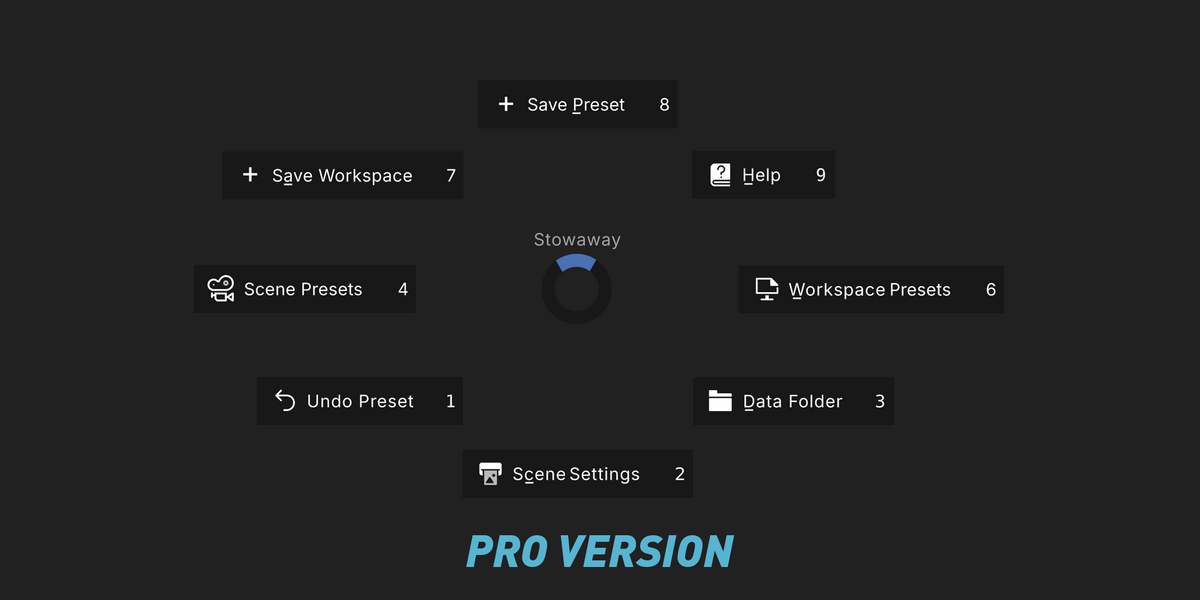

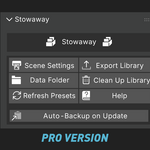
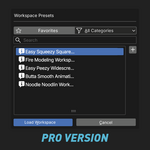
The panel isn't there.
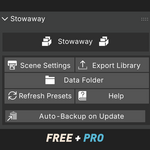
Press N in the 3D Viewport and look for the Stowaway tab down the right edge. If there's no tab, check the add-on is enabled in Preferences.
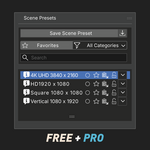
My presets disappeared.
Almost always the Storage Directory changed. Check Preferences → Add-ons → Stowaway → Storage Directory and point it back. Your files aren't deleted by changing this — only the place Stowaway looks.
A preset didn't change everything I expected.
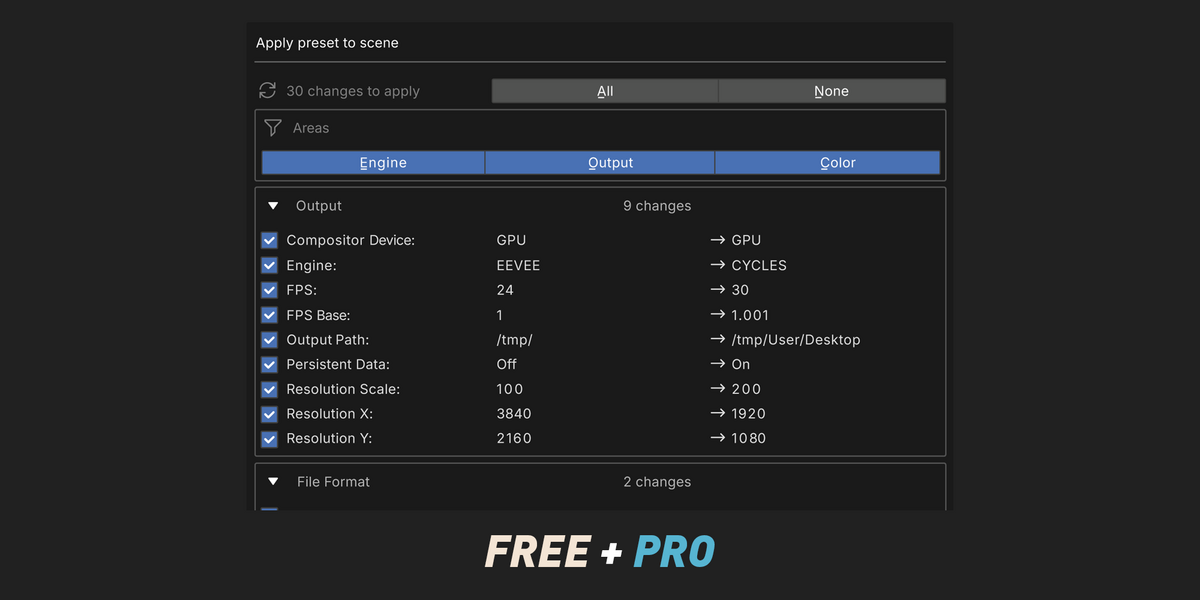
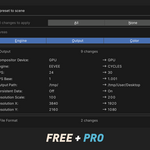
If the change preview is on, check whether the row was ticked. If a setting belongs to a render engine that wasn't active when the preset was captured, it won't be in the preset to apply.
I overwrote a preset I needed.
If Auto-Backup on Update was on, use Restore Previous Version in that preset's actions menu.
I deleted a preset by accident.
Undo Delete in the actions menu.
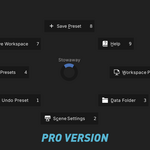
"J" conflicts with something I use.
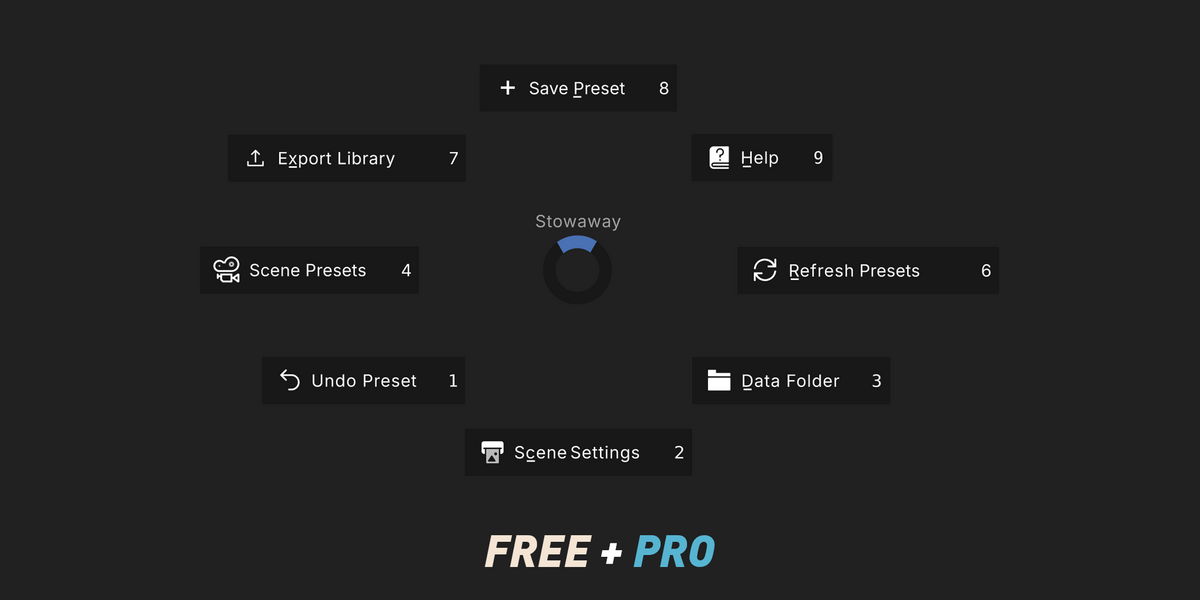
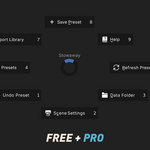
Rebind it in Preferences → Keymap — search for Stowaway or call_menu_pie.
$25
 Included
Includes 12 months of
- Support from MPTools
- Product updates
Extend this product’s Support Period +12 months: 50% of product price
Have questions before purchasing?
Login to message
| Blender Extension Compatible | Yes |
| Published | 1 day ago |
| Blender Version | 5.0 - 5.2 |
| Extension Type | Add-on |
| Render Engine Used | Cycles, Eevee, Octane, Vray |
| License | GPL |
Discover more products like this
workspace manager octane productivity Cycles Workflow workspace layouts preset manager eevee render presets v-ray render settings