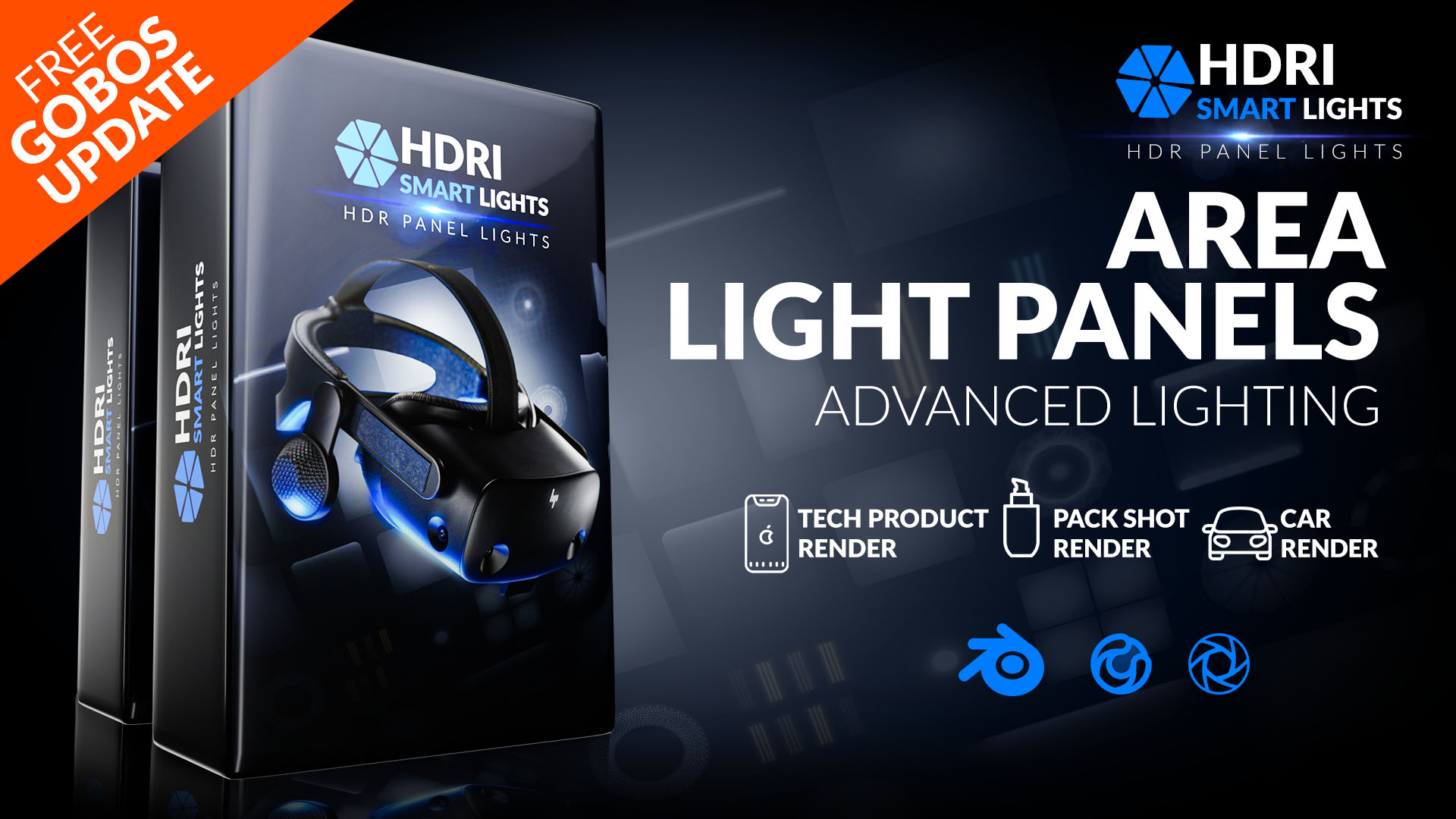
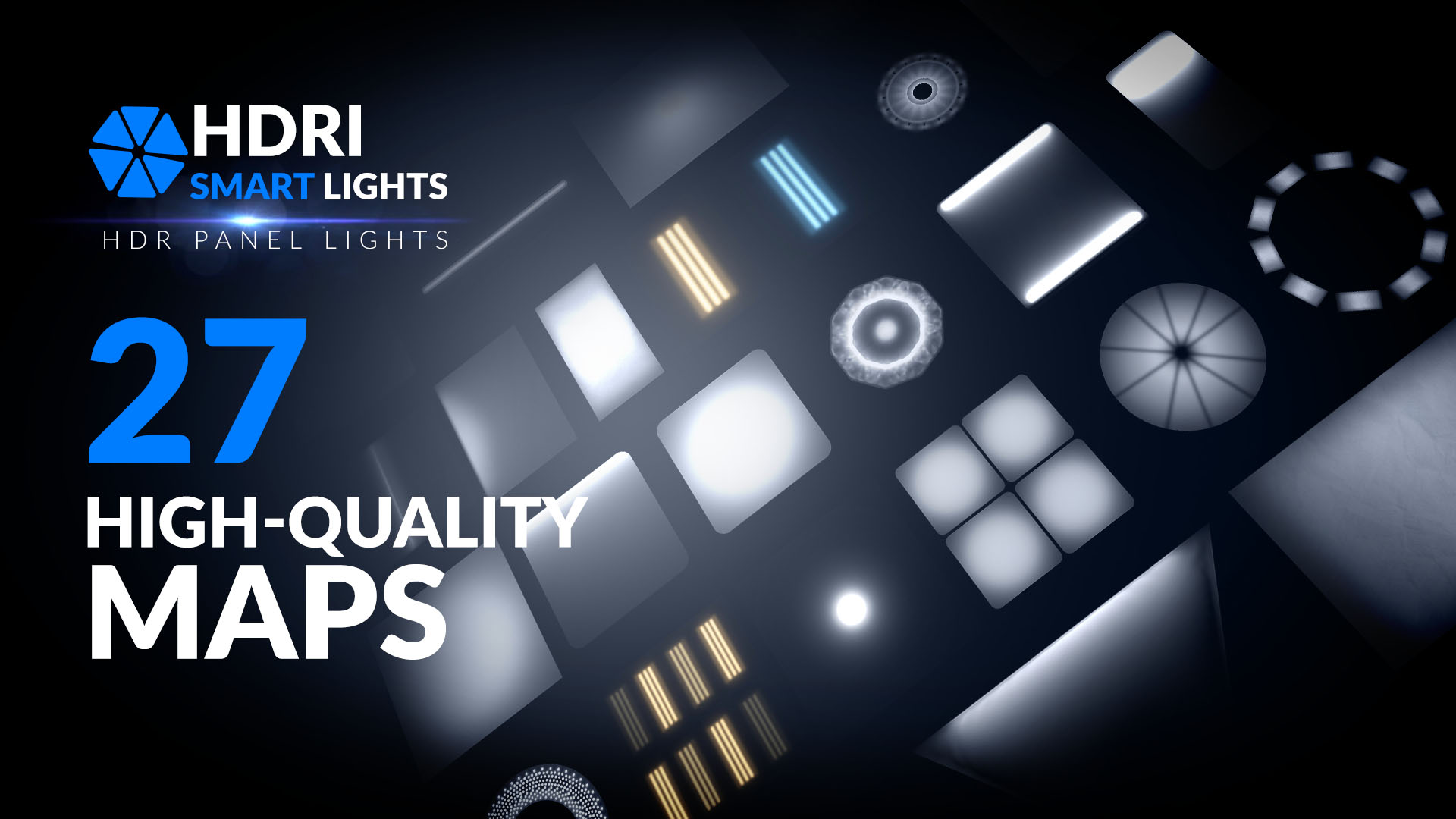
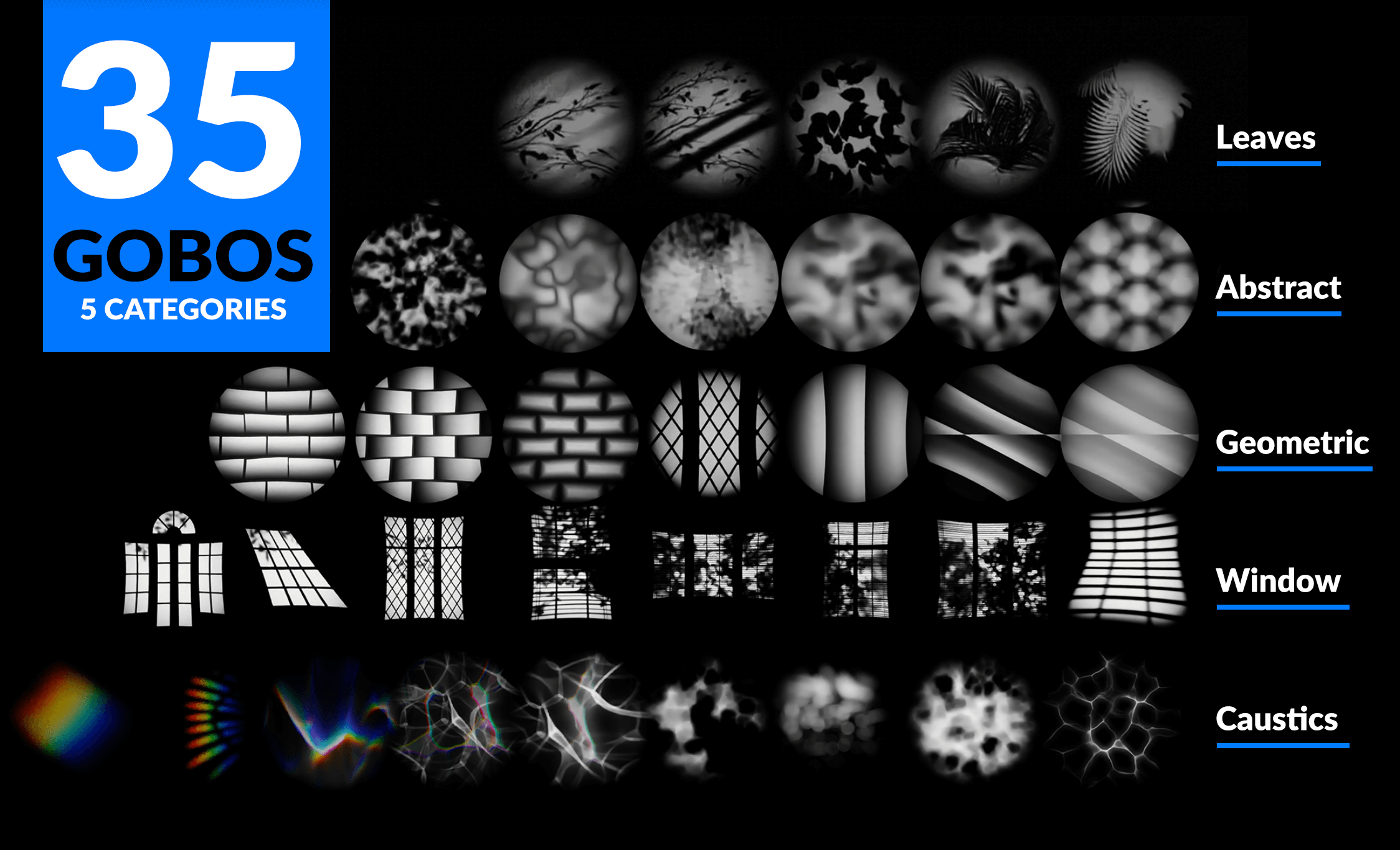
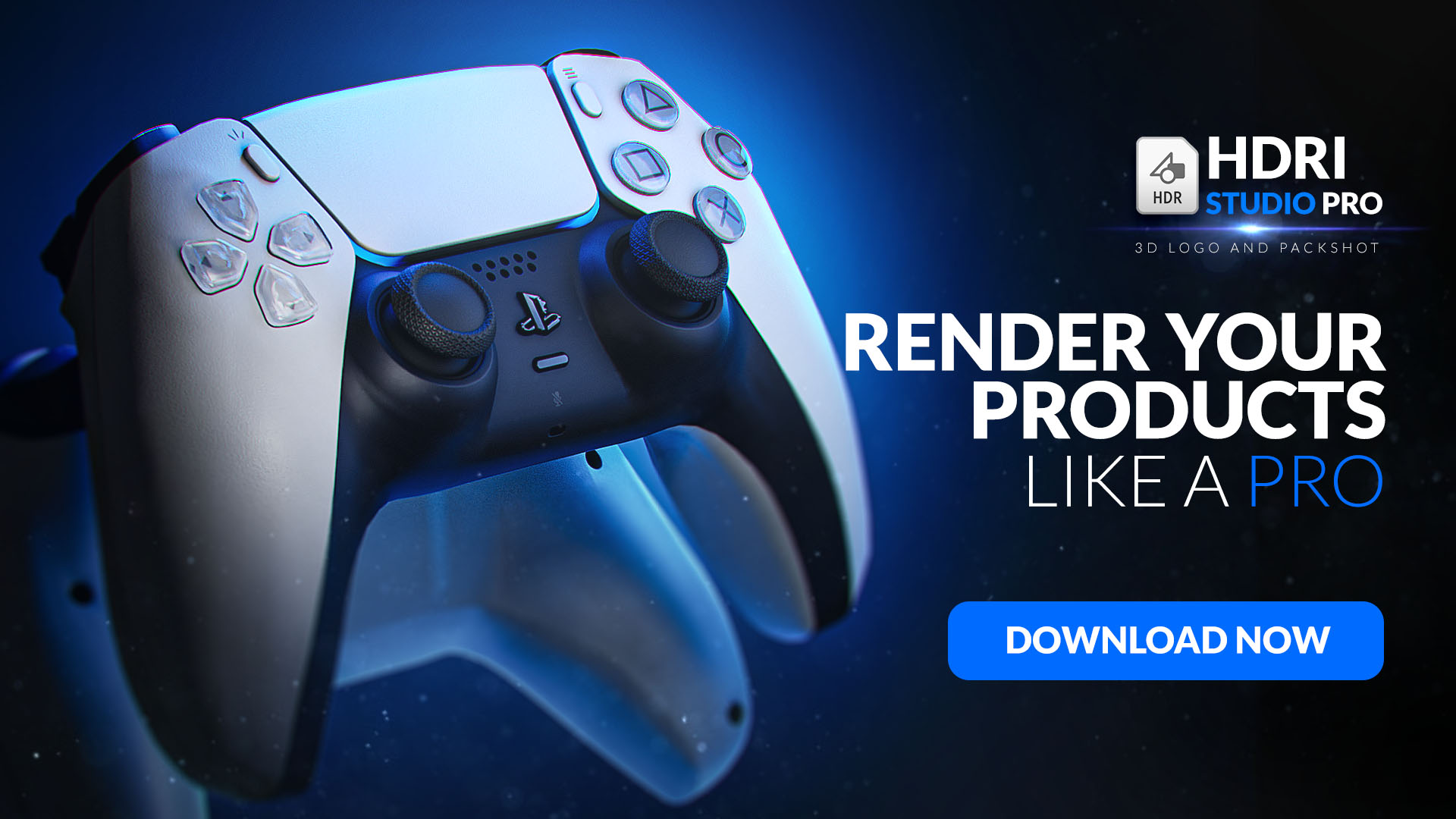
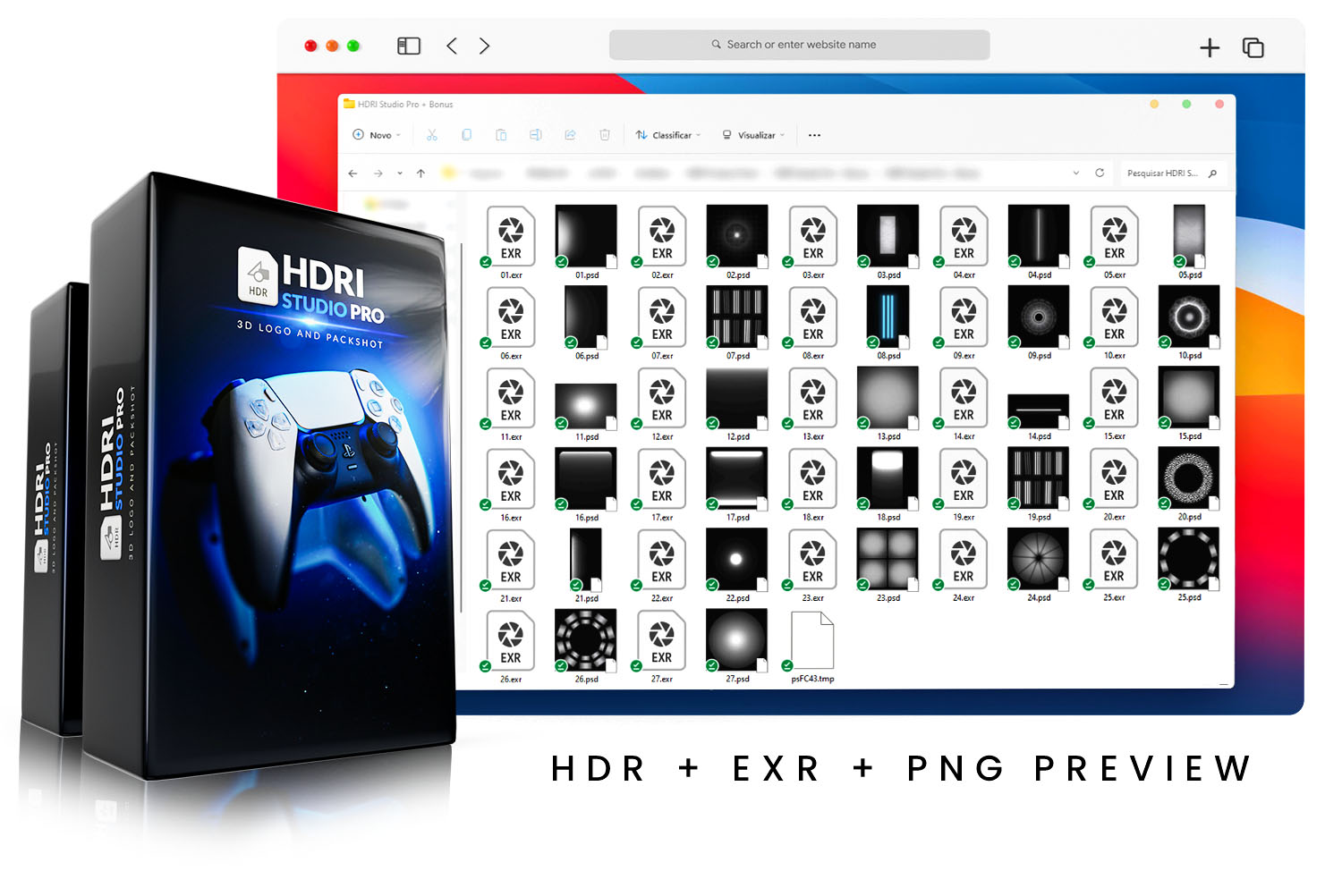
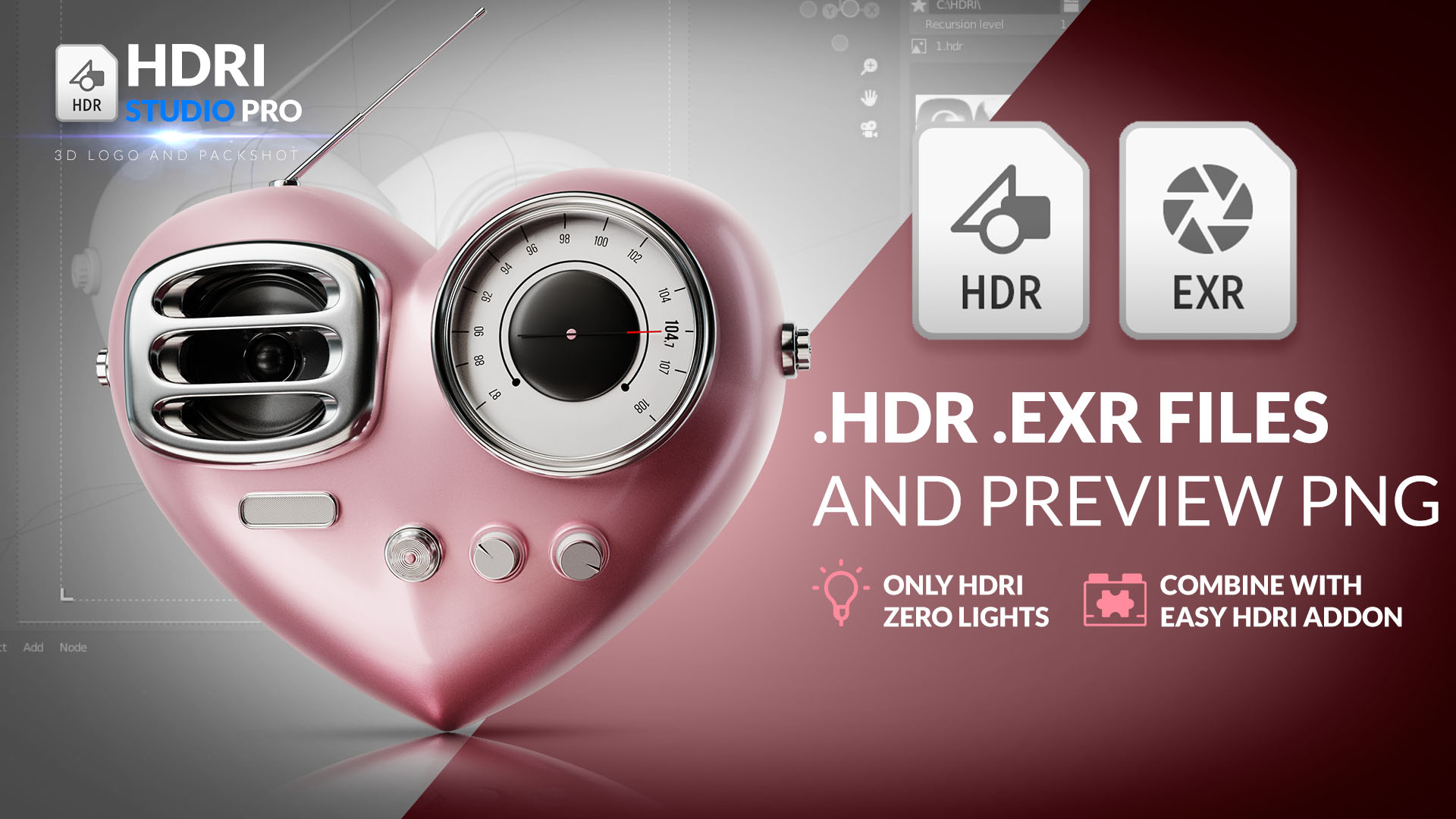
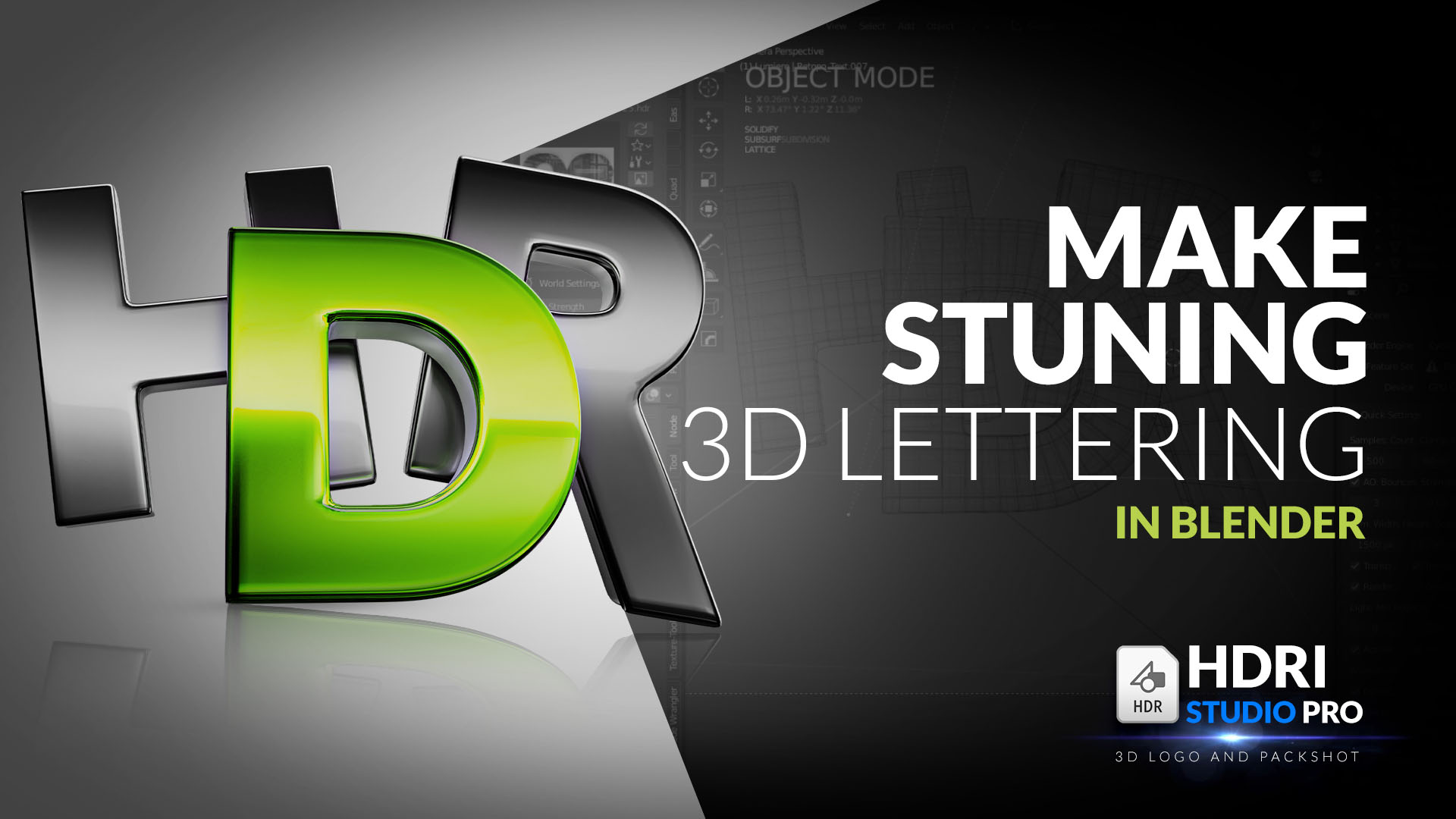
Studio Area Light Maps + Gobos

Redbone Studio in Miscellaneous


Item Rating

This item has an average rating of 5 from 3 ratings by the community.

100%
0%
0%
0%
0%

Purchase this item to leave a review!

  • azer
    over 1 year ago

    Thanks a lot !

  • Tedi Trihardi
    over 2 years ago

    nice add on for lighting

  • Ben Hornibrook
    over 2 years ago

    Well worth the money, once you set up this pack in Blenders asset library you can just drag & drop elements into your scene. Control the strength via the emission value in the BSDF node.

    One thing worth mentioning: I wish this came with a short text document explaining how to use this. The lights show up in the asset browser but the HDRI's do not (I'll figure it out) but some sort of documentation would have been helpful. Other than that, this is great and will bring your renders to the next level. (Bonus points for supporting the Blender Dev fund)

    • RedBone Studio

      over 2 years ago

      Hey Ben, thanks for your sincere feedback, I'm preparing an update that will come out soon, As for HDRI's that don't appear in the asset library, you can use the Easy HDRI Addon which is free: https://codeofart.gumroad.com /l/EasyHDRI

  • Displaying 3 ratings
  • High-quality HDR Area Lights Maps pack

    $15
  • HDRI Studio Pro: HDRI for Products and Logos

    $20
$15

Have questions about this product?
Login to message

Details
Sales 100+
Rating
3 ratings
Dev Fund Contributor
Published over 3 years ago
Blender Version 3.0 - 4.5
Render Engine Used Arnold, Blender-Internal, Blender-Game-Engine, Cycles, Eevee, Freestyle, Luxrender, Mental-Ray, Octane, Vray, Yafaray
License Royalty Free