Simple Warehouse Studio | Studio C
 ZRA Performance
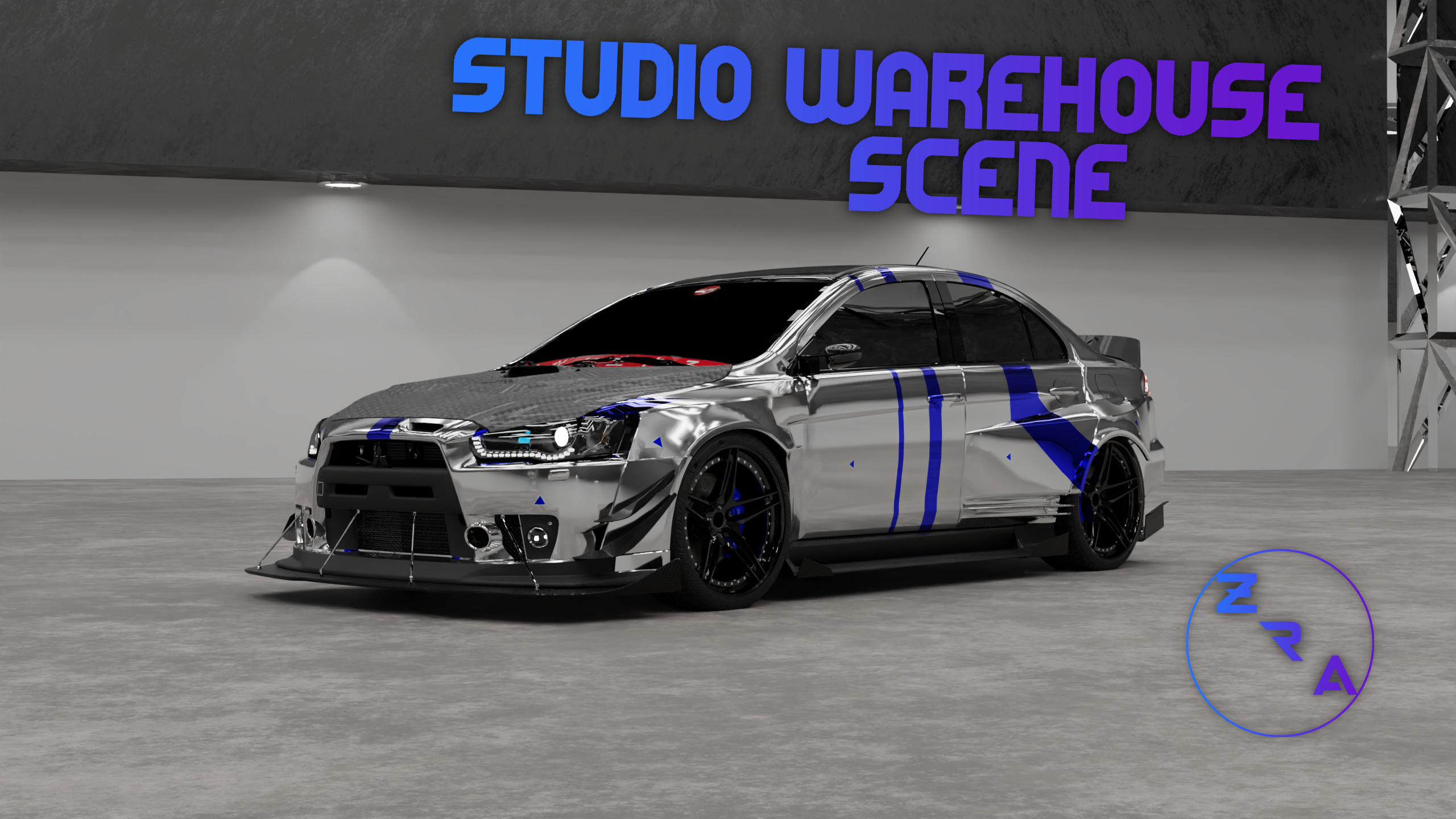
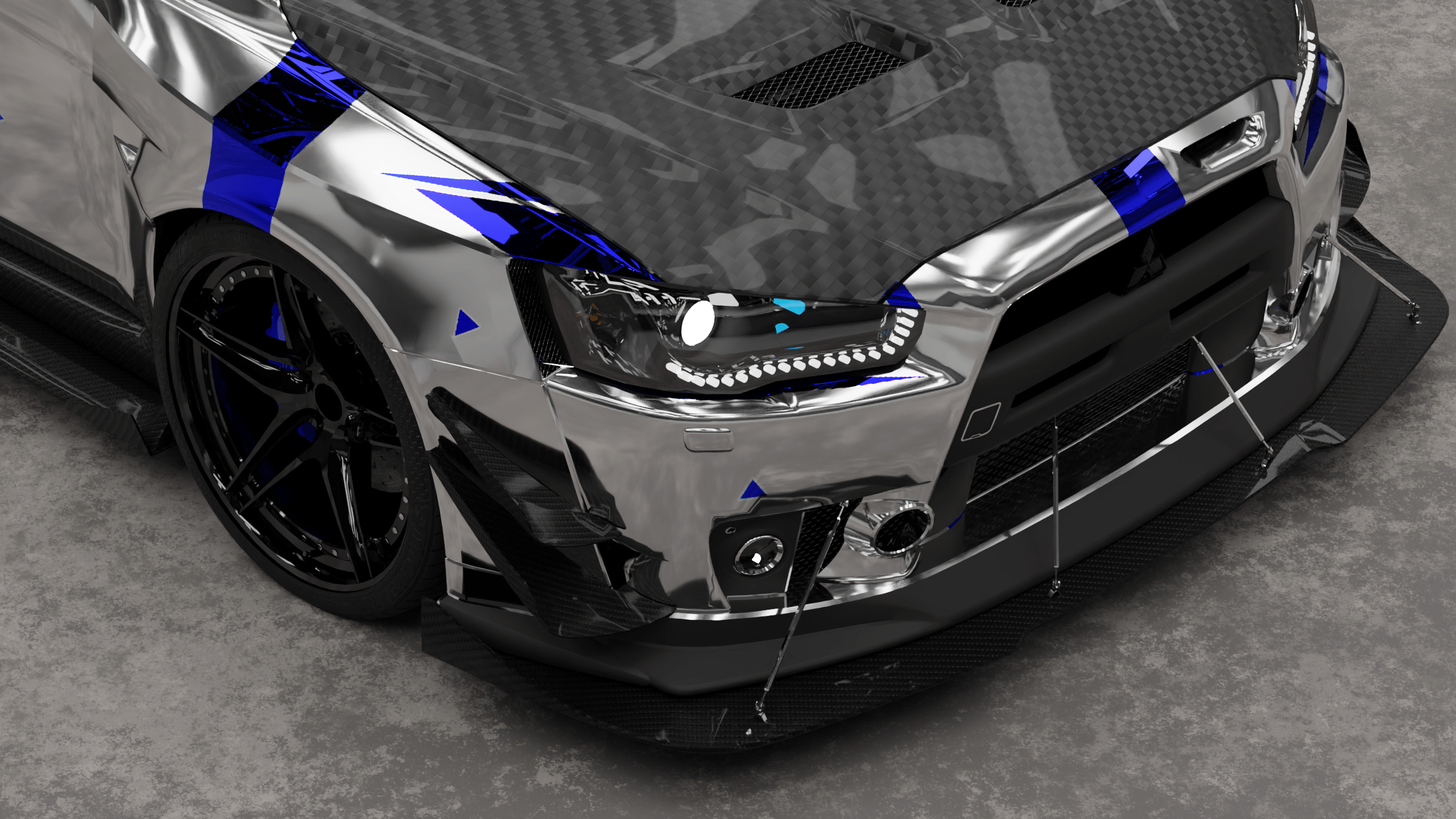
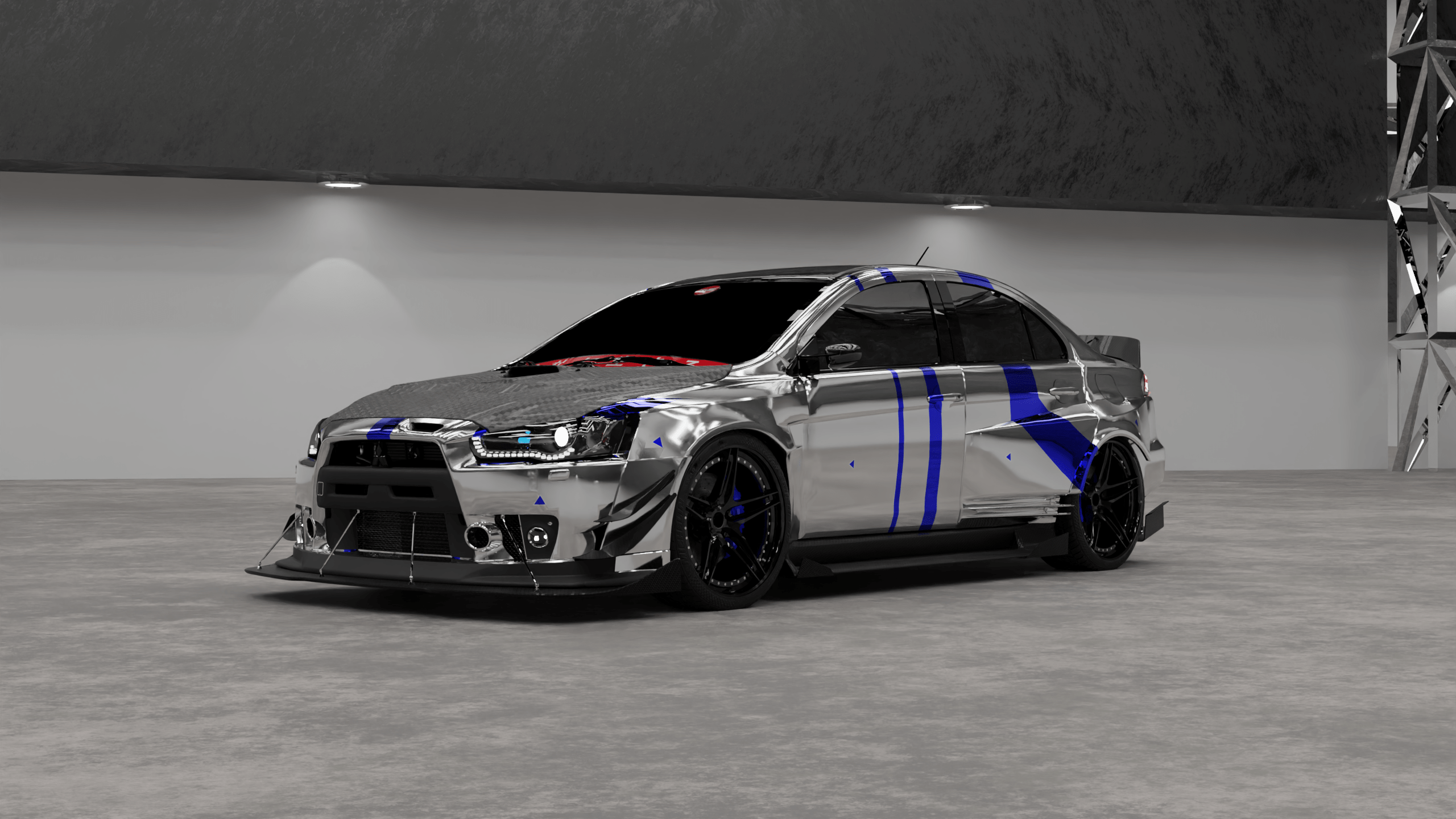
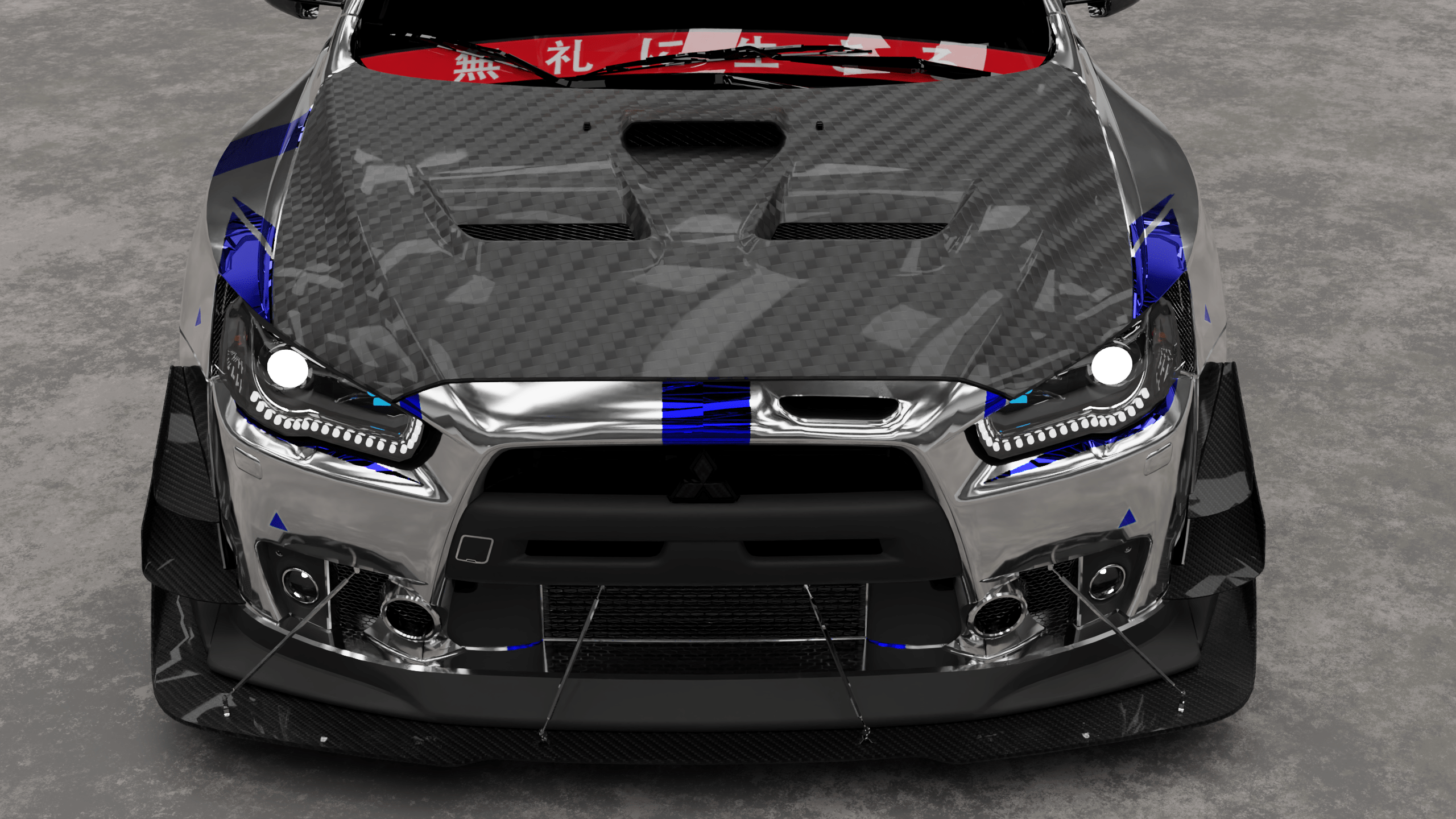
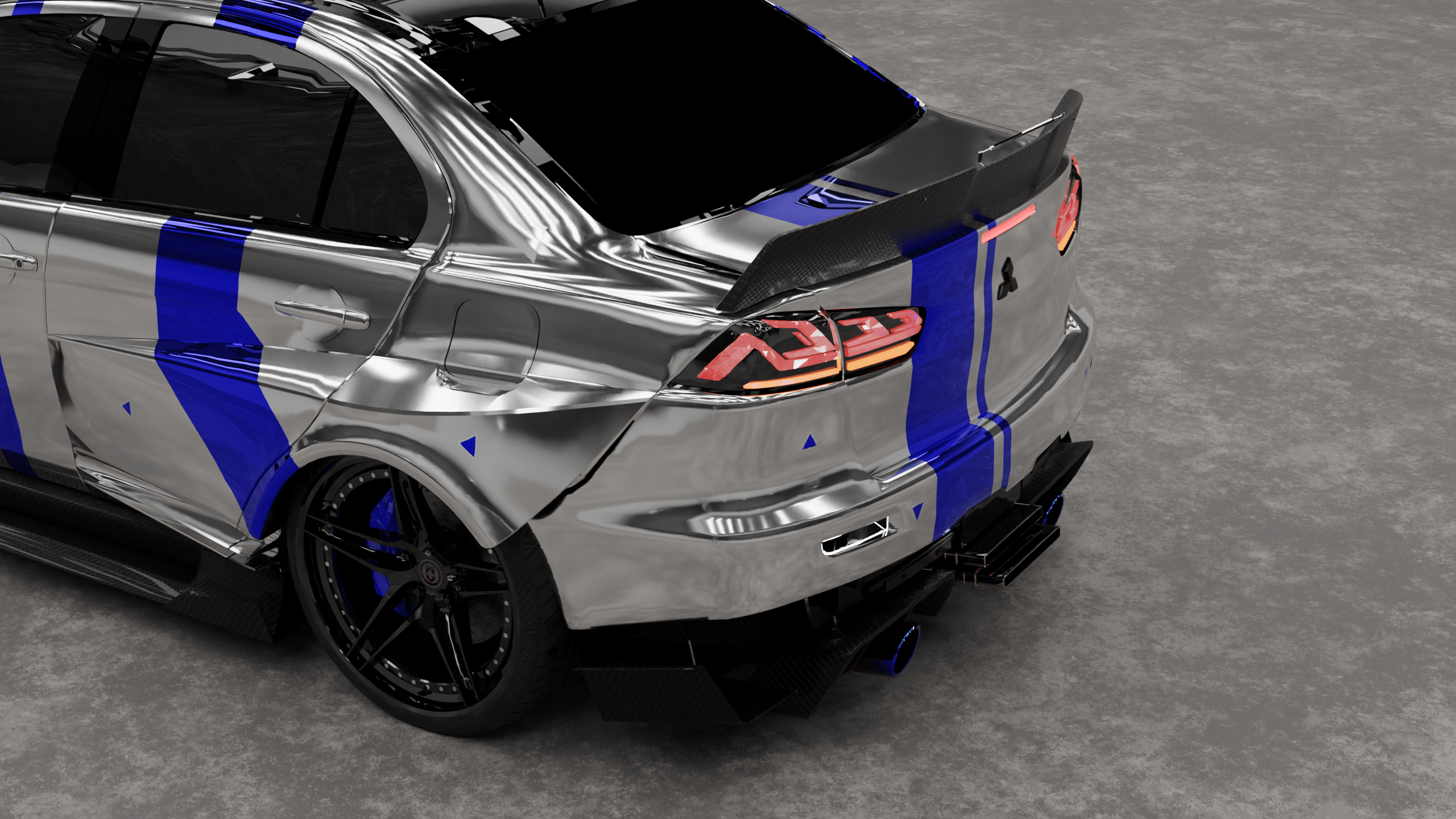
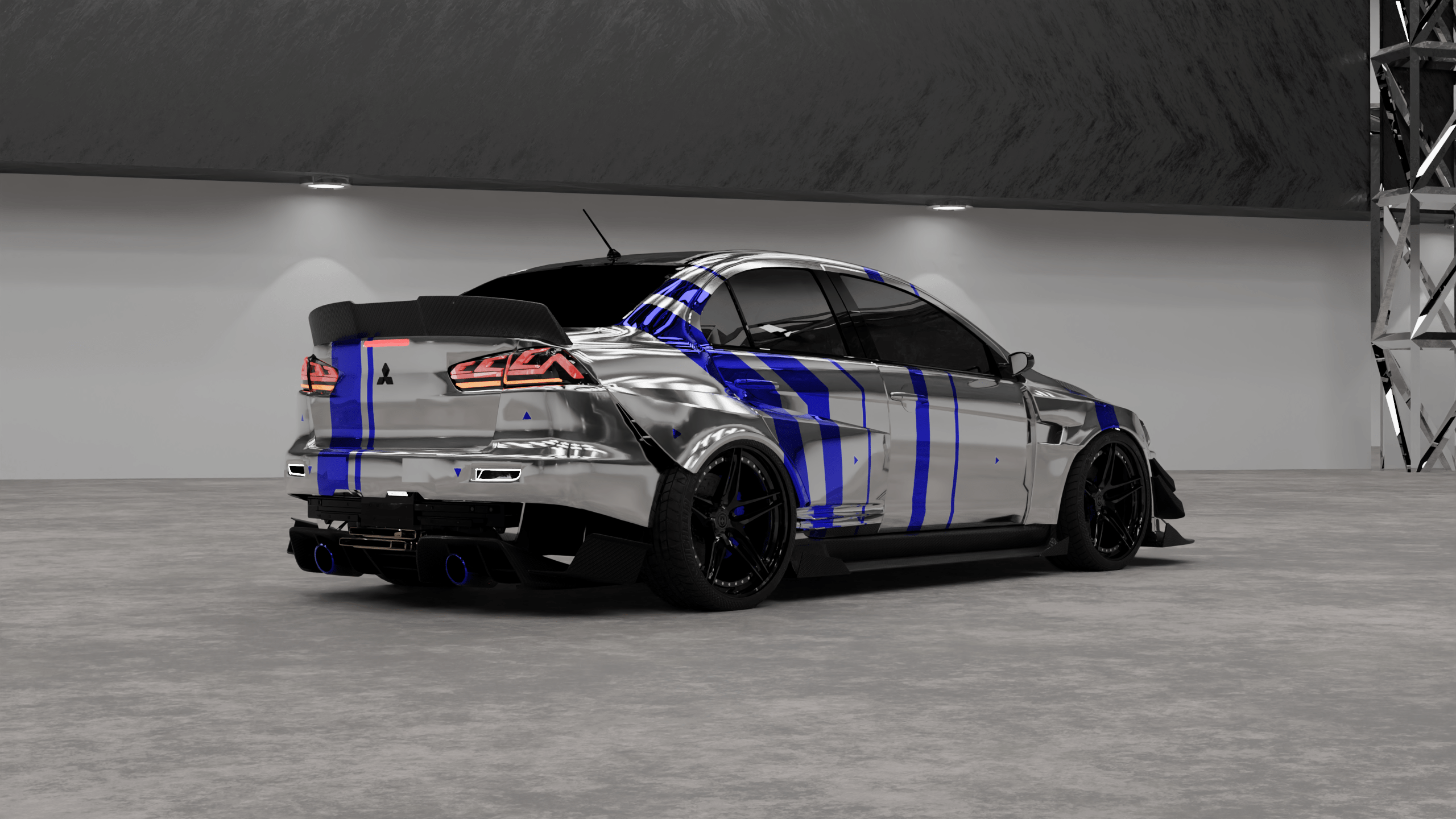
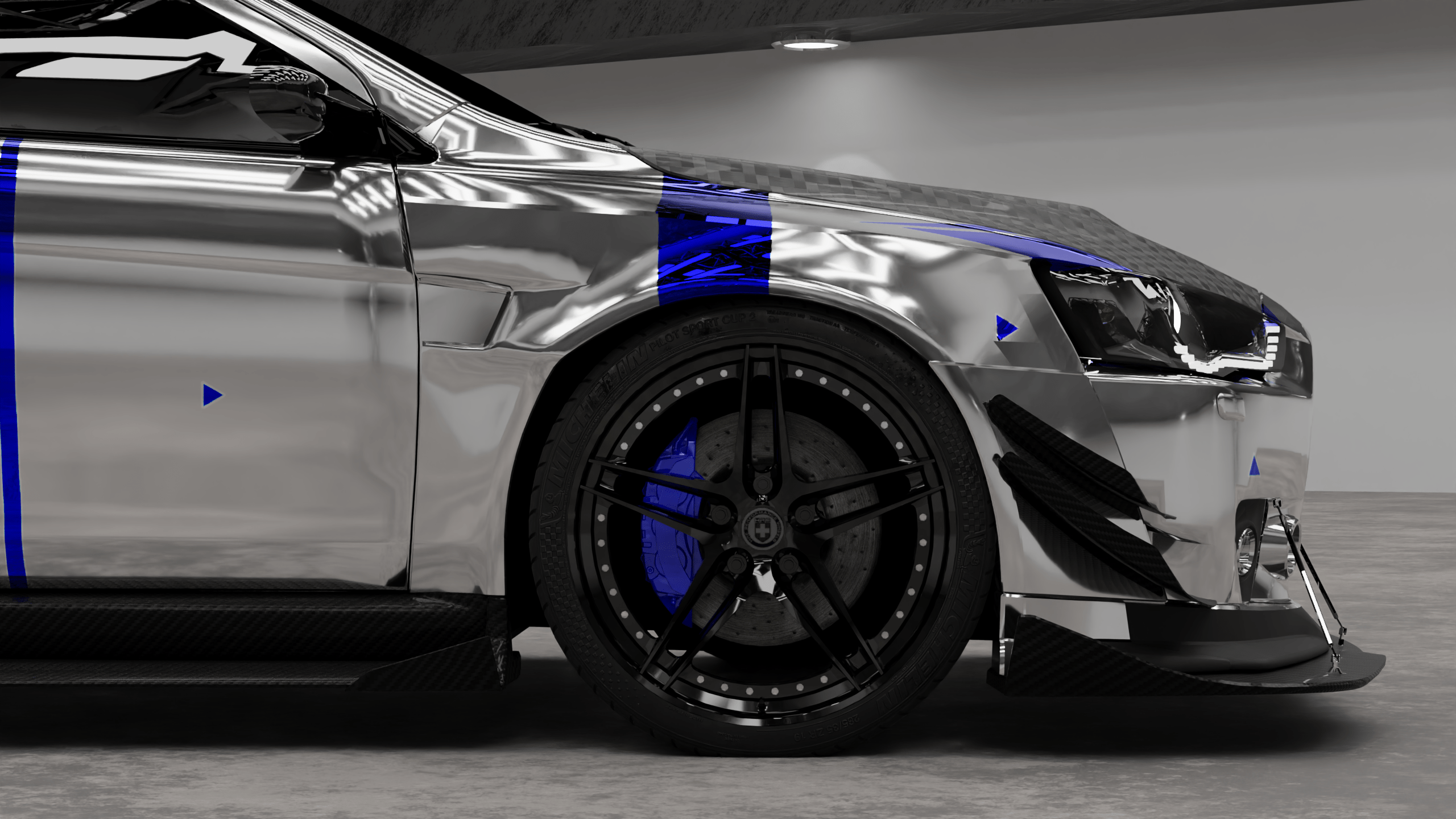
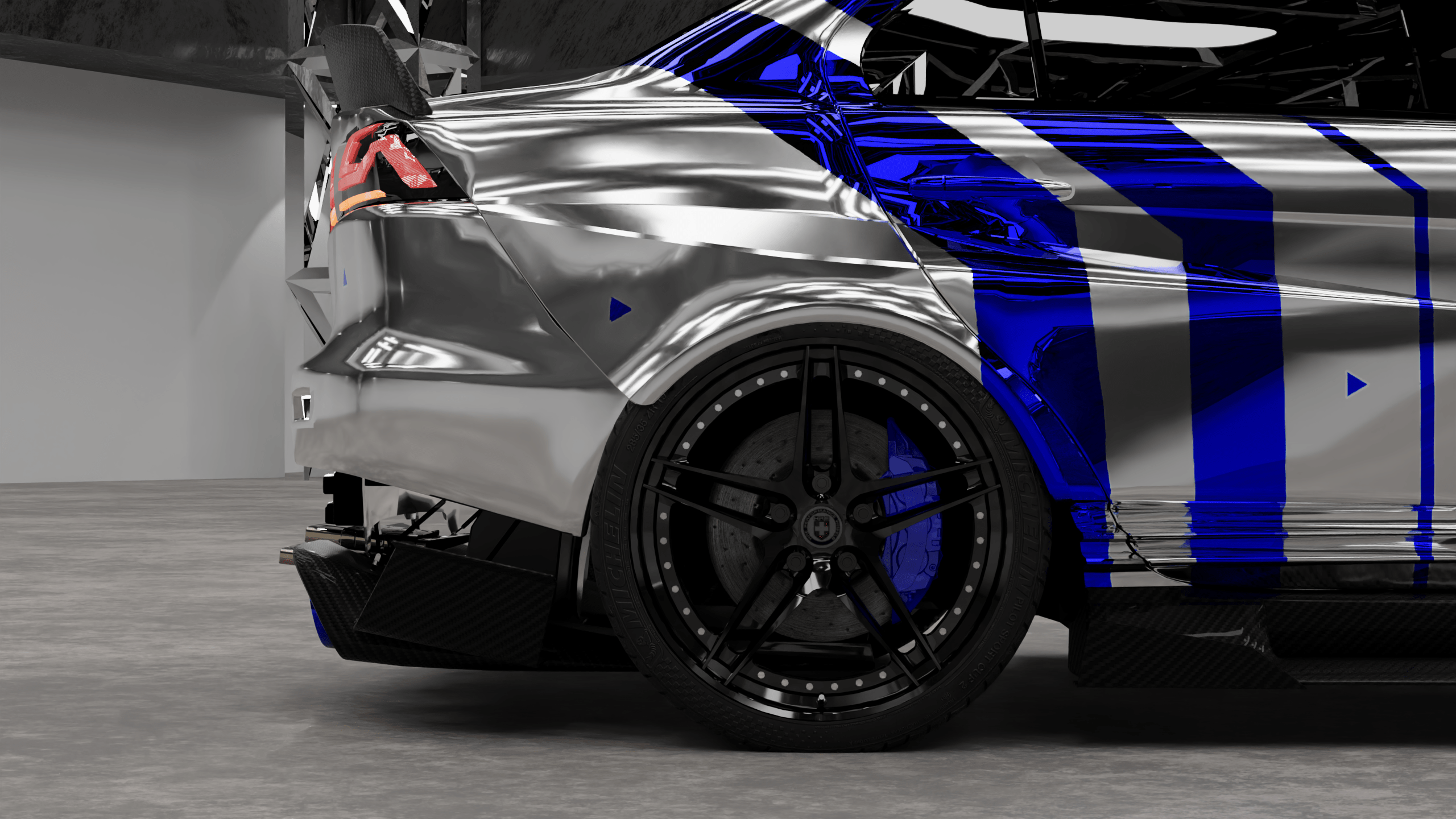
1) Load up a fresh/existing .blend file, and link or append this into your current scene!
2) Scale your car to the boundaries using the 'S' key.
3) Click on a camera and use 'Ctrl + 0' to go to that camera's view
4) Click 'F12' to render out your image.
5) Save and enjoy! Feel free to edit and upload it!
Have questions about this product?
Login to message
| Published | about 3 years ago |
| Blender Version | 3.6, 3.5, 3.4, 3.3, 3.2, 3.1, 3.0 |
| License | Royalty Free |

Discover more products like this
potato simple automotive lighting car 3d-lighting spring24 rendering cinematic simple 3d Lighting